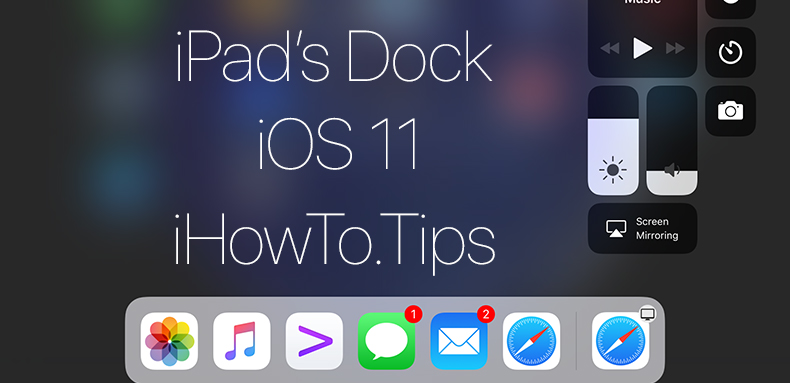

Pärast update iOS 11.1.2 kohta iPad, märkasin seda Dock kaob ning Avakuva, tehakse nähtavaks a-ga Libistage (pühkimine) ülalt alla, algas ekraani allservast. See tähendab sama liigutust, mida ma tavaliselt kasutasin, et muuta dokiriba iPadi avatud rakenduses nähtavaks.
Initial am crezut ca este vorba de un feature al noului iOS si ca acest “auto hide” poate fi dezactivat din Settings. Surpriza! In “General” → “Multitasking & Dock” nu exista o optiune prin care sa impiedicam Automaatne peitmine dokk avakuval.
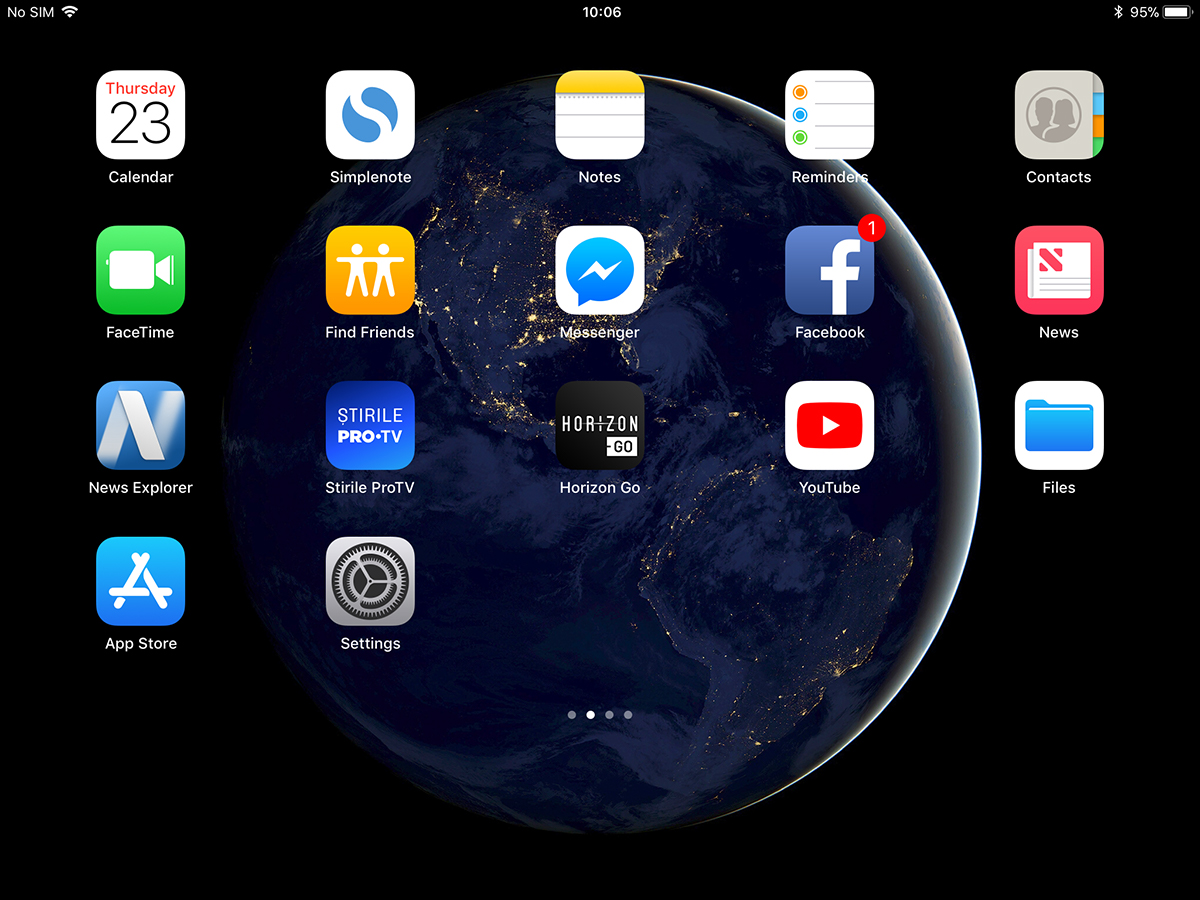
Avastasin, et see pole iOS 11 funktsioon, vaid viga, mis ilmnes pärast viimast iOS-i värskendust. "Keela auto Peida Dock iPad's Home Screen“.
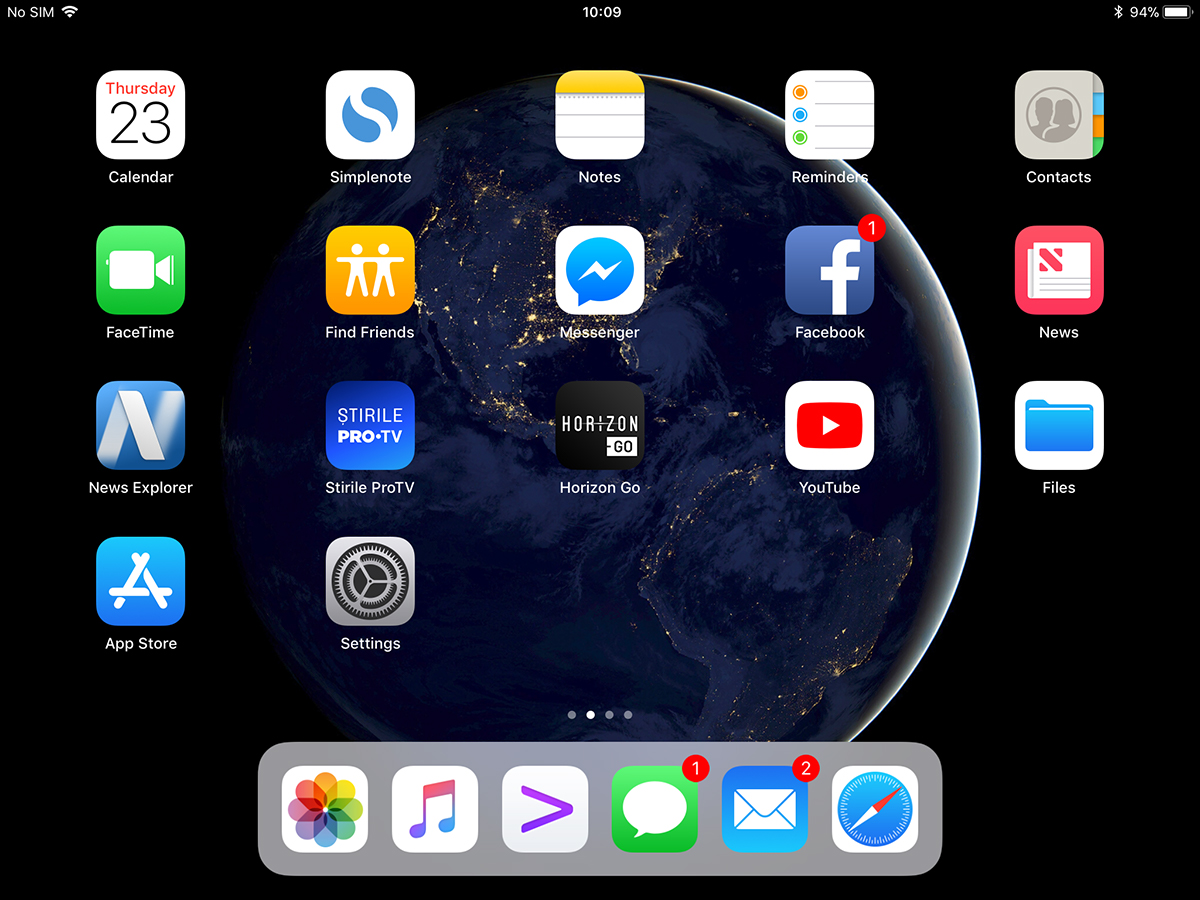
Docki automaatse avaekraanilt kadumise lahendamine on lahendatav väga lihtsalt iPadi täielikult sulgedes ja uuesti avades. Vajutage ja hoidke all nuppu "võimsus / uni"Siis"slaid power offPärast taaskäivitamist ilmub dokk avakuvale ja see eemaldatakse ainult siis, kui olete rakenduses.
Meie puhul ilmnes probleem ühes iPad Mini 4 iOS 11.1.2-ga.





































Apple'i huvitab vaid muutlik: "Ma tahan uusimat – paremat kui sina!" rahvast – kulutavad mõtlemata ja neid on rohkem. Kui varem pidid nad Microsoftiga konkureerima, siis inimesed ostavad lihtsalt seda, mis näeb kena välja. Tere tulemast tulevikku. Muidugi, nagu ütleb Sarah Connor: "Tulevik pole kivisse raiutud." ja olles püsimatu, võivad nad otsustada, et Apple ei ole enam „lõbus” ja sel hetkel on kõik ustavad Apple'i fännid kolinud masinate juurde, mis on tootlikud, mitte lihtsalt tühjad. Ma ei jõua ära oodata…
Täname abi eest. Otsisin mõnda aega, et välja mõelda, mida teha, et dokk kaoks. Süüdistasin juba oma lapsi 😬
Tänan teid väga teie abi ja teabe eest.