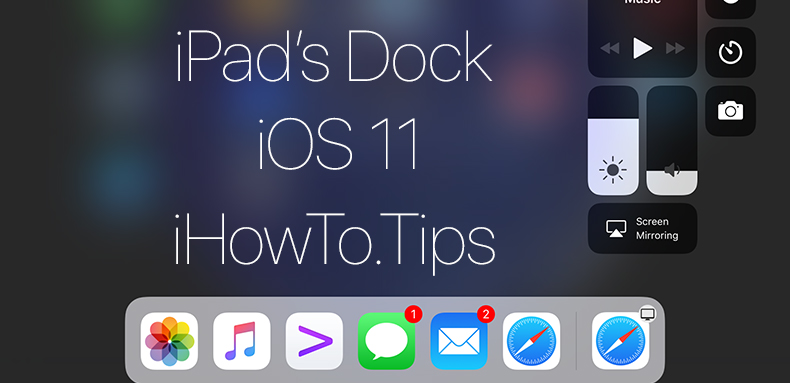

بعد التحديث إلى دائرة الرقابة الداخلية 11.1.2 على iPad، لقد لاحظت ذلك قفص الاتهام يختفي من الشاشة الرئيسية، يتم جعلها مرئية باستخدام أ انتقد (انتقد) من أعلى إلى أسفل، بدءًا من أسفل الشاشة. وهي نفس الحركة التي كنت أستخدمها عادةً لجعل شريط Dock Bar مرئيًا في تطبيق مفتوح على جهاز iPad.
Initial am crezut ca este vorba de un feature al noului iOS si ca acest “auto hide” poate fi dezactivat din Settings. Surpriza! In “General” → “Multitasking & Dock” nu exista o optiune prin care sa impiedicam إخفاء تلقائي قفص الاتهام في الشاشة الرئيسية.
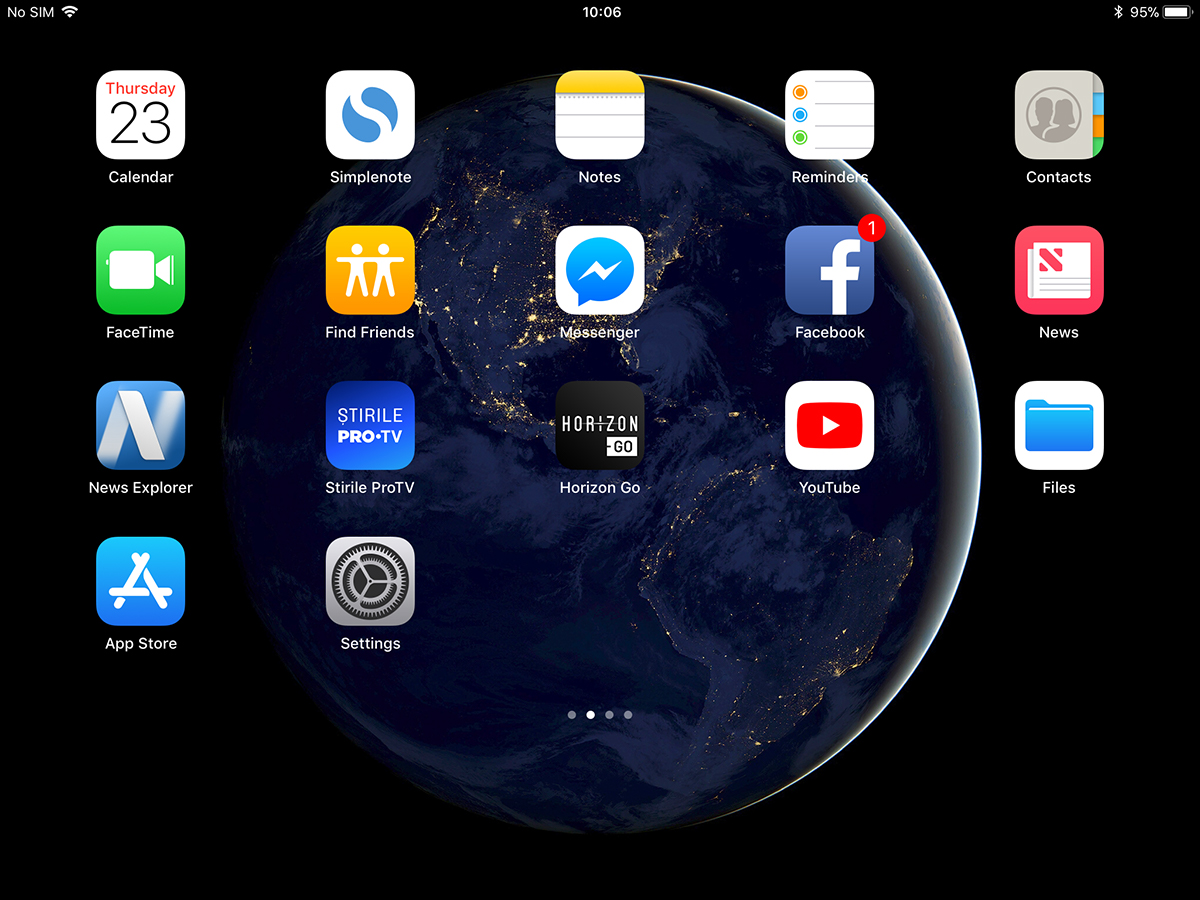
ومما وجدته أنها ليست إحدى ميزات نظام التشغيل iOS 11، ولكنها خطأ ظهر بعد آخر تحديث لنظام iOS. "الإخفاء التلقائي تعطيل تطلب الشركة قفص الاتهام "الشاشة الرئيسية"".
يمكن حل مشكلة الاختفاء التلقائي لـ Dock من الشاشة الرئيسية بكل بساطة عن طريق إغلاق جهاز iPad بالكامل وإعادة فتحه. اضغط مع الاستمرار على "الطاقة / النوم"ثم"الانزلاق إلى خارج السلطة". بعد إعادة التشغيل، سيظهر Dock في الشاشة الرئيسية ولن يتم سحبه إلا عندما تكون في أحد التطبيقات.
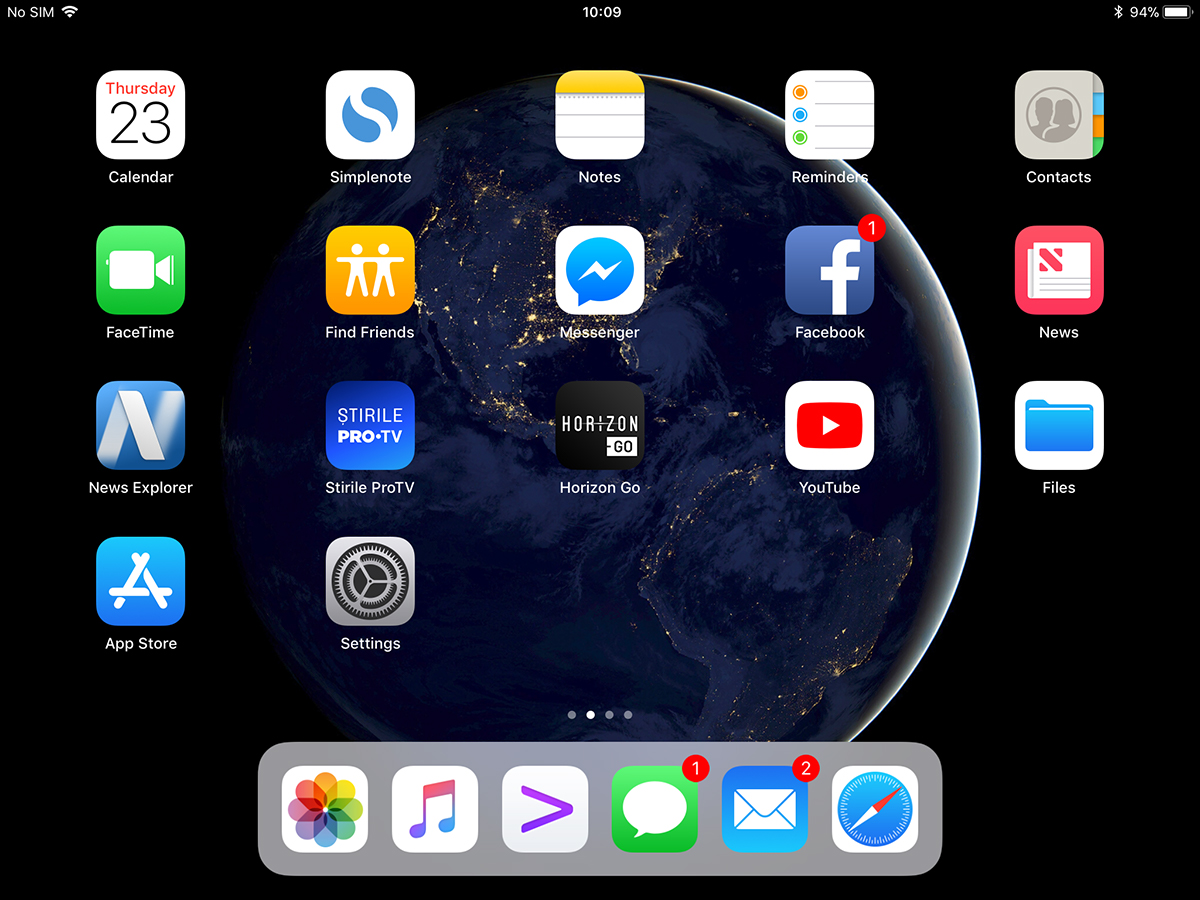
في حالتنا، ظهرت المشكلة على واحد iPad mini 4 مع نظام التشغيل iOS 11.1.2.





































شركة أبل مهتمة فقط بالأشياء المتقلبة، "أريد الأحدث - أفضل منك!" الحشد - ينفقون دون تفكير وهناك المزيد منهم. وفي حين كان يتعين عليهم التنافس مع مايكروسوفت، فإن الناس ببساطة يشترون ما يبدو جميلاً. مرحبا بكم في المستقبل. وبطبيعة الحال، كما تقول سارة كونور، "المستقبل ليس منقوشا على الحجر". ولأنهم متقلبون، فقد يقررون أن Apple لم تعد "ممتعة" بعد الآن، وعند هذه النقطة، انتقل جميع معجبي Apple المخلصين إلى الأجهزة الإنتاجية بدلاً من مجرد تافهة. لا استطيع الانتظار…
شكرا لمساعدتك. لقد بحثت حقًا لبعض الوقت لمعرفة ما يجب فعله بشأن اختفاء الرصيف. بالفعل ألوم أطفالي 😬
شكرا جزيلا لمساعدتكم والمعلومات.