
We all know that WhatsApp has a very simple registration, based on phone number and a activation code that is received via SMS at each installation and configuration of the application on a cell phone or iPhone.
Even if for this application have been made countless updates that are designed to keep confidentiality of messages sent and received, voice calls through the application and file exchange between users, there is still a huge flaw to the privacy of the data.
In the scenario where registration in the application is done only on the basis of the phone number, this over time can be lost by user. Either was a subscription which was given up and the telephone operator allocated this telephone number to another user, either o prepay card which was given up or was lost together with the mobile phone and ended up in someone else's hands.
In the latest beta releases of WhatsApp, this option has already appeared. Activating WhatsApp registration through two verification steps. Two-Step Verification / Two-Factor Authentification.
How to register a phone number on WhatsApp with two verification steps (Two-Step Verification)
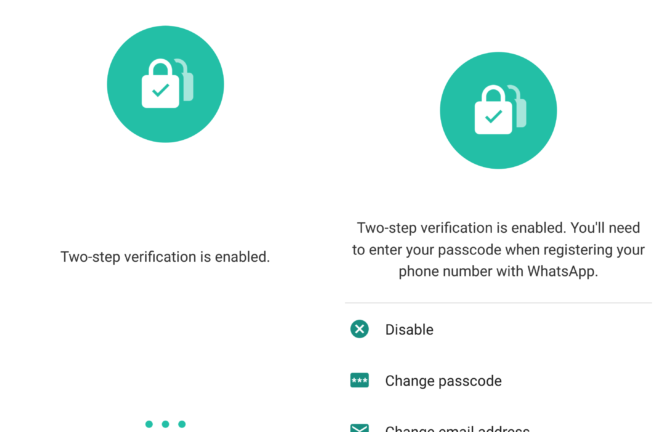
After installing the application and activating the phone number in the application, go to the option "Account” > “Two-step verification". You will then need to enter a passcode (o password) from 6 digits which you will be asked every time you want to register the phone number on the WhatsApp application. Confirm this password and then enter it email address. This is necessary for 6-digit password reset in case you forget it.
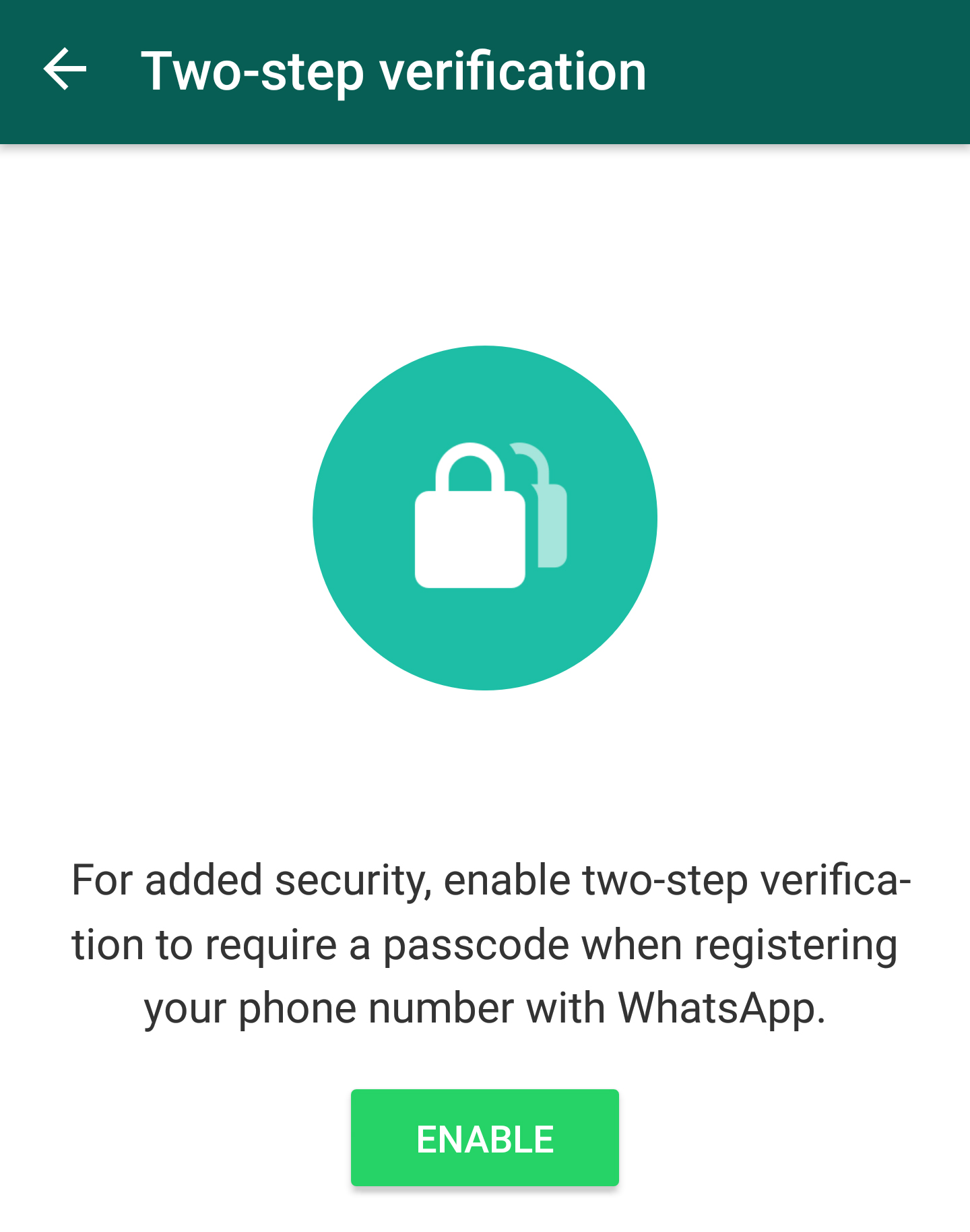
Once this password verification measure is activated, no one else will be able to use that phone number on WhatsApp, unless they have the six-digit password or the email address to reset it.
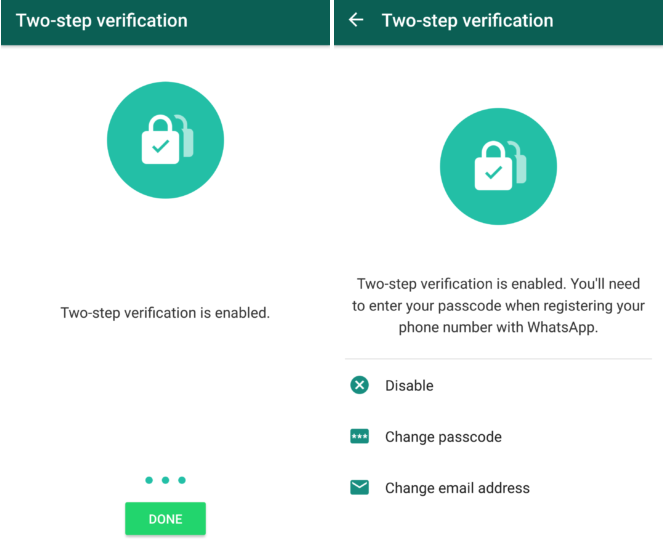
You can turn off the two-step verification whenever you want, you can change your password or email address directly from the application.
This is a very welcome security measure, because anyway encrypted it would have been the data received and sent through the WhatsApp application, a simple loss of the phone number for X reasons, could lead to it falling into someone else's hands. Our recommendation is to activate this function when it will be implemented in the final version of WhatsApp for Android.
Currently this feature is in a Beta development phase, available only on Android.




































Apasih no Sabi it
How to recover fumes