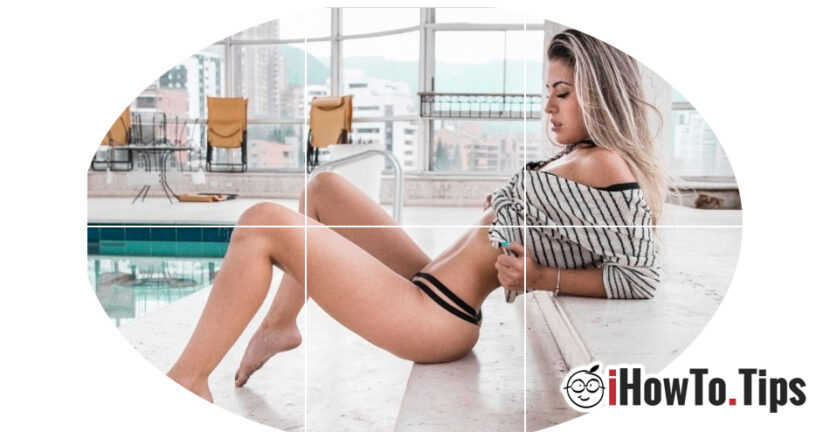

From artistic pictures to instantaneous holidays, concerts or events in everyday life, they all have their place on Instagram. We could say that in the picture chapter, the Instagram network has far exceeded Facebook. Okay ... and Instagram is also the property of Facebook.
Regarding Editing Pictures for Instagram We have at our disposal both tools and complex photo editing tools offered by Third applications. We can edit an image with simple color filters and light, up to cutting a picture and composing one larger From more pictures. All ordered as a puzzle in the photo gallery on Instagram.
In the picture below we have An image composed of multiple pictures in the Instagram photo gallery. This is positive by cutting the original image in 6 equal parts and publishing them on Instagram in a certain order. Starting with the one from the draft to the left-left.
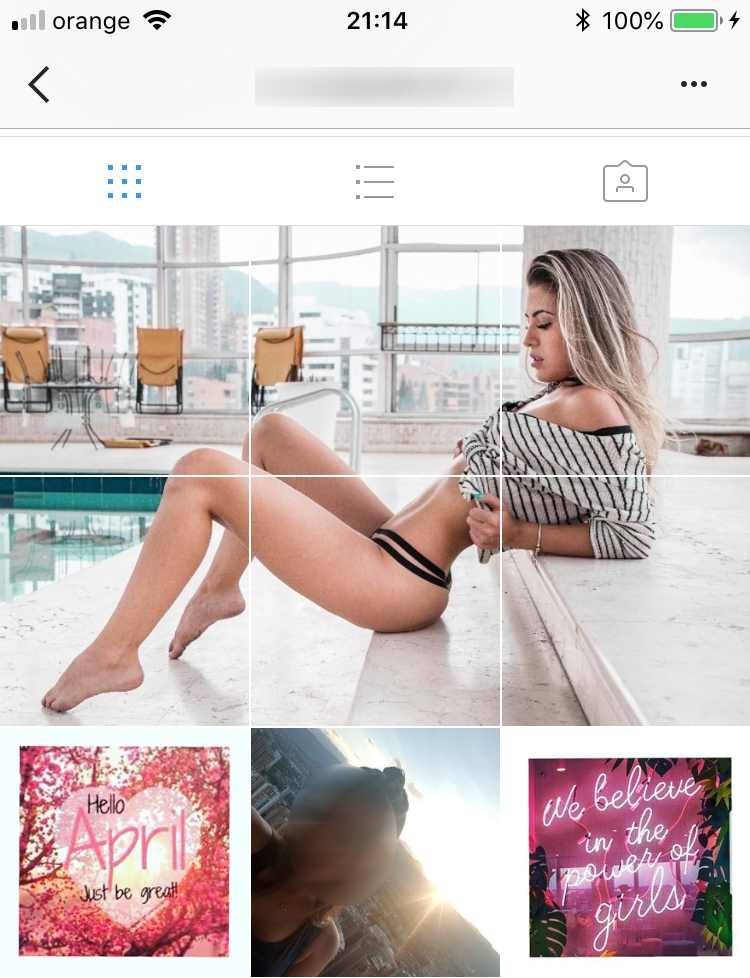
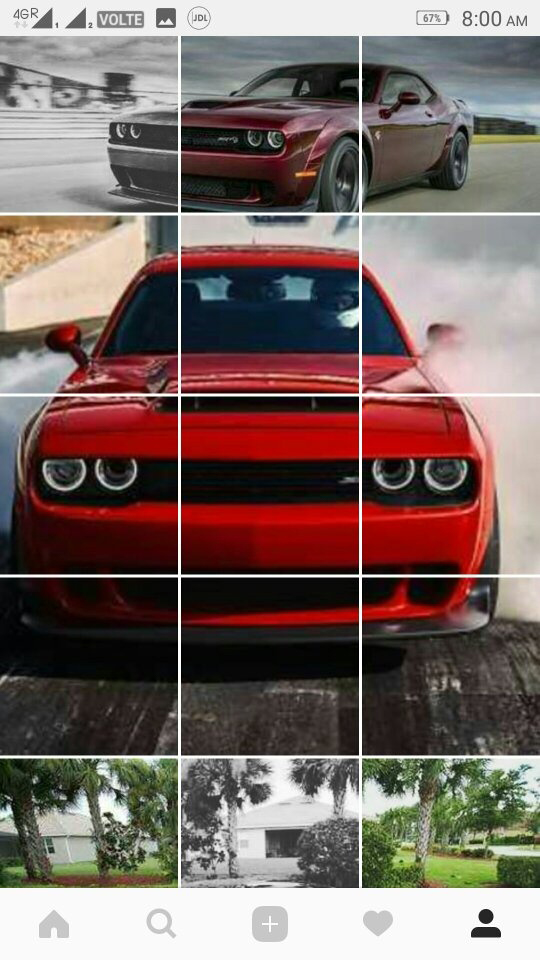
Complex images can be composed of more or fewer pictures. Depending on the original picture you can compose one of three, six or 9 pictures cut from the original one.
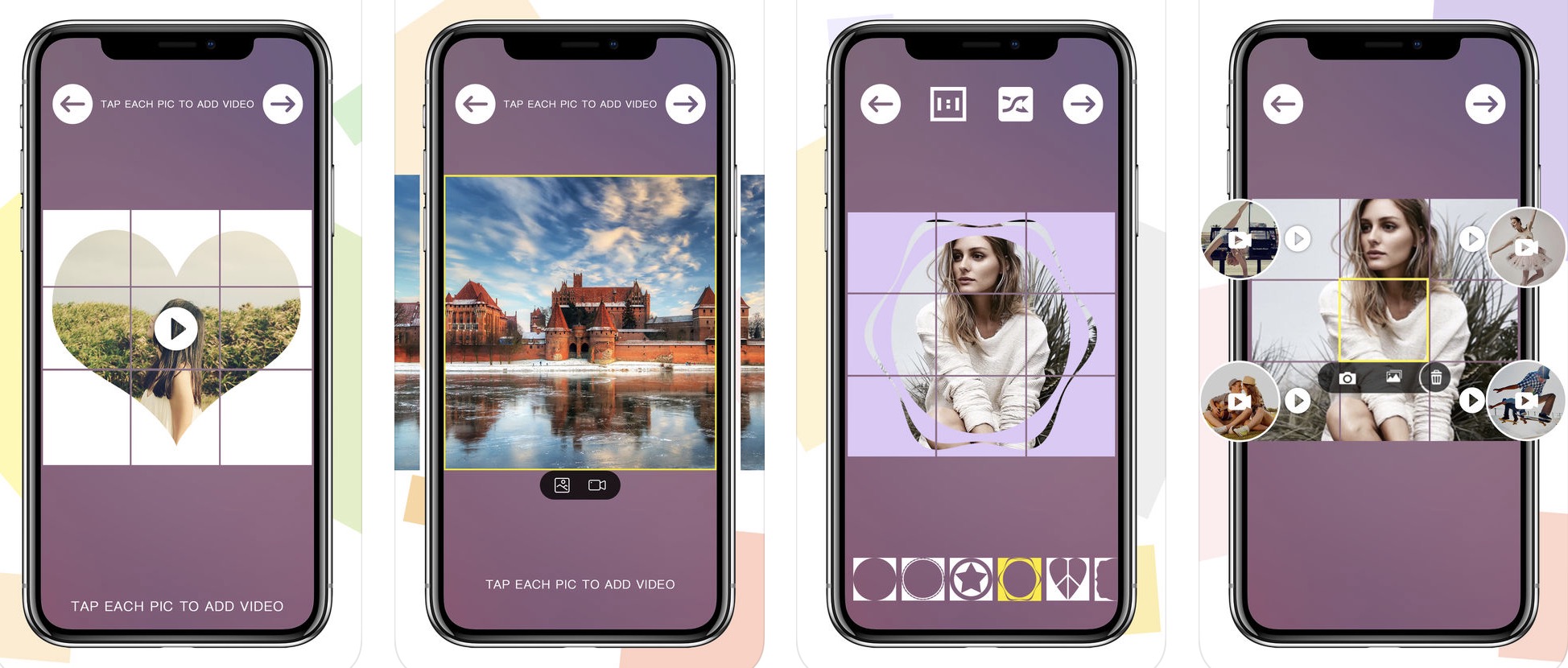
How to compose an image from several cut pictures and how to publish it in the photo gallery on Instagram
Whether you are Android or iOS (iPhone) there are a number of applications that help you do this very simple and fast. The applications will keep the original picture in equal parts depending on your preferences and will publish them on the correct order.
SQARE Photos Instagram applications for Android
1. 9Cut For Instagram - The application is capable of sharing a picture up to 15 parts, forming one in one in the photo gallery on Instagram. 3 x 1, 3 x 2, 3 x 3, 3 x 4 and 3 x 5. You have the opportunity to put the pictures in the correct order on Instagram directly from the application. The resulting pictures can also be saved on the memory of the phone storage.
2. PhotoSplit – Photo Grid Maker for Instagram - Allows the division of an image into 3 x 1, 3 x 2, or 3 × 3 keeping each image cut at very good solution. The resulting images can be shared on the Instagram profile directly from the application. In addition you have the opportunity to save them on the phone.
3. Photo Grid for Instagram - Like the previous application, it offers three formats in which a pox can be cut and then published automatically on the Instagram profile.
All you have to do is access Google Play from the Android smartphone, download and install these applications.
Photo Grid Maker Instagram applications for iPhone (iOS)
1. Grid-it – Instagram Tiling - It is one of the most appreciated applications in the App Store, capable of cutting and publishing an image composed in Instagram. It supports the composition of images up to 4 rows (3 x 4) and offers direct upload support on Instagram.
2. Grid Post Maker for Instagram - The application offers a simple cutting and publishing of the final compound image and a series of visual effects that can be applied to the final image. Basically these effects will be present on each picture that will compose the final image of the Instagram profile.
3. Giant Square for Instagram, Twitter and Facebook - Mostly do the same thing as the applications presented above, except that they offer support for the public images and on the social networks Twitter and Facebook.
Applications can be downloaded from Apple App Store. Some of them may contain ads in the free version or ask for registration. Be careful what personal data you provide and read carefully the terms and conditions put by the developer.





































Good evening,
Very useful your reference to the subject "A picture with many cuts"
The problem is that when I make a new post I am spoiled with the order of images with cuts.
Please let me know how to keep the order.