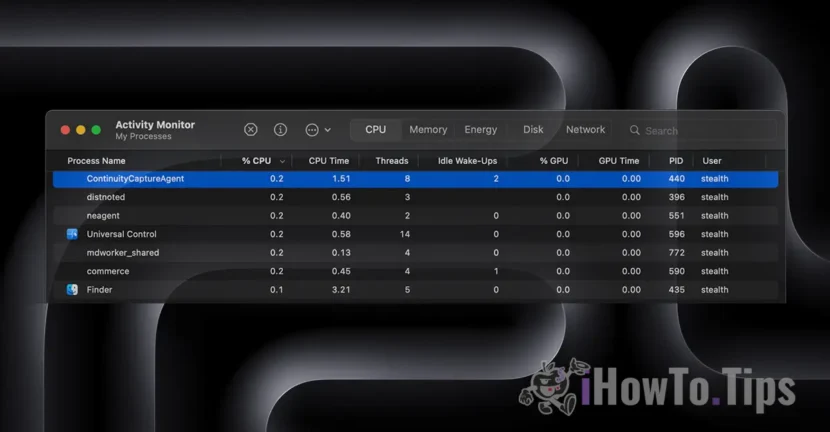
Recently I had a problem with excessive CPU resource usage of the BiomeAgent process on macOS Tahoe. A "high CPU usage" that sometimes reached over 90% and made it difficult to run other processes, especially since it was on an iMac with an Intel processor. If you have encountered this problem and want to see how to fix it, the article below will surely help you.
In short, let's see what is BiomeAgent and what does this service do?
BiomeAgent is a system process running in the background on macOS and iOS that collects and processes data about user activity and system data to generate personalized suggestions. It works in the background as part of Apple's "Biome" system. Biome Framework is a system for understanding user and application activity, and BiomeAgent is the execution agent that processes this data in real time.
Specifically, this service provides contextual suggestions from apps. For example, to suggest a quick list of contacts when the user shares files, pictures or other items. BiomeAgent compiles data from applications and system events to provide the operating system with the context needed to generate suggestions.
In other words, BiomeAgent learns user behavior and understands events to be able to provide suggestions when needed.
Table of Contents
BiomeAgent – High CPU usage
Normally, this service should not consume excessive CPU, RAM or storage resources. However, there are isolated cases, as was my case, where BiomeAgent ends up consuming a fairly significant percentage of the CPU.
Notice in the image below that BiomeAgent somehow run in tandem with the process "suggestd“.

How can the issue of CPU resource consumption by BiomeAgent be solved?
If you also encounter this problem, the simplest option is to restart the computer. Most likely the process has somehow got stuck and that is why it is demanding high CPU resources.
1. Click on the menu Apple in the top left corner.
2. Select Restart (Reboot).
Alternatively, you can only restart (restart) the BiomeAgent process via Activity Monitor.
1. Deschideți Monitorul de activitate (Activity Monitor) (îl găsiți în Aplicații > Utilitare sau îl puteți căuta cu Spotlight).
2. Go to the CPU tab and look for the BiomeAgent process.
3. If you see that BiomeAgent is consuming a lot of CPU, you can select the process and click the X button on the toolbar to force close it. It will restart automatically.
In my case, the second method worked very well and significantly reduced the resource consumption of BiomeAgent.
Succes!