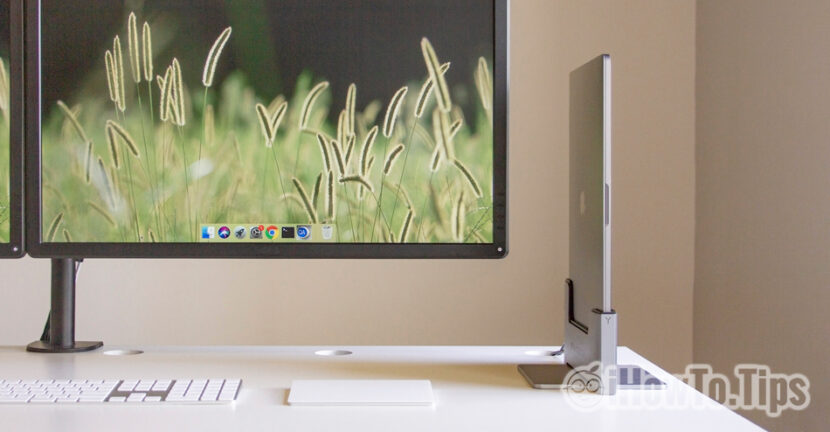

The MacBook Pro are laptops with absolutely amazing features that would face a PC or Mac desktop at the time of hardware, and by definition, the main advantage of a laptop is mobility.
If we want to turn a Macbook Air or Macbook Pro in a desktop / iMac, we have the first solution to connect the device to an external monitor. harbor Thunderbolt 3 (USB-C) present on the generations of MacBook Pro / Air of recent years is able to bear Video output to 4K resolution.
However, this scenario would be at least one inconvenience. During the operation, the MacBook must remain with the flap open and we use either the device keyboard or connect an external one. The space on an office would be a real problem if I used MacBook as a desktop with two external monitors.
A good solution to turn a MacBook Pro or Air into a desktop connected to one or two external monitors is Vertical Dock from Meal.
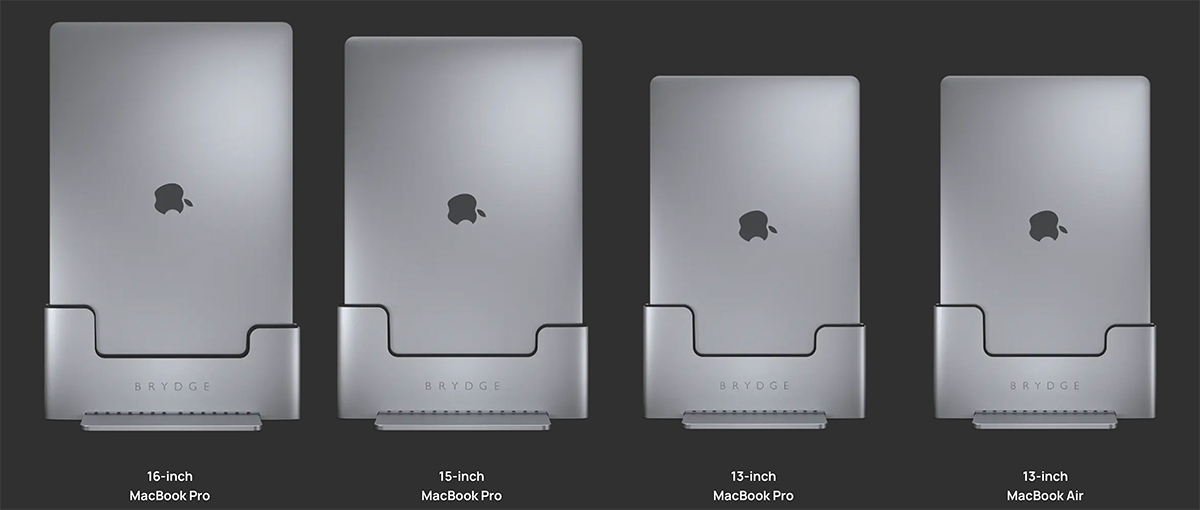
Designed with one If the premium design In the Apple style, these docking stations are designed primarily with the purpose to occupy as little space as possible on the desk But to provide optimal performance when they are working.
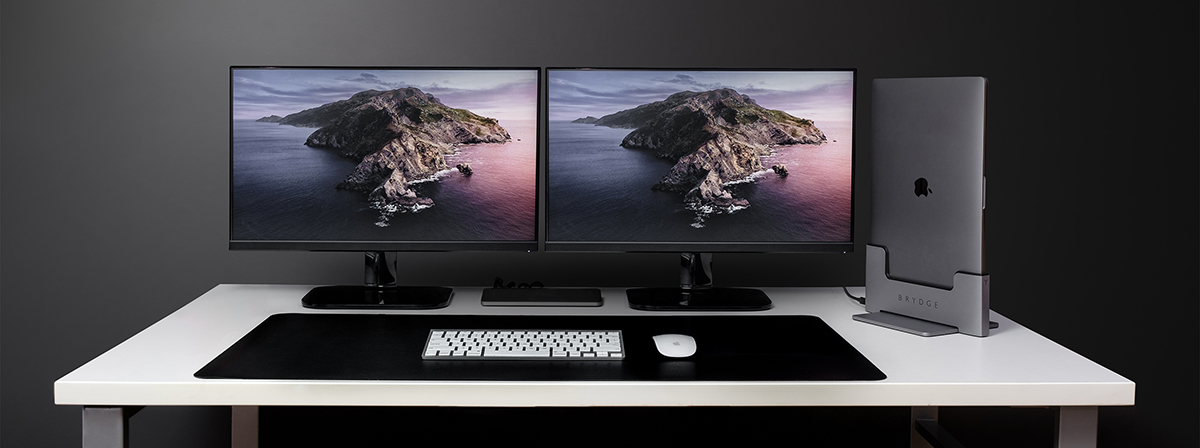
It is also worth mentioning. Vertical Dock from Brydge supports Thunderbolt 3 video output for only one display. Enough to turn MacBook into an IMAC. If you want to connect two displays, an additional USB-C spliter is needed.
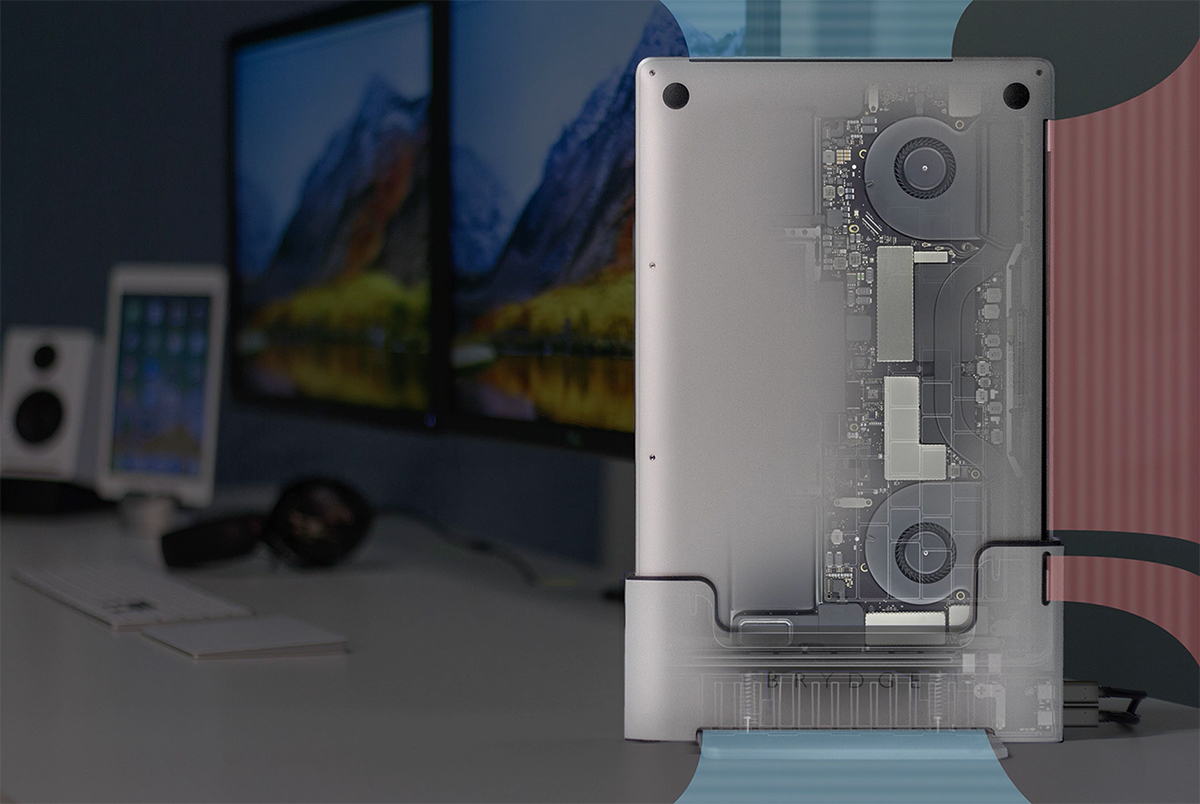
The connection between MacBook and Vertical Dock is made in a second, by simple coupling in dock. MacBook's power supply will be provided by Vertical Dock, which is provided with a own energy control system, again the intake and evacuation slots of the station provides a good Circulation of air from and towards MacBook, thus holding temperatura sub control during work tasks.
The price for this docking station is 160 EUR and can be ordered online directly from the manufacturer's web page, on brydge.eu/products/macbook-vertical-dock.
Currently this Vertical Dock model is not compatible for the new generations of MacBook Pro and MacBook Air equipped with the Apple M1 chip, but it is very possible that in the near future it gives vertical docking solutions and for the new generations of MacBook launched by Apple.




































