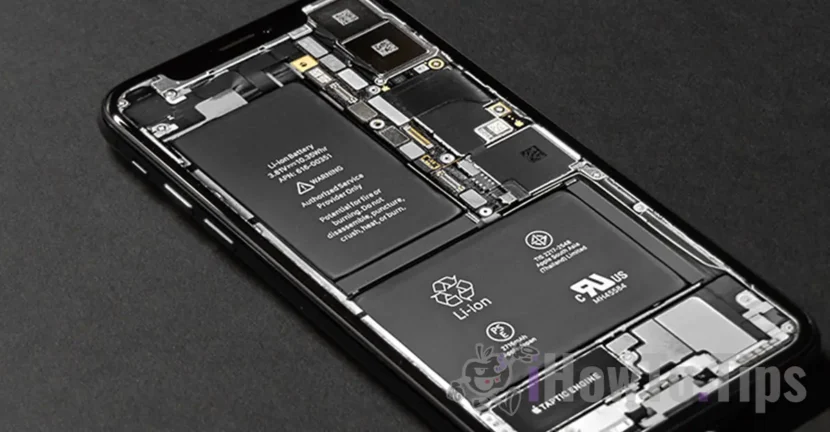

When iPhone is hot, it means that the battery is required, and overheating iPhone leads to battery health degradation. Battery Health.
Considered to be much more stable and resistant in time than any smartphone Android, iPhone devices are not exempt from problems when they are highly requested. The most common problem encountered on iPhone devices is that of overheating that reduces battery life. Maximum Capacity.
To prevent the problem of overheating the battery, Apple has introduced over time several protective measures. One of these is stopping or temporarily slowing down loading, until the iPhone returns to the optimum temperature. Including when loading is wireless through Magsafe. "Charging was on hold due to iPhone temperature“.
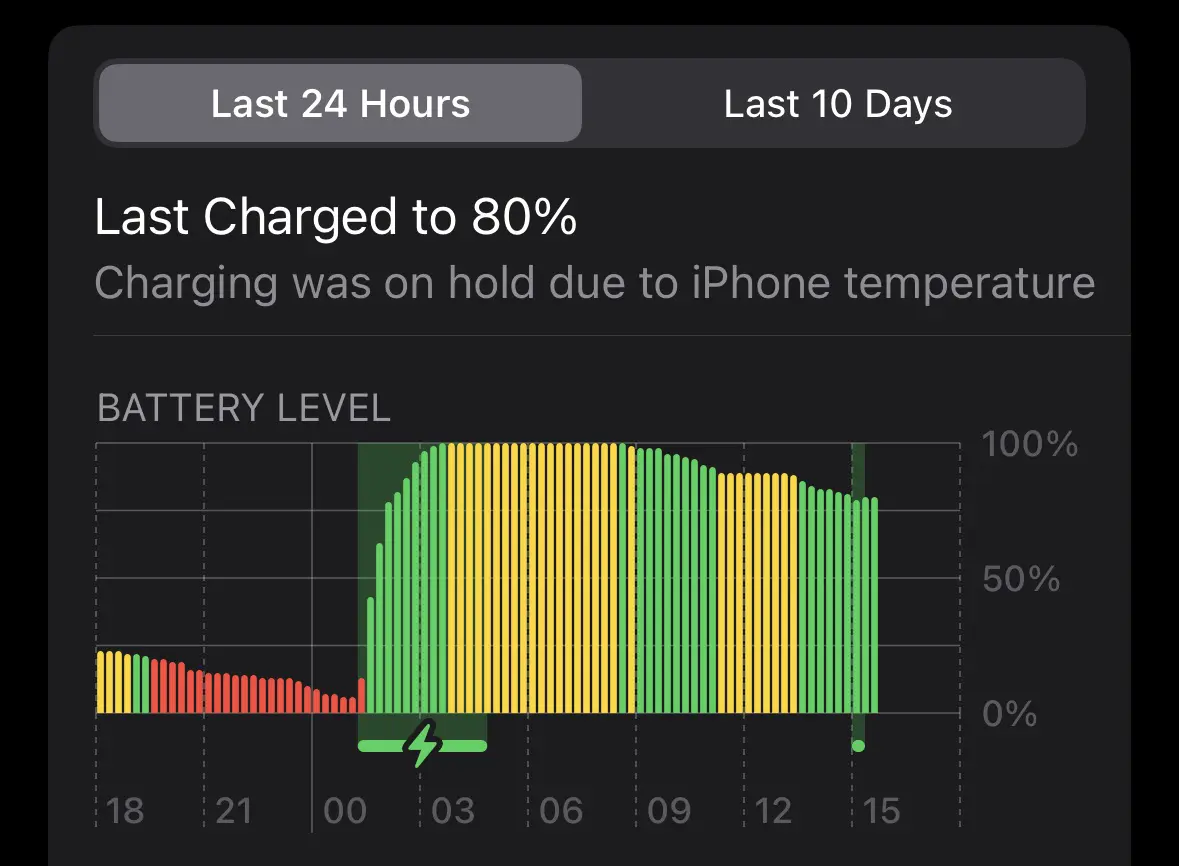
Table of Contents
What is the normal temperature for iPhone?
In order for the iPhone or iPad devices to operate in optimal parameters, the ambient temperature should be between 0 ºC and 35 ºC (between 32 and 95 ºF). However, iPhone devices can be stored in places where temperatures are between -20 ºC and 45 ºC (-4 ºF and 113 ºF), but their request / operation at high or very low temperatures is not recommended. The battery life can be reduced very quickly and the device will shut up suddenly.
What are the causes from which iPhone becomes warm and how do you prevent overheating iPhone (Battery Health)
Most times, iPhone devices become warm when I am in a thick material case that does not allow ventilation and rolling High quality graphics games, video streaming services or applications that request a lot of processing resources.
A housing / case that does not allow the thermal exchange between the iPhone surface and the outer environment, will impact the violation of the device. That is why it is good that when we play complex graphics games, we remove the iPhone from the bag.
It has often happened that my device, iPhone 14 Pro to overheated when wirelessly fed through Magsafe, despite the fact that I use an original case Apple “Leather Case” MagSafe.
Under the above conditions, an important factor is and ambient temperature. In summer, when it is high heat and humidity, the device will warm up much faster than in the cold season.
iPhone can become hot and when synchronizes in the service of iCloud high volume of data. Such as a backup or media content. Usually this happens after the device iPhone is initialized for the first time. Overheating iPhone is temporary and will not lead to Battery's health degradation – battery health.
When Use applications, games or functions that require intensely the graphic card or processor It is normal for the iphone temperature to rise. It is not a cause for concern, but the long use of these large energy consumers will lead to accelerated battery degradation and decreased capacity.
What you need Do you do if iPhone gets hot when not used?
It happens quite rarely for an iPhone device to overheat when not used or not charged, but if this happens, it is best to close it for a few minutes (Power Off), then reopen it and supervise it for a while. Overheating may be caused by a service or application that has been stuck in the background.
Related: How do you increase the life of iPhone battery (Maxim Capacity)
Overheating iPhone can also occur if the battery is worn. Go to “Settings” → “Battery” → “Battery Health” where you check the battery operating status. Use the feature ”Peak Performance Capabillity"If at the status"Battery Health"This is this recommendation.
Activation ”Peak Performance Capabillity"It will determine the iOS operating system to require less hardware resources. It is a kind of"Low Power Mode” permanent.
In conclusion, if you want the iPhone battery to last as long as possible, avoid overheating and take into account the recommendations below:
- Use the device in an environment with moderate temperatures.
- Close applications running in the background and are not required.
- Avoid intensive use of the device when it is loaded.
- Make sure the charger and cable used are quality and work properly.
If overheating is constant or extreme, it is advisable to contact the Apple technical assistance to check if there are hardware or software problems.




































