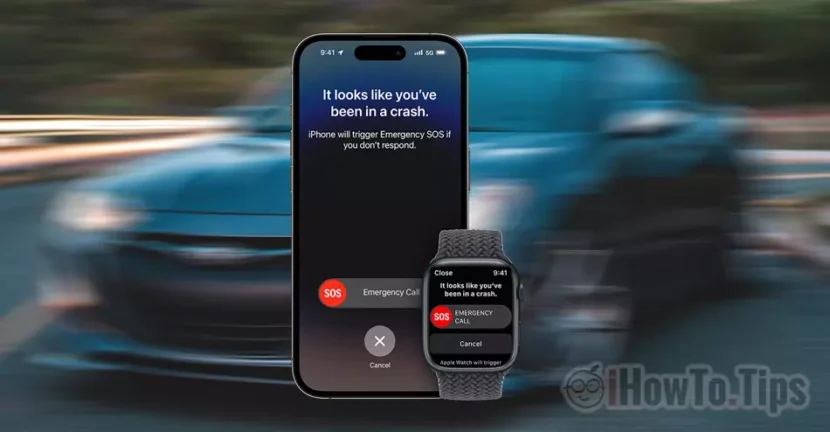

Crash Detection pe iPhone 14 Pro And iPhone 14 is a feature introduced by Apple with iOS 16, but that came with many bugs. Some users who are more adventurous have caused real stunts and road accidents to test this feature. The results were ... fail.
What is and how Crash Detection works on iPhone 14 Pro and iPhone 14
Crash detection has the role of a Alert automatically the emergency service When iPhone 14 or iPhone 14 Pro is involved in a car accident.
The analysis is based on the data collected by microphone, gyroscope, barometer, GPS, GPs.
However, the feature had some problems since its launch. If in Apple's tests everything went well, otherwise things were when some iPhone 14/14 Pro owners decided to cause controlled car accidents. During these tests, even if the car overturned or was strongly buffered, the Crash Detection system has not been activated. In Roller Coaster the G forces and the background noise made the iPhone 14/14 Pro automatically call the emergency service, reporting a car accident.
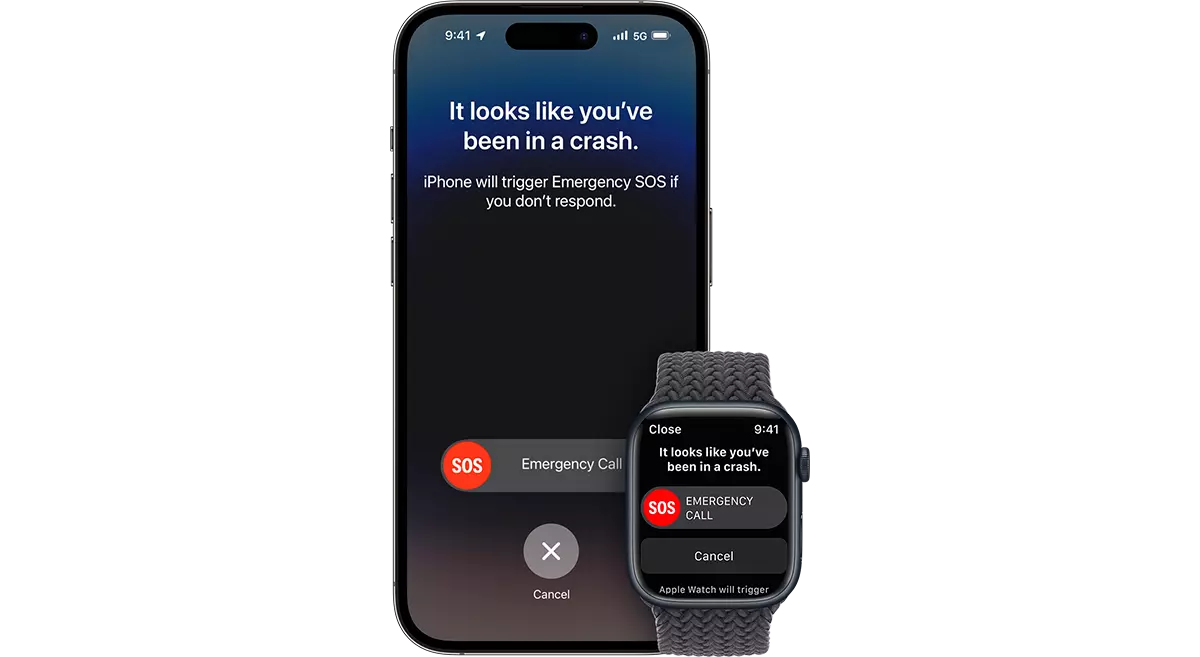
If you have an iPhone 14 Pro or iPhone 14 and you want the Crash Detection function to work correctly, Apple seems to have adjusted the algorithm in iOS 16.1.2 and have thus optimized Crash Detection on iPhone 14 Pro and iPhone 14.
- Find to buy iPhone 14 Pro for Holidays in 2022? Are they enough stocks?
- Prices iPhone 14 Pro - Colors, Design, Dimensions
If you are holder of iPhone 14/14 Pro, all you have to do is go in Settings → General → Software Update And update to the latest version of iOS.
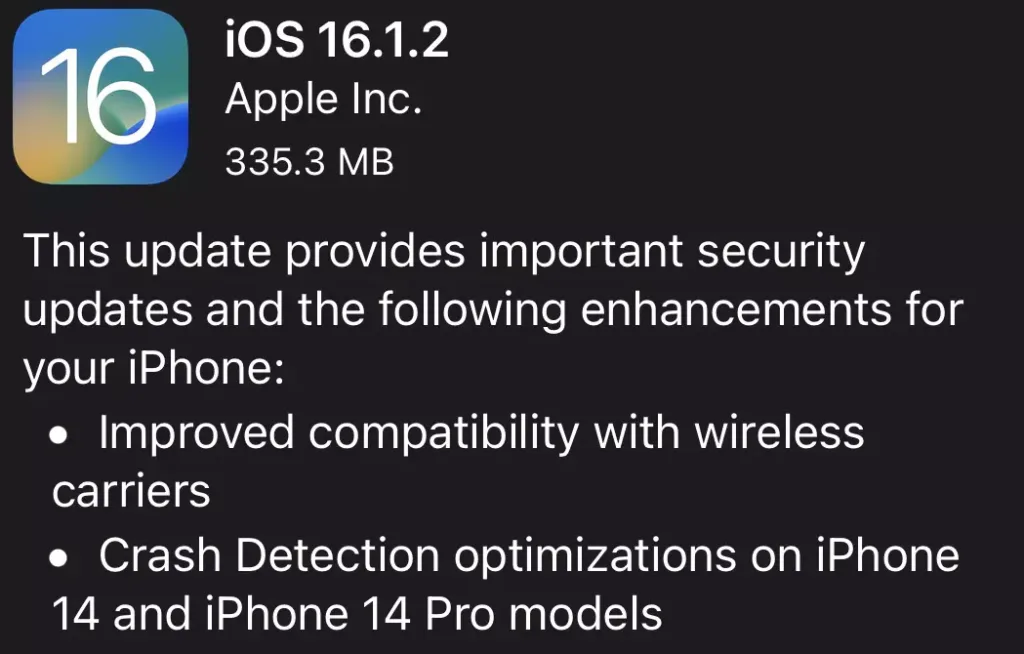
In order to make the update it is necessary for the iPhone battery to be at least 50%.




































