

How you disable the precise location on the iPhone is a tutorial that could help you if you do not want the Instagram followers to know exactly where you are when posting.
Many users are worried after the whole Internet has viralized the news as Instagram would share the exact location when we make a post from the iPhone. Precise location.
Specifically, if we publish something on Instagram or Facebook and add the general location (eg Romania, Transfagarasan), the followers on the social networks could actually see the exact location in which we are.
This could create serious problems for the security and confidentiality of social networks.
Table of Contents
What is precise location on iPhone?
Apple has introduced in the latest versions of iOS the possibility that the location may be shared with greater accuracy than usual. Precise Location It is a localization option, but not all users are familiar with this characteristic of confidentiality.
When we post on Instagram or Facebook in which we put the general location, if "Precise Location"It is activated in the location settings of the application, it is possible that the Instagram followers will see the precise location we are in.
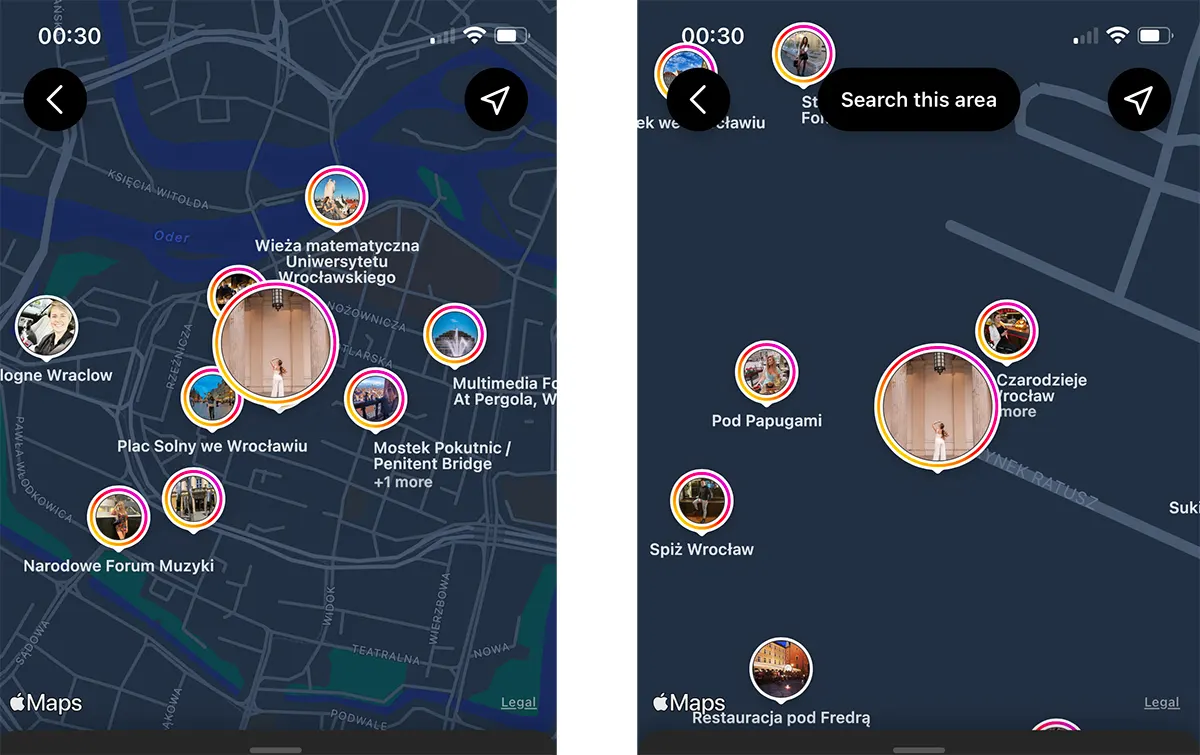
How do you disable the precise location on the iPhone for Instagram and Facebook?
Disabling this feature is made very simple: go on iPhone in Settings → Instagram → Location → Precise Location.
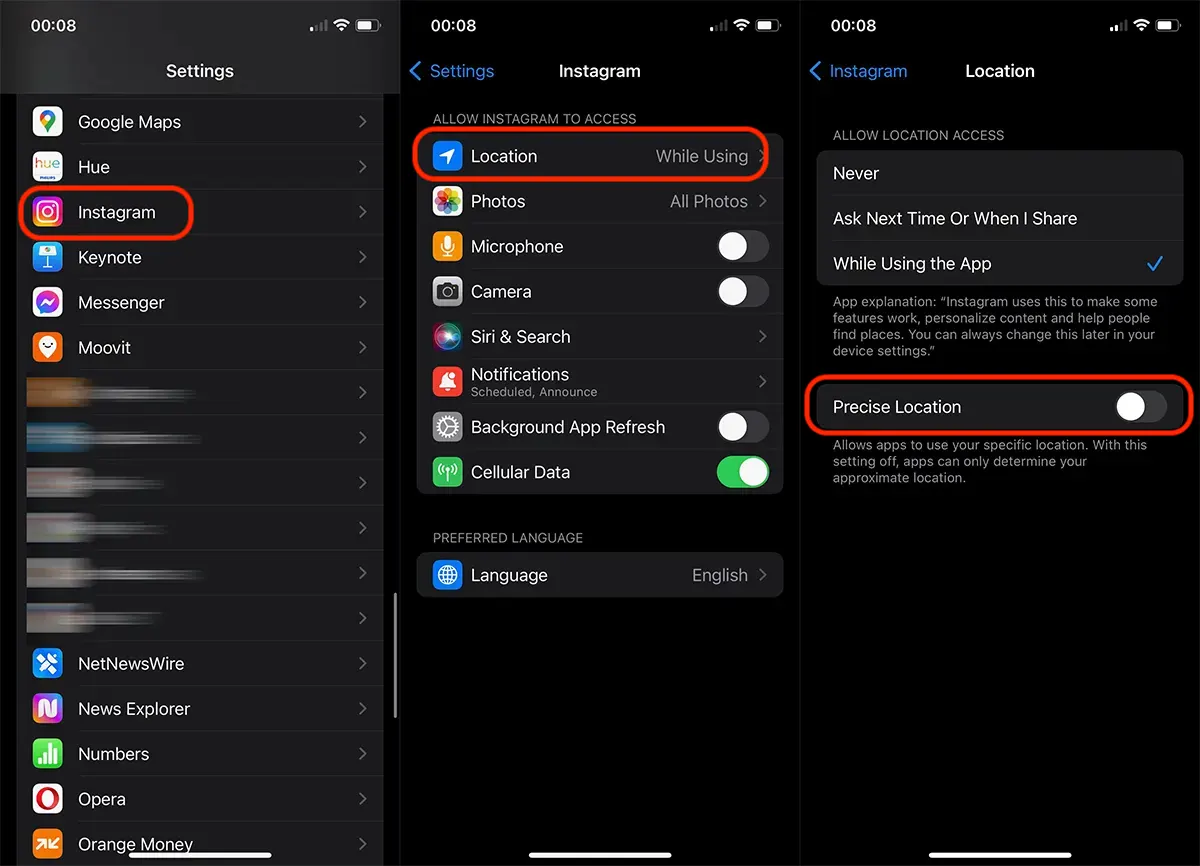
In this way you disable the precise location on the iPhone and for other applications that have access to location.
After deactivating this function, the Instagram application will only have access to the approximate location, without the danger that the exact location may be shared.




































