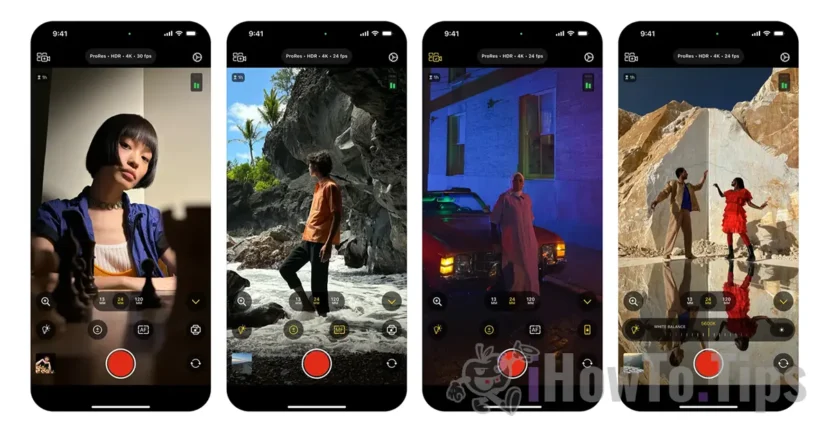

Along with the release of the iPad Air M2 and iPad Air M4, Apple also mentioned upcoming updates to Final Cut Pro and a new iPhone app called Final Cut Camera, which allows professional camera control for shooting videos. Although Apple said at the time that the Final Cut Camera app would be available towards the end of spring, the release took place in the second half of June. Welcome anytime, especially for video content creators.
What does the Final Cut Camera app for iPhone do and how does it help?
The Final Cut Camera app allows video creators to connect wirelessly and remotely control every video angle with advanced professional controls. Although it was initially introduced as a tool for controlling the iPhone camera from the iPad, the app also works as a standalone app on the iPhone.
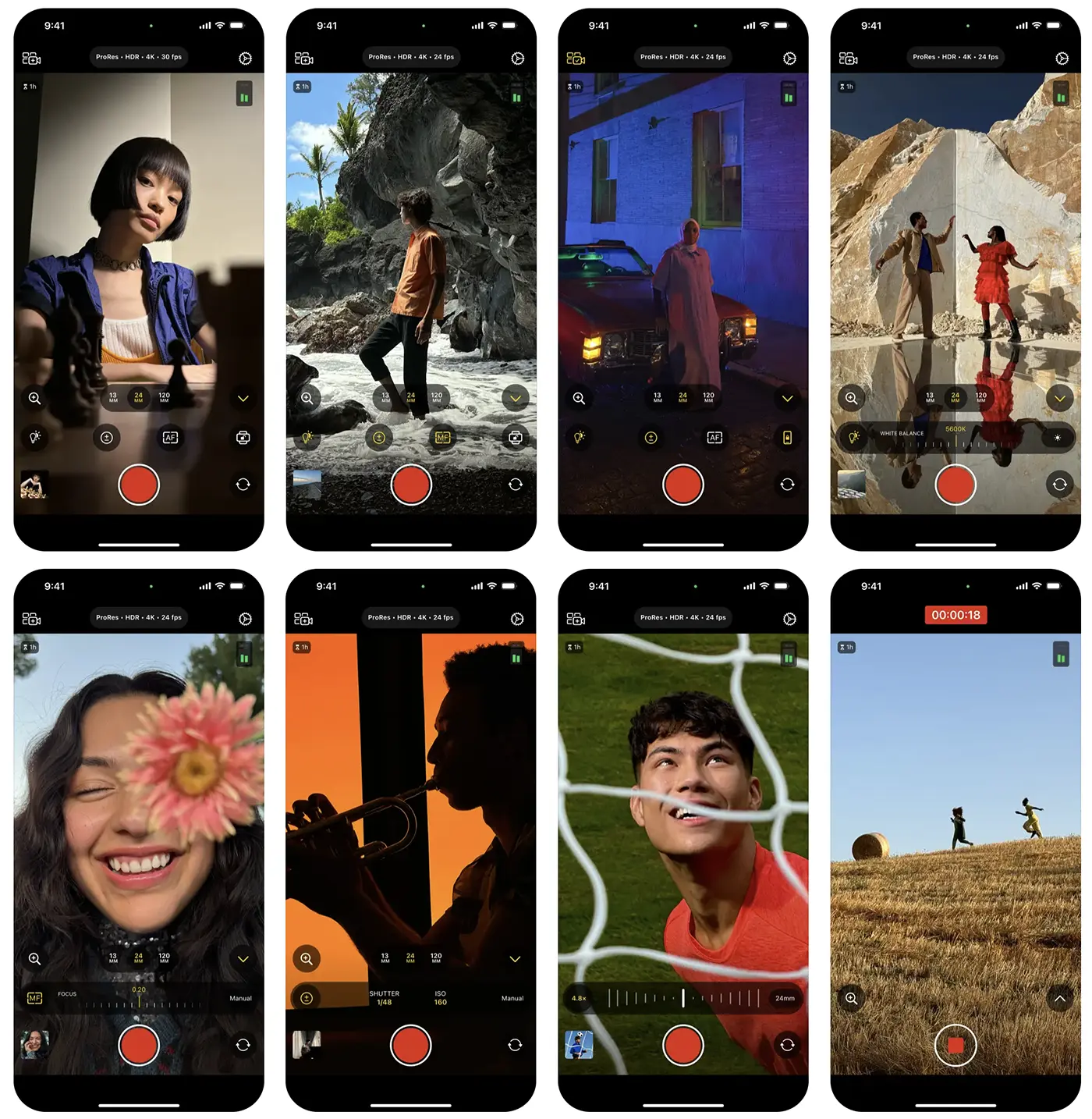
With Final Cut Camera, users can adjust white balance and manual focus while monitoring zebra indicators and measuring audio intensity. The app offers controls for ISO and shutter speed, as well as the option to quickly switch between resolutions and video formats. The interface is simple and displays the iPhone's battery level and the remaining storage space available for filming.
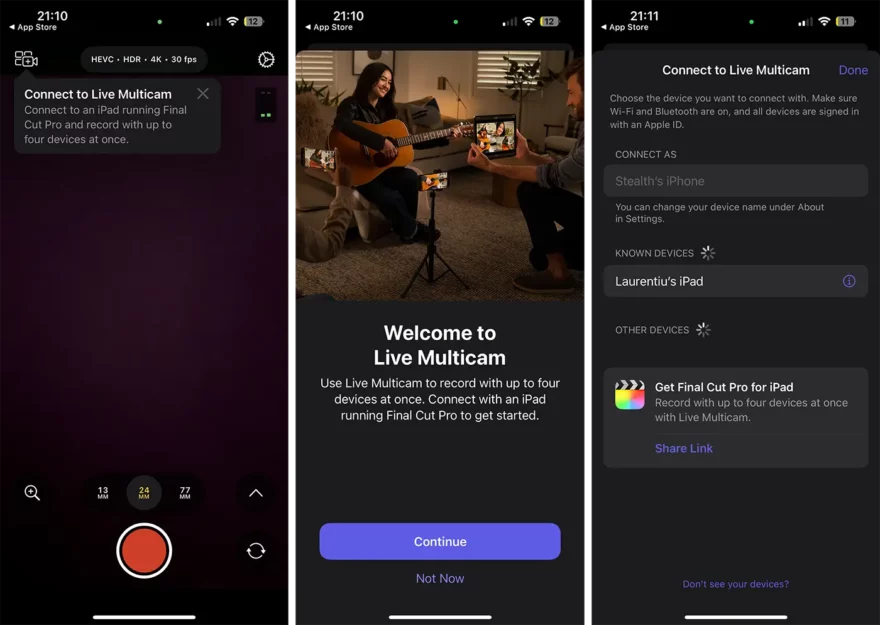
When paired with an iPad device that has Final Cut Pro installed, the app can play back video from the iPhone, so users can control all of these settings directly from the tablet's large screen while the iPhone is on a tripod, for example. The option is called Live Multicam and can be accessed very quickly from the app interface.
As we said above, even if it's not used with Final Cut Pro for iPad, the Final Cut Camera app offers a new experience for filming, offering more options than the native Camera app.
However, when connected to your iPad, Final Cut Camera gives you full control over your video production. You can easily start a Live Multicam session by connecting up to four devices running Final Cut Camera to preview, record and synchronize video angles in Final Cut Pro for iPad. Capture with advanced settings including shutter speed, ISO, white balance and manual focus. Quickly customize resolution, frame rate, and color space, and monitor video with focus peaks and overexposure indicators.
A particularly useful feature is the ability to turn off the iPhone's built-in stabilization, ideal for shooting with gimbals. The app also makes it easy to transfer media into a Final Cut project on iPad or save footage directly to connected external storage.
Final Cut Camera is available for free in the App Store and requires an iPhone with iOS 17.4 or later, with some features only available on newer iPhone models. For example, iPhone 15 Pro or iPhone 15 Pro Max devices are required to use the feature which enables video recording in a range of resolutions, frame rates and codecs, including ProRes and Log color encoding.
Personally, I find this app useful even if you don't own an iPad, or if you have an iPad but don't Final Cut Pro. The app allows some interesting settings for video recording, which give nice and more professional look to the footage.
Aplicația este disponibilă gratuit în App Store > Final Cut Camera.
It wouldn't be a bad idea for Apple to extend the Live Multicam capability to connecting the app with Final Cut Pro for Mac computers as well.




































