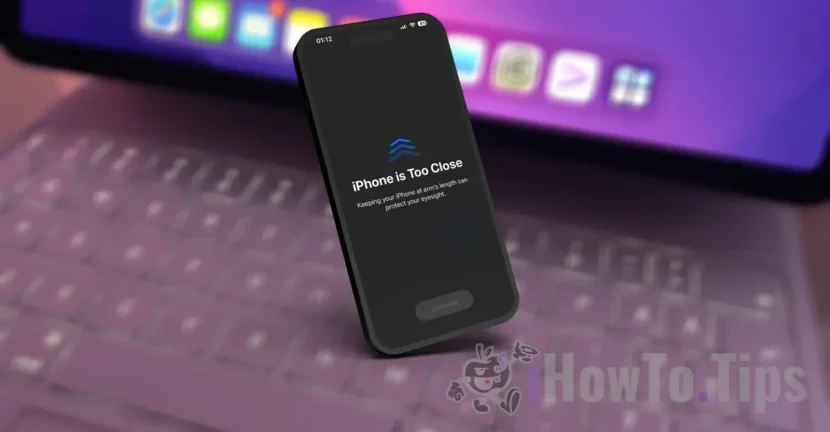

Apple is famous for introducing on devices and operating systems of applications and options to increase the quality of life. The most recent version of iOS comes with a feature that aims to reduce the fatigue of the eyes and the appearance of myopia in children. See below how you can protect your eye health with the new iPhone Screen Distance feature.
Table of Contents
What is Screen Distance on iPhone and iPad devices?
Screen Distance It is a new feature of the operating systems iOS 17 / iPados 17 introduced on iPhone / iPad devices with Face ID, which measured the distance between the device screen and the user's eyes. This feature aims to maintain the health of the users, by keeping the correct distance between the eyes and the iPhone screen.
Both Apple and ophthalmologists recommend that for maintaining eye health and a good view, the distance between the eyes and the phone screens is at least 30 cm (12 inches).
The functioning of the feature iPhone Screen Distance It is possible with the help of the front camera, the same that is used by Face ID.
"Screen Distance works by measuring the distance between the screen and your eyes. The camera does not capture images or videos, and the collected data remain on the device and are not shared with Apple. ”, Notes Apple, about this feature present on the operating systems iOS 17 / iPados 17.
How do you activate iPhone Screen Distance to protect your eye health?
In order to activate the iPhone Screen Distance, you first need to install the iOS 17 / iPados 17 or a newer software version and an iPhone or iPad model with Face ID technology.
1. Go to the settings: “Screen Time” → “Screen Distance”.
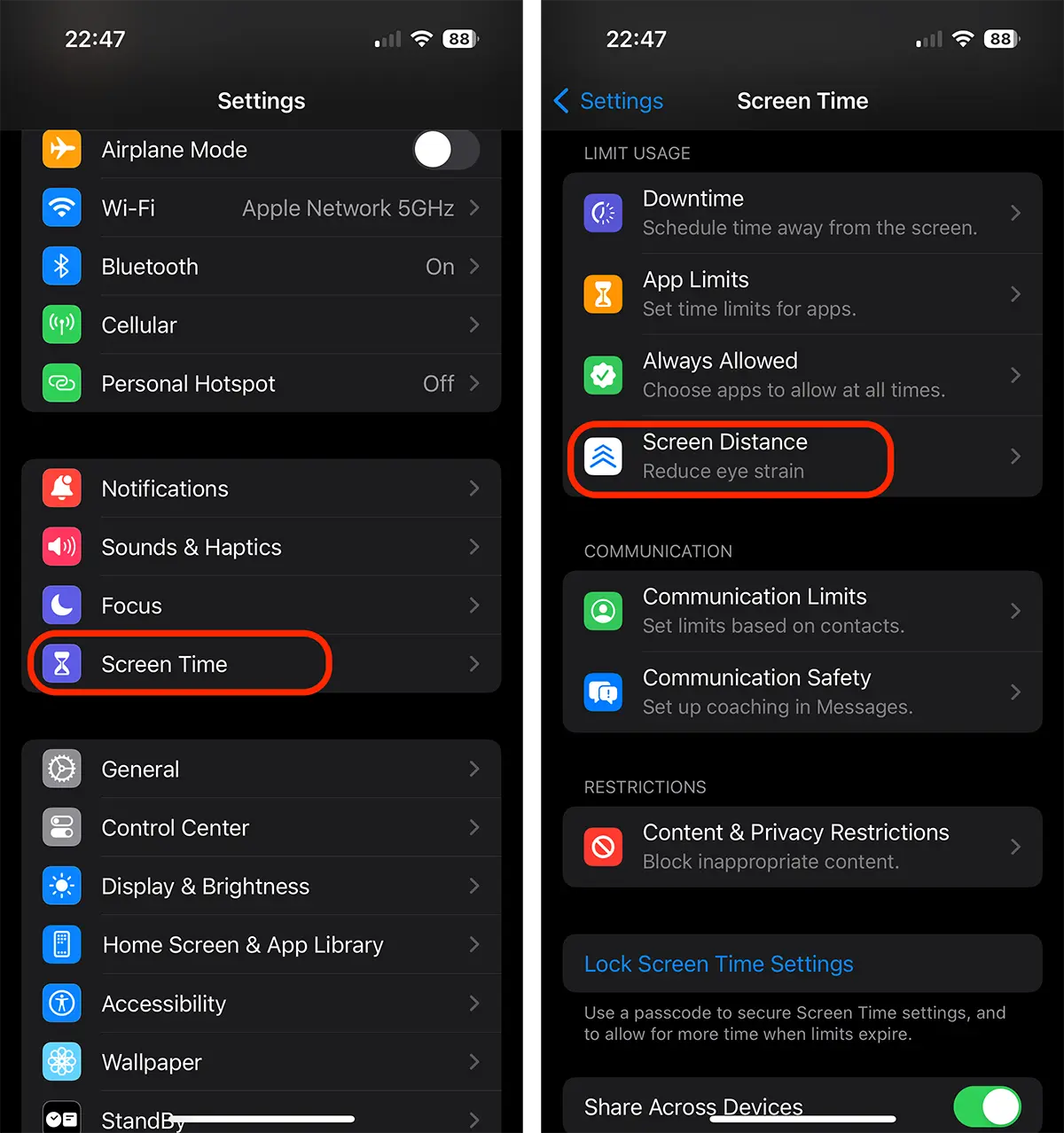
2. Follow Screen Distance activation steps for iPhone or iPad.
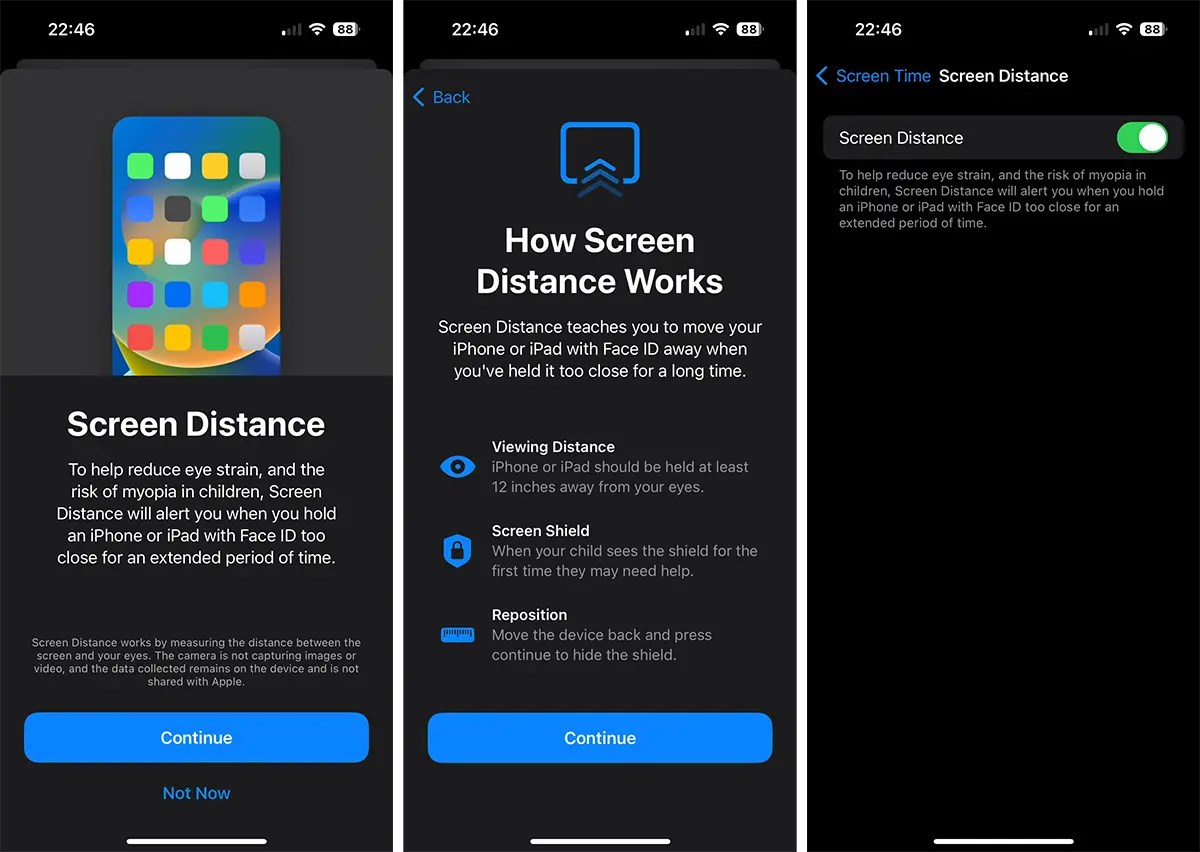
In Ecrenul Popup that opens, press "continuous" to reach the Screen Distance option.
Once you have activated this feature you will be notified by "Screen Shield"When you hold the iPhone or iPad too close to the eyes."iPhone is Too Close“.
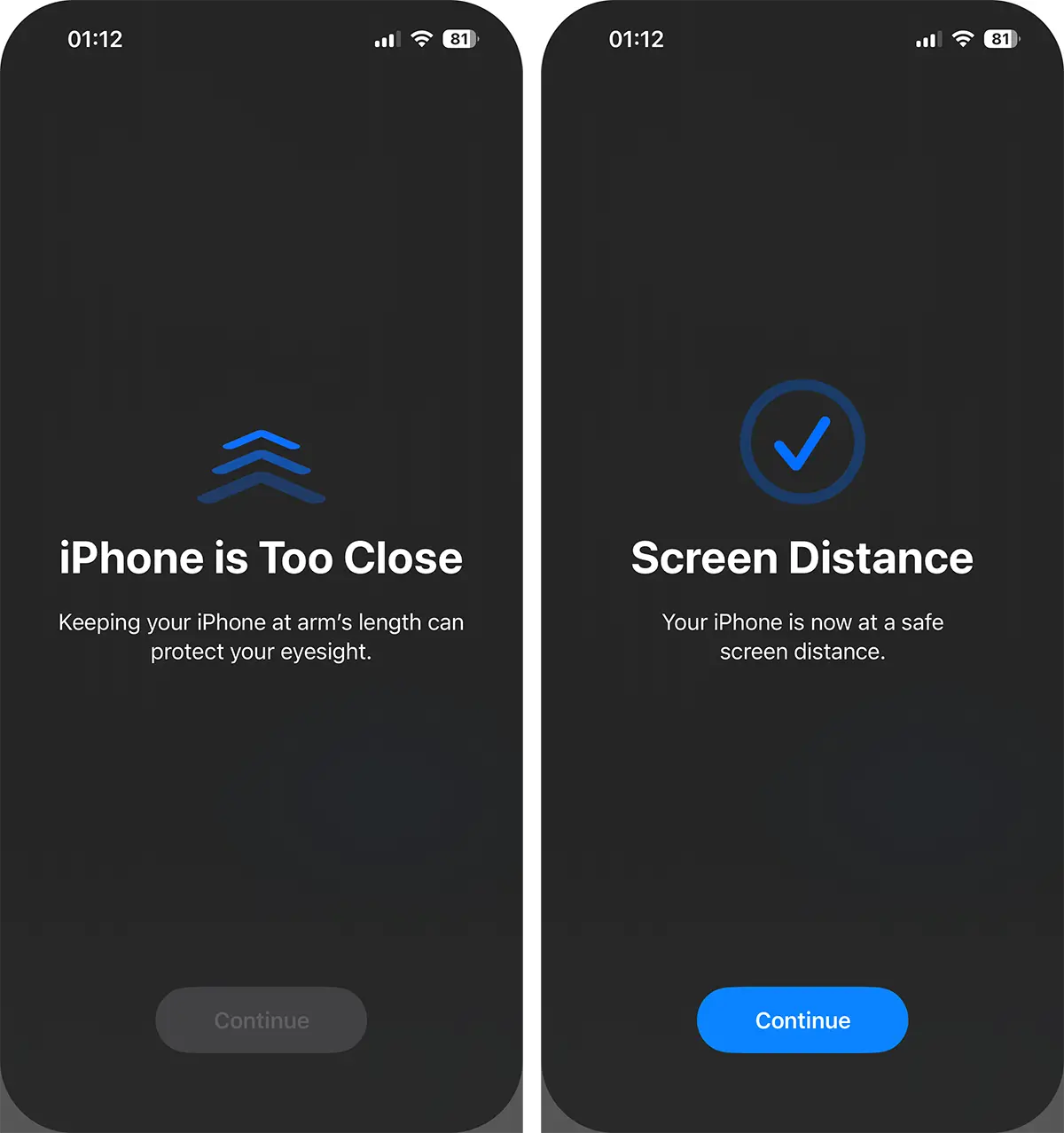
All you have to do is remove the eye screen to the correct distance.
Related: How do you correctly measure the level of oxygen in the blood with Apple Watch
From what I have noticed so far, "Screen Shield" appears about 5-7 minutes when you hold iPhone or iPad too close to your eyes.
Screen Distance is a new very useful "health" feature, which will definitely help many iPhone devices to keep the optimum distance between the eyes and the device screen, thus protecting the health of the eyes.




































