

Users of iPhone and macOS have been experiencing lately with problems of instability and errors of the application WhatsApp. Bug- appeared after the release of the new versions of OS for Mac (MacOS High Sierra) and the new one IOS for iPhone, iOS 11.
Both the Desktop version for macOS and the dedicated iPhone (iOS) version caused problems for users. From timing issues between your desktop and iPhone up to the lack of notifications for new messages received WhatsApp Messenger.
To solve these problems, Facebook, the company that owns WhatsApp, recently published two updates. One for macOS and one for iOS 11.
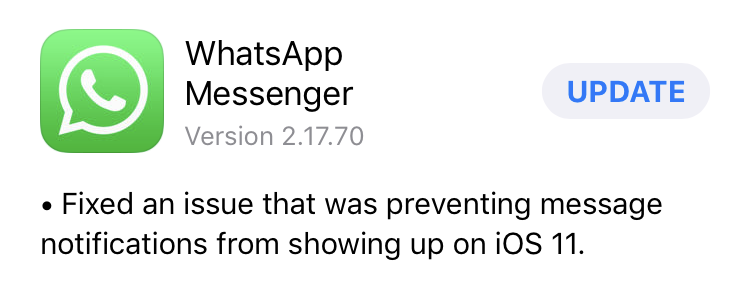
The WhatsApp Messenger update for iOS, version 2.12.70, solves the problem of notifications in the first place. "Fixed an issue that was preventing message notifications from showing up on iOS 11“.
WhatsApp Messenger for macOS solves a number of errors and improves the performance of the application. In addition, it solves the problems of losing the connection with the mobile device and brings the possibility of viewing the statuses. "Now you can view WhatsApp status from your Desktop“.

WhatsApp Messenger for both macOS and iPhone can be downloaded from Apple's App Store.




































