
Skip to content
iHowTo.Tips
  • Home
  • iPhone
  • iPad
  • Mac
  • Apple Watch
  • AirPods
  • HomePod
iHowTo.Tips
  • Home
  • iPhone
  • iPad
  • Mac
  • Apple Watch
  • AirPods
  • HomePod

Apple Pay

Apple Pay

Apple Pay is a system of contactless payments and electronic wallet (Wallet) present on Apple devices, including iPhone, iPad, Apple Watch and Mac.

To use Apple Pay, users need to add their credit or debit cards to the Wallet app on their Apple devices. These cards can be issued by different banks and partner financial institutions. After cards are added, users can use Apple Pay to make payments through the contactless payment terminal or by Apple Pay compatible applications.

Apple Pay on iPhone Wallet

How do you add a card to iPhone in Wallet for Apple Pay

If you want to pay with the phone at the store or online, in this tutorial you will ...

February 11, 2023

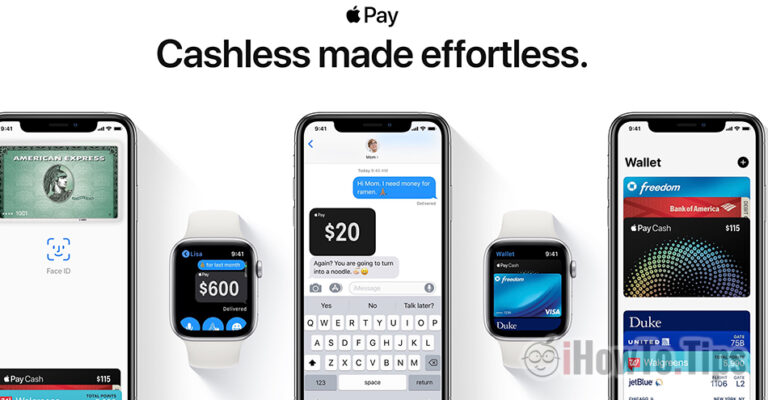
Apple Pay has officially launched in Romania-Banks accepting Apple Pay

Starting June 26, 2019, card processors, Mastercard and Visa have announced that the service…
June 27, 2019

Apple Pay - How to add Debit or Credit Card and how to send money through Apple Pay

After a few banks announced that Apple Pay will be available in their offers, ...

April 9, 2019

Apple Pay and Apple Card in Romania! Quick money transfer between iPhone, iPad and Apple Watch users

So far, Apple has not turned too much attention to the countries of Eastern Europe, ...
April 9, 2019

Why can't we add a credit / debit card to Apple Pay (Wallet)

Appel Pay is a service launched by Apple, through which we can add our cards ...

November 14, 2017

iPhone X – Documentatie de Utilizare (Face ID, Animoji, Apple Pay & Gestures)

The online orders for iPhone X started in force, and many shops have already exhausted ...

November 6, 2017

Previous
BiomeAgent

BiomeAgent – High CPU usage (macOS Tahoe)

If the BiomeAgent process consumes excessive CPU resources on your Mac (High CPU usage), this tutorial will definitely help you.

October 20, 2025

iOS 26

iOS 26 and macOS 26. New versions of Apple operating systems in 2025.

Apple changes the names iOS and macOS: iOS 26 will be announced at WWDC 2025, in a new branding strategy synchronized with the current year.

May 30, 2025

iPhone 17 Pro

What will be different on iPhone 17 Pro compared to previous models

The iPhone 17 Pro seems to be a model to redefine the user experience, with a new design and some new features.

May 29, 2025

How to safely copy a large volume of data on your Mac

How to safely copy a large volume of data on your Mac

A secure way to securely copy a large amount of data between two hard drives (HDD or SSD) on your Mac.

April 12, 2025

Open ZST Compression File on macOS

How to unzip ZST files on macOS

A simple method by which you can unzip ZST files on Mac computers, without the need for an application with a graphic interface.

March 28, 2025

© 2025 iHowTo.Tips. Tutorials and news about Apple devices.

privacy policy | Contact | About us

RomânăEnglishFrançaisDeutschEspañolPortuguêsItalianoBahasa Indonesia日本語한국어NorskNederlandsSvenskaPolskiHrvatskiMagyarБългарскиČeštinaSlovenčinaLietuvių kalbaΕλληνικάTürkçeالعربيةעבריתУкраїнськаEesti keel中文(简体)