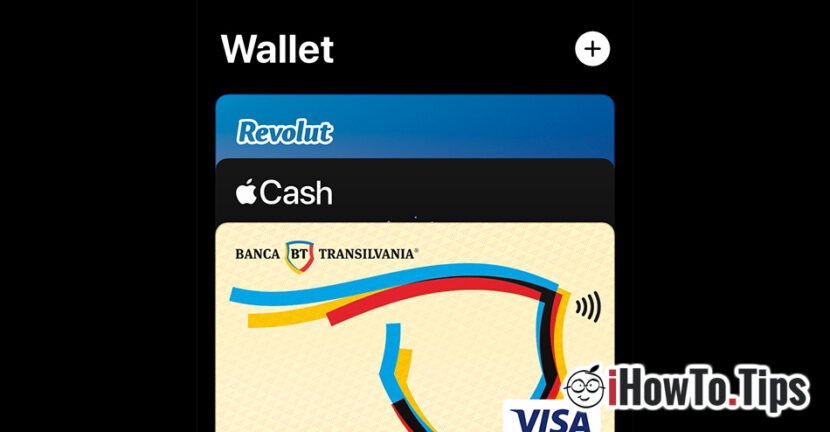

If you want to pay with your phone at the store or online, in this tutorial you will see how to add a card to the iPhone in Wallet for Apple Pay. Secure payments only with your mobile phone, without having to keep your debit or credit card with you.
The American company Apple recently expanded the service Apple Pay in 13 European countries including Romania. A simple and convenient way by which the owners of iPhone get rid of physical cards. Payments at restaurants, shops, airports and other places where they already exist terminale POS contactless(over 90% are contactless) can be done by simply bringing the iPhone close to the terminal. All the user has to do is to add debit cards or credit cards in the application Wallet (by Apple).
At the moment, only certain banks accept the service Apple Pay in Romania, but in the near future most banks will have support for this payment method. If you are the owner of a credit or debit card at Banca Transilvania, ING Bank, UniCredit Bank, Edenred, Monese, Orange Money or you have a cardRevolut, you can already use Apple Pay. SoonBCR, OTP and Raiffeisen Bankwill implement this service in Romania.
Table of Contents
How do you add a card to iPhone in Wallet for Apple Pay
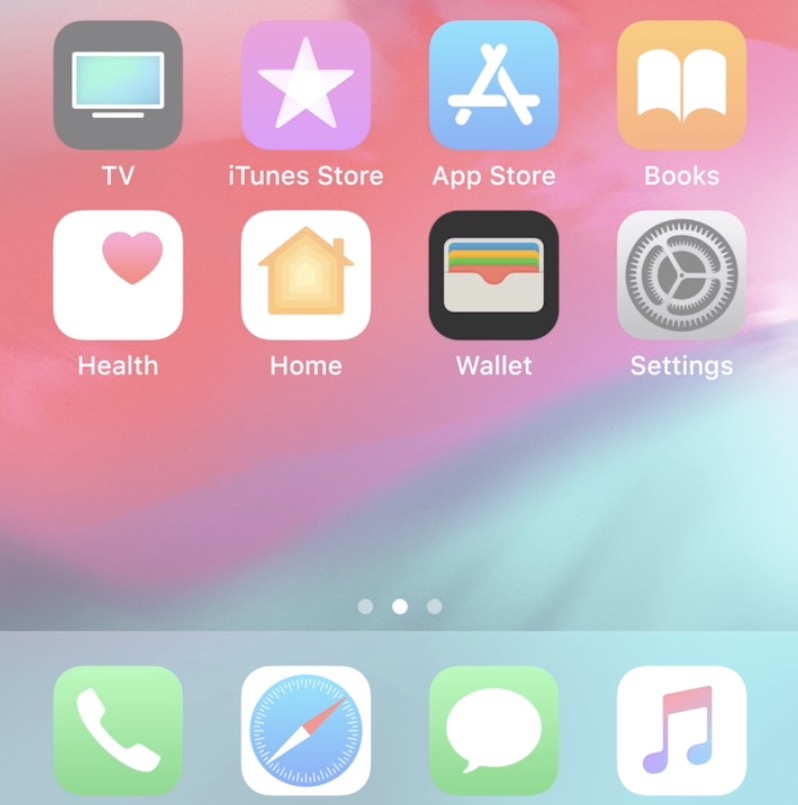
1. Open the Wallet application on the iPhone.
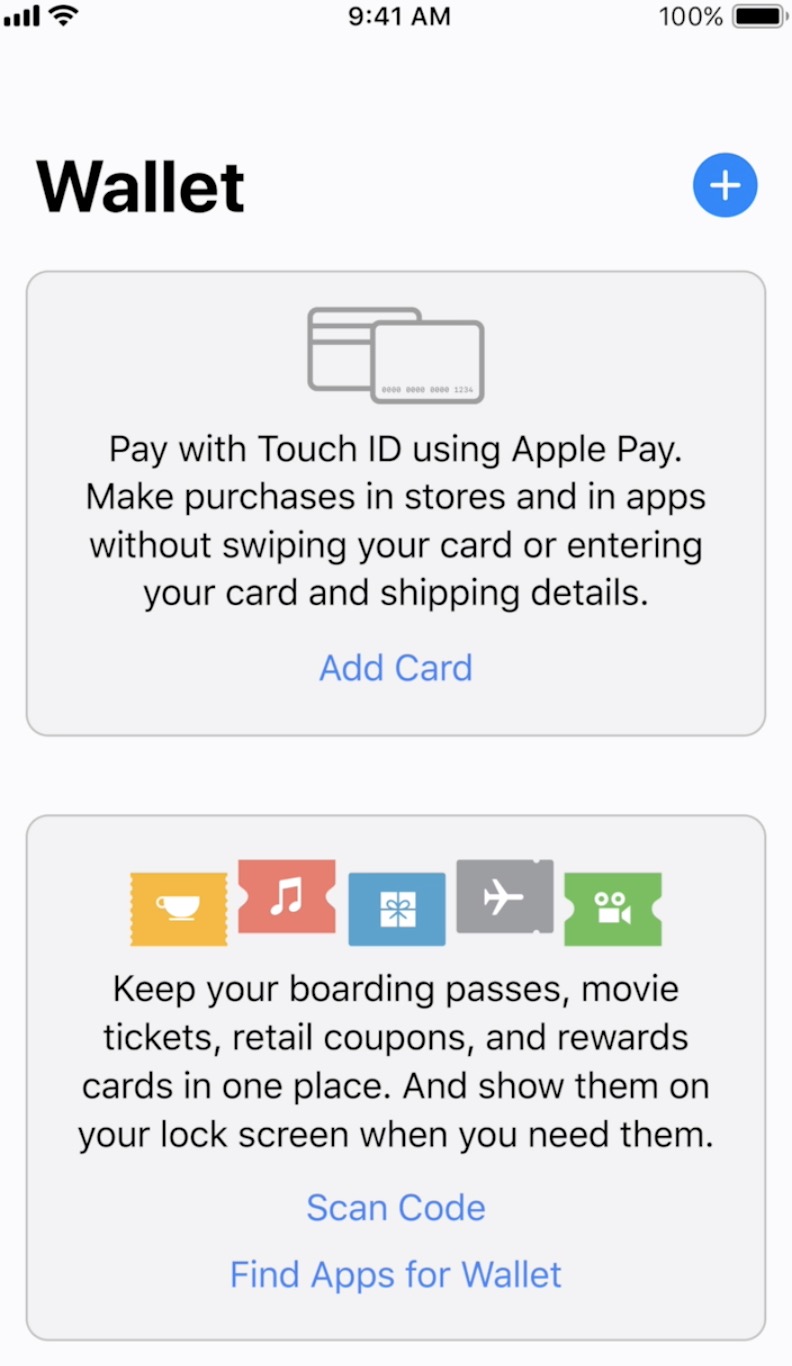
2. Press the "+" sign at the top right of the application.
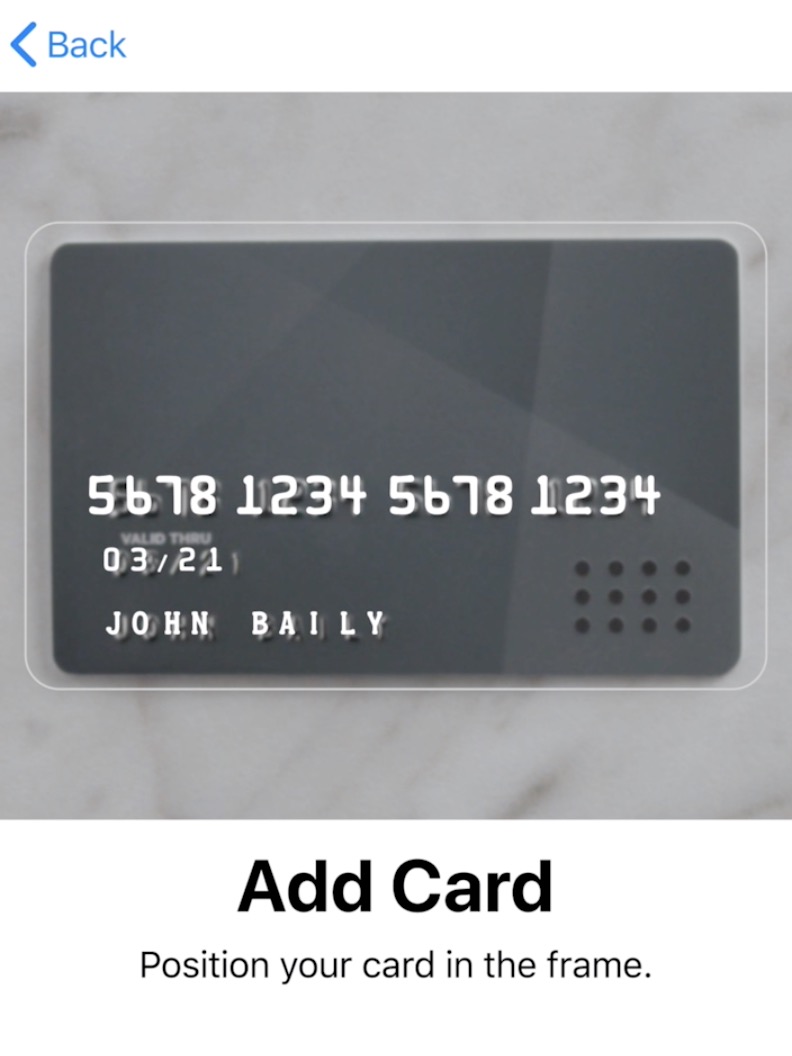
3. Scan your debit or credit card.
4. Follow the verification instructions of the issuing bank. It is possible to receive an SMS with a verification code that must be entered in the application.
This is how you see how to add a card on iPhone to Wallet for Apple Pay.
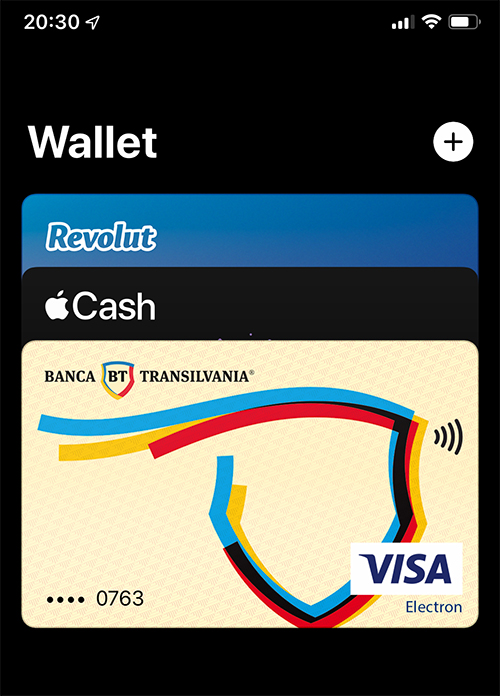
After completing the process of adding a credit or debit card to the Wallet, you will receive a confirmation push notification, then you will see the card or cards in the Wallet.
How to pay with iPhone at the store, through Apple Pay
First of all, of course, we must have money in the account attached to the card. 🙂
Payments via Apple Pay are accepted at all contactless POS terminals, without the need to have the physical card with you.
1. When you are in front of the POS terminal, open the Wallet application and select the card you want to pay with or press twice quickly on the side button (Lock) al iPhone.
Authentication will be done with FaceID or Touch ID, then select the card you want to pay with.
2. Bring the iPhone closer to the card reader / POS terminal and payment will be made immediately.
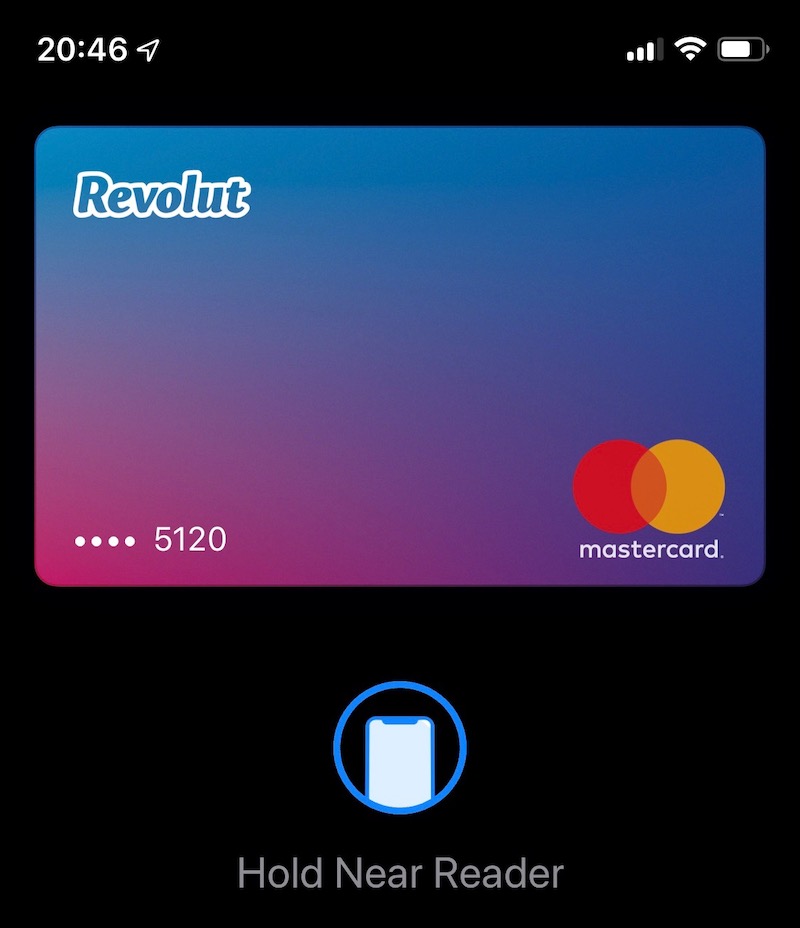
The payment was made successfully.
Apple Pay is compatible on all models starting with iPhone 6 and up to iPhone XS, XS Max and iPhone 14. Apple Watch owners can also use the Wallet application and the Apple Pay service.
In addition to credit or debit cards, plane tickets, cinema tickets, restaurant tickets can be added to Wallet.





































2 thoughts on “How do you add a card to iPhone in Wallet for Apple Pay"