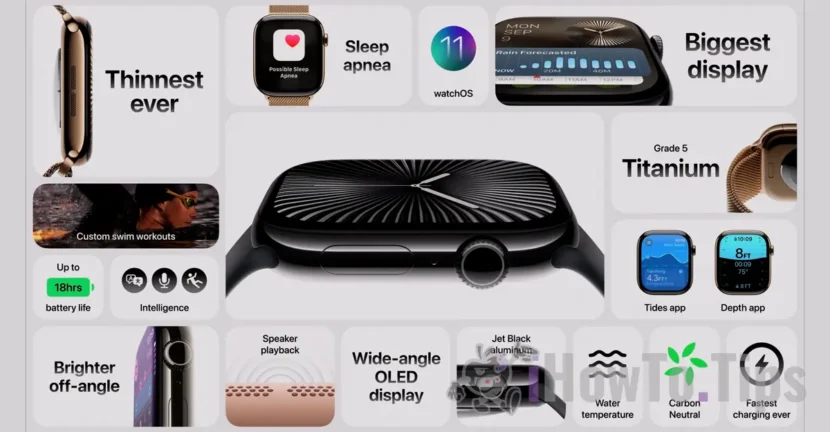

Normally, Apple says that the life of the Apple Watch Series 9 (the latest model at this time) is 18 hours, in the average use and up to 36 hours with "low power mode" activated.
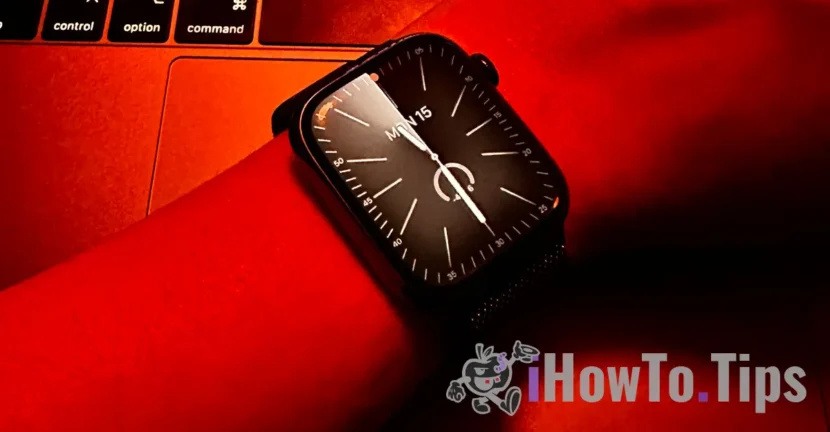
From personal experience, after two years of day by day an Apple Watch Series 7 Stainless Steel, I can say the battery life depends a lot on several factors. From the dial used, light intensity and to the type of connection used, all contribute to both the Apple Watch battery life and how fast it is worn out over time (Battery Health).
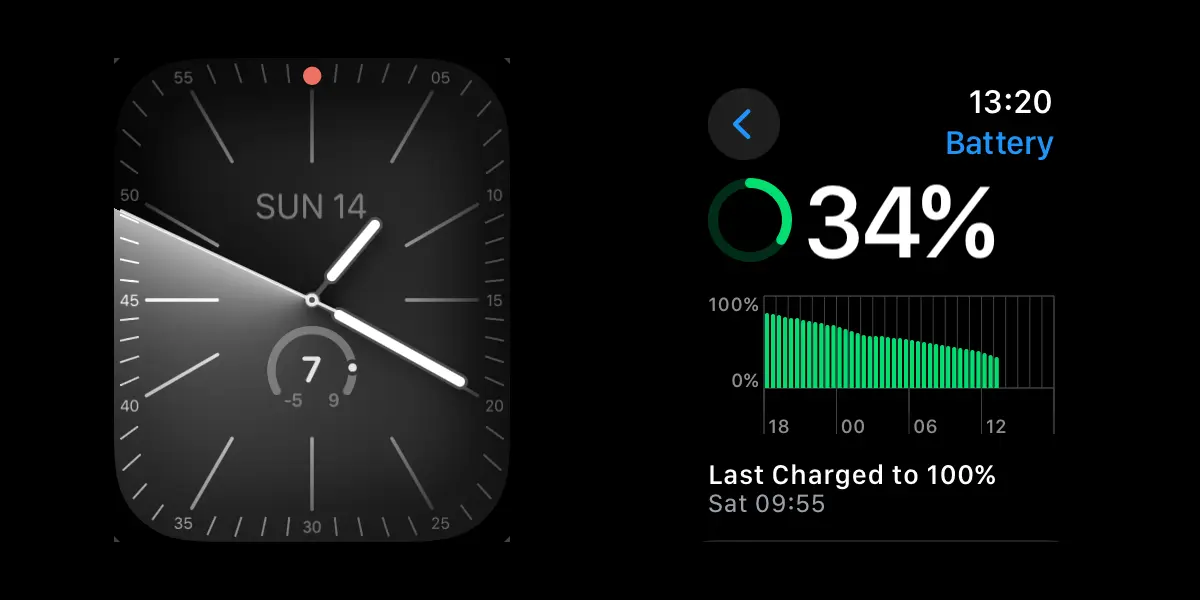
Apple Watch battery life after two years of use.
More important than the lifespan of Apple Watch, is its health. After two years of daily use, the Apple Watch Series 7 Stainless Steel - 45mm battery decreased to a maximum capacity of 84%. A percentage of good, I would say, considering that I have heard of cases in which "Maxim Capacity" decreased below 85% after only one year of use.
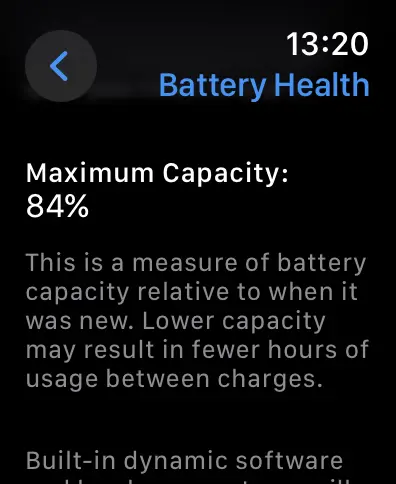
Maybe the secret of longevity is that I did not leave the Apple Watch battery level to drop below 10% and I did not remove it from the charge until it reached 100%. I know, Apple recommends for iPhone that the power supply is at least 20% and maximum 80%.
Under these conditions, with the health of the battery of 84%, the autonomy is over 30 hours, without the "low mode" activated.
What settings do I use to increase your Apple Watch battery life?
1. Most of the time, although I have a GSM model with a number activated on it (so it could work autonomous, without having the iPhone nearby), I have iPhone almost all the time in the proximity of the clock.
2. Apple Watch is connected almost all the time to Wi-Fi.
3. We reduced the number of applications to run in the background. (Background app refresh).
4.. The light intensity of the screen is set to half.
5. Permanently open screen mode is disabled.
6. Disable the screen opening when the "Digital Crown" button is rotated.
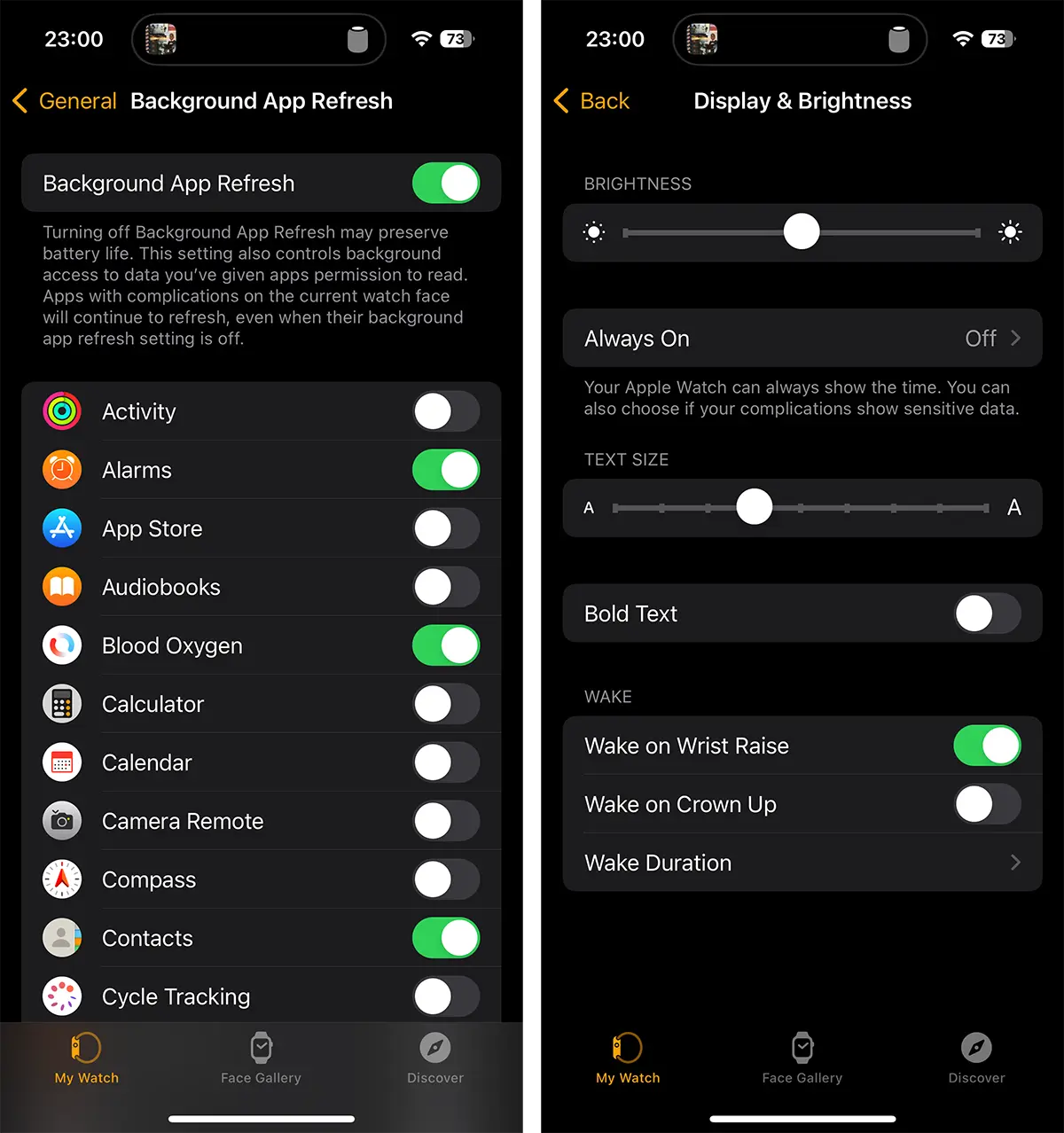
7. I keep the functions of pulse and oxygen levels in the blood.
8. I use quite a little monitoring workout with the app on, but even the autonomy does not decrease much. I tested.
9. Notifications are all activated. Messages, email, phone, plus many other applications.
10. I use less animated quadrants, although in the last period I am a "solar analog" fan.
Related: How do you use Low Power Mode on Apple Watch - increases battery life
About the above are the settings used by me on Apple Watch. What settings do you have for Apple Watch and what is the life of the battery? Comments.