
Nearly a month and a half since the release of iOS 10.1.1, Apple makes available to the general public the new version of iOS for its devices. iPhone, iPad, iPod Touch and Apple TV they received recently version iOS 10.2. This update comes with a series of fixes for some bugs from the previous version, but also with many new features.
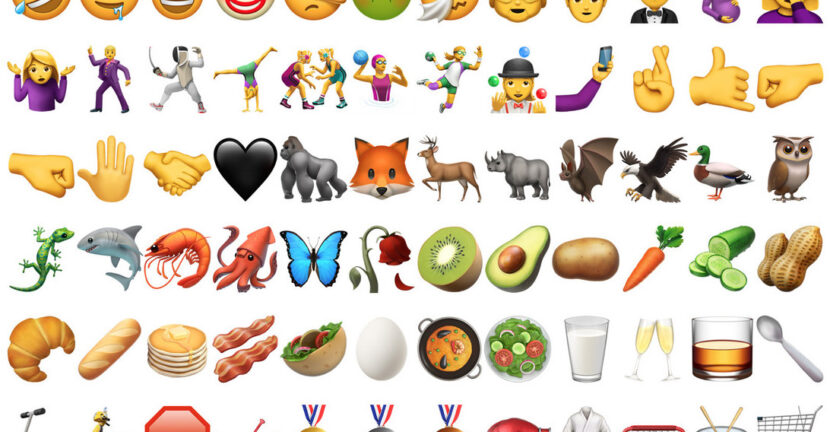
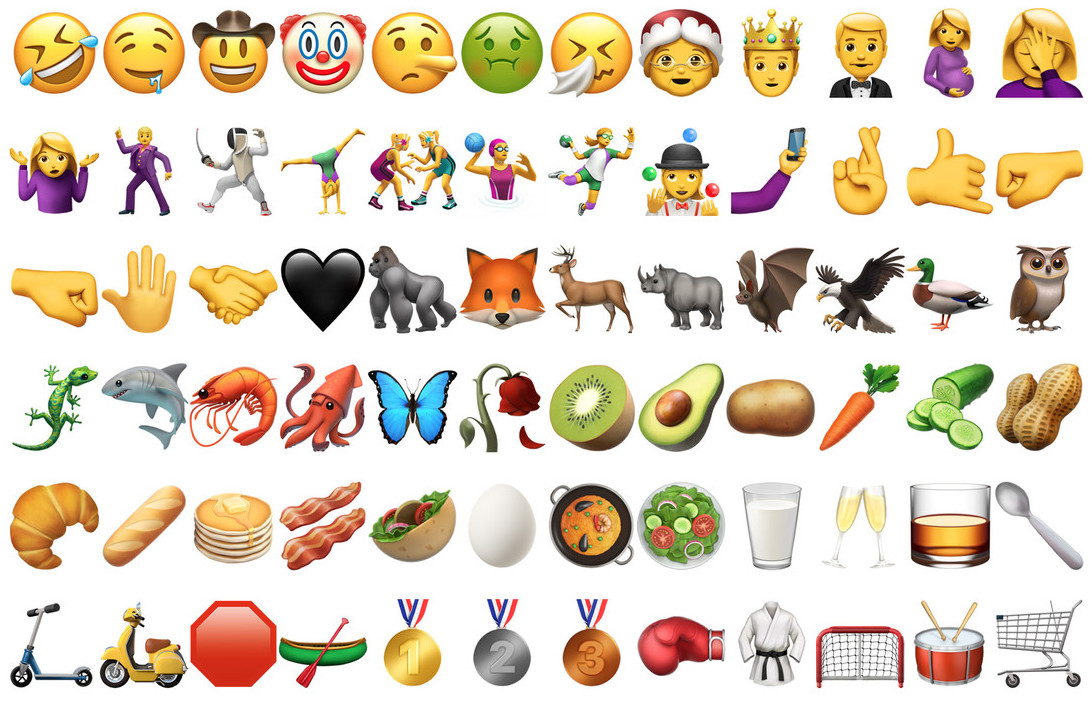
For users in United States, was introduced TV application. This application brings TV shows and movies from several applications in one place dedicated video content. Being an application available only in one region / country, this is not as important a novelty as the new set of 100 emoji icons and the redesign of the existing ones. NEW emoji shows characters from the categories: sports, animals, people, food and girls smiling (smiley face).
Also, the app Room He received a very important update. Saving settings for picture mode (PHOTO) and for the mode VIDEOS.
Up to iOS 10.2, if we chose to take pictures in the "Square"and with the effect filter"One", after the total closure and reopening Chamber application, these options were reset. They were not remembered. It automatically returned to "PHOTO" mode without any effect.
In iOS 10.2 the option "Preserve Settings", which gives us the possibility to save the settings Chamber application for Live Photos, Camera Mode and Photo Filter.
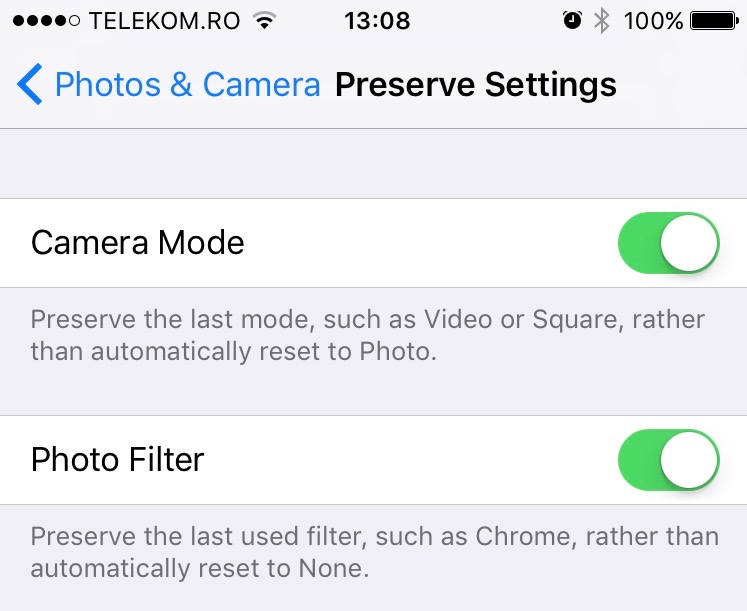
Settings for the Preserve Settings can be found in Settings > General > Photos & Camera.
A very useful option especially for those who are fans of pictures with filters. Now I can set the filters "Transfer", "Chrome" or any other filter available in the Camera application, and it will be remembered every time the application is opened.
In Accessibility find new options for button Home. The option "Press and Hold to Speak"in Settings > General > Accessibility it gives us the possibility to change the functions of the Home button when it is held down. We can set it to open Voice Control, Siri or we can set that nothing happens when the Home button is pressed for a long time.
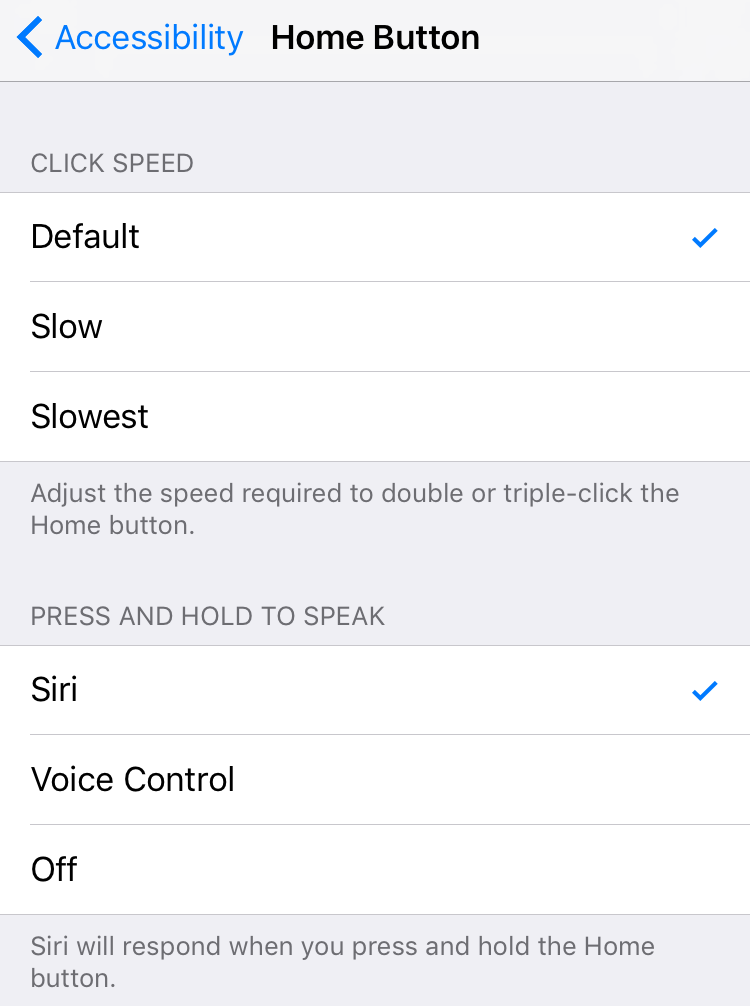
A very useful option especially for those who do not use Siri or Voice Control on the iPhone. I can set so that nothing happens when the Home button of the iPhone or iPad is held down.
When Apple released iOS 10, some of the biggest changes were to the messaging app. In Messages, the ability to send text messages or pictures, accompanied by various simple effects and/or screen effects, has been added. Screen Effects. In iOS 10 and in the versions that followed, the screen effects were present: "send with balloons,” “send with confetti,” “send with lasers,” “send with fireworks"si"send with shooting star". Two new screen effects have been added in iOS 10.2. "Send with Love"si"Celebrate“.
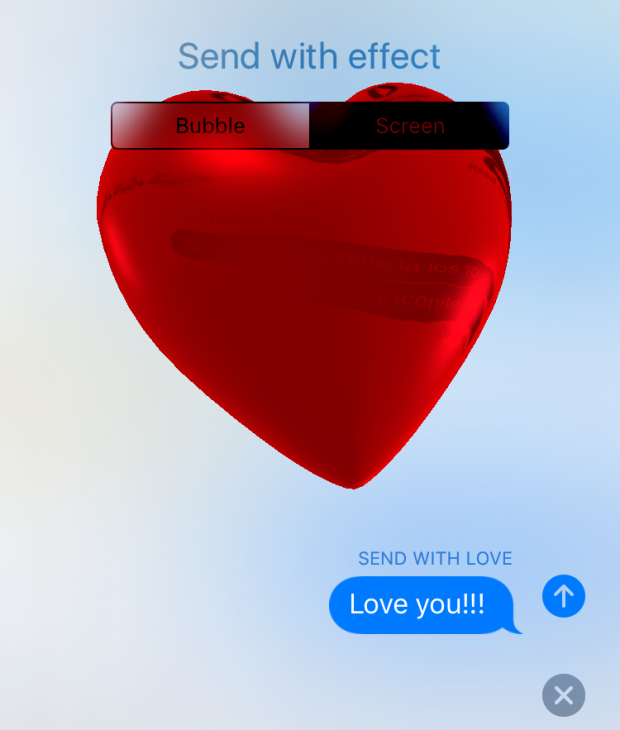
You can send "love" messages only if the latest version of iOS is installed on both your and the recipient's iPhone.
Here is the full list of iOS 10.2 Update:
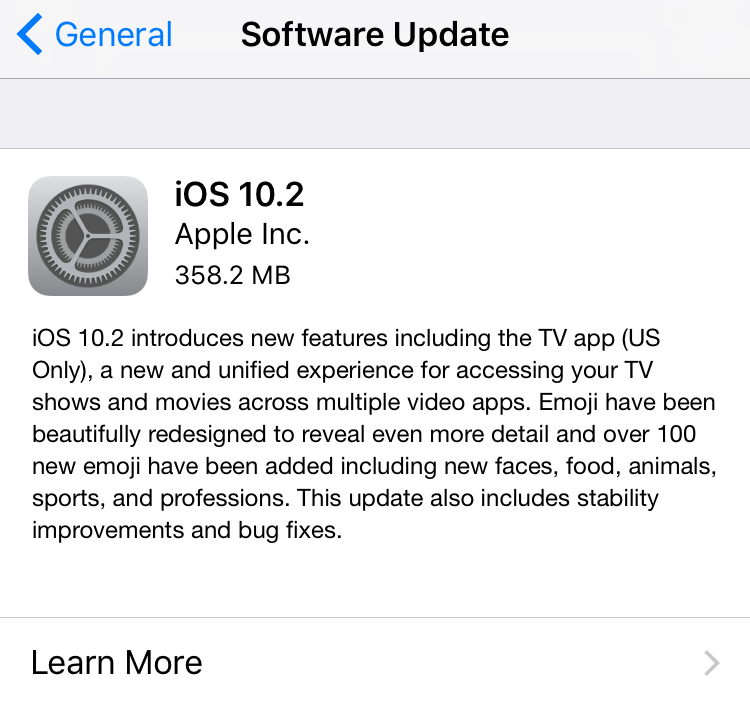
iOS 10.2 introduces new features including the TV app (US Only), a new and unified experience for accessing your TV shows and movies across multiple video apps. Emoji have been beautifully redesigned to reveal even more detail and over 100 new emoji have been added including new faces, food, animals, sports, and professions. This update also includes stability improvements and bug fixes.
TV
Use Up Next to see the movies and shows you’re currently watching and pick up where you left off
Get recommendations for new movies and TV shows in Watch Now
Discover new apps and the latest iTunes releases in the Store
Access the Library for your iTunes purchases and rentals
Emoji
Beautifully redesigned emoji that reveal even more detail
Over 100 new emoji including new faces, food, animals, sports, and professions
Photos
Improves stabilization and delivers faster frame rate for Live Photos
Improves accuracy of groupings of similar photos of the same person in the People album
Fixes an issue where Memories might generate a memory from photos of screenshots, whiteboards or receipts
Fixes an issue where the camera would stay zoomed in after switching back from the Camera Roll on iPhone 7 Plus
Additional support for RAW digital cameras
Messages
Adds new love and celebration full screen effects in Messages
Fixes an issue that sometimes prevented the keyboard from displaying in Messages
Music
Swipe up the Now Playing screen to more easily access Shuffle, Repeat and Up Next
Choose how to sort Playlists, Albums, and Songs in Library
News
Stories you’ve saved for later now appear the new Saved section
The best paid stories from channels you subscribe to will now appear in a dedicated section in For You
It’s now easier than ever to get to the next story, just swipe left or tap Next Story while reading
Mail
Fixes an issue that caused the Move sheet to persist after filing a Mail message
Addresses an issue with long press activating copy and paste in Mail
Fixes an issue in which the wrong message would be selected after deleting a Mail conversation
Accessibility
Adds BraillePen14 support to VoiceOver
Fixes an issue where the braille table could switch unexpectedly with VoiceOver
Fixes an issue where sometimes Siri enhanced voices were unavailable to VoiceOver
Fixes issue where year VoiceOver users could not re-order items in lists
Fixes issue where year Control Switch was sometimes unable to delete Voicemails
The update is available on all iPhone models, starting with iPhone 5 or newer, on iPad 4th generation or newer.




































