

macOS 10.15 Catalina – Release date
Announced and presented by Apple at the beginning of June 2019, Catalina macOS it will be the next major version of macOS that will replace it macOS Mojave from this fall.
At the time of presentation, the new operating system became available in beta version for developers (subscribers), following as in during the month of July to be available in the version public beta for all users with Mac devices enrolled in Apple Beta Software Program.
In This tutorial I showed how to install a beta version of macOS on Mac / MacBook: Enroll Mac device in Apple Beta Software Program.
After the Mojave desert, it was the turn of the beautiful island Santa Catalina from the USA to give the name of the future operating system for Mac.

macOS Catalina – News
Music, TV, Podcast in exchange for iTunes
The new macOS 10.15 operating system comes with important changes, some of which are in tandem with future operating systems for iPhone (IOS) and iPad (Ipados).
On macOS Catalina, applications such as: Music, TV, Podcast, and after 18 years, Apple retrage iTunes. The functionality of synchronizing iPhone devices with Mac will move to Finder.
The new applications: Music, Podcast and TV will be very similar to those on iOS and will receive increased functionalities. Podcast will be able to find audio content by keywords, while the TV application will be able to play 4K HDR and Atmos content.
Sidecar – Extends Mac workspace to iPad and screen mirroring
"Sidecar" is a welcome feature for all owners of iPad and Mac devices compatible with the new operating systems. The new functionality allows you to use iPad as secondary display for Mac and we work interactively on the two devices-uri.
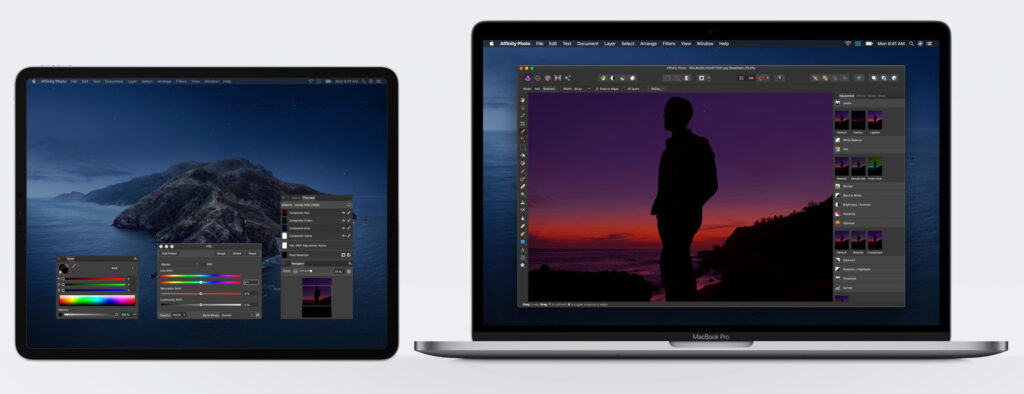
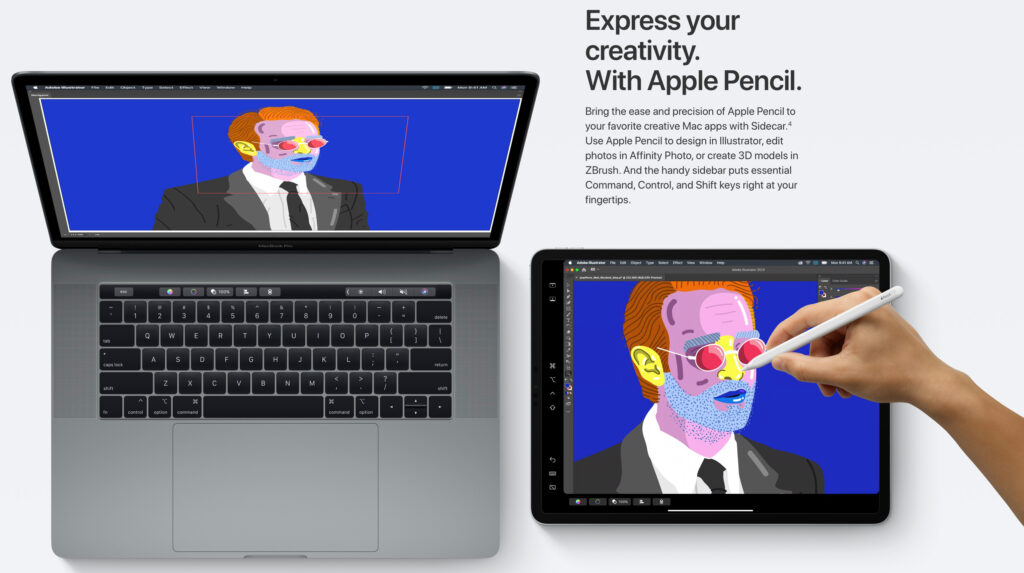
With Apple Pencil, we can say that the iPad (which will receive a new operating system called Ipados) can also be transformed into a graphics tablet for Mac. Applications such as: Adobe Illustrator, Affinity Designer, Affinity Photo, Cinema 4D, CorelDRAW, Final Cut Pro, Maya, Motion, Painter, Principle and ZBrush they will have support for interactive editing on iPad and Mac via Sidecar. An extremely useful feature for photo, video and 3D editing.
Your favorite apps and games on the iPad will also be available on the Mac
Suportul de mirroring si interactivitate dintre iPad si Mac nu va fi disponibil numai intr-o singura directie. Aplicatii si jocuri de pe iPad vor putea fi rulate nativ si pe Mac, printr-un simplu “drag & drop”. Astfel ca puteti rula jocuri gen “Asphalt 9: Legends"On the iPad and enjoy the generous Mac screen and physical keyboard control. Of course, the new iPados will allow you to attach controller, gamepad or joystick.
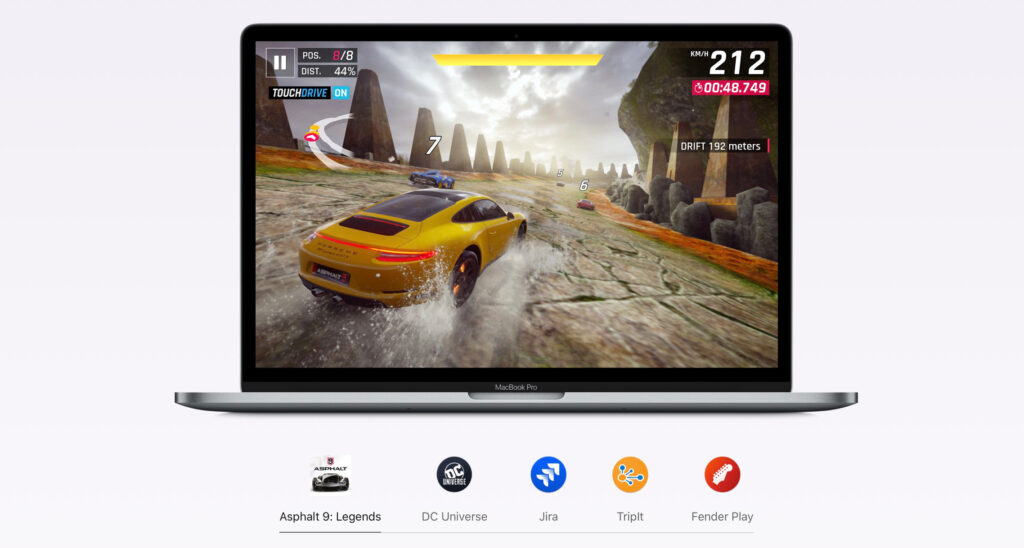
Heh. How about playing FIFA Mobile '19 on MacBook, using an Xbox Controller? Soon it will be possible.
Developers can now design iPad and Mac applications effortlessly. iPad applications for productivity, education, banking services and many others will be able to run from iPad to Mac, without any changes from the developers.
Photos, Notes, Remiders & Safari – New Features
The Photos, Notes, Reminders and Safari applications will be redesigned and will receive new features with macOS Catalina.
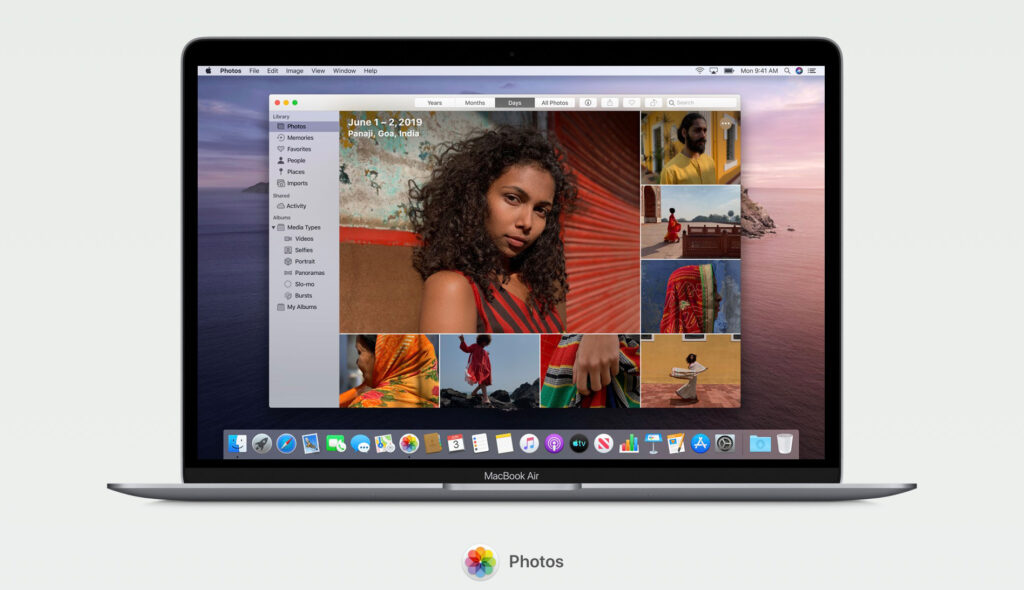
Photos it will be a more immersive and dynamic application, which will be focused on the best catches and on the organizing moments / events captured in the past. It will only display the best photos from a bookstore, no duplicates and no poor quality pictures. Everything will be perfectly ordered by events and memories. The "Photos" application will be even smarter. Able to sort and display events such as: birthdays, baptisms, anniversaries, trips and many others, without manual sorting by the user.
The applications Notes and Reminders they will be almost completely redesigned and with new functionalities.
A much better search and display system, new checklist options, better organization by category and the possibility of more advanced sharing.
About the Reminder application we can say that it was rebuilt from scratch. It has a new interface and comes with new functions. It allows attaching documents, pictures, URLs, allows tagging contacts and uses intelligent search and Siri suggestions, organizes reminders in an intuitive interface.
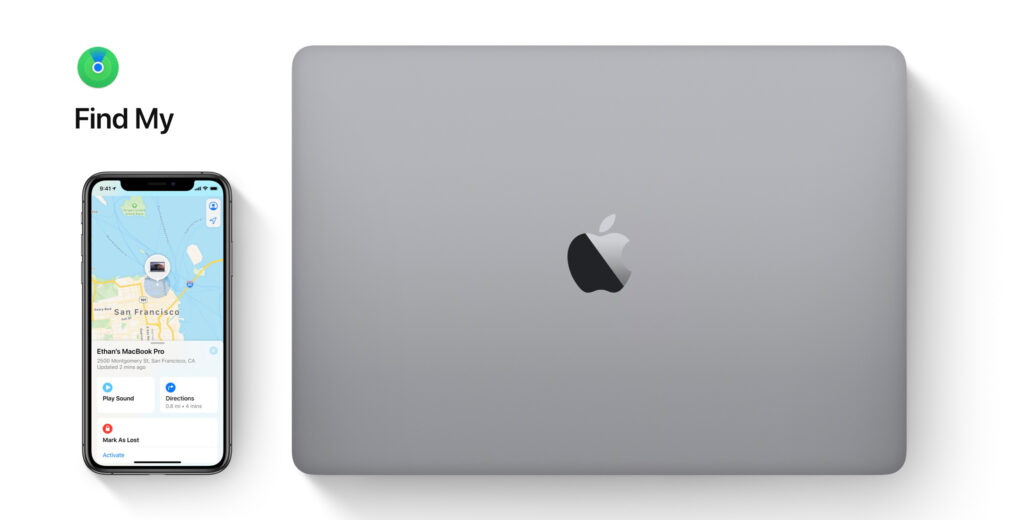
Find My – Find My iPhone & Find My Friends (2 in 1)
About Find My iPhone and Find My Friends I've talked before iHowTo.Tips. Two very useful applications for real-time location of Apple devices connected to the same iCloud account and for location of friends who gave their consent permanent location sharing.
With iOS 13, iPadOS and macOS Catalina, the two applications will be merged into one. Find My.
The "Find My" application can help you find your Mac or other Apple device even if it is active or in sleep mode. Using Bluetooth technology for nearby devices or minimal internet traffic when there is a connection, the devices send the location in real time to the iCloud account. Everything is done in the background and is fully secured.
Voice Control – on all Apple devices
Catalina macOS includes new features to help everyone get the most out of their Mac.
Voice Control allows the user to vocally control the devices without using the classic control method via the keyboard or mouse. macOS, iPadOS and iOS will be fully voice controlled, without limitations.
In addition to these new features, macOS Catalina will benefit from Gatekeeper which will check all applications for known vulnerabilities, while the new data protections will ask applications for permission before accessing personal documents.
All Macs with T2 Security Chip they will have the option Activation Lock, which will make them less attractive to thieves. In addition to the application Find My they will be able to send location even when they are offline.





































2 thoughts on “Macos Catalina - Sidecar, Music, TV, Podcast, Find My and many other news"