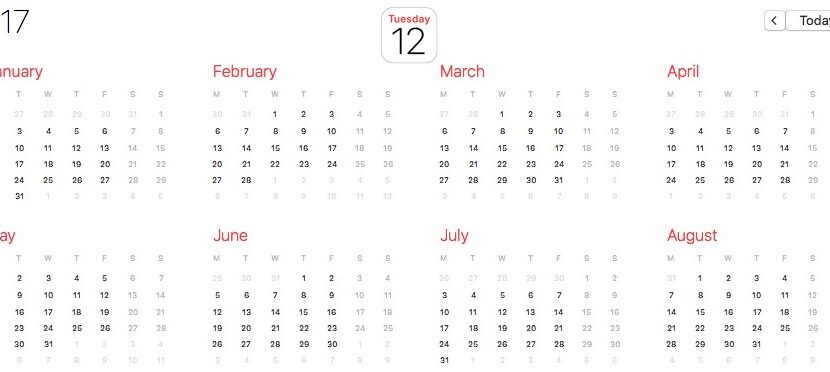

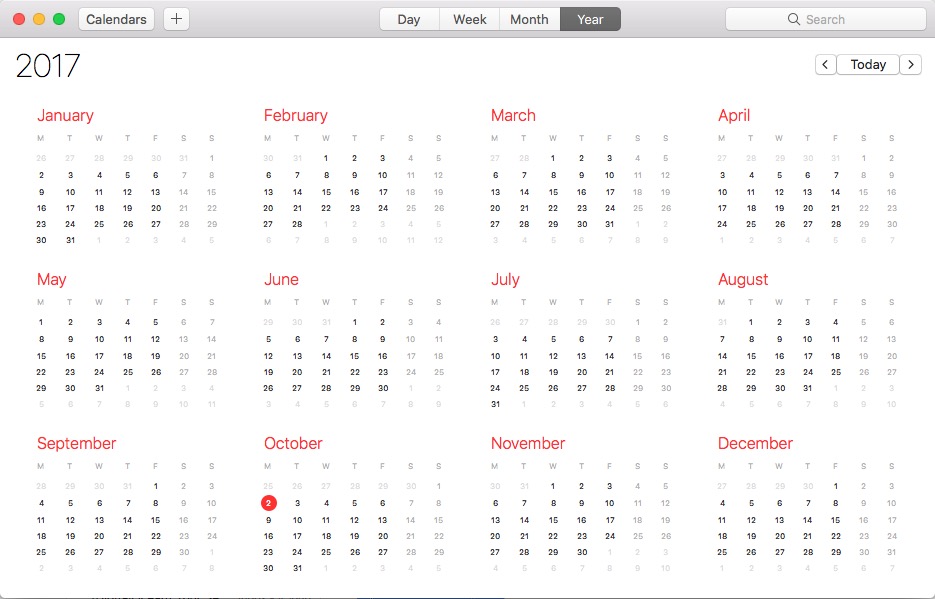
 MacOS High Sierra, but also older operating systems, offer a very complex application for the calendar. Developed by Apple for their own devices, the application ”Calendar"Allows us to add events, notifications for events and create shared events.
Provides support for displaying religious holidays and legal holidays depending on the region and religion.
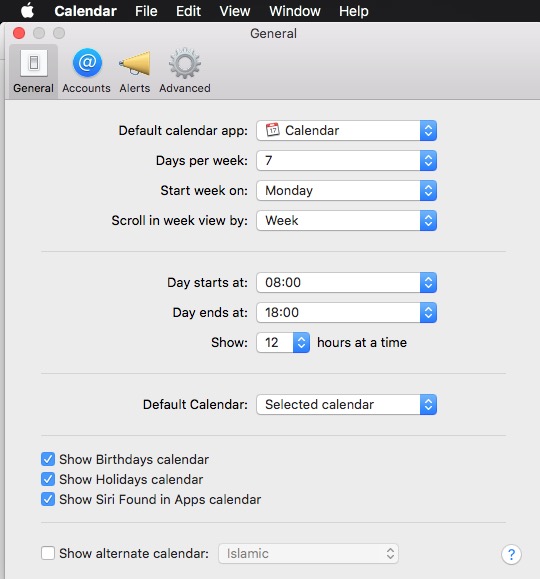
Besides, the application also has some regional settings that include:
- Displaying the days of the week starting with "Monday"Or"Sunday"
- time display format I/PM or 24-H
- How many days are on the week - 5 or 7
- Alternative calendars: Jewish, Chinese and Islamic.
All these settings can be modified from the calendar application → Preferences → General.
In the "Accounts" menu of the Calendar application we have the opportunity to add other accounts that offer "calendar" services. For example, we can add Facebook account to be notified by the calendar application when it is birthday to a friend buddy list, or when we are invited to participate in Evemimente.
It is good to know that the "calendar" application of macos can be synchronized very well with iPhone, iPad or iPod touch through this account icloud. An event added or modified on one of these devices will be automatically modified and what on the others.




































