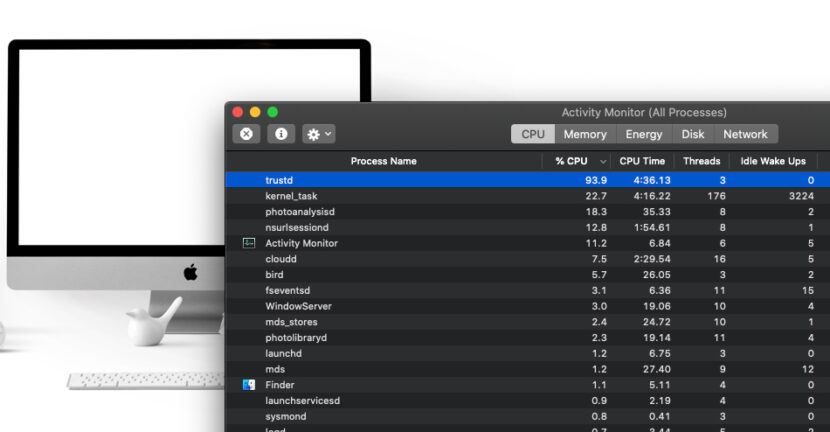

"trustd"It is a process met on the macos, and if you wonder why it runs and what this process is, you will definitely find response in this article.
All operating systems are composed and kept alive by a series of processes of some services through which various operations are performed. If we were to put them on categories, we would say that there are system processes (system processes), which belong MacOS and services of the installed applications, these from UTMA can be followed from Activity Monitor.
Today I will stop on a process that most of the time does not consume considerable resources, except in certain scenarios.
Table of Contents
"Trustd" - What is this process present in Macos Activity Monitor?
"trustd"It was introduced by Apple on maccos operating systems with the launch of the version Sierra (10.12) and is part of the "Daemon" processes. Processes that usually run in background.
Trustd is responsible for checking digital certificates present on the operating system. Both SSL certificates in browser and email or messaging. Basically everything that means digital certificate that the "Trustd" process will be verified that will also make the connection between the certificate itself and the application in which it is used. So you don't have to worry at all if you see this process in Activity Monitor.
What are digital certificates?
For simple Internet users, the best known certificates are SSL (Secure Sockets Layer) for web or email pages. The lock in front of the web address indicates that that web page (web site) is reliable, has a verified owner, and the data exchange between you and that web page is encrypted.
With a single click on the lock in the address bar you will get information about the type of encryption, the author who issued the certificate and other information.
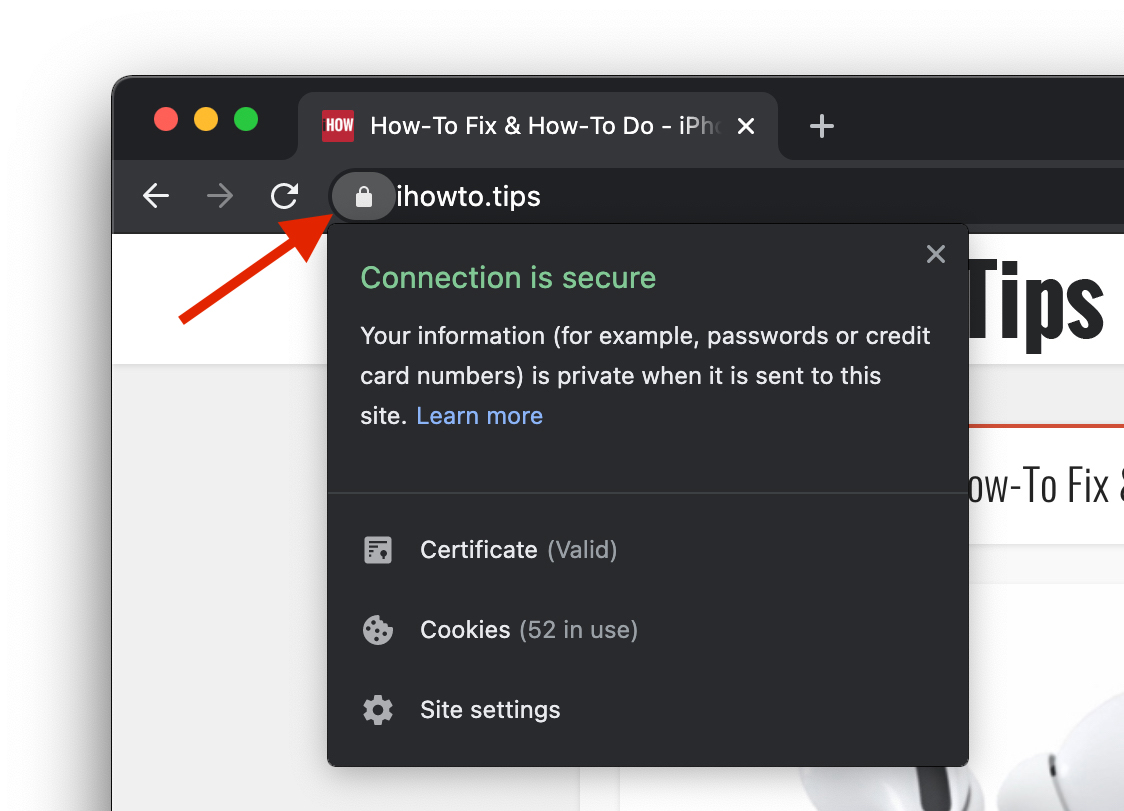
The "Trustd" process also checks the validity of these SSL certificates, besides those of email systems and applications that use such signatures.
De ce consuma (uneori) procesul “trustd” resurse mari de procesor si memorie (High CPU & RAM)?
In my scenario it is about a MacBook Pro (Mid. 2012) with Macos Catalina that I had not opened for some time. During which time I used an IMAC and a MacBook Pro, both with Big Sur operating system.
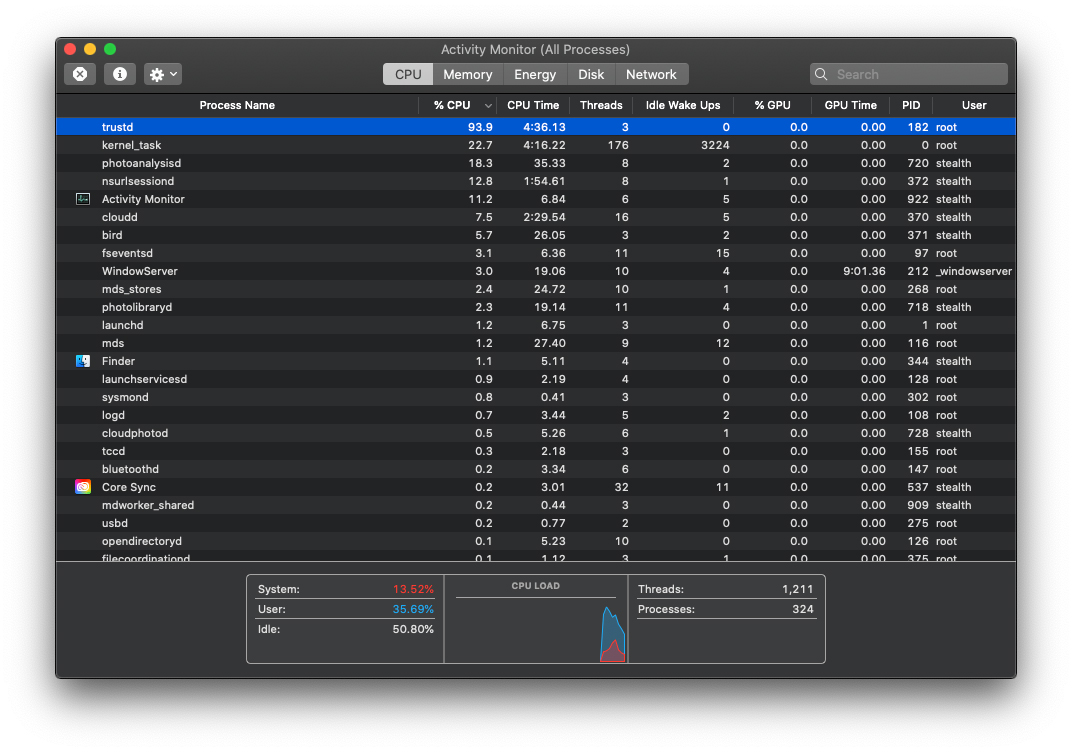
Although Macbook Pro (Mid. 2012) no longer received the latest version of maccos, stopping at Catalina, Synchronization services in iCloud they remained active. Including synchronization in iCloud of digital certificates and passwords rescued encrypted through Keychain Access.
I have noticed that many users given as a solution to delete keychain data to reduce the consumption of "Trustd" process resources. To be honest I would not do this in the break of head. Especially since I use Keychain Access as a digital "wallet" including for the passwords of email and contouring services on various sites and applications.
The excessive "Trustd" "Load" can most often appear in the scenario where you have many certificates saved in Keychain Access and restart MAC after longer. During which time you used another Mac, and the certificates were renewed, changed or some have expired.
Rebooting the old Mac after longer, the "Trustd" process will have something to work in the first minutes, especially if you open safari.
The best solution, before you start removing the data from Keychain Access is to let the process "Trustd" do their job for a while. It will "calm" alone.




































