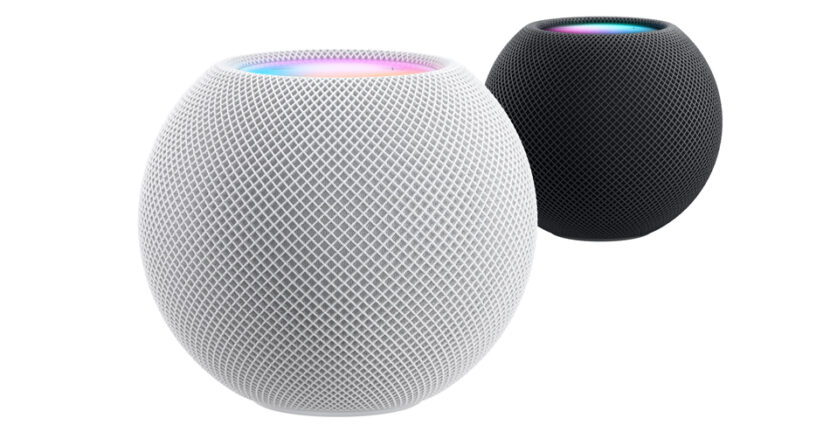

Even if the HomePod smart speakers do not have a menu of theirs that can be accessed from the device, that does not mean that you cannot find the version of HomePod.
Apple constantly updates the software in the ecosystem, and Homepod smart speakers and HomePod mini, are no exception. When new features are added to iOS or iPados that also concern the connectivity part with other Apple devices, most of the time the Update software is made for HomePod.
Table of Contents
How do you see the HomePod software version?
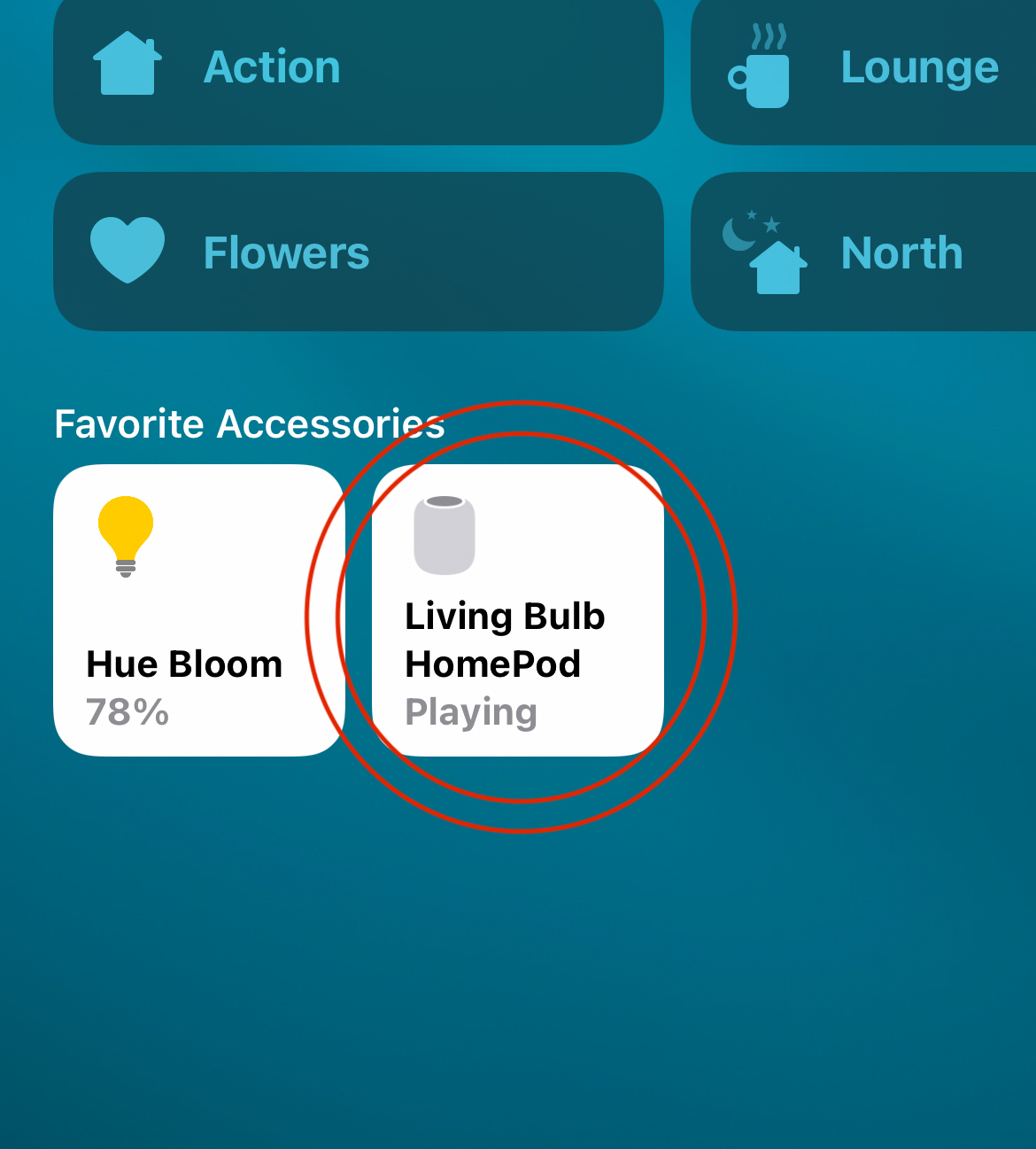
1. Open the Home application On the iPhone, iPad or Mac, then press and press on the icon “HomePod” – “Living Bulb HomePod"In the image below.
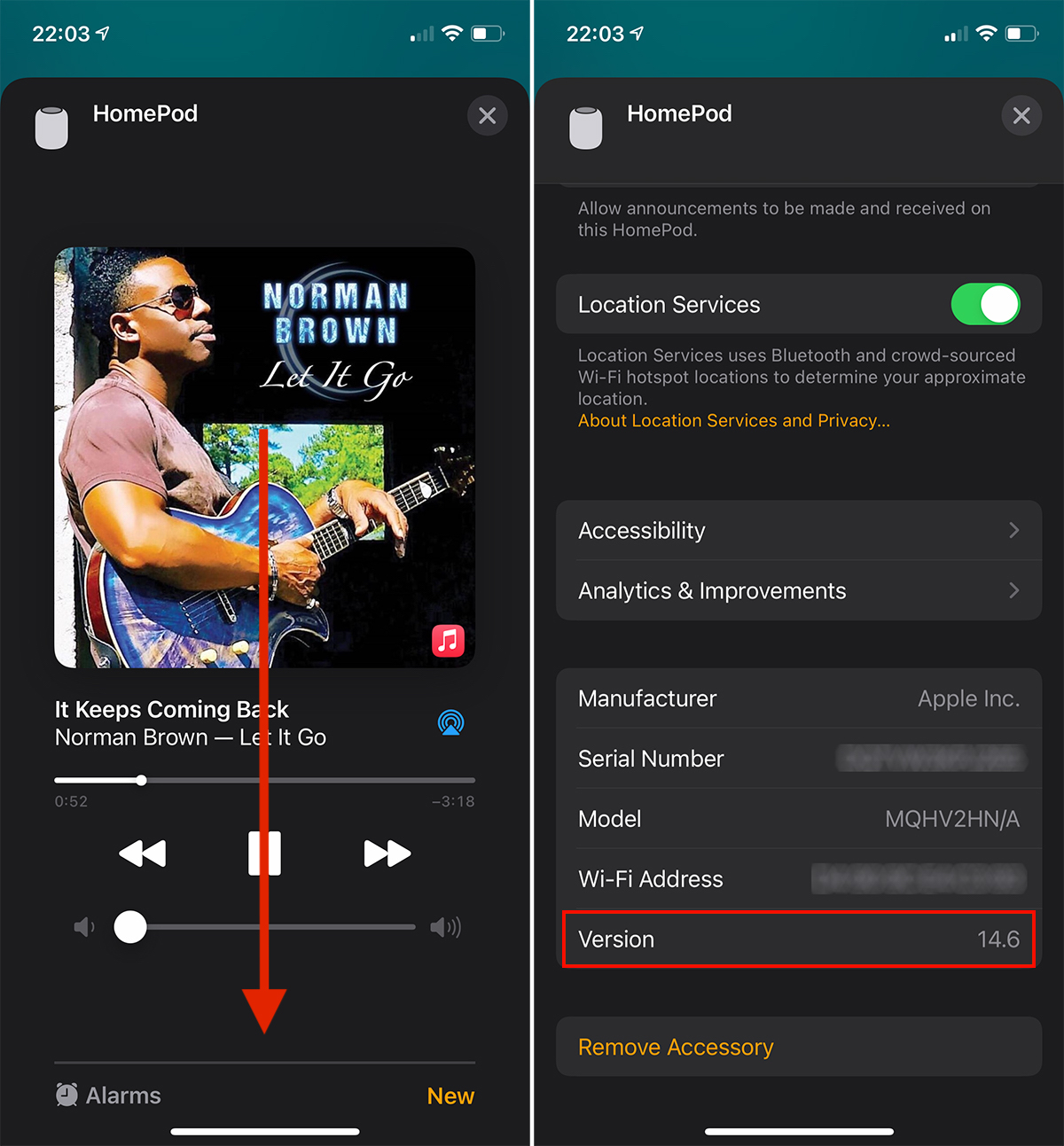
2. In the screen that opens Run to the bottom, and there you can find the current software version of HomePod. Version 14.6.
How do you handle the HomePod software version manually?
To manually update the HomePod software version, you need to have iPhone or iPad at hand and follow the steps from the tutorial below.
At the sound side I do not know if too many improvements can be made to a homepod model already on the market, but at Siri Certainly better place, and improvements can be brought through UPDATE OF SOFTWARE.
First of all, Homepod must be added to Home on iPad, iPhone, iPod touch or Mac, in order to access its settings.
By Default, HomePod smart speaker automatically makes software updates
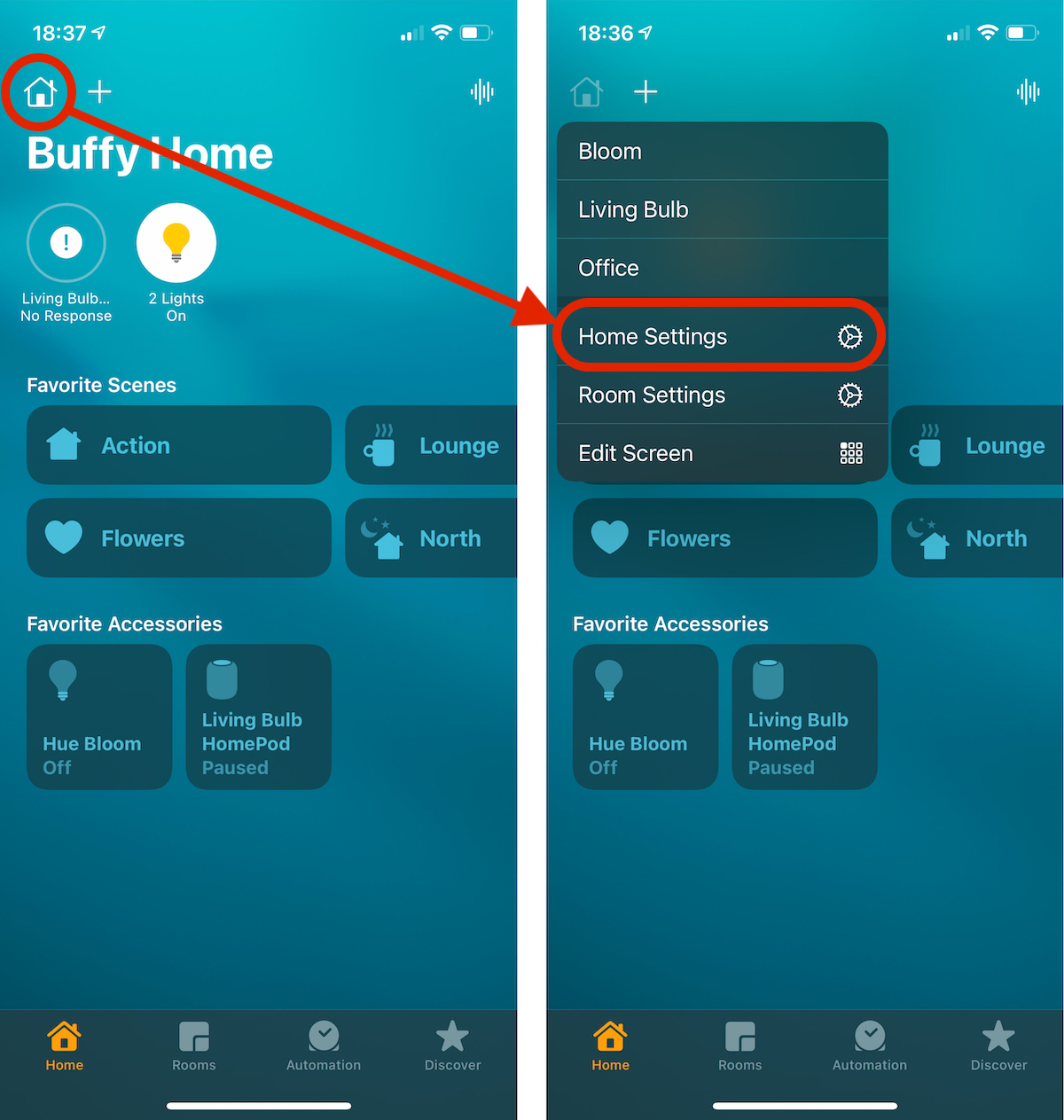
1. We open the application Home on the iPhone and Press the icon "Home"From left-hand. In the menu that opens, we press"Home Settings“.
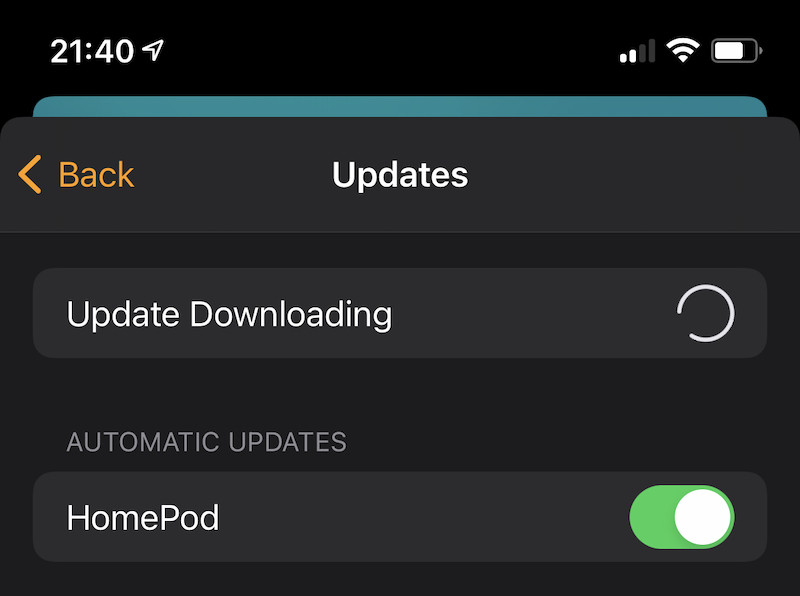
2. In the screen that opens (Home Settings) We go to Software Update.
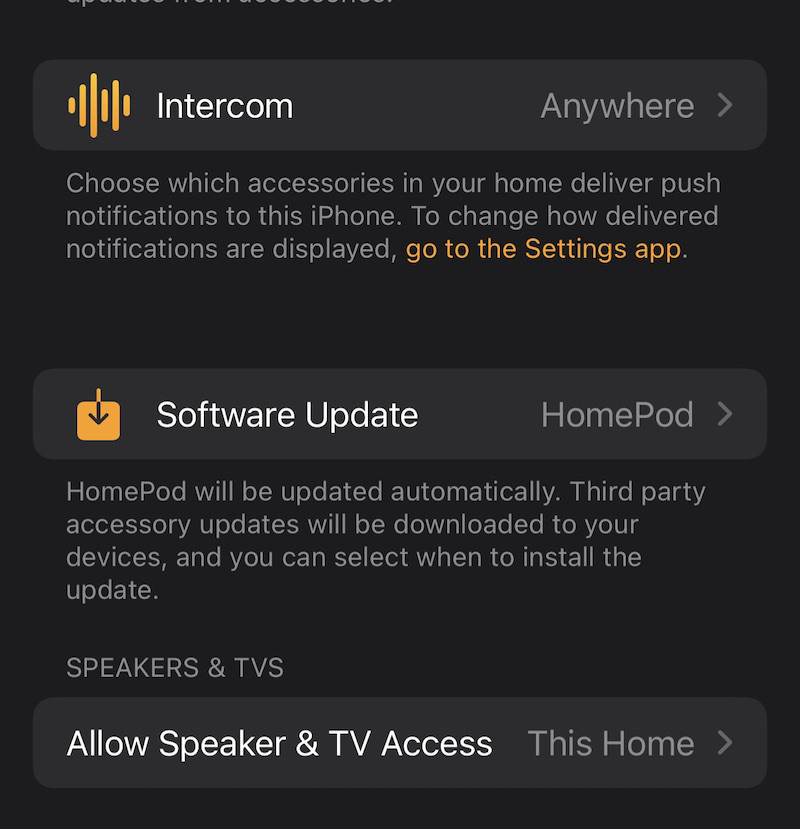
After you click on Software Update, will automatically start checking if there is a new version of software.
Apple has announced a list of new countries where Homepod will be present. Austria, Ireland and New Zealand starting with the end of Luinii June 2021, and the Tomana will also be available in Italy.