
Apple has so far developed two types of keyboard protection covers for its models iPad. Smart Keyboard Folio and Apple Magic Keyboard. Being possessor of both keyboard models, I think a few words are welcome about the experience of use on the iPad Pro 11-inch, over time.
Sa vedem Smart Keyboard Folio vs. IPad Magic Keyboard.
Table of Contents
Smart Keyboard Folio (iPad 1st gen.)
It is the first Apple's keyboard model. I had it for more than 3 years (almost 4) on a iPad Pro (1st gen) And I can say that it is at least disappointing, for the exaggerated price, compared to other compatible products.
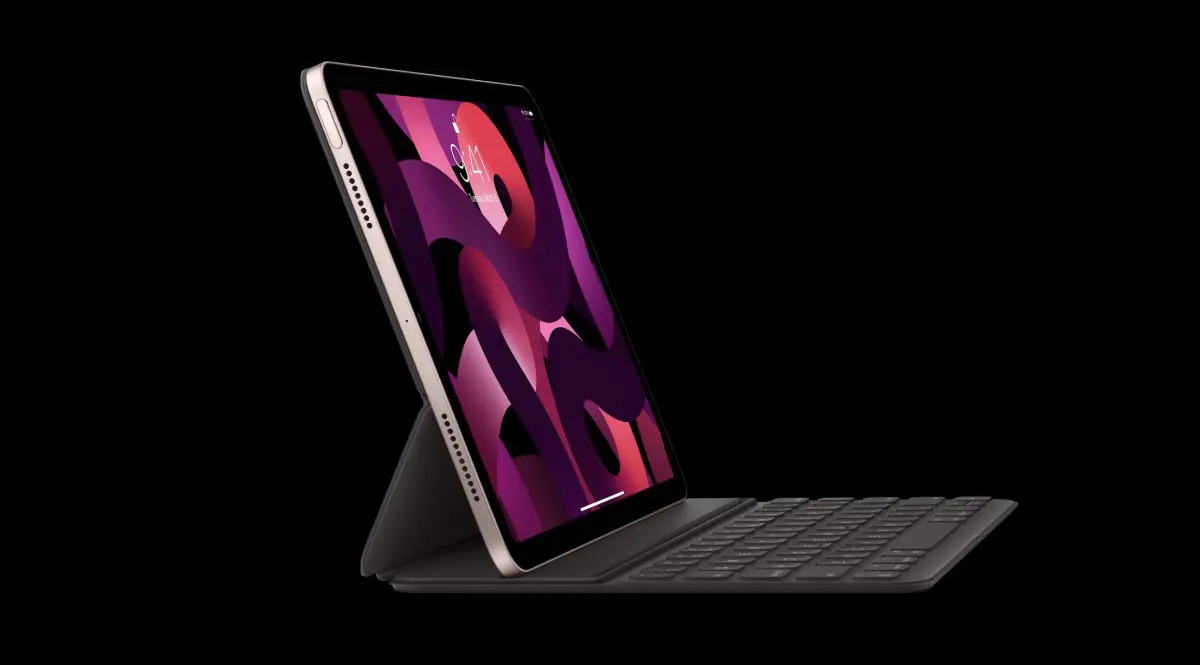
Initially I was very exciting with Smart Keyboard Folio. A very pleasant silicone at the touch, the keyboard also on the silicone with a very good writing, silent experience. Even if it is not an illuminated keyboard, for those who do not need to forget the keys when writing, it is not a problem.
Unfortunately, after only a few weeks, the back of the case (the bottom) began to look like it was A piece of scraped leather, and shortly, the same signs began to appear on the front of the case. The silicone became very ugly over time, with a kind of strange strives, and for someone who does not support devices and accessories with scratches or other traces of wear, it is not pleasant at all.
I mention that it was not in contact with corrosive liquids or to affect its material. Possible just to put his hand on her with sweaty fingers, sometimes. But it's abnormal to have a little transposition on your hands, right?
I do not know if the subsequent models of Smart Keyboard Folio, for iPad Pro (Gen 2) and iPad Pro (gen. 3) are made of the same material. I had the first model, for the iPad Pro 11-inch (1st generation).
After 3 years of moderate use, Smart Keyboard Folio has become almost impractical. Rare the moments when the iPad still recognized the accessory. Most of the time I could not use it as a support or as a simple case, because of the message that announces that "the accessory is not supported on this device". I wrote here about This problem.

Accessory Not Supported
This accessory is not supported by this device.
After almost 4 years, iPad Pro (1st gen.) Was sold in impeccable condition, along with Smart Keyboard Folio that was offered as a "bonus". The new owner threw it in the garbage after the first day.
Apple Magic Keyboard (iPad pro gen. 3/2021)
I was stubborn as for the new iPad Pro 11-inch (gen. 3/2011), to buy all original Apple accessories.
New Apple Magic Keyboard It is quite different from Smart Keyboard Folio, with pluses and minuses.
In the external material chapter, I honestly have emotions. It is about the same that Apple also used at the Smart Keyboard Folio. So I expect that not much traces on the exterior parts of Magic Keyboard for iPad Pro 11-inch 3rd gen.
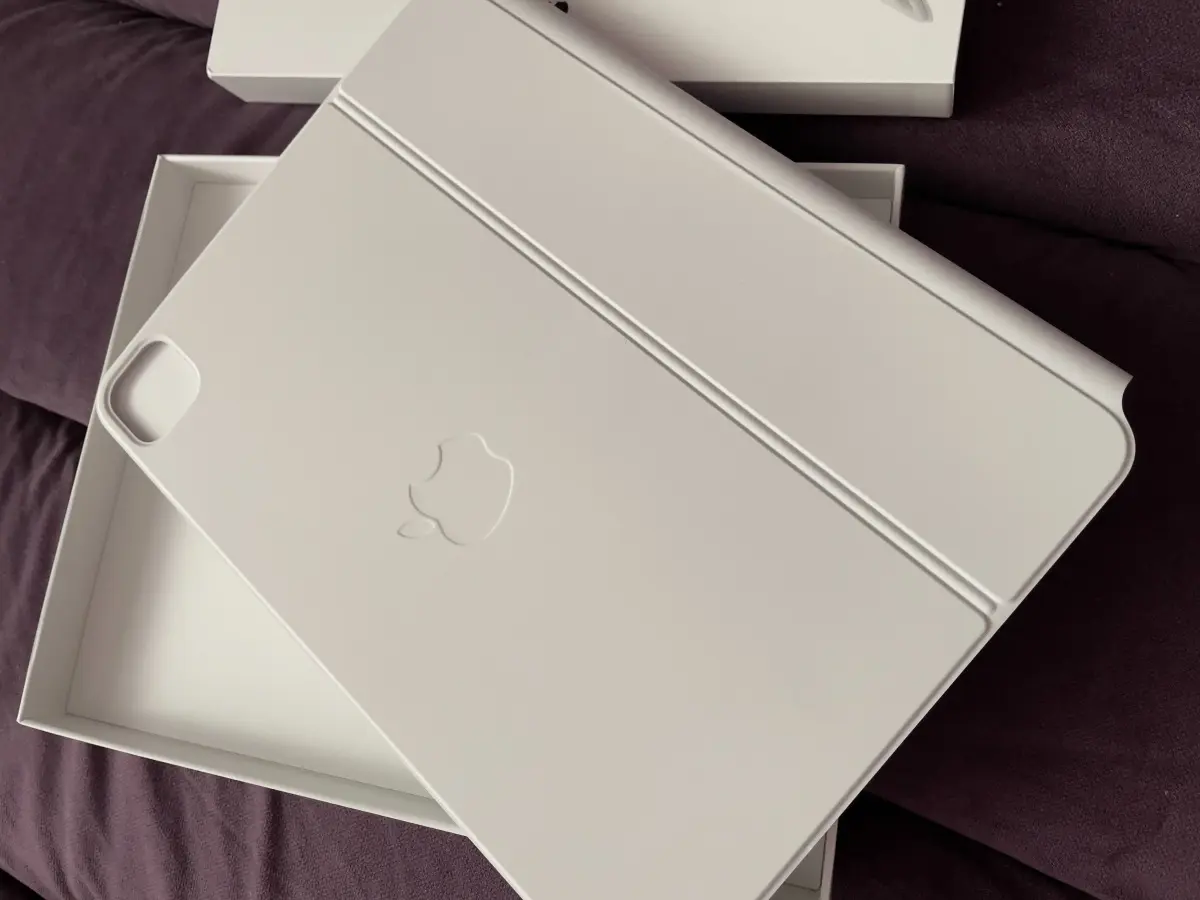
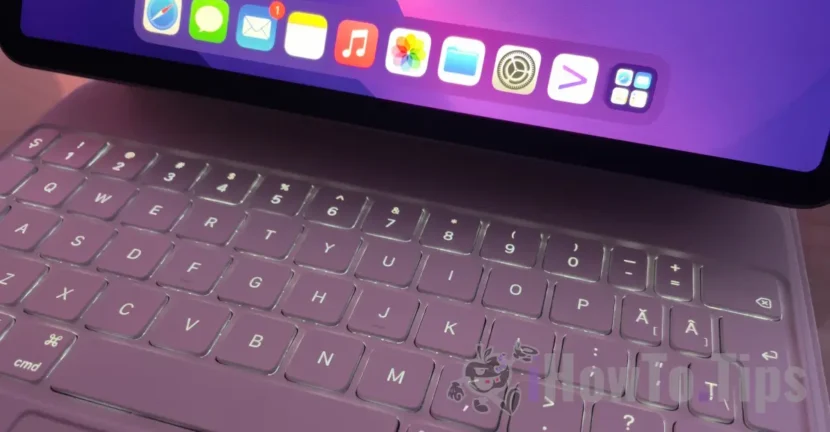
At functionality, Smart Keyboard Folio Vs. IPad Magic Keyboard, the first impulse would be to say that Magic Keyboard is far over Smart Keyboard Folio. This is due to the illuminated keyboard and the trackpad. If we need to fold on my back iPad and keep it in portrait mode, well, with Magic Keyboard It can't be that. It is quite limited in the positions in which iPad can be held. In fact, this aspect is highlighted on the box in which the keyboard comes.
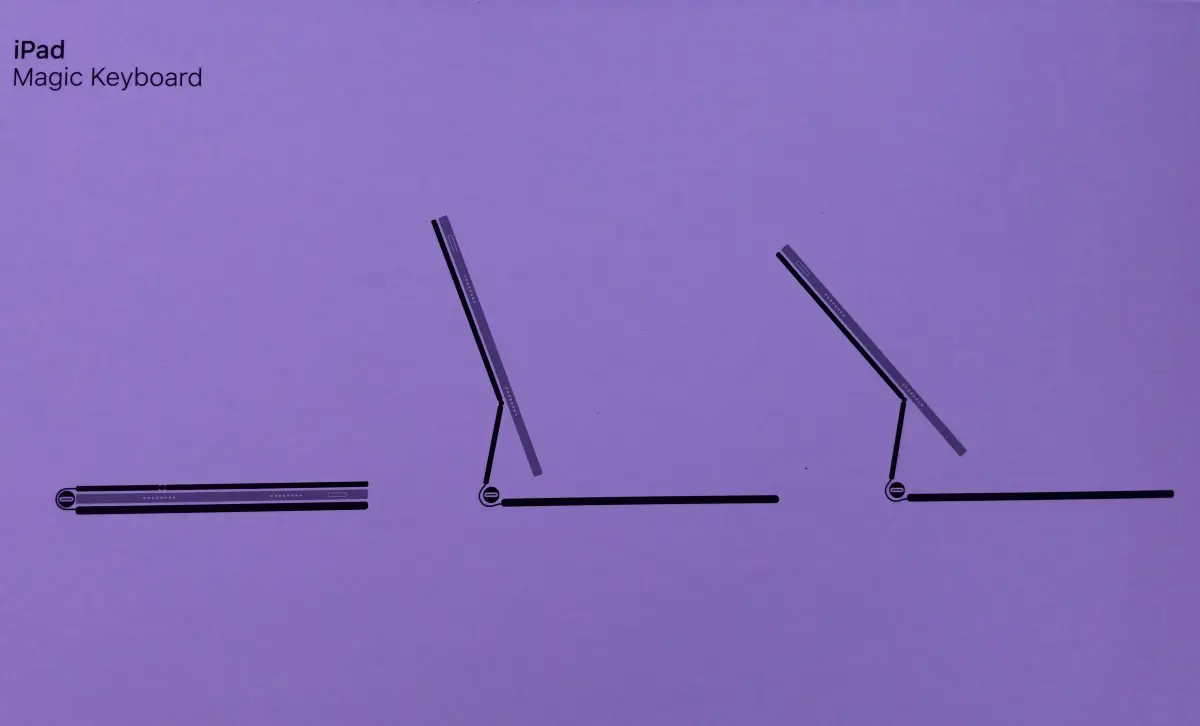
So, in order to hold the portrait mode, you will need to detach the keyboard. For those obedient to take notes or make sketches on iPad with Apple Pencil, it is a problem.
Another minus of iPad Magic Keyboard, is weight. If Smart KeyBoard Folio did not feel much, when I received the keyboard, I would really wonder if they didn't put an iPad by mistake.
The pluses are also tailor -made. A Illuminated keyboard Which offers a very good race in writing quickly, trackpad that allows a lot of gestures (for MacBook owners that are already accustomed, this is a huge plus) and a USB Type C port, which allows the iPad loading, leaving the built -in port for other accessories.
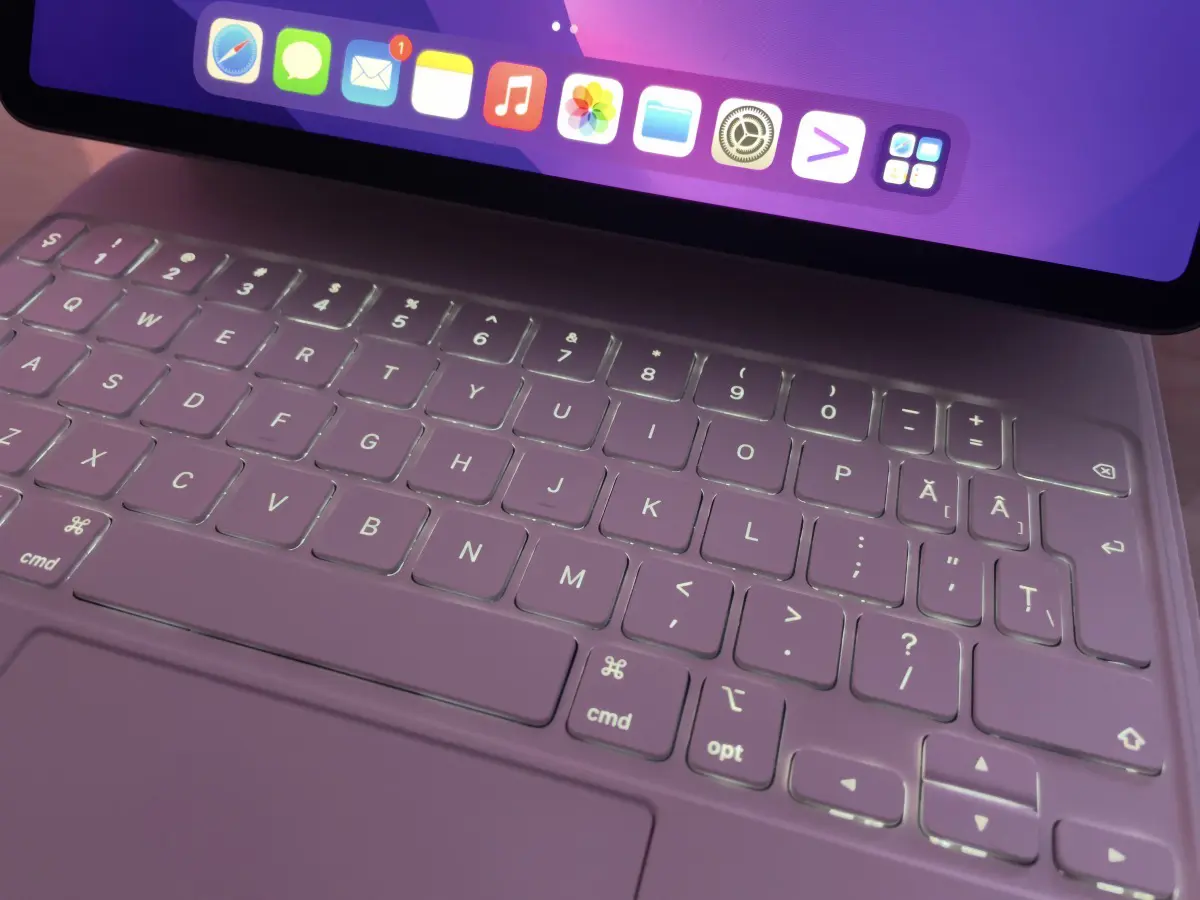
Although Apple does not say and many online stores, Magic Keyboard is compatible and iPad Pro Gen. 4. I recently made the transition from iPad Pro Gen. 3 at iPad Pro Gen. 4, and Magic Keyboard fits and works normally on the new iPad model.
Smart Keyboard Folio vs. IPad Magic Keyboard
As for me, so far I can say that the iPad Magic Keyboard helps me more than Smart Keyboard Folio, but before you make a purchase, think about all aspects of functionality and durability.
It would be a great disappointment that after 2-3 years it was found that this keyboard also has problems to connect to iPad, that Trackpad no longer works or the keyboard backlight lights.