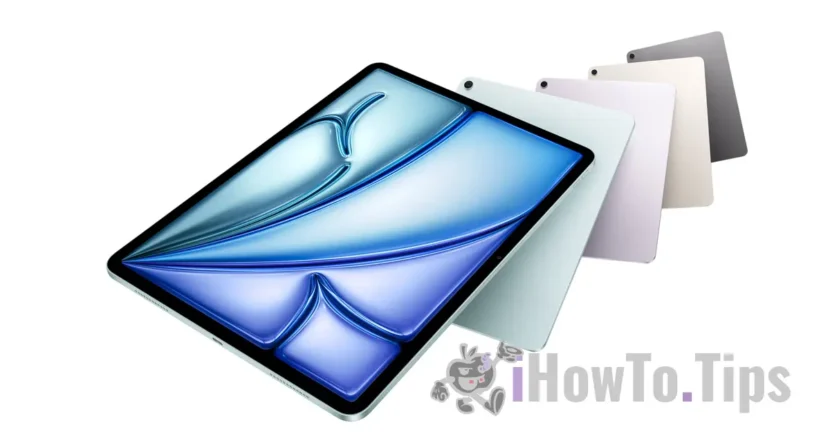

Before we see how we install IPADOS 16 BETA, we need to see if the model Our iPad It is compatible With the future operating system Ipados. Check here How can we find out what model and generation our iPad is.
If the model is compatible and we want to test in the new features of iPados 16, we must make a backup of the current operating system. Let us be aware that iPados 16 being in the Beta development version comes with bugs, errors and incompatibilities with some applications and games.
Tutorial: cum install iPados 16 beta
1. We access the official page from iPad Apple Beta Software Program, where we select iPados.
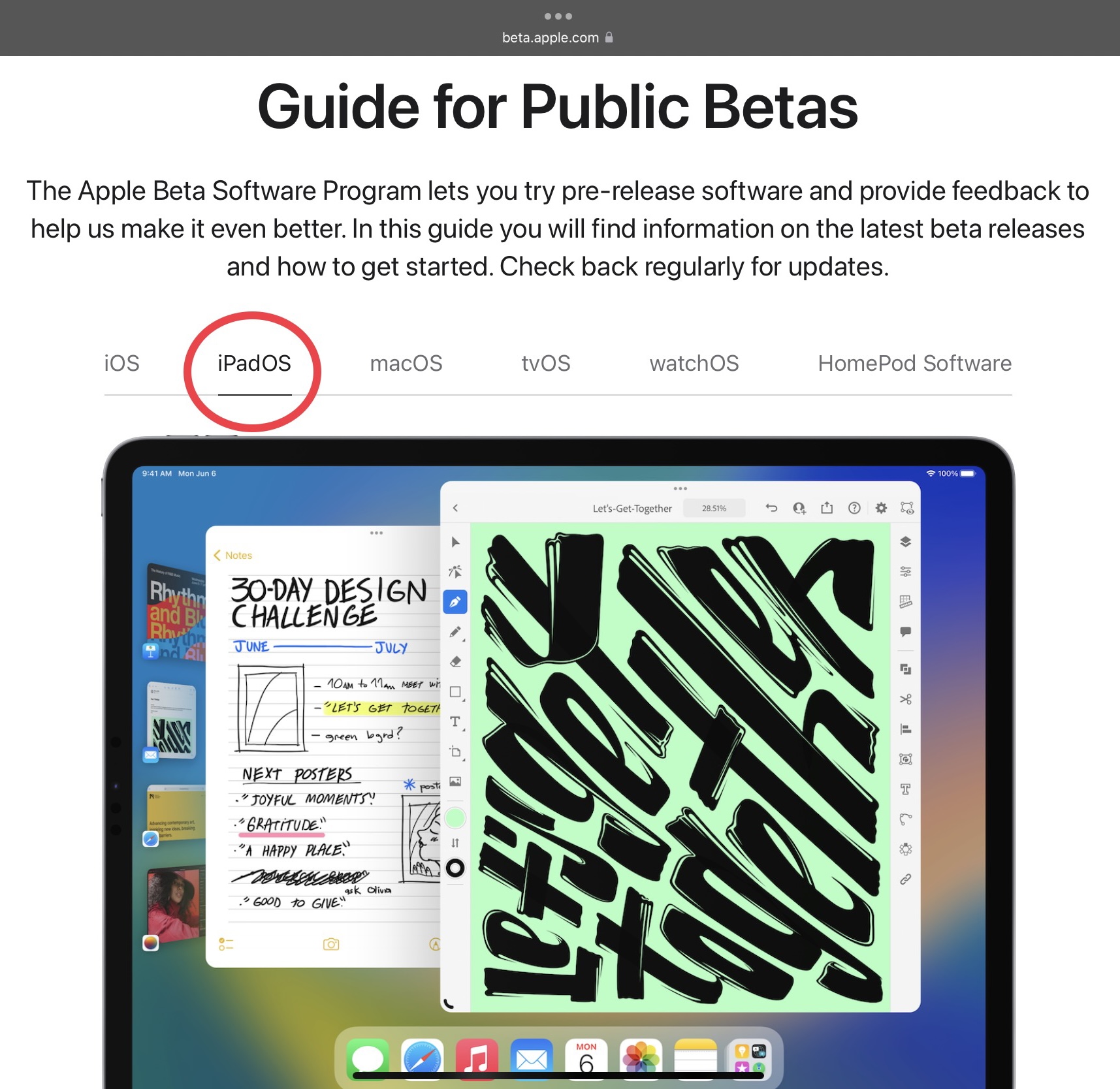
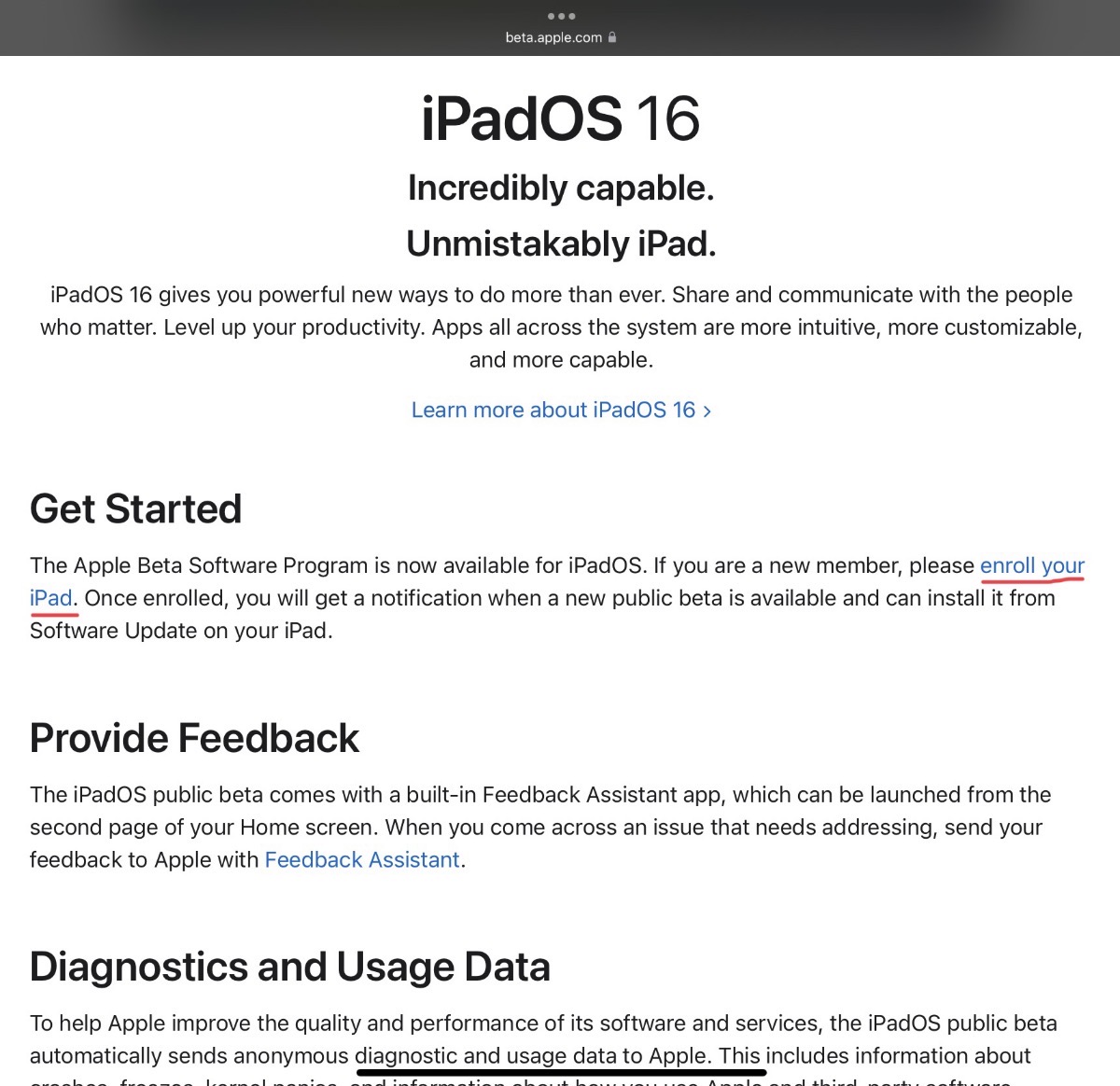
2. We authenticate on the page with the same Apple ID which is on iPad, then we access the link: “Enroll your iPad“.
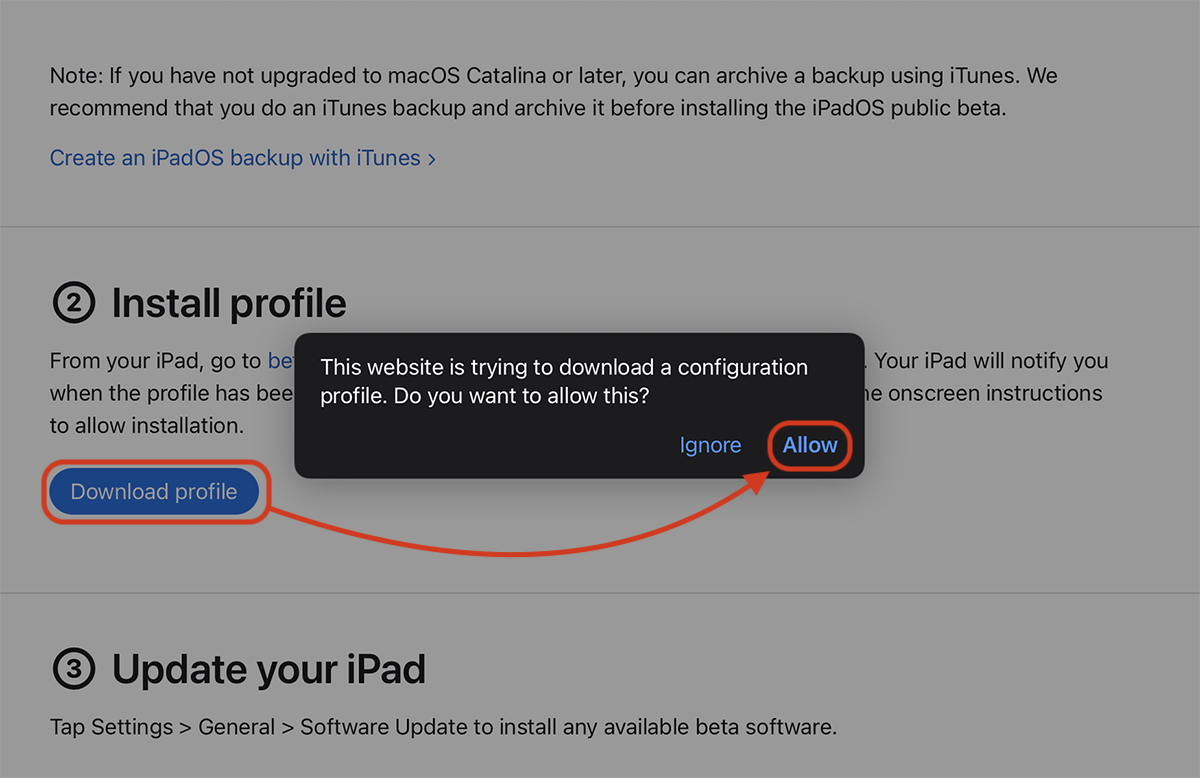
3. In urmatoarea pagina descarcam profilul pentru iPadOS 16 Beta. Download profile & Allow.
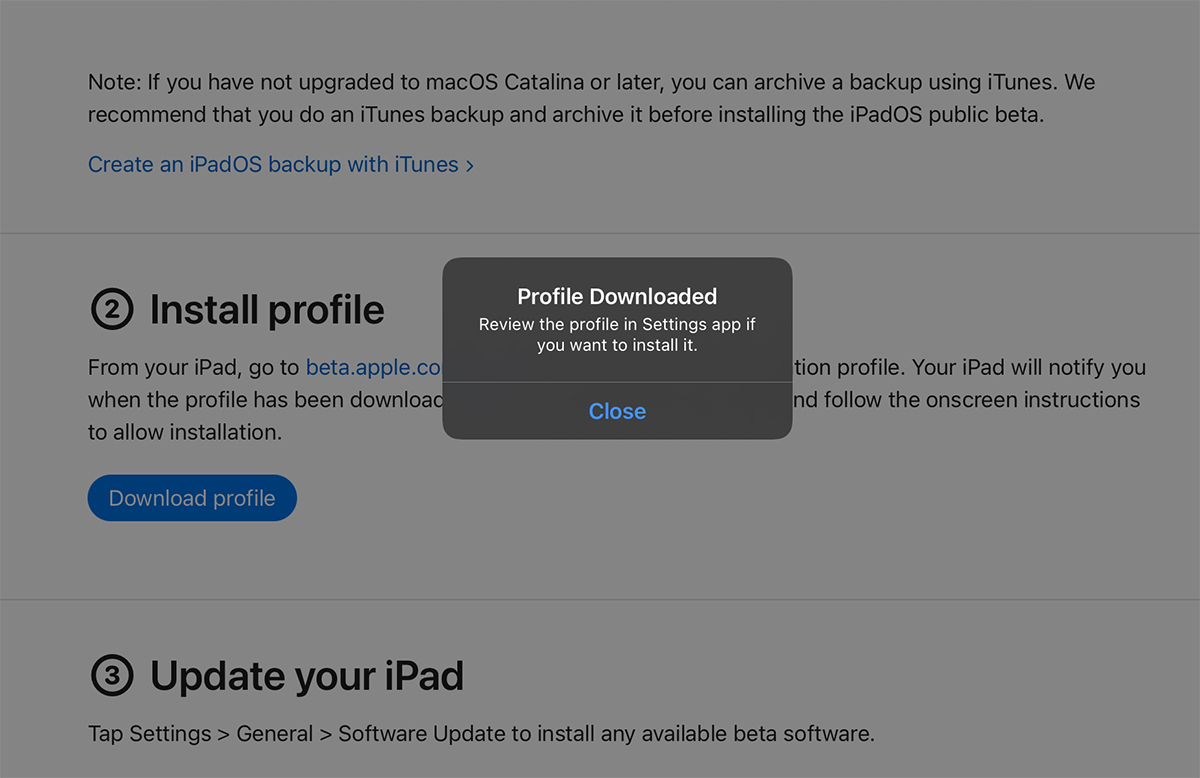
4. "Close" on confirmation of profile discharge.
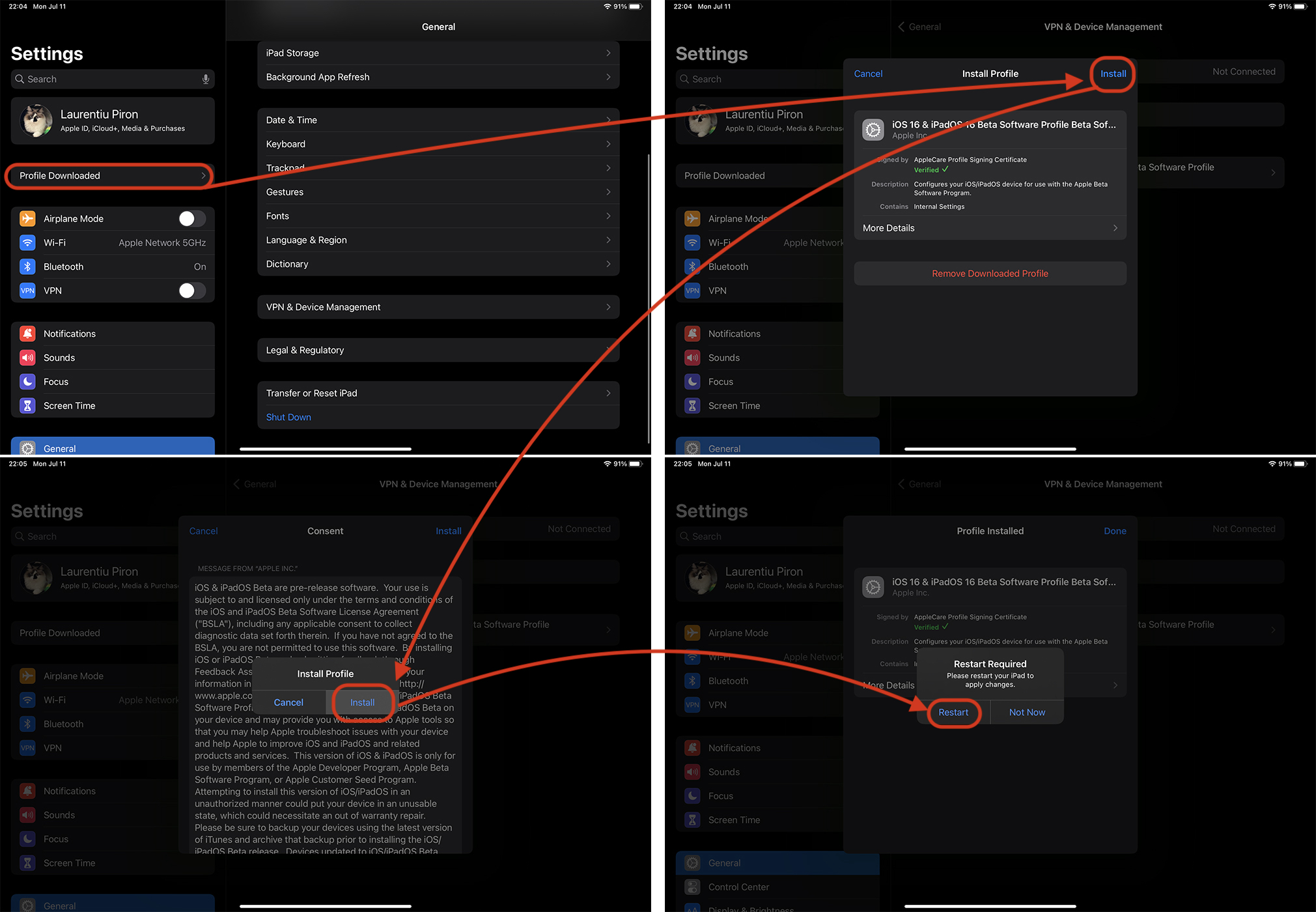
5. We close Safari And we go in Settings. Here the option "Downloaded profile" appeared. From here we follow the steps to install the profile for Ipados 16 Beta, then restart device-ul.
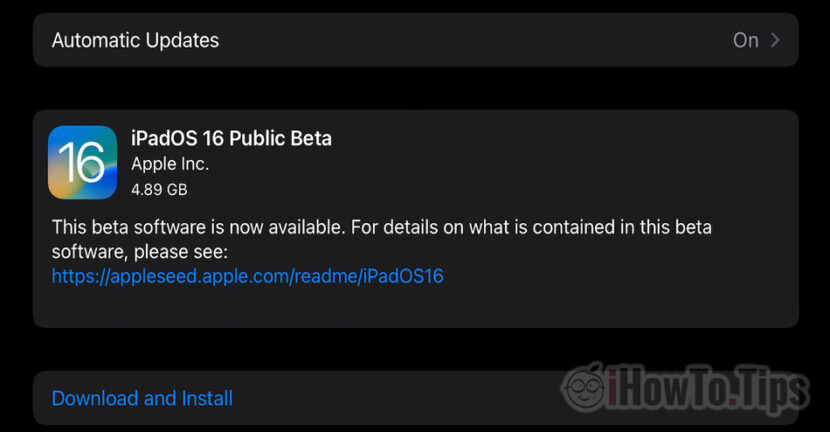
After restart we go to Settings → General → Software Update.
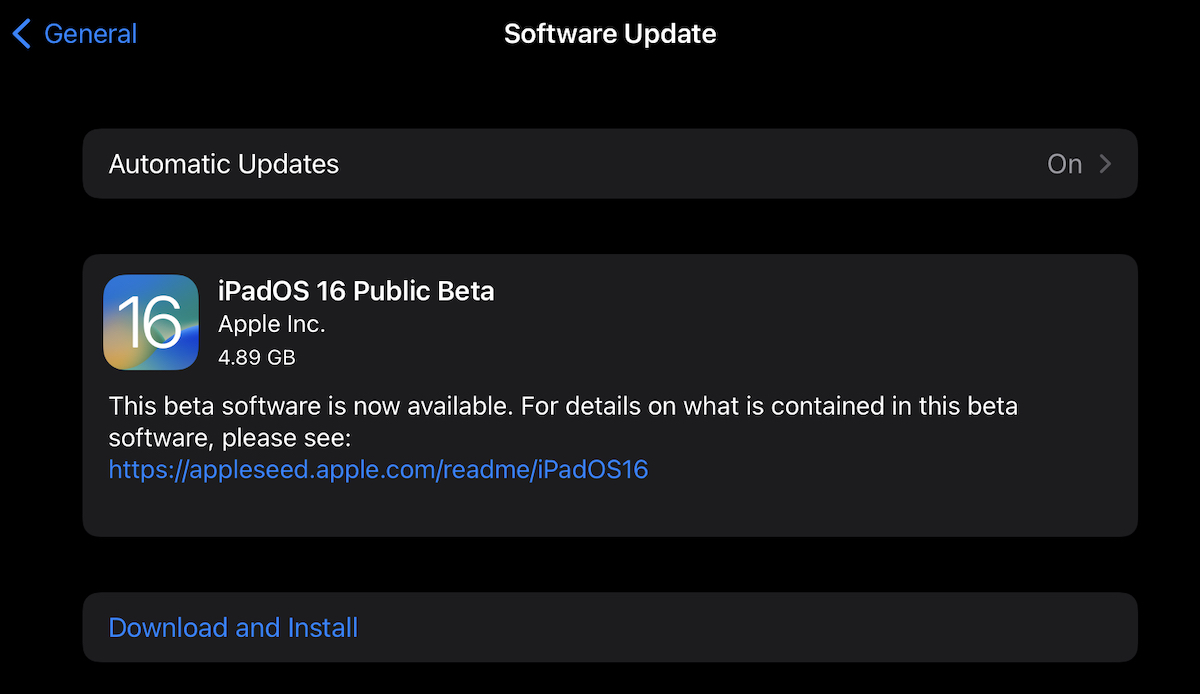
The upgrade process can take several minutes and require stable Wi-Fi Internet connection. The battery should be charged at least 50%.