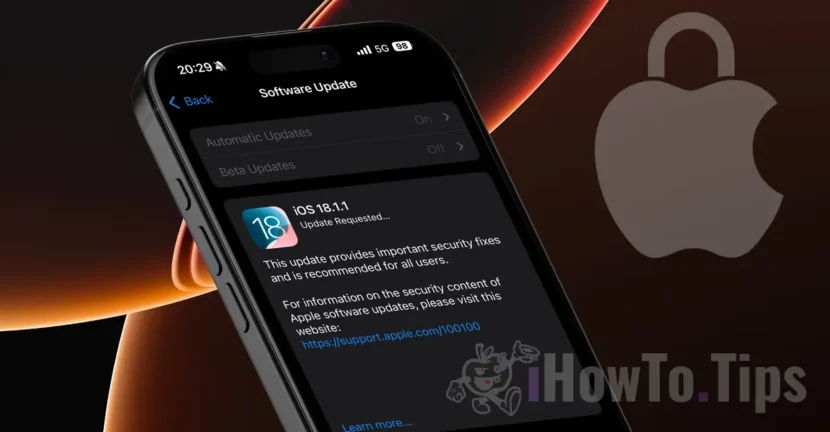

Apple has released iOS 18.1.1 and macOS Sequoia 15.1.1 with important security fixes for all owners of compatible iPhone, iPad and Mac devices. In an update on its security site, Apple provided more details about these vulnerabilities and states that they could have been actively exploited in practice.
Apple states that the iOS 18.1.1, iPadOS 18.1.1 and macOS Sequoia 15.1.1 updates fix two vulnerabilities affecting WebKit and JavaScriptCore. Apparently, Apple had a report that this security issue could be actively exploited on Macs with Intel.
Table of Contents
Devices and Vulnerabilities Affected by iOS 18.1.1 and macOS Sequoia 15.1.1 Update
JavaScriptCore
Available for: iPhone XS and later, iPad Pro 13-inch, iPad Pro 12.9-inch (3rd generation and newer), iPad Pro 11-inch (1st generation and newer), iPad Air (3rd generation and newer), iPad (7th generation and newer), and iPad mini (5th generation and newer). Compatible devices iOS 18.1.1.
Impact: Processing maliciously crafted web content can lead to arbitrary code execution. Apple is considering a report that this issue may have been actively exploited on Intel-based Mac systems.
Description: The issue has been resolved with improved checks.
CVE-2024-44308: Clément Lecigne and Benoît Sevens of the Google Threat Analysis Group.
WebKit
Available for: iPhone XS and later, iPad Pro 13-inch, iPad Pro 12.9-inch (3rd generation and newer), iPad Pro 11-inch (1st generation and newer), iPad Air (3rd generation and newer), iPad (7th generation and newer), and iPad mini (5th generation and newer).
Impact: Processing maliciously crafted web content can lead to a cross-site scripting attack. Apple is considering a report that this issue may have been actively exploited on Intel-based Mac systems.
Description: A cookie handling issue has been resolved by improving state handling.
CVE-2024-44309: Clément Lecigne and Benoît Sevens of the Google Threat Analysis Group.
To update your iPhone and iPad to iOS 18.1.1 and iPadOS 18.1.1, go to the app settings, select General, then Software update. (Settings > General > Software Update)
To update your Mac to macOS Sequoia 15.1.1, go to System settings, select General, then Software update. (System Settings > General > Software Update)
Although Apple states that these issues have so far only been exploited on Intel-based Macs, it is recommended that you update your devices as soon as possible to ensure that you are not vulnerable to these security holes.
Related: How can you hide apps on iPhone or iPad in iOS 18
These vulnerabilities were apparently previously patched in the iOS 18.2 and macOS 15.2 betas, but a similar security fix is also present in the iOS 17.7.2 update available for iPhones that aren't compatible with iOS 18.




































