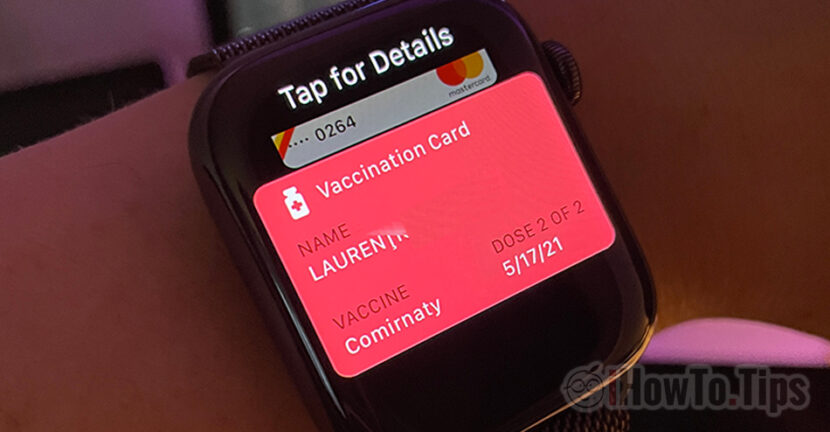

I don't know if it's not a feature of iOS 15.4 Added about Apple late for Europe, but what is concerned, I would not be sorry if I didn't need anymore I digital covid certificate. Many countries in Europe have eliminated anti-Covid restrictions and we hope that the pandemic is over.
If we still need the Covid vaccination certificate, Apple has added support for the European format in the new iOS 15.4. So when we need to go to an institution, in a mall, shop or other place where the vaccination certificate is required, we will no longer need to look for the document with the QR code to be scanned at the entrance. It is sufficient to add the QR code from our vaccination certificate to the Health or Wallet application, along with bank cards, air tickets, restaurant tickets.
We all know that Vaccination Certificate Against Covid-19 can be verified based on a QR code, which is applied to each certificate. The QR code is stored securely identifying data of the person, the calendar data at which the vaccine doses and its type were made. Also in this certificate there are also information about the owner, regarding the interaction with the Covid-19 virus. If the virus had, the results of the tests and the calendar data.
With iOS 15.4, Apple has entered support to add vaccination certificate against Covid-19 (I digital covid certificate) in the application Health and Apple Wallet. So, the QR code can be easily accessed in the same way we expose a card for an Apple Pay, directly from Apple Wallet. From the iPhone or Apple Watch.
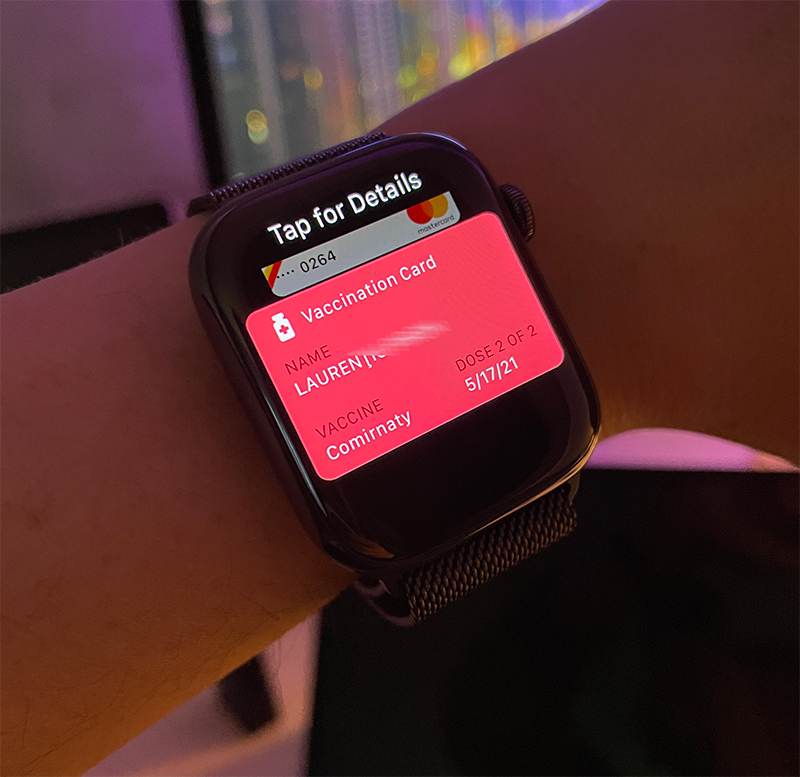
How we add I digital covid certificate On the iPhone and Apple Watch in the Health and Apple Wallet application
1. With the vaccination certificate I digital covid certificate At hand, we open the camera application on the iPhone and switch to the main camera. The one on the back.
2. We surprise the QR code on the certificate. The room will detect the QR code, then press the link "COVID-19 Vaccination". In the next screen, identification data and vaccine information will appear.
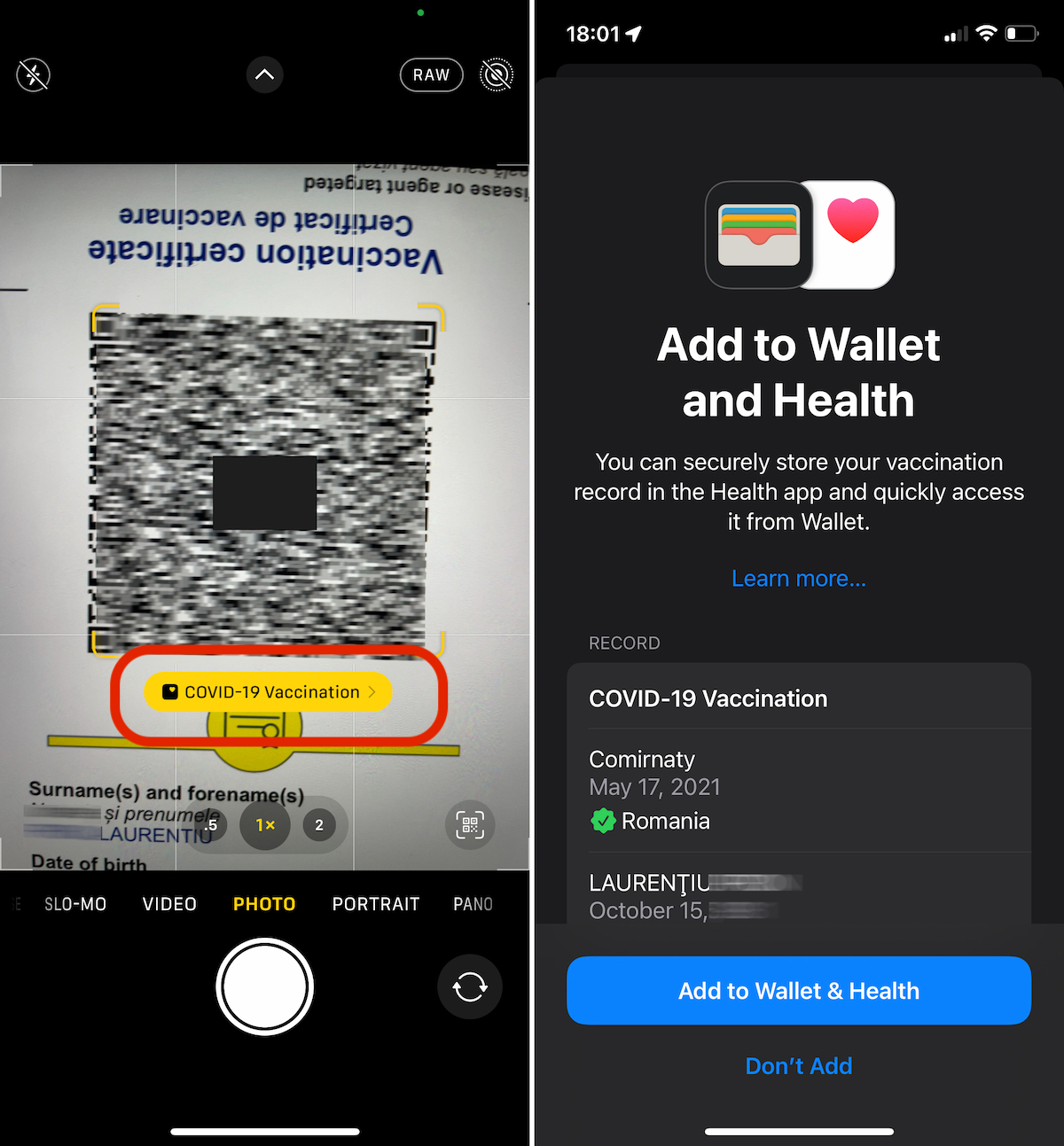
We press "Add to Wallet & Health"To add the certificate to Apple Wallet and Health applications.
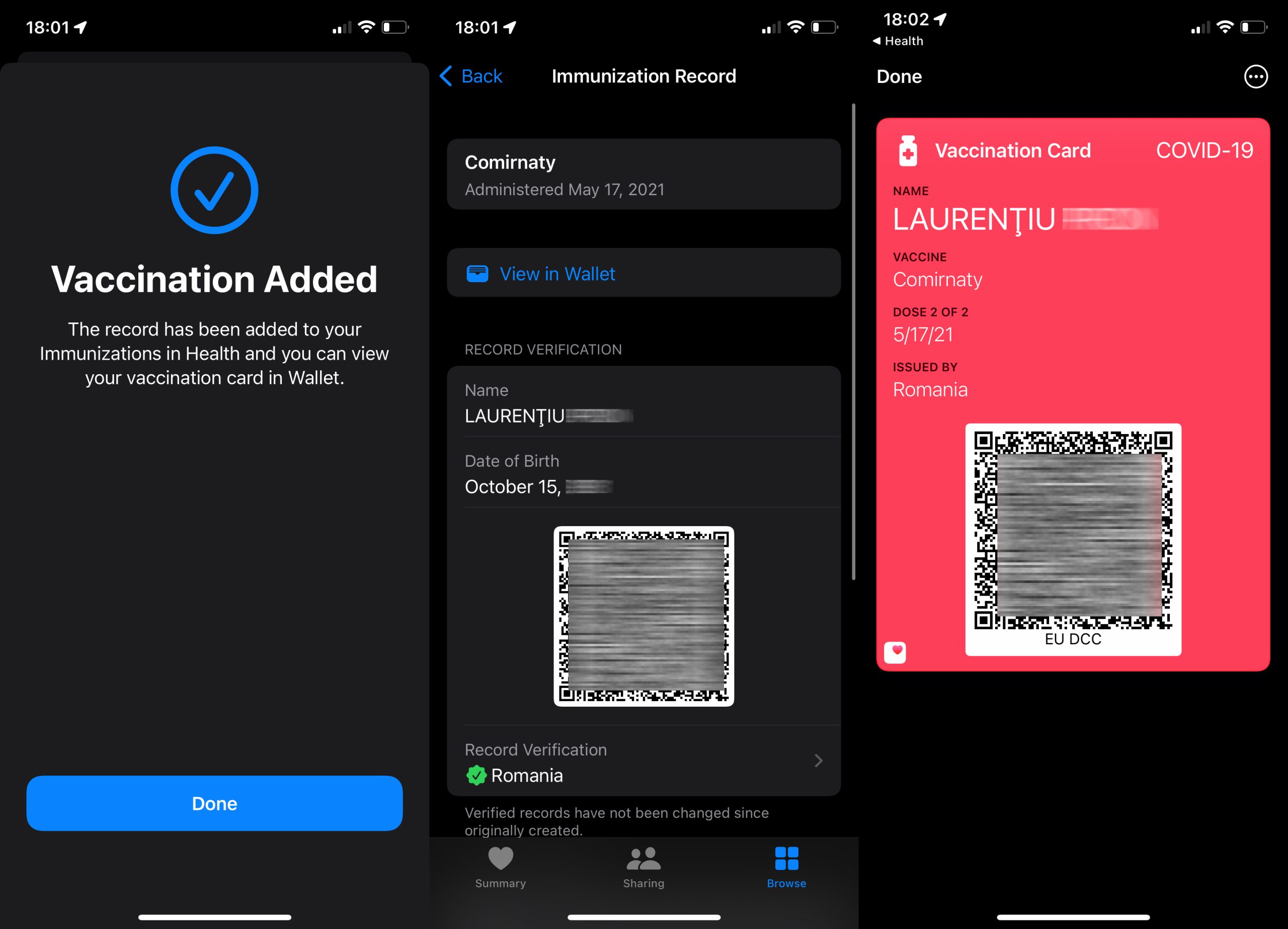
From this moment, wherever the QR code is asked to confirm the vaccination, it is enough to access the Apple Wallet application on the iPhone or Apple Watch.




































