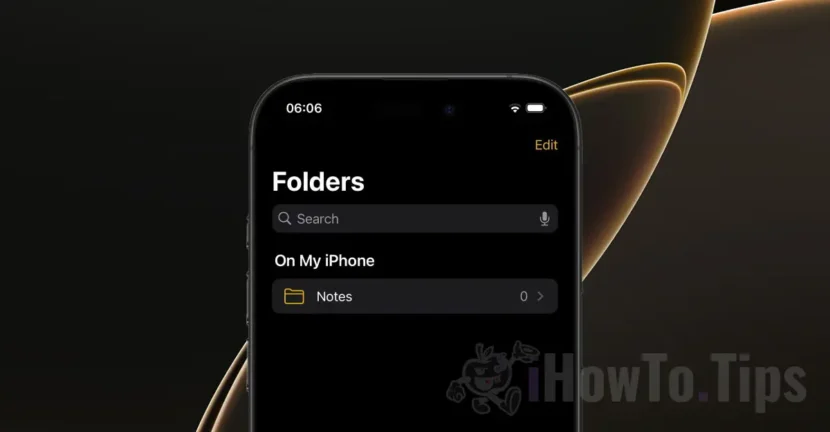

Some iPhone users are experiencing an unpleasant problem in the Notes app. After accepting the new Terms and Conditions iCloud, the notes in the Apple Notes app disappeared from the iPhone. The Notes app seems to disconnect from iCloud and display an empty page, as if all notes were deleted.
This situation seems to be spread over a large number of devices, if we take into account the large number of iPhone devices that have reported this problem on forums and social networks. Apparently, Apple Notes disappeared from many iPhone devices with iOS 18, including those that have installed iOS 18.1 and iOS 18.2 versions that are currently in the Beta Development Stage.
This bug part is closely related to accepting the new terms and conditions that Apple recently updated for the use of the Notes app. Even if theoretically the two things should not have a connection, many users complained that the notes disappeared from the iPhone after accepting the new Terms and Conditions.
What can you do if the notes in the Apple Notes app have disappeared from the iPhone?
Fortunately, the notes in the Apple Notes app only disappeared from the iPhone, without being deleted from the iCloud account. Solving this problem is very simple if you follow the steps below:
1. Close the Notes app and open the Settings app.
2. Go to your Apple user account (the first option at the top of the Settings app).
3. Open the options for iCloud, then go to the Notes app.
4. Make sure the synchronization is activated for the Notes (Sync this iPhone) application.
5. activates the synchronization, if it was deactivated and opens the Notes app to check if your notes are starting to appear.
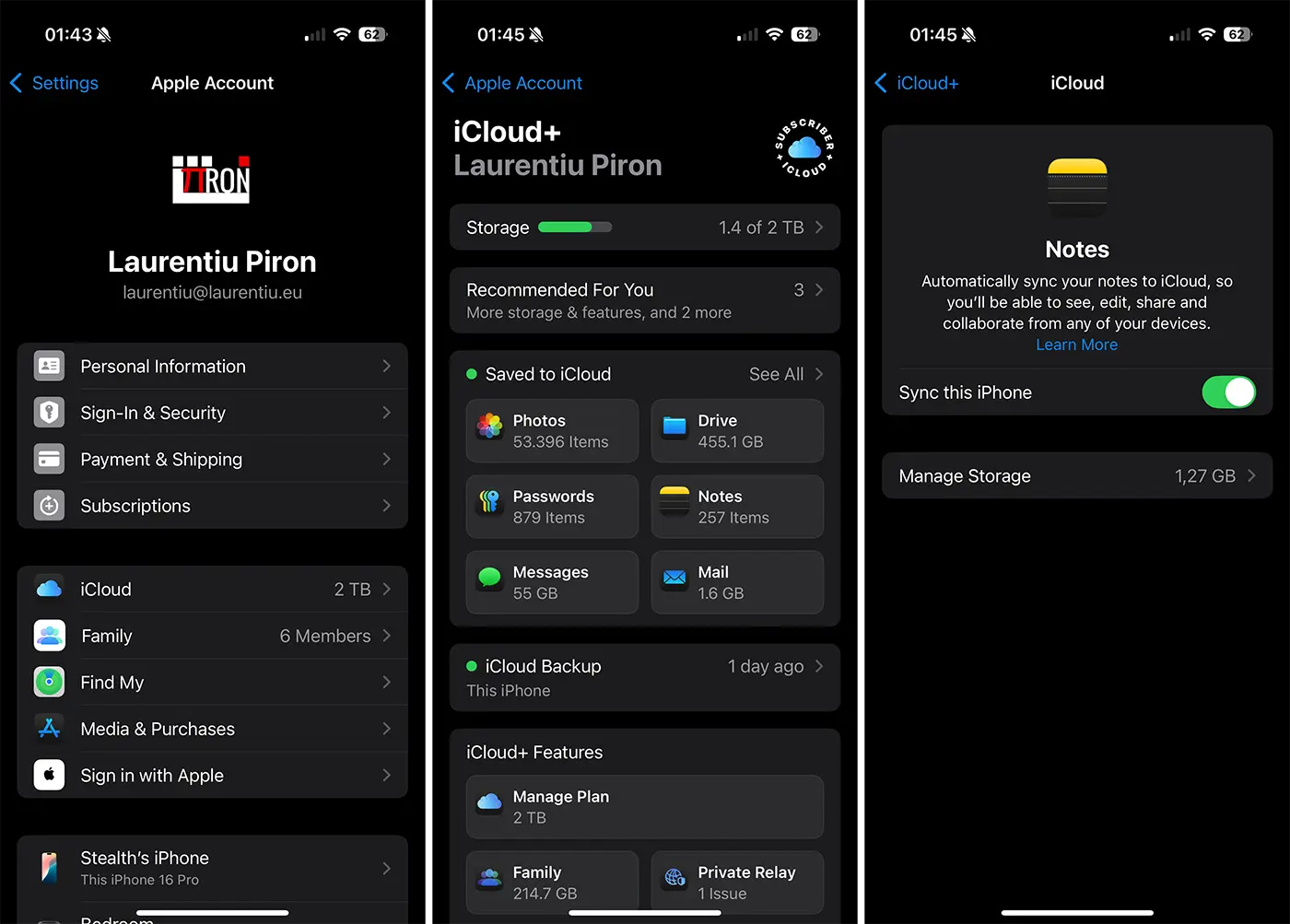
If the synchronization option was activated, disable the synchronization option (choose to keep the notes stored on your device), then reactivate it and restart the phone.
Related: How can you hide apps on iPhone or iPad in iOS 18
There is no data that this bug leads to the total loss of notes in the Apple Notes app. Notes remain in the iCloud account and can be accessed from other devices or online, on https://www.icloud.com/notes.
Most likely, this situation will be solved by Apple in a future update of the iOS 18 operating system.




































