
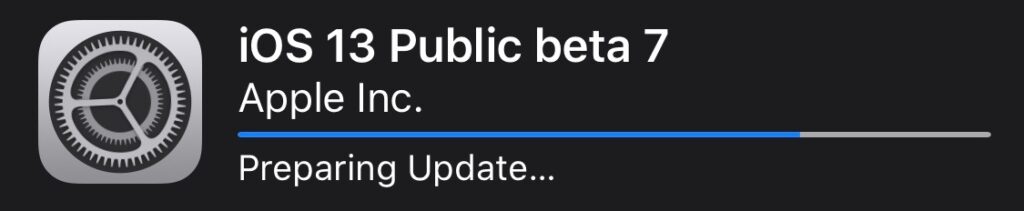
Apple recently released a new OS update iOS 13. Arrived at Beta 7 Public and Beta 8 Developers, the future of iOS for iPhone it's starting to take shape and we can get a fairly clear rough idea of what the final version will look like, which will be released during the month of September.
If the 8th version for developers did not bring visible changes, iOS 13 Public Beta 7 has some new features for iPhone users. We can say that he went to the "finishing" part more than adding new options.
What's new in iOS 13 Public Beta 7?
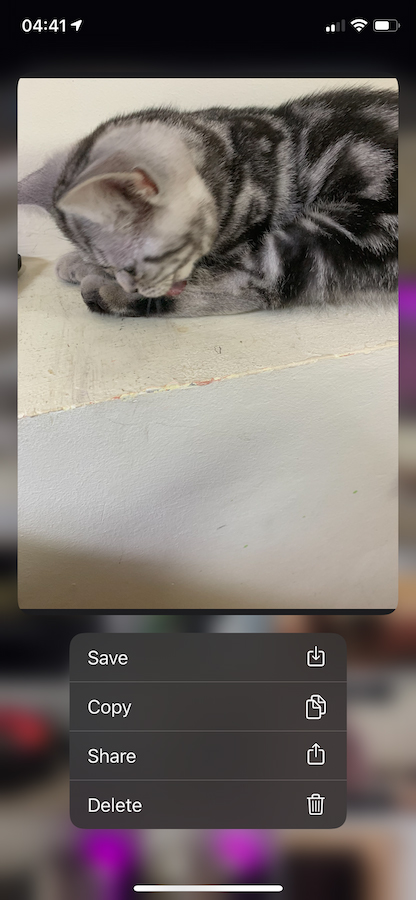
Deleting media files from Messages – This option used to exist on iOS, but it had disappeared for a while. Now users once again have the possibility to delete images and video clips from the "Info" section of conversations. In this way, they will avoid loading the storage space on the iPhone and the space in iCloud, if the messages are stored in iCloud.
Do Not Disturb - "DND" (Do Not Disturb) mode is now synchronized between iPhone and Apple Watch. When it is activated on one of the devices, it will automatically activate on the other one.
All Photos - A redesign was also made for the "All Photos" category in the "Photo" application. Until now, the new design was only available for the categories: "Years", "Months" and "Days". The selection option and +/- for the number of columns on which to display the images in the gallery.
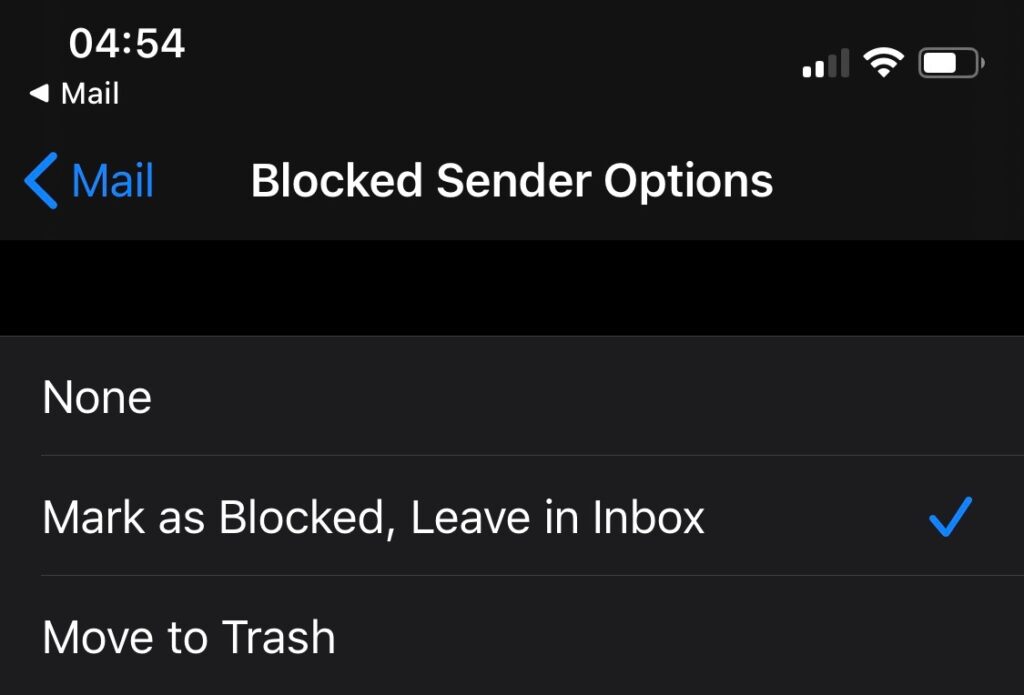
Mail (Blocked Senders Options) – An option added to the "Mail" application, which allows us to block senders. Options are added "Move to Trash"si"Mark as Blocked, Leave in Inbox". Very useful when we receive many unwanted messages from some contacts. The options are available in "Settings" → "Mail" → "Blocked Senders Options".
Dark Mode – Changing the two modes has been renamed from “Light Appearance"si"Dark Appearance” in: “Light"si"DarkThe options of automatically changing the "Light" or "Dark" mode depending on sunset and sunrise or according to a preferential schedule set by the user are maintained.
Silence Unknown Callers – Activation of the function by which calls received from unknown phone numbers are automatically set to "silence", it now warns that the iPhone will continue to ring if the phone number is found in contacts, a recent call was made to that number or it appears in Siri suggestions. "Incoming calls will continue to ring from people in your contacts, recent outgoing calls, and Siri Suggestions."
For the most part, these are the most important visible changes brought in iOS 13 Public Beta 7. Of course, Apple brings with each update changes that for the user are limited to performance and security.
What I was able to notice immediately, is that the Mail application now works much better. In the previous version, there were problems with displaying received messages and most of the time the Mail application opened by default with the messages received on the iCloud email address.




































