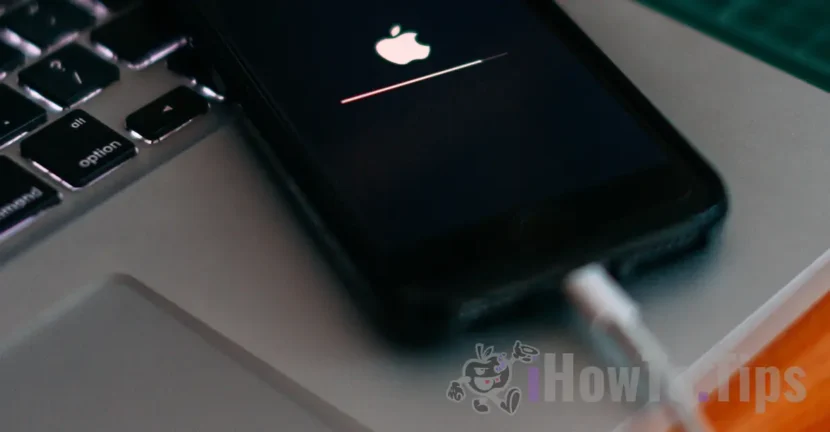

Most of the time, traditional iPhone or iPad chargers cannot charge the device's battery in a short time. In this article you will see how you can quickly charge the battery of an iPhone or other Apple device with the power supply of another device.
iPhone, iPad and/or MacBook Pro owners would be tempted to say that each device charges best with the charger received in the product box upon purchase. To some extent, this is recommended. Use original chargers and cables for Apple or MFi devices.
For fast charging, there are several models of chargers of different powers, but if you already have a MacBook Pro with a USB-C charger, you can use it to charge your iPhone or iPad without any problems. Even if the fast charge chargers have a power of 30W and the MacBook Pro charger can have 87W, the device receiving energy will not be affected. The power of the electric current entering the device is determined by it, and not by the power supply used. So, you can quickly charge your iPhone or iPad with the MacBook power supply.
Moreover, with the iPhone 12, Apple eliminated the power adapter from the device package, and for the iPhone 15 models, the switch was made to the USB-C port. It's one more reason to use your MacBook charger to charge your iPhone battery as well.
Table of Contents
Is it safe to fast charge iPhone or iPad battery with MacBook power adapter?
Yes, you can safely use your MacBook's power adapter to charge your iPhone or iPad battery. Although it might seem risky to use a USB-C power adapter from your MacBook Pro to charge your iPhone or iPad, Apple assures us that there is absolutely no problem. Moreover, Apple has done compatibility tests on the entire range of USB-C chargers.
So if you have a MacBook Pro, an iPhone and an iPad Pro, it's enough to take only the MacBook's power adapter with you on vacation. With it you can charge the Apple Watch battery (with the recommended cable), iPhone, iPad, AirPods or other devices. It is important to have the compatible cables for each device with you. USB-C or Lightning.
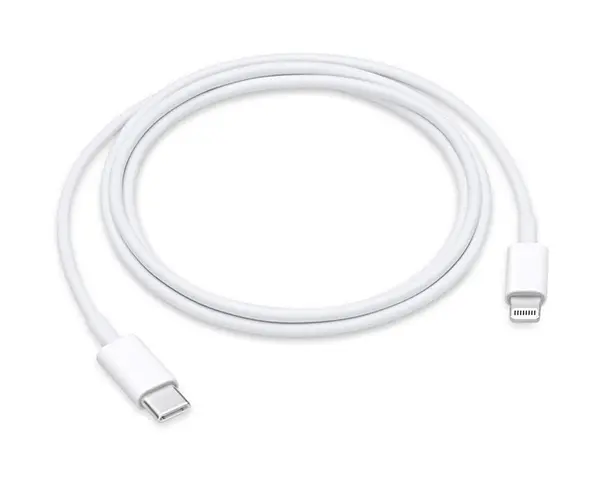
In the same way, you can use an iPad power adapter to quickly charge the battery of your iPhone, Apple Watch or AirPods.
Related: What external devices can you connect to the iPhone 15 with USB-C?
Fast charge iPhone or iPad with MacBook power adapter – Compatibility
iPhone models that support fast charging for which Apple USB-C 29W, 30W, 61W, and 87W USB-C power adapters can be used (note that they can also be charged with standard Apple USB 18W, 12W, or 10W adapters.
- iPhone XS Max
- iPhone XS
- iPhone XR
- iPhone X
- iPhone 8
- iPhone 8 Plus
- iPhone 12 (full range)
- iPhone 13 (all range)
- iPhone 14 (full range)
- iPhone 15 (full range)
iPad Pro models that support fast charging that can be used with Apple USB-C 29W, 30W, 61W, and 87W USB-C adapters.
- iPad Pro 12.9-inch (3rd generation)
- iPad Pro 12.9-inch (2nd generation)
- iPad Pro 12.9-inch
- iPad Pro 11-inch
- iPad Pro 10.5-inch
How can you see the charging power of an Apple adapter?
Details about the power, voltage and amperage of Apple power adapters are written on the bottom of them.
Related: This cable or accessory is not certified and may not work reliably with this IPhone
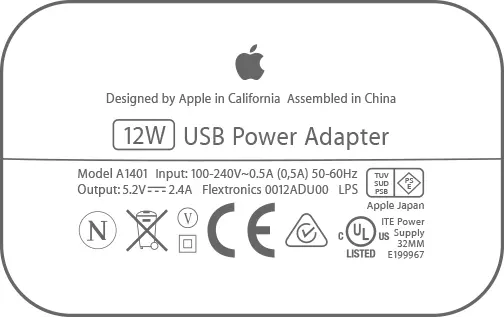
In conclusion, you can safely use an Apple power adapter for multiple devices if you have compatible power cables.





































2 thoughts on “How to quickly charge the iPhone or iPad battery - Apple Food Adapter Compatibility"