
Apple managed to scare the first owners a little iPhone XS and iPhone XS Max, after many noticed that the devices they don't load when the screen is closed. Fortunately, it is not a hardware error, the fault being a bug of the new iOS 12, released by Apple in September.
To solve charging problems and other bugs present on iPhone and iPad, Apple released iOS 12.0.1. This is it the first update of iOS 12 available to users worldwide.
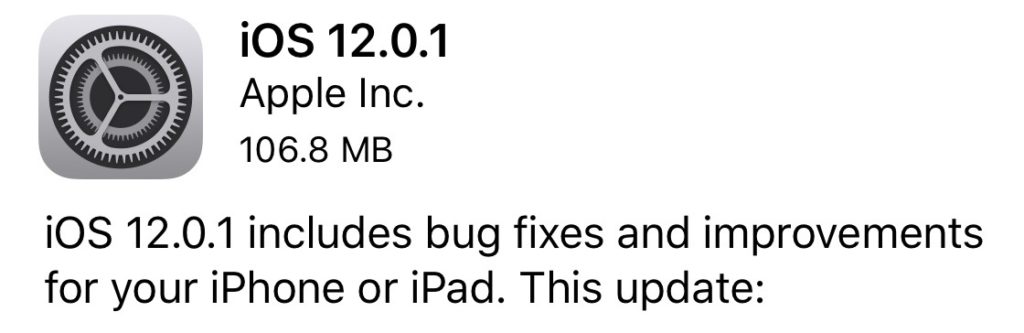
iOS 12.0.1 – Bugs and errors solved on iPhone and iPad
- correct loading problems of some iPhone XS devices when they are connected to the charger with the Lightning cable.
- correct the problems of automatic connection to Wi-Fi networks 2.4GHz instead of 5GHz. This problem is typical for iPhone XS, but there are also iPhone X users who have faced this problem. The devices preferred the connection to the network of 2.4GHz instead of 5GHz.
- bring back ".? 123” to the initial position on the iPad keyboard
- fix problems with subtitles which did not appear in certain video applications.
- resolve unstable connections by Bluetooth. With the release of iOS 12, many users had problems with connected external devices. Headset / handsfree.
In parallel with this update, Apple released the first beta versions of iOS 12.1 that bring new emoji, FaceTime and performance improvements.




































