
After the release of iOS 11 for iPhone, many users have encountered problems with the app's notifications WhatsApp Messenger. Either they worked randomly and I received notifications only from time to time, or the notifications were received only after opening the WhatsApp application. It happened that we even found messages sent for more than 24 hours for which it was not received push notification on iPhone lock screen.
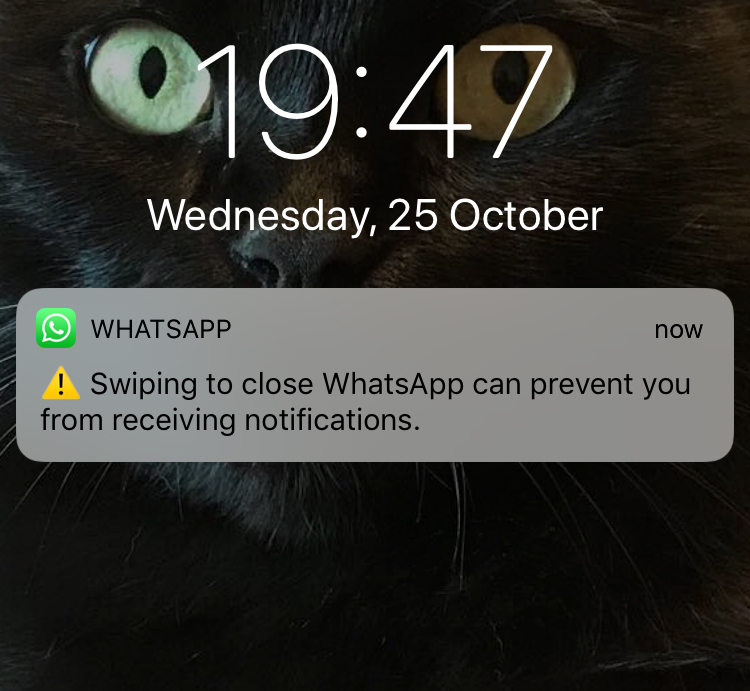
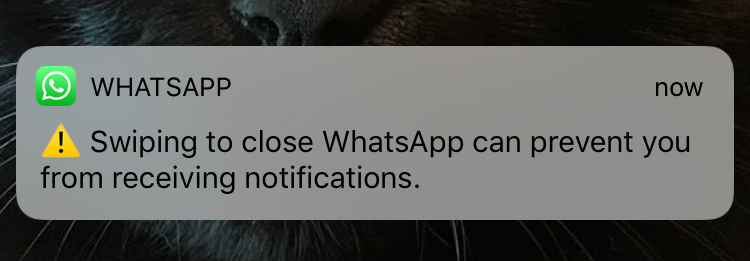
"Swiping to close WhatsApp can prevent you from receiving notifications” is a message of alert new that appears on many iPhone screens when we close the application by sliding. Not that there is another method to close an application on the iPhone.
Most likely, this information alert was added in the latest version of the WhatsApp application to draw the attention of users that it is very possible not to receive notifications if the application is closed.
A lot has been written about the fact that with the update to iOS 11, the WhatsApp Messenger application no longer works if it is closed. Or more precisely, notifications are no longer received, as would be normal.





































2 thoughts on “Swiping to close WhatsApp can prevent you from receiving notifications"