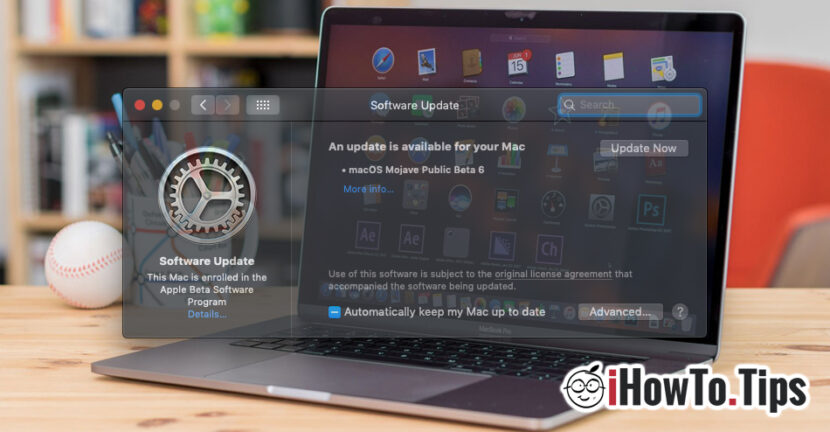

A few days ago Apple released a supplemental update (Supplemental Update) for macOS Mojave 10.14.6. We have talked about what "Supplemental Update" means in past articles. On the scrut, "supplemental update", is an update to complete a previous update. These updates do not change the current version number.
In macOS Mojave 10.14.6 Supplemental Update, Apple says that it solves a problem of some devices that did not return properly from "Sleep" mode. However, an update package of almost 950 MB seems a bit much to us just for this problem. But it is the official one and we take it for granted. Even though I have not heard of any users complaining about the incorrect return of a Mac from "sleep" mode.
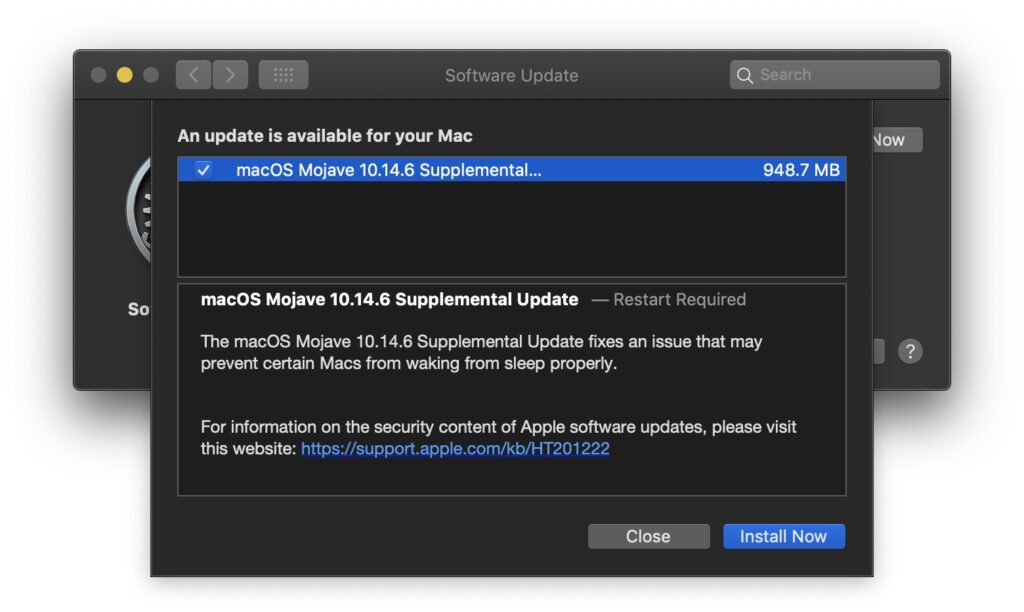
macOS Mojave 10.14.6 Supplemental Update –– Restart Required
The macOS Mojave 10.14.6 Supplemental Update fixes an issue that may prevent certain Macs from waking from sleep properly.
It is very possible that behind this update there is also the fixing of some security problems or the removal of other bugs.
The update to macOS Mojave 10.14.6 Supplemental Update can be done very simply, from the menu (Apple) → System Preferences → Software Update.
The macOS Mojave 10.14.6 update takes a few minutes and requires a restart.




































