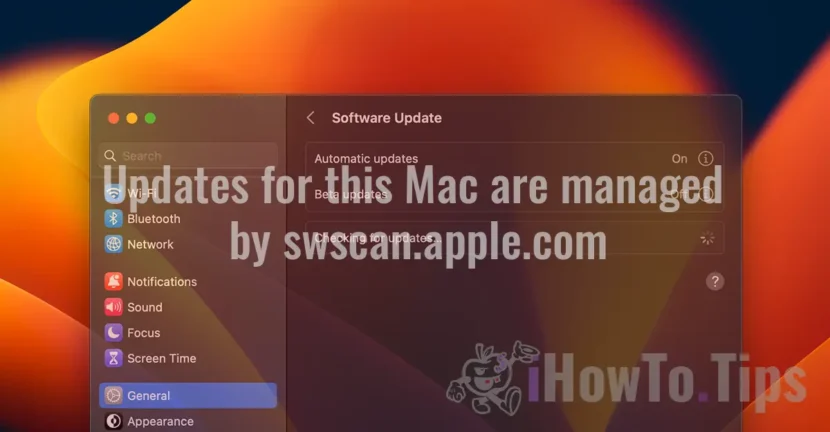

Many MAC computer holders receive the message “Updates for this Mac are managed by swscan.apple.com"When checking if there are new updates for the operating system macOS. Let's see what this server is appearing on the "Software Update" screen.
Fortunately, this is not a virus or malware that has taken control of the update system MacOS. Normally this message is displayed only in certain shoes known only by Apple.
Table of Contents
What is it swscan.apple.com?
As I said above, you don't have to swim if this notice appears to the system Software Update. swscan.apple.com It is a server used by Apple to update software and operating systems on its devices, including iPhone, iPad, Mac and others. This server provides security updates, patches, firmware updates and other essential software components for Apple products.
When an Apple device is connected to the Internet and checks updates, it can communicate with the server swscan.apple.com to download and install the new versions of the software. These updates may include security improvements, new features and errors corrections. About everything about updates, including Apple apps: Final Cut Pro, Numbers, Pages, Keynote or iMovie.
Updates for this Mac are managed by swscan.apple.com
The message "Updates for this Mac are managed by swscan.apple.com"Appears in the" Software Update "window because Apple uses the server swscan.apple.com for managing and distributing software updates for its devices.
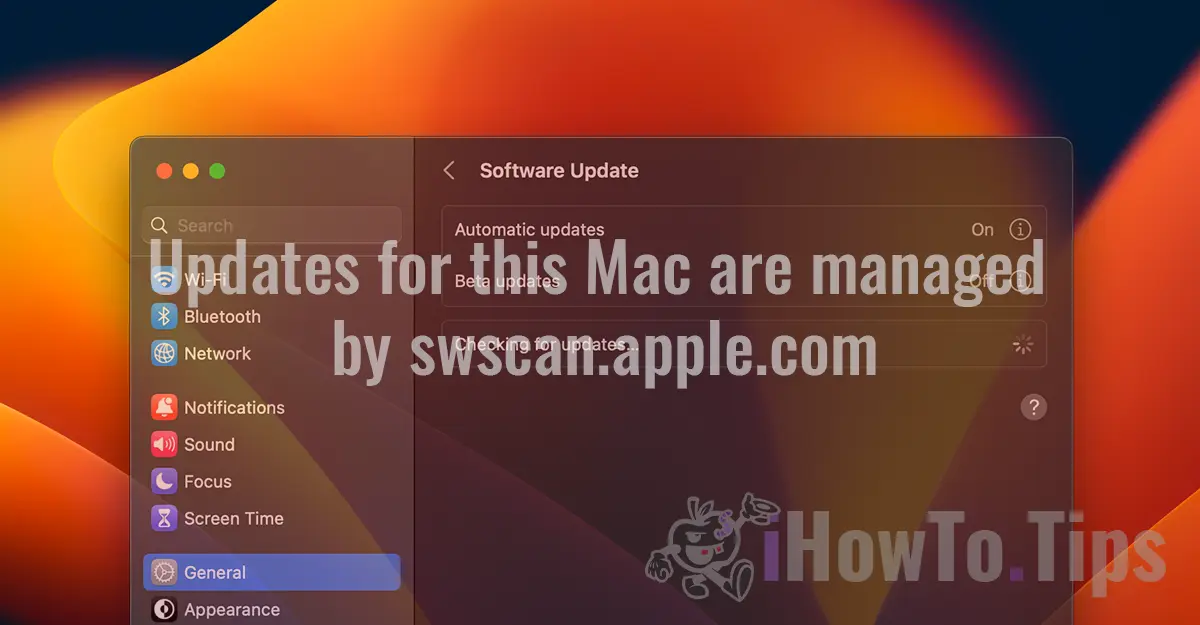
In general, this message is a regular notification that indicates that Apple is the official source of software updates for that device and that the user should be based on these updates to benefit from the latest functionality and improved security. It does not have to be a cause for worry if this message appears to you.




































