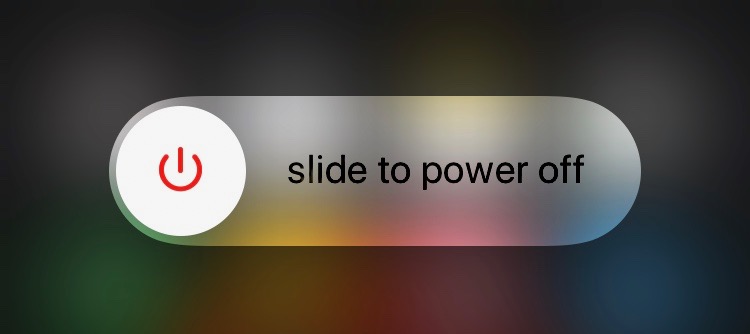

I don't know why anyone would need to close an iPhone (Power Off), without having to press the Sleep / Power button, but it is a feature of iOS 11 that allows this.
Besides the many news brought in iOS 11, Apple added to the menu ”Settings"And an option where you can close iPhone, iPad or iPod touch, without having to hold the" Sleep " /" Power "button for a few seconds, until it appears"slide to power off“.
The new option, called "Shut Down"It was added near the reset option, in" settings "→" general ".
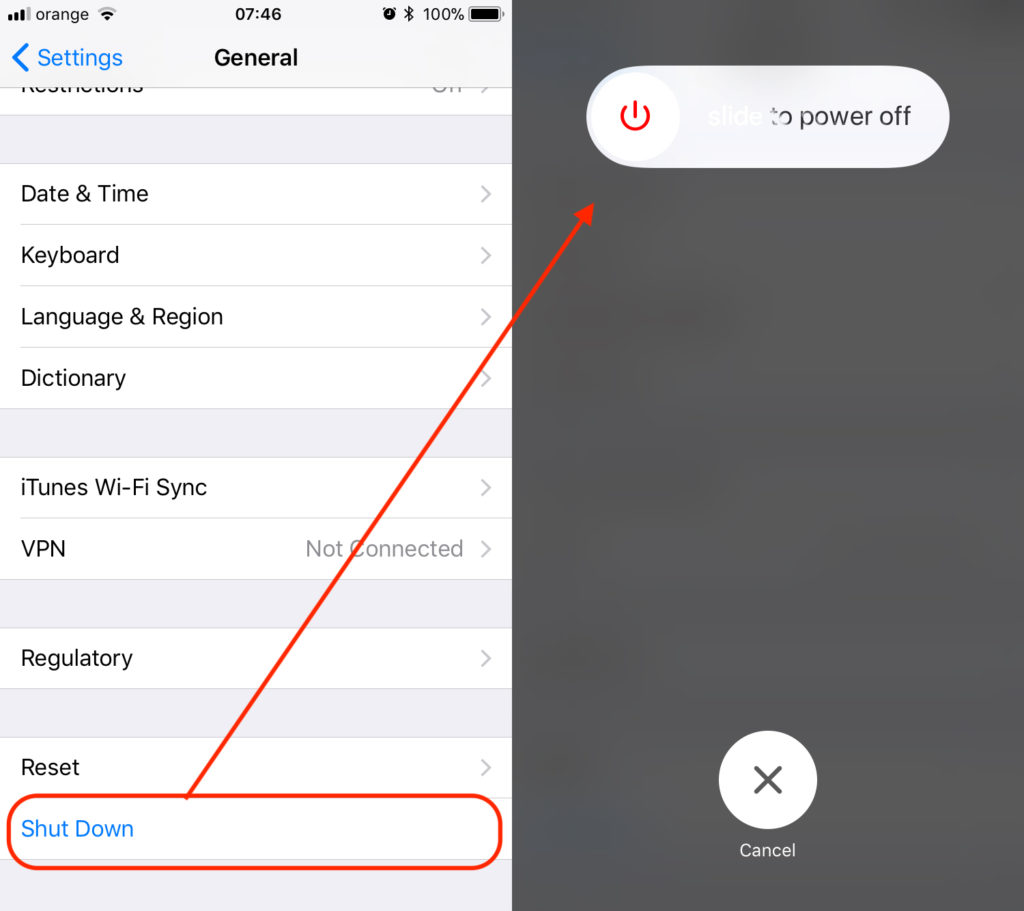
It is not known exactly what this option helps at the moment, but it is very possible that Apple will prepare new functions for the current "Power" / "Sleep" button.
Most likely this new option helps us close iPhone, iPad or iPod in case of a mechanical malfunctions of the sleep button. Restart will be done by simple cuplare a cablului de alimentare lightning Device.




































