
Many users complain about a sound problem with the MacBook Pro speakers when they want to listen to music, talk on FaceTime or play sound from any audio source. The sound in the MacBook Pro speakers sounds very distorted, with interruptions and with frequencies that are very disturbing to the hearing.
This audio playback issue occurs quite frequently on MacBook Pro 2015, 2016, 2017 and 2019 laptops with Intel processors. There are numerous videos of this issue on YouTube where MacBook Pro owners complain about these strange sounds when playing audio.
Here is an example:

In my case, the audio issue appeared out of the blue on a MacBook Pro 15-inch, 2017 with macOS Ventura, and I noticed it when I wanted to listen to a song from Apple Music. Everything sounds normal on the AirPods, but there are strange sounds when the audio is played through the MacBook's built-in speakers.
What can you do if there is a sound problem with the MacBook Pro speakers?
When this audio playback problem occurs on MacBook Pro, the permanent solution would be possible through an update of the macOS operating system. Fortunately, it appears to be a driver error and nothing hardware related that requires repair at an Apple service.
A temporary workaround for these strange sounds is to plug the headphone jack into your MacBook Pro and then unplug it.
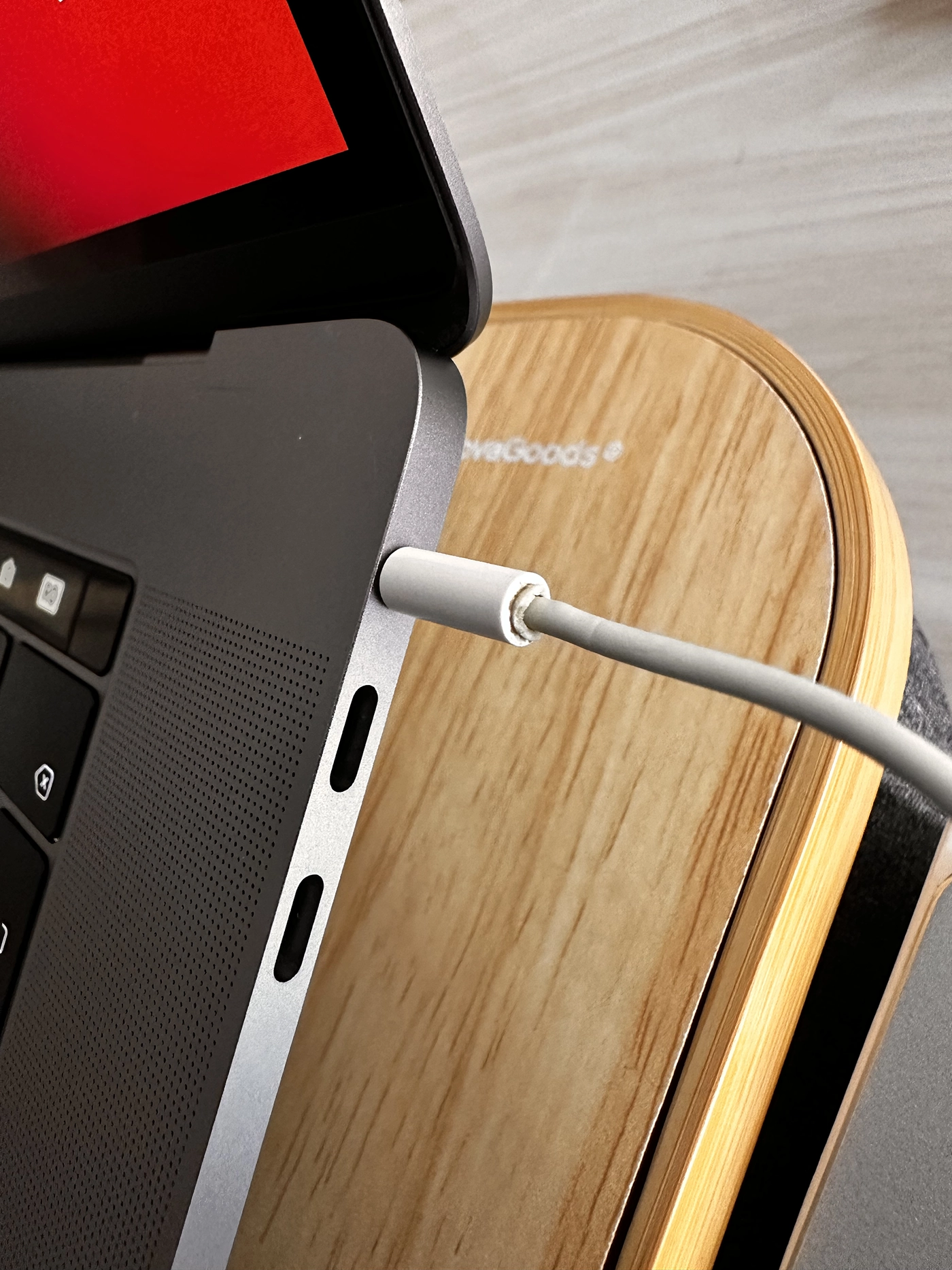
In my case, after disconnecting the headphone jack, the sound in the MacBook Pro speakers returned to normal.
Related: IPhone speaker hears weak or not at all in calls
If you encounter this problem and we can help you with something or you found another way to solve it, feel free to leave a comment.




































