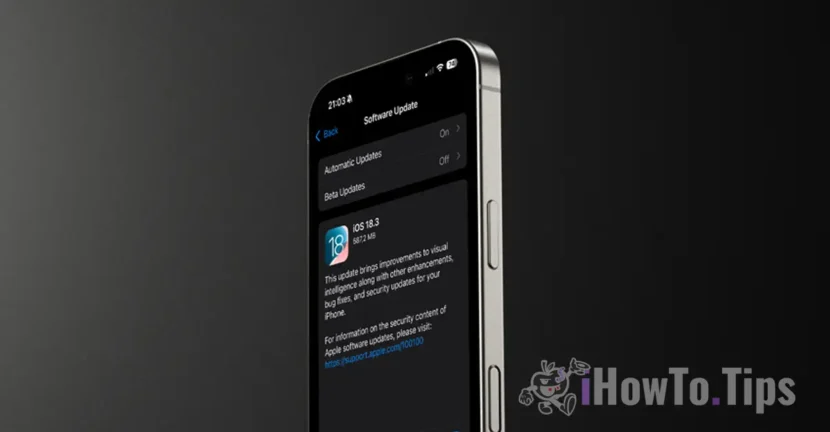

Apple has officially released iOS 18.3, after a month of beta testing, giving iPhone users a number of important improvements and changes. The update brings significant changes to Apple Intelligence features, fixes for issues reported in the previous version, and other optimizations. However, if you are a user in the European Union, you will not have access to Apple Intelligence features, according to the restrictions imposed by Apple.
Let's see what are the most important news in iOS 18.3, if you benefit from Apple Intelligence.
Table of Contents
Changes in Apple Intelligence Notification Summates in iOS 18.3
One of the central points of IOS 18.3 update is to improve the Apple Intelligence notifications summary. These changes have been implemented in response to the press complaints, especially the BBC, which reported serious errors in the summary of the news. For example, a notification misinterpreted a news and sent false information about a crime case.
New changes include:
– Temporary deactivation of summaries for applications in the category "News and Entertainment", up to a future update.
– Displaying text summates in italic format on the lock screen, to differentiate them more clearly from the usual notifications.
- the possibility of a dezactiva rezumatele direct din Centrul de notificări, through a simplified option menu.
– Clearer messages in settings, which warns users that the summates ”may contain errors", Emphasizing the fact that the function is still in the beta stage.
Improvements for the Visual Intelligence function.
In addition to summaries, Apple has also improved Visual Intelligence functions, available on iPhone 16 models, part of Apple Intelligence. These include:
– Automatic addition of events in the calendar: Users can take a picture of a poster or folding, and Apple Intelligence will recognize the date and time of the event, automatically adding them to the Calendar application.
– More precise recognition of plants and animals: The range of natural elements that the function can identify has been significantly extended.
The function can be accessed by a long press on the camera control (the dedicated control button).
Apple Intelligence becomes active by default
An important and controversial change is the automatic Apple Intelligence activation for users who install or update at iOS 18.3. This decision transforms the function from an optional (opt-in) into a default (opt). Of course, this "novelty" does not apply to the users that Apple Intelligence is still unavailable, although they have the latest iPhone 16 devices.
However, users who want to disable Apple Intelligence can do this by accessing Setări > Apple Intelligence & Siri.
Related: How do you activate Chatgpt Integration into Mac Siri (Apple Intelligence)
Other improvements made by iOS 18.3
Apart from Apple Intelligence, updating includes other adjustments that are available for all users:
– The computer app He returns to the option of repeating the latest mathematics operation when the "equal" button is pressed several times.
- a problem has been remedied in which The keyboard disappeared when a request was initiated by text.
– Playing audio in Apple Music It does not continue after the application is closed, a problem reported frequently by users.
ConCluSIonS
iOS 18.3 brings a combination of improvements and corrections, but also controversies related to the automatic activation of Apple Intelligence. In addition, users in the European Union cannot benefit from Apple Intelligence -based features, an aspect that will continue to be debated.
With this update launched, the attention is now heading to the iOS 18.4, which promises new revolutionary functions, like a more intelligent and contextual Siri.
In addition to iOS 18.3 and iPados 18.3, Apple also launched the new software versions for Apple Watch (Watchos 11.3) and Macos Sequoia 15.3.




































