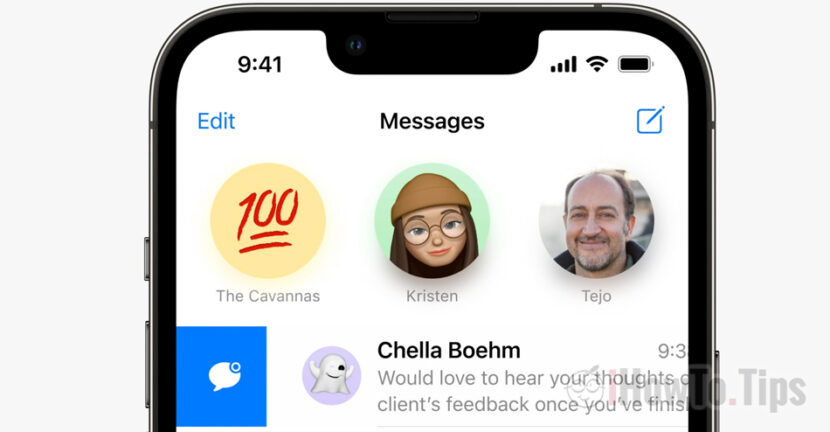

iOS 16 for iPhone comes with some major interface updates and new features of Apple applications. iMessage in iOS 16 gets new interesting and useful features for iPhone owners.
The Messages application receives the iOS 16 three very useful features for iPhone, Mac and iPad owners who use iMessage. Apple has added the possibility that users can edit a sent message, delete it from the conversation or mark it as unread.
Table of Contents
How to edit the text of an already sent message [Edit iMessage in iOS 16]
If we send a wrongly written message and want to correct the text or delete the entire message, we can do this on iMessage for 15 minutes from the moment of sending.
To edit a sent message, press and hold on the message, then from the menu that opens, choose the option "Edit". We go with our finger on the word we want to correct.
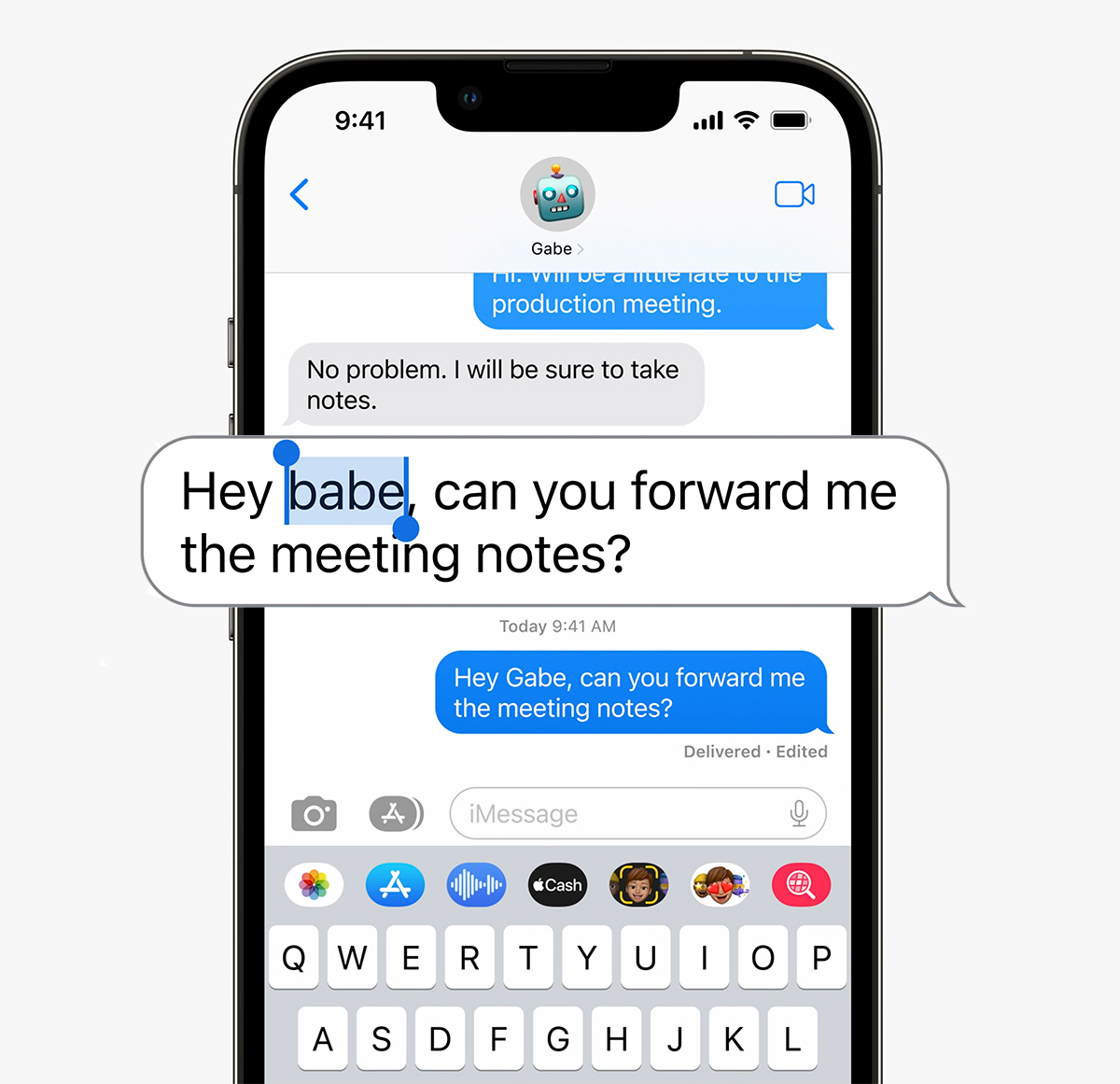
The edited message will be marked with “Edited", so that the recipient knows that the initial message has been modified. Edit iMessage in iOS 16 it is a very useful option especially when we use autocorrect and by mistake we sent a wrong word in a sentence.
How to delete a sent message from the conversation [Undo Send iMessage in iOS 16]
Another important feature of iOS 16 for Messages gives us the possibility to delete sent messages. Undo Send.
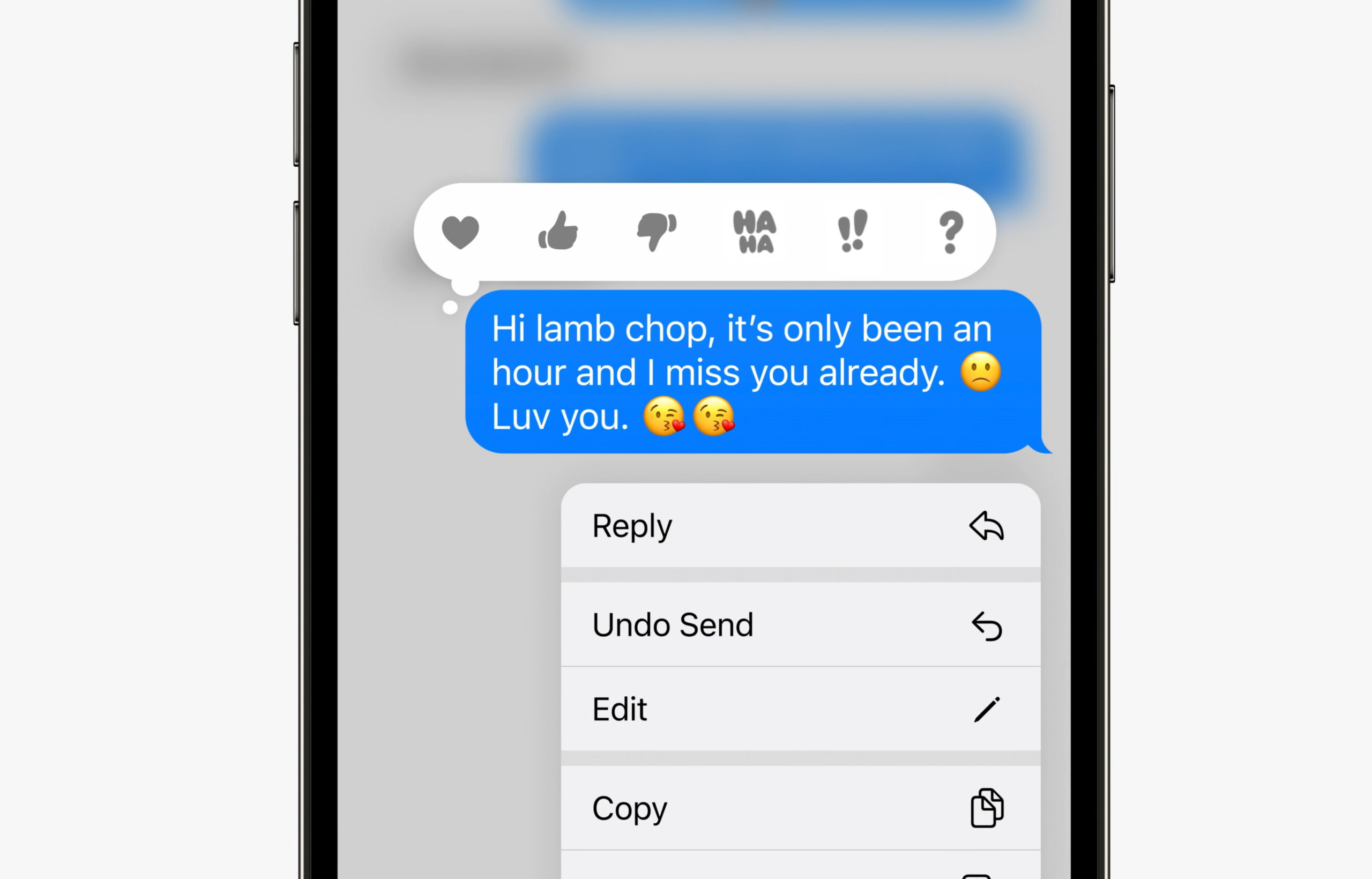
If you accidentally sent an iMessage to someone, while 15 minutes from the time of sending, the message can be deleted from the conversation. It will disappear both from you and from the recipient's conversation.
All we have to do is press and hold on the sent message, and from the menu that opens press "Undo Send“.
How to mark a message as unread (Unread). iMessage in iOS 16
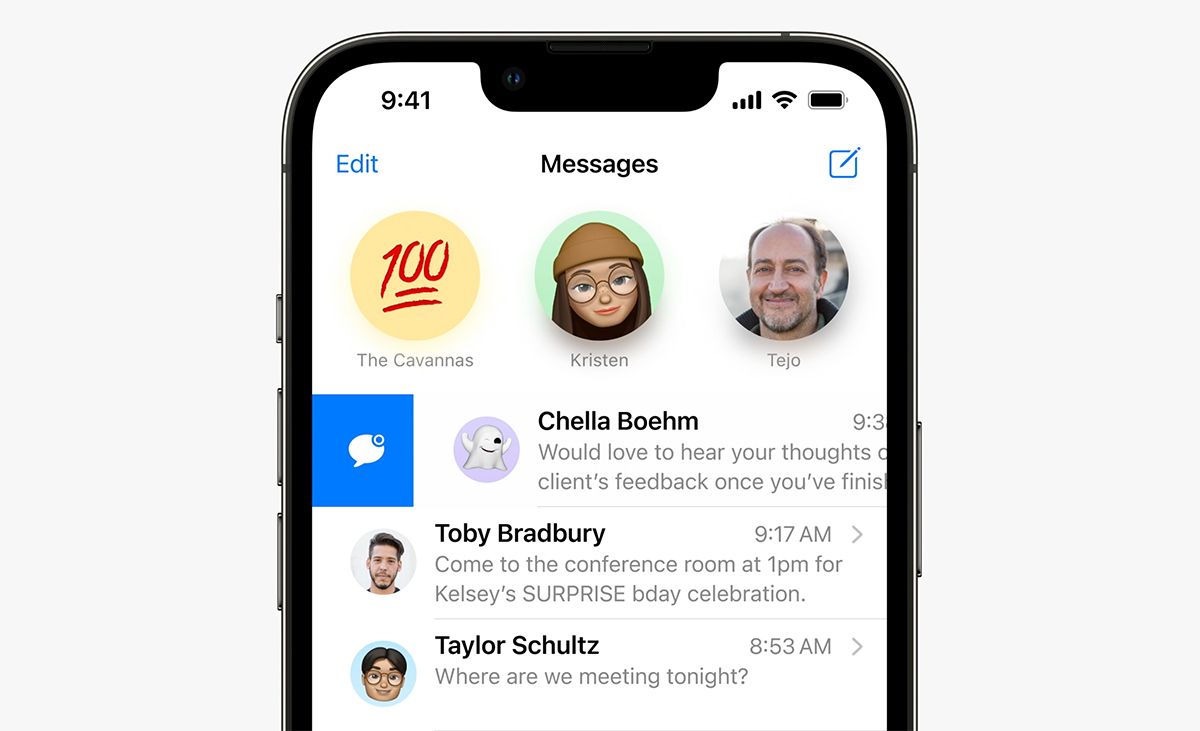
Mark as “unread” on iMessage is very similar to the one by which we can mark an e-mail message as unread on the Mail application on iPhone, iPad or Mac. With a swipe from left to right on the message, it will be marked as “unread” and so we can return to the conversation later.
Many users are already familiar with two of these three features from the WhatsApp application. Meta has not yet introduced the possibility to edit an already sent message.
These three features of Messages on iOS 16 are only available for the conversations iMessages, made between iPhone, iPad or Mac users who use this service. Options are not available for SMS text messages.




































