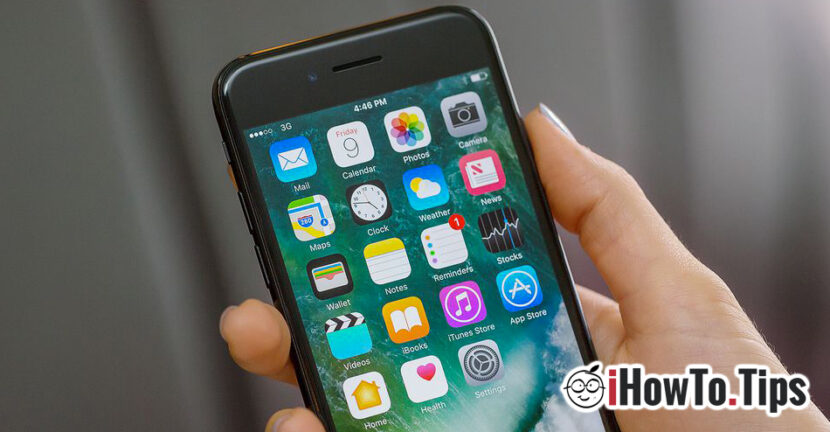

First of all, let's clarify an important thing. "Display always on"For iPhone or iPad is not related to technology Always-On Display (AOD) developed by Samsung for displays Super AMOLED. When we say "display always on"Or" Screen Always on "for iPhone or iPad, we refer to the settings that we can make that the screen of an iPhone or iPad will never close. It has opened permanently.
Why would we need the screen of an iPhone or iPad to stay permanently open, without closing itself?
The most Video content playback applications and Games, determine the screen of an iPad or iPhone to stay open permanently as long as the application or that game ruleaza in full-screen. There are, however screen close. Which means the user to press on the periodic screen to avoid closing it.
Apple does not provide quick support in iOS to allow users to keep the screen permanently open on the iPhone or iPad. It would not be advisable to do this, because the screen is the largest battery consumer of a device.
However, to keep the screen permanently open and to highlight the device lock, we must follow the following instructions:
1. We go to Settings → Display & Brightness.
2. In Display & Brightness We press "Auto-Lock"
3. We can choose that iPhone or iPad to get stuck alone after more predetermined time intervals, between 30 seconds and 5 minute, or we can choose not ever block. Never.
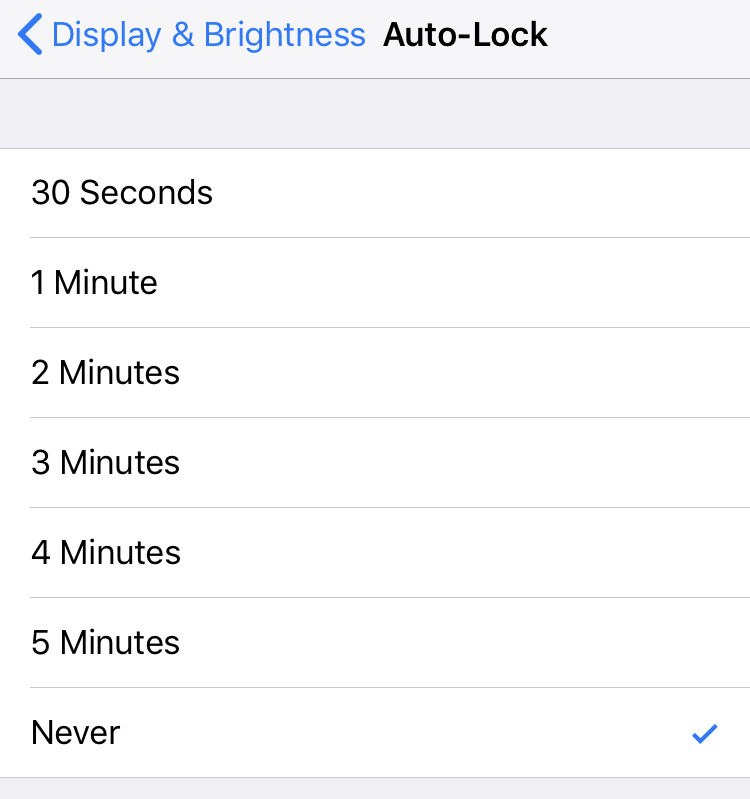
By selecting the "Never" option the device never gets off, and The display will remain open permanently, if we do not press the lock button / power.
It is good to use this option only during the period when the device runs a media content or a game that does not require the display. Leaving this permanent active option leads to the rapid discharge of the battery and its degradation over time.





































Unfortunately, yes Ipados 14.1 have eliminated the Never item and it is very serious.
I use app for audio use and every time the tablet goes to standby it is disconnected from the mixer Behringer XR18. The bag should be corrected immediately, given that the Apple environment is used a lot in this area.
Thanks for your comment!
I noticed something very strange after your comment. On iPhone X / iOS 14.1 this function just doesn’t work, I can’t open the menu in which to select “Never”, but on iPad Pro / iPadOS 14.1 the function still works without problems. I think it should not be a limitation caused by the condition of the battery. On the iPhone I have 80% health.