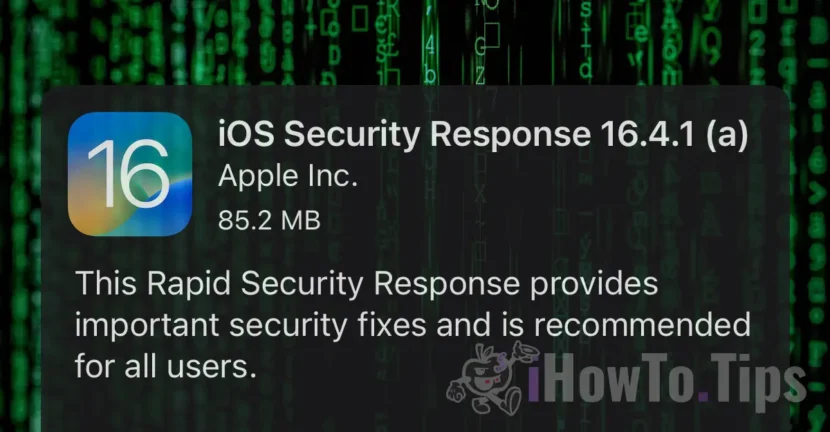

Users of iPhone, iPad and Mac, they started receiving updates for some time Rapid Security Responses. Recently, Apple launched such a update, which unfortunately gives headaches to many iPad and iPhone owners.
"Unable to Verify Security Response. iOS Security Response 16.4.1 (a) failed verification because you are no longer connected to the Internet."
Leaving this stupid bug by Apple that will surely be corrected in a short time, let's see what this type of updates means and what it helps.
Table of Contents
What quickly means Security Response and what helps?
As the name suggests, these updates solve urgent security problems discovered on Mac, iPhone and iPad. For example, if a vulnerability is discovered in Safari or another component of the operating system, Rapid Security Response will close the security breach.
This feature of rapid response to security issues, is available starting with iOS 16.4.1, iPadOS 16.4.1 and macOS 13.3.1.
How to enable updates Security Responses & System Files?
To enable fast security updates, all you have to do is go to your iPhone or iPad in: Settings > General > Software Update > Automatic Updates and activate the option "Security Responses & System Files“.
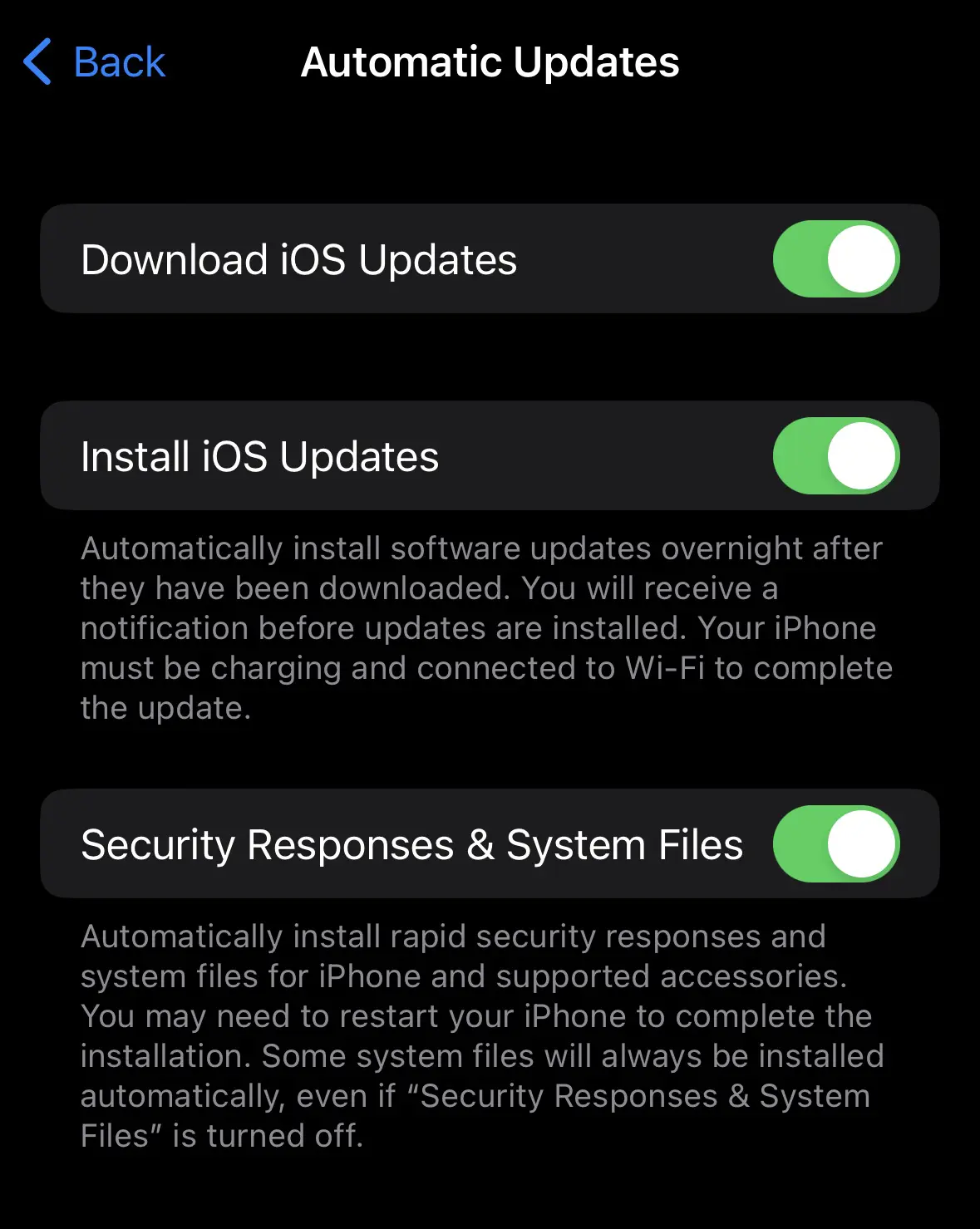
These updates do not change the version number. A letter is applied to the end of the version. For example, macOS 13.3.1 (a).
It should be noted that these updates do not bring new features or visible changes in the operating system options. However, there are very important updates for the security of the device.




































