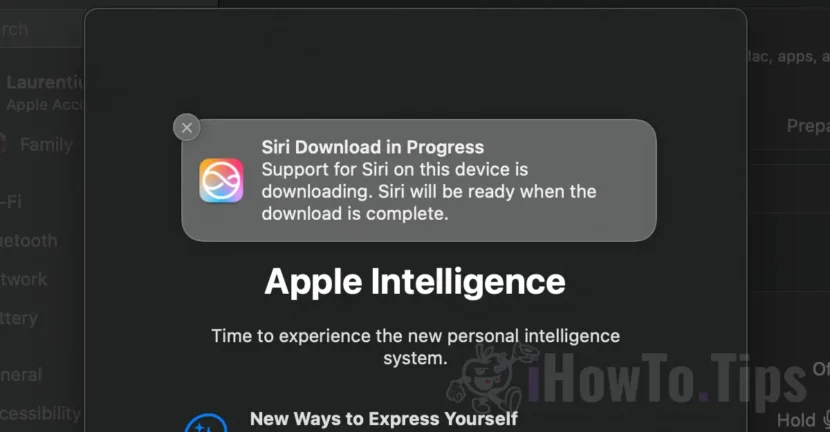

Apple has already begun to introduce artificial intelligence in the first beta versions of the Macos Sequoia 15.1 operating system, but many users cannot use it because of a problem that persists for a few weeks. Apple Intelligence discharge remains blocked, which is why neither Siri virtual assistant can be used, which theoretically should now be smarter than ever.
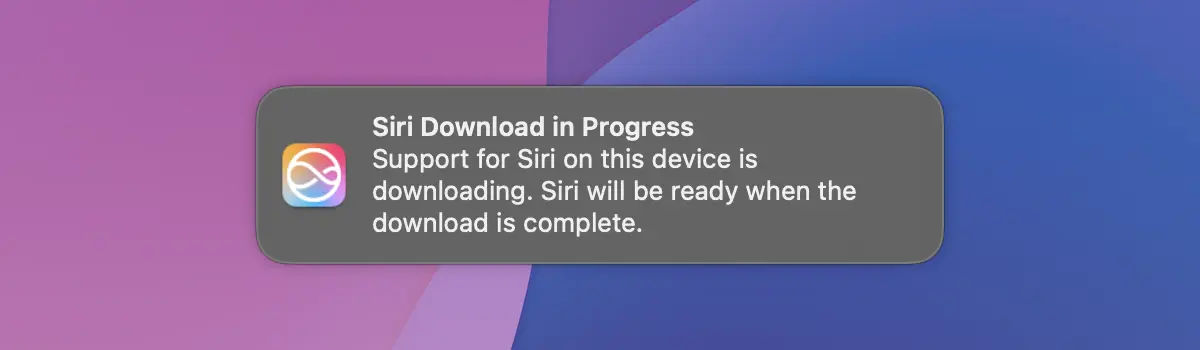
Siri Download in Progress Support for Siri on this device is downloading. Siri will be ready when the download is complete.
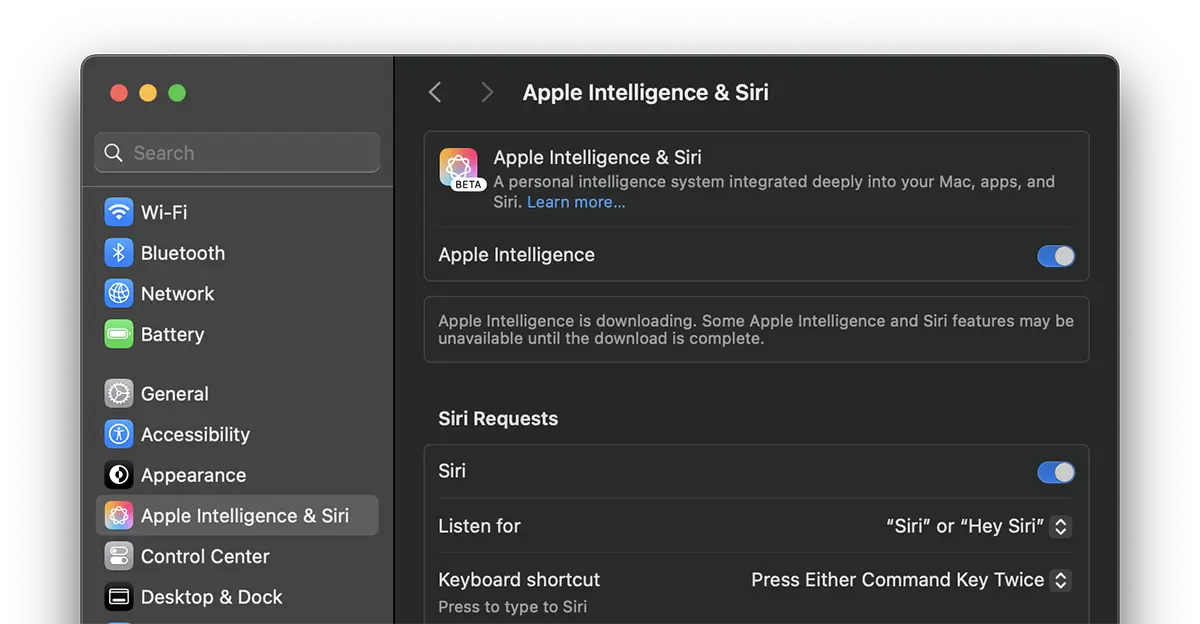
Apple Intelligence is downloading. Some Apple Intelligence and Siri features may be unavailable until the download is complete.
What do you have to do if the Apple Intelligence download stays on Mac?
When the Apple Intelligence download remains blocked for several hours or even days, it is a clear sign that something does not work properly. In the guide below you can find how you can solve this problem that prevents Apple Intelligence and Siri on Mac.
1. Disable SIP (System Integrity Protection) on Mac.
Tutorial: How do you disable System Integrity Protection (SIP) on Mac (M and Intel)
2. Deschide setările macOS (System Settings), apoi mergi în partea stângă la “Apple Intelligence & Siri”.
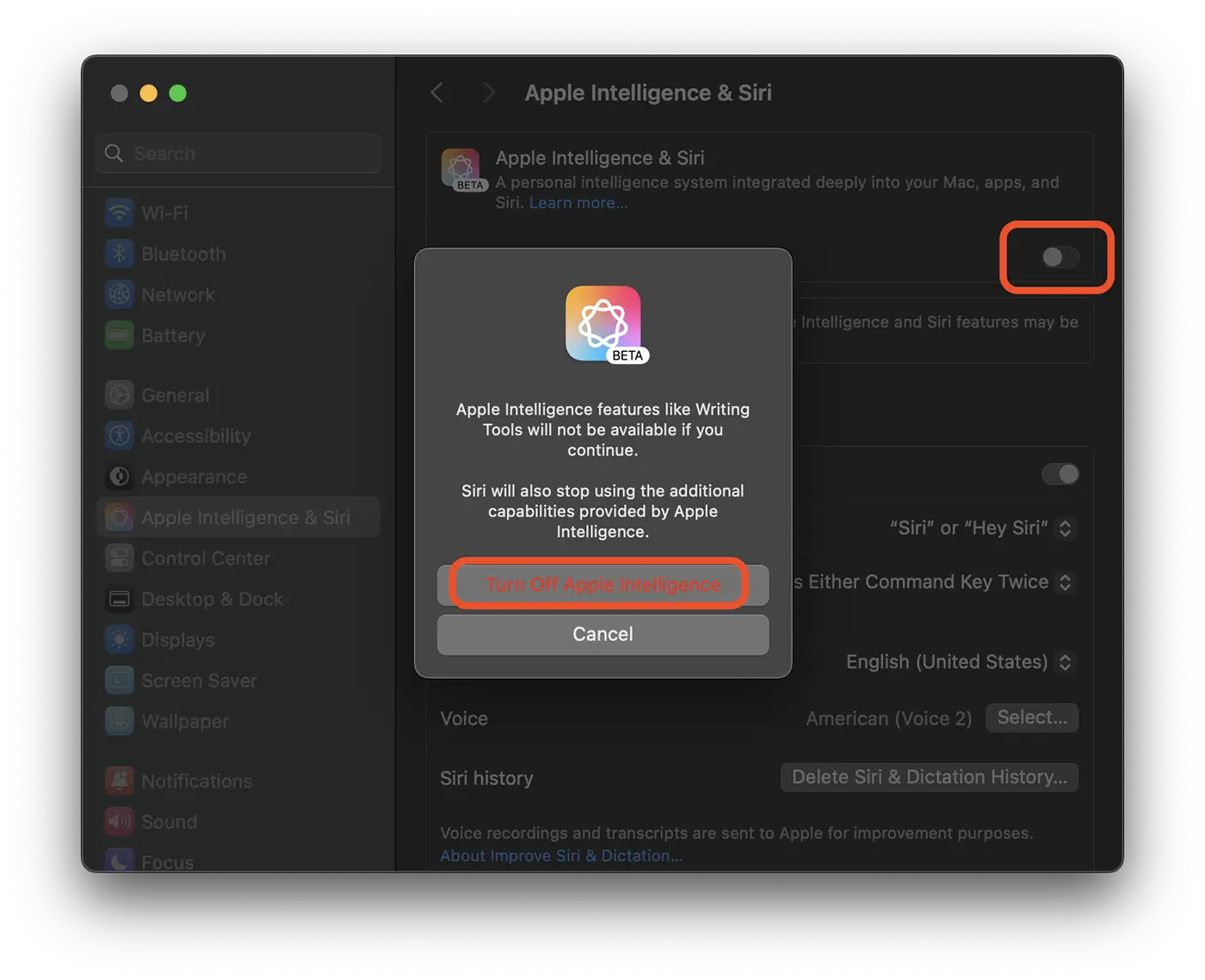
3. Disables Apple Intelligence. Switch the gray button, then confirm the deactivation. In the image below it is illustrated how you can disable Apple Intelligence.
4. Opens the terminal utility and executes the command line: (requires the input of the USER System password)
sudo rm -rf /System/Library/AssetsV2/5. restart the system. Reboot.
6. Reactivează Apple Intelligence și așteaptă un timp, până se va finaliza descărcarea pachetelor Apple Intelligence & Siri.
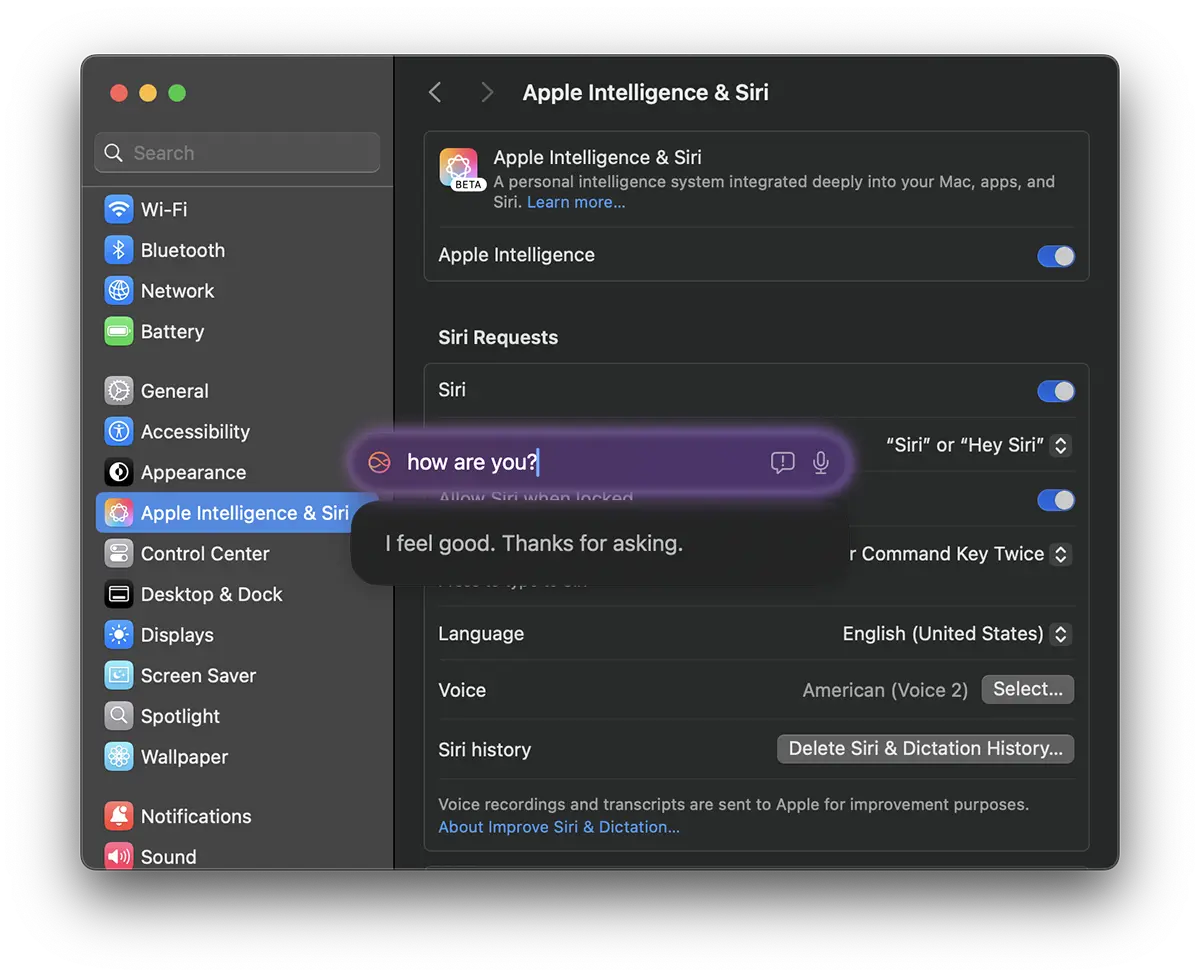
Apple Intelligence for Mac is currently in the beta version, which means that many errors and operating problems can occur. Also, some features of this technology will be gradually implemented by Apple.




































