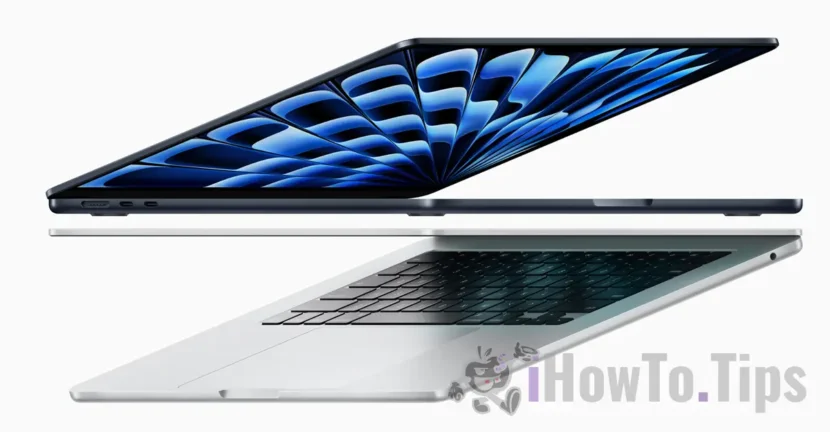

Apple launched (March 2024) the new generations of MacBook Air M3 available in 13 and 15 inch sizes. The M3 chip with faster CPU and GPU performance, an updated neural engine and up to 2x faster Wi-Fi are the main top features of the new MacBook Air models.
It is also the first MacBook Air model that supports simultaneous connection to two external displays (monitors).
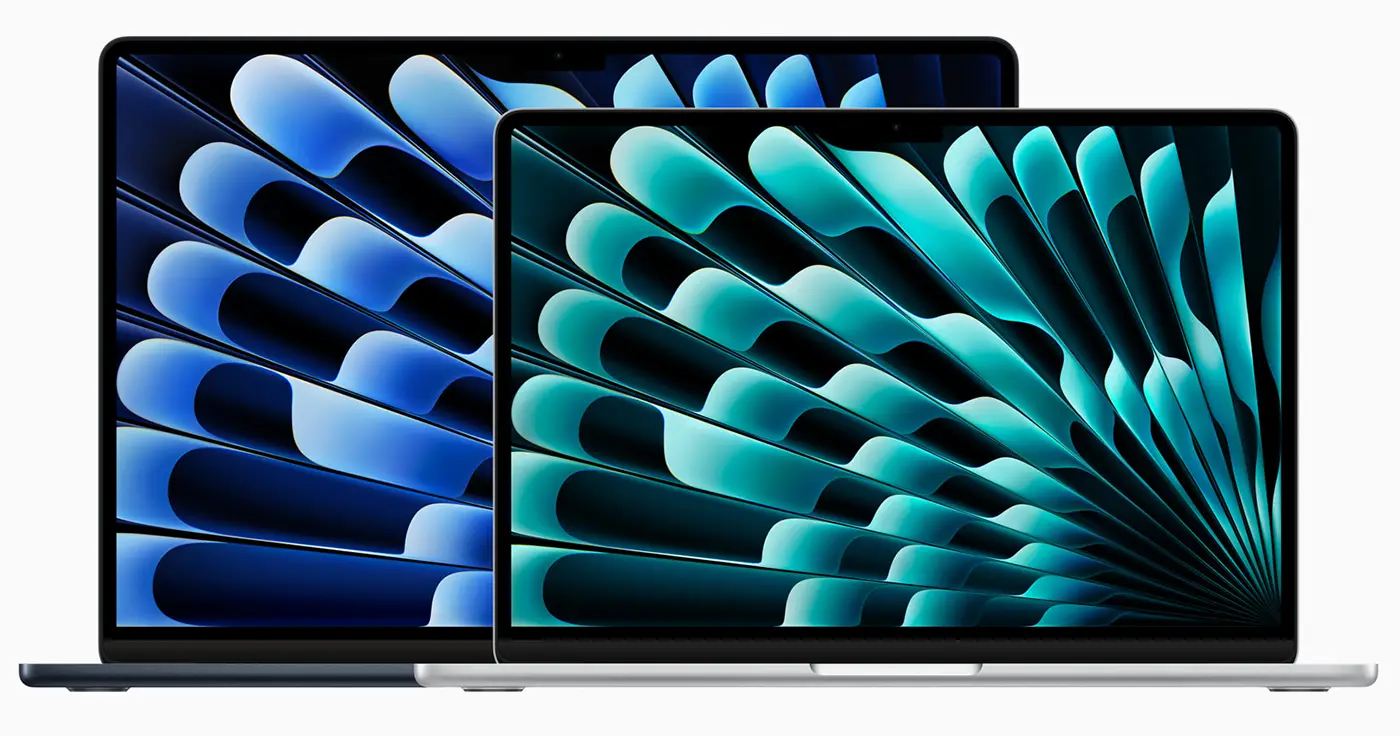
If you already have a MacBook Air and are considering an upgrade or simply want to try a new experience, the specs below will help you make the best choice.
Table of Contents
MacBook Air M3 (2024) performance
The new M3 chip present on the MacBook Air 2024 brings improved CPU and GPU performance. The top-of-the-line MacBook Air M3 model supports up to 8-Core CPU and 10-Core GPU with the improved Neural Engine, which Apple says uses AI to enhance creativity and productivity on macOS.
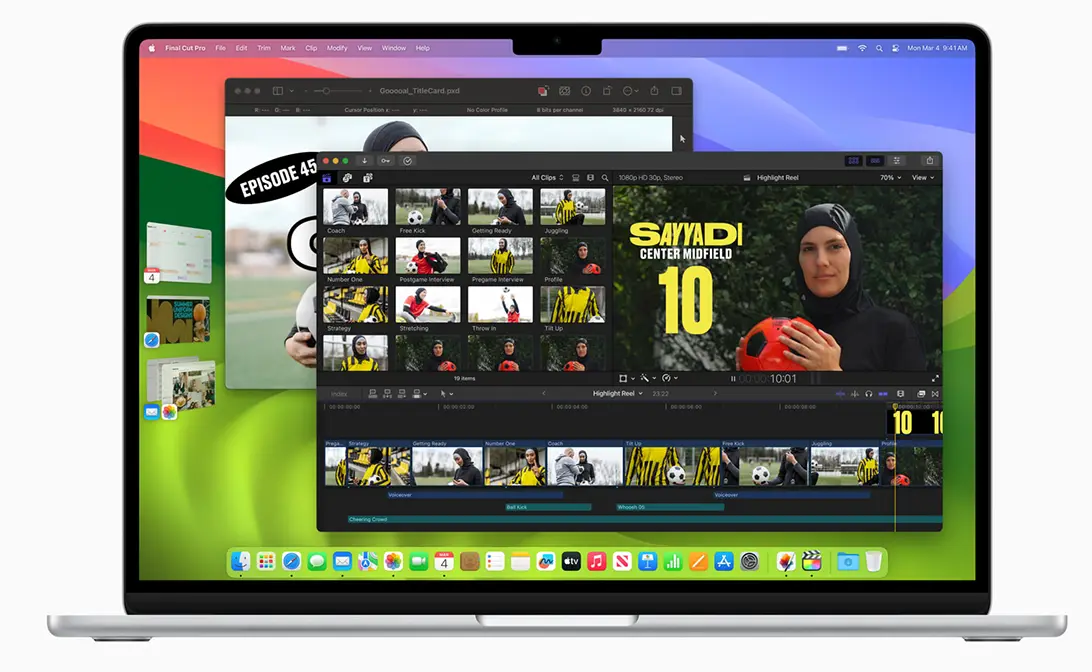
As for the RAM memory, the new models support up to 24 GB (Unified Memory). The RAM resources and support provided by the M3 chip are sufficient for photo editing with Photomator or video editing with Final Cut Pro. According to the specifications provided by Apple, the MacBook Air M3 provides video editing in Final Cut Pro 60% faster than any MacBook Air M1 model and up to 13x faster than MacBook Air models with Intel processors. Of course, these specifications are for models with 8-Core CPU, 10-Core GPU and 24 GB RAM hardware resources.
The new Neural Engine significantly improves AI performance. Equipped with 16 cores, it offers superior speed and efficiency, and integrated CPU and GPU accelerators support on-device machine learning. At least that's what Apple's official statement says. Considering how little Apple has innovated in the field of artificial intelligence, these AI capabilities belong more to Pixelmator Pro, Microsoft 365 or CapCut than to the MacBook Air.
A real update of the new MacBook Air generation is Wi-Fi 6E support. This standard is twice as fast as the Wi-Fi 6 standard present on the MacBook Air M2.
About Wi-Fi 6E: What advantages does Wi-Fi 6E offer, the 6 GHz 802.11ax band
What can you use the MacBook Air M3 for?
If you are planning to buy a MacBook Air M3, it is good to know that this laptop should be seen as an investment to help you in the process of creativity, editing video and photo content or for studies. The MacBook Air with the M3 chip is a pretty versatile laptop, suitable for a wide range of activities, both for productivity and light creativity. While it can run Final Cut Pro or Photoshop, don't expect it to match the performance of a MacBook Pro.
In the version with minimum resources, i.e. 8-Core CPU, 8-Core GPU and 8 GB RAM, MacBook Air is suitable for students or those who only need Microsoft 365, Numbers, Pages or Keynote.
The top performance version is also useful for photo editing in Photoshop, Pixelmator Pro, Affinity Photo 2 or light video editing with Final Cut Pro or CapCut.
Related: Do you want to buy a new iPad in 2024? See the recommendations.
If you already have a MacBook Air with an M2 chip, it's not really worth upgrading. The new MacBook Air M3 models offer a higher score of up to 20% for single-core and about 18% for multi-core.
In conclusion, the MacBook Air M3 are reliable and versatile laptops, ideal both for working with office files and for light photo or video editing.




































