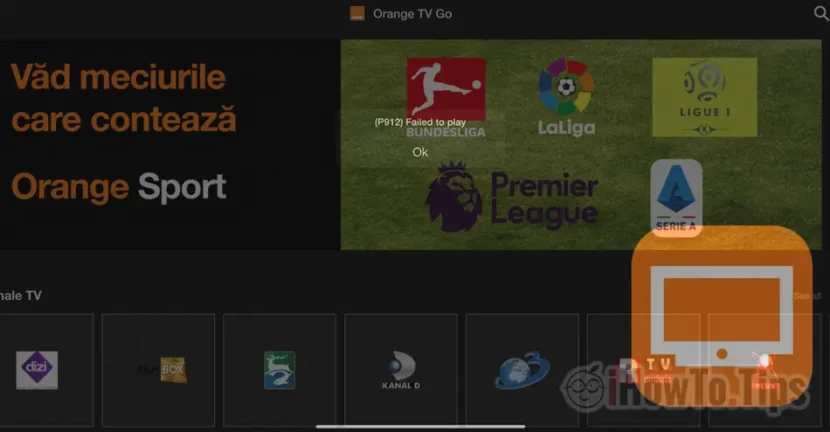

Orange TV Go is an application that I have been using for a long time on both the iPad and the iPhone. As an Orange Romania subscriber, I have access to online TV and other media content. The problem is that sometimes online TV channels cannot be accessed. Error P912 Failed to play.
According to the specifications in the application description, the users who benefit from the services Orange TV Go, I can access TV channels both on a 3G/4G/5G connection and on Wi-Fi.
What is not specified in the application is that you cannot watch live TV channels if you are outside the country or if you use an IP (or proxy) from another country, other than the one from where you provided the service Orange TV Go.
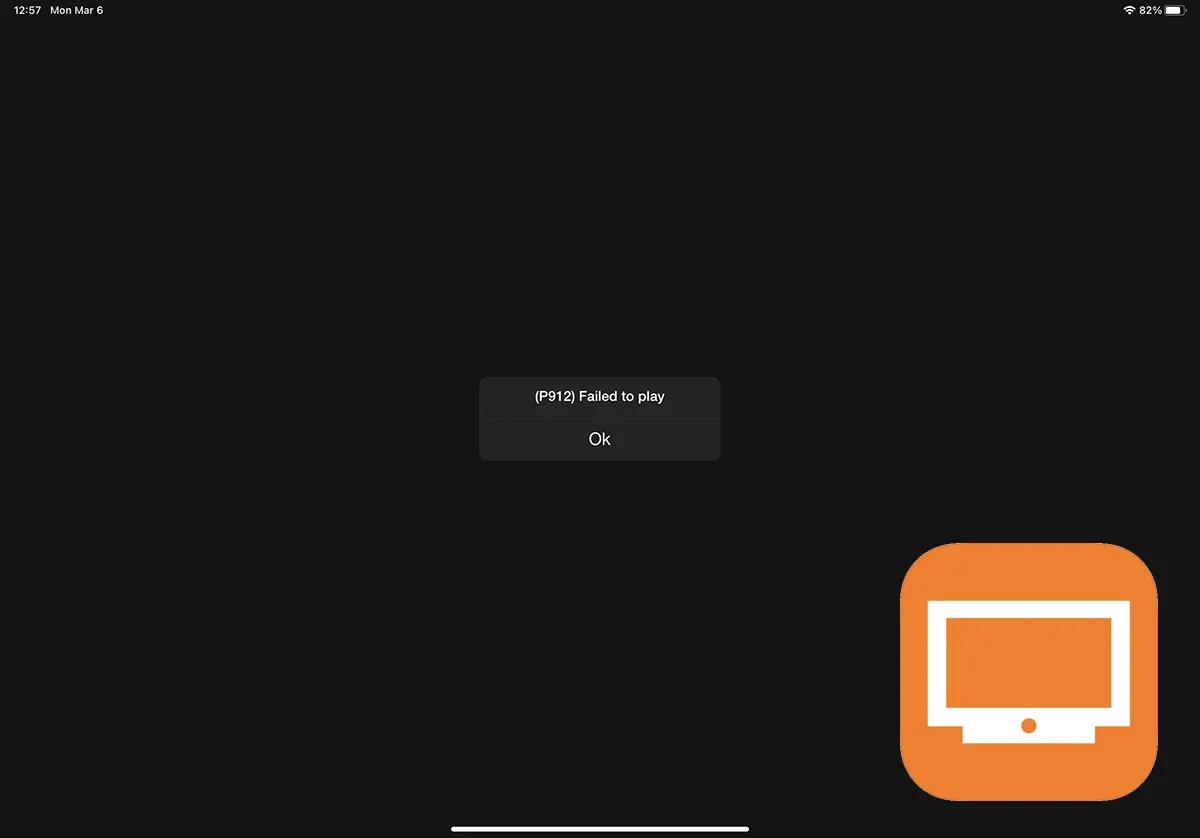
Resolving error P912 Failed to play in the Orange TV Go application on iPad and iPhone
As I said above, in order to be able to watch TV channels online through the Orange TV Go application, you must use a mobile or Wi-Fi connection from the country where the subscription is made.
If you are not outside the country or do not use a VPN connection and encounter the P912 Failed to play error, follow the steps below:
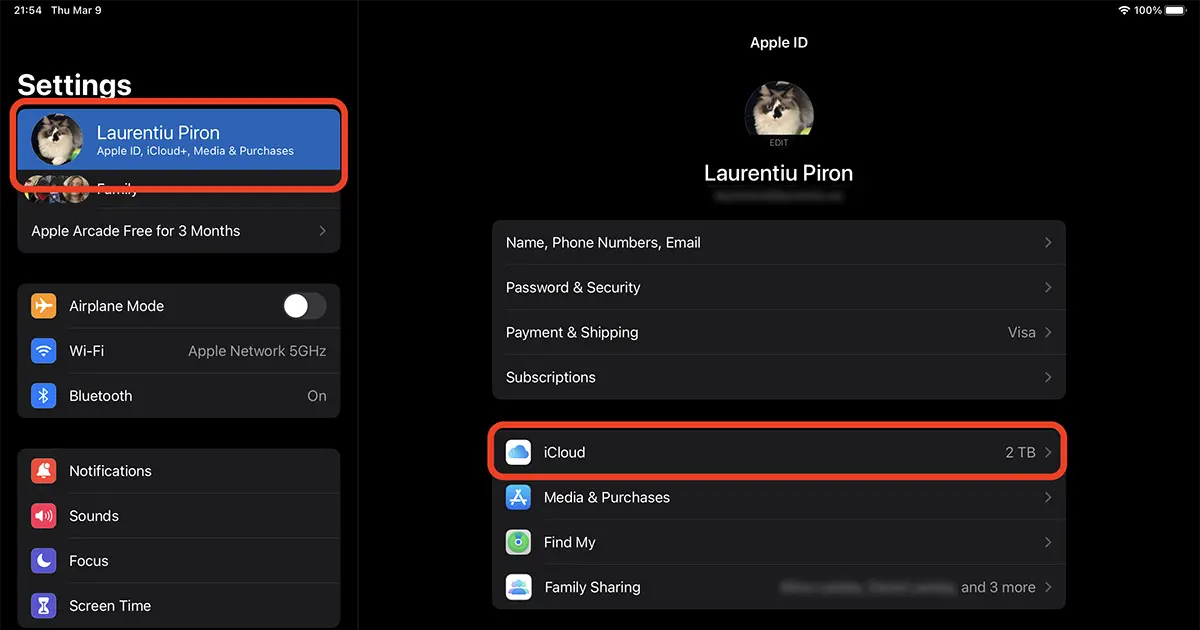
1. Go to iPad or iPhone in Settings → Apple ID (first option with username) → iCloud.
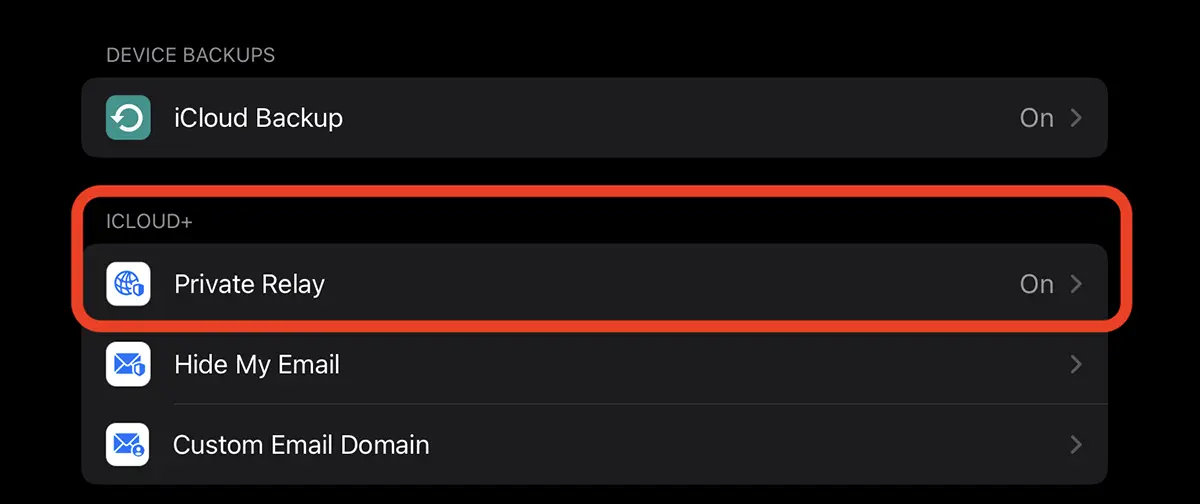
2. Go to the Private Relay option and disable it.
After deactivating Private Relay, you should be able to open any live TV station from the Orange TV Go application without the P912 Failed to play error appearing.
Private Relay is a feature introduced by Apple in 2021 for iCloud+ accounts. This option acts like a VPN (Virtual Private Network), changing the device's internet output IP, including for streaming services.
If you don't want to completely disable this service, go to the Private Relay options at IP Address Location and choose the option "Use country and time zoneThe device will be assigned an IP from the country you are in (if available).




































