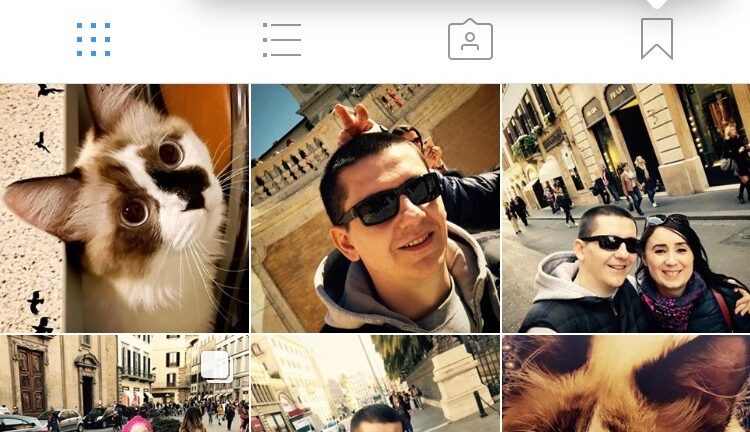

Recently, Instagram received several important updates, which brought new options for users.
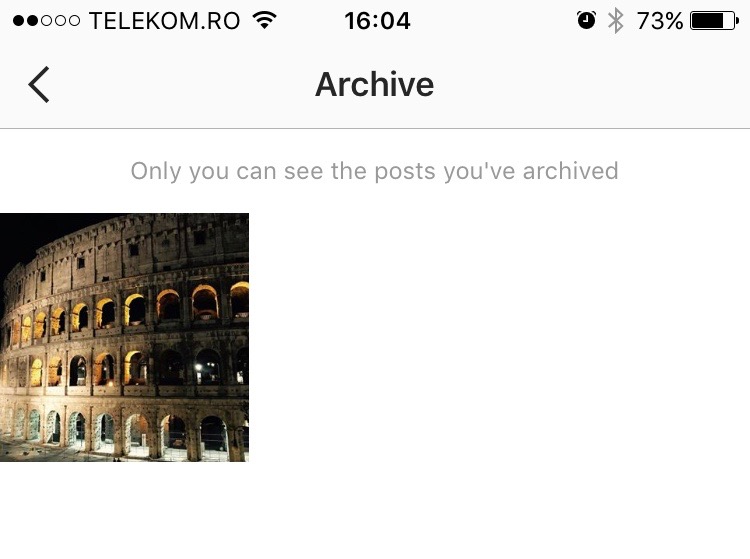
The possibility for users to arhivezele photos on the Instagram in a personal archive, hidden from the eyes of others, is one of the novelties brought to the platform.
The archive can be accessed by clicking on the sign at the top right of the profile. A clock in the opposite direction is indicated to us.
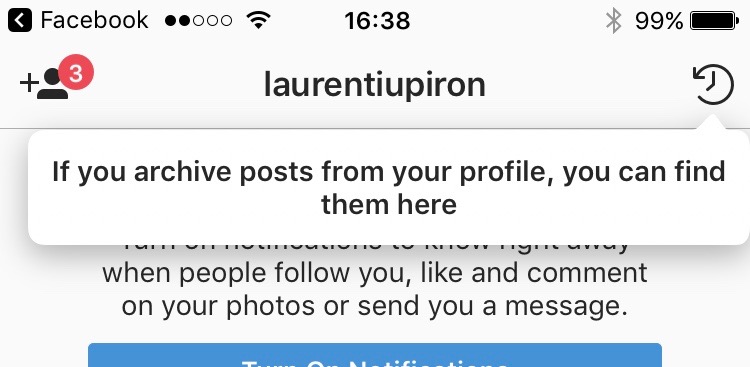
"If you archive posts from your profile, you can find them here“.
The archiving part is only valid for personal photos, but together with it, the "Saved" section was also introduced. In this section you can save photos of your friends in a "Saved" gallery that only you can see.
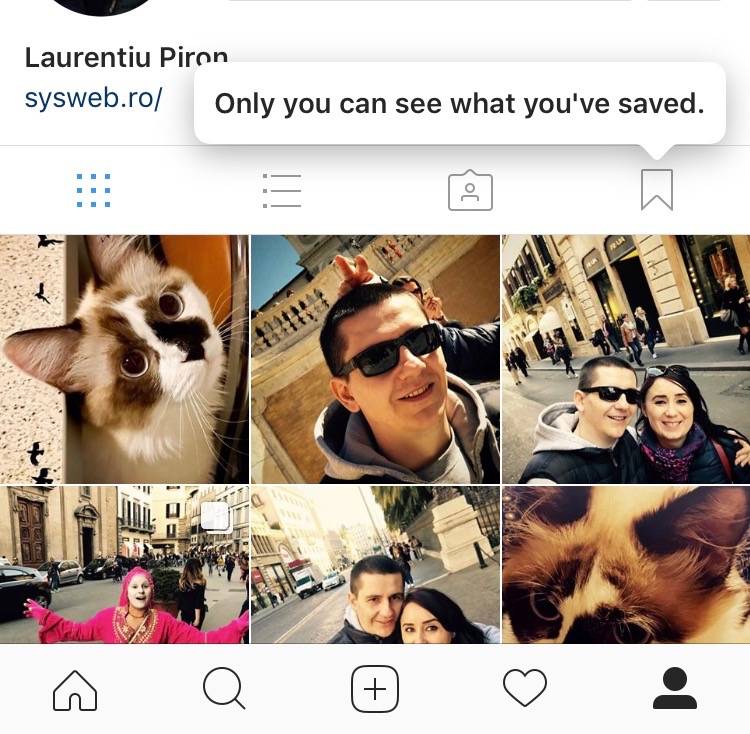
"Only you can see what you’ve saved."
It has happened many times that you like a picture of someone on Instagram and want to keep it. Now you have the possibility to create private collections with pictures saved from other Instagram profiles.
Let's see How to arhivam and to hide personal pictures and How to save a picture of someone on Instagram.
How arhivam and hide the picture on Instragram
We go to the personal photo that we want to archive and click on the menu sign in the upper-right corner. The three points.
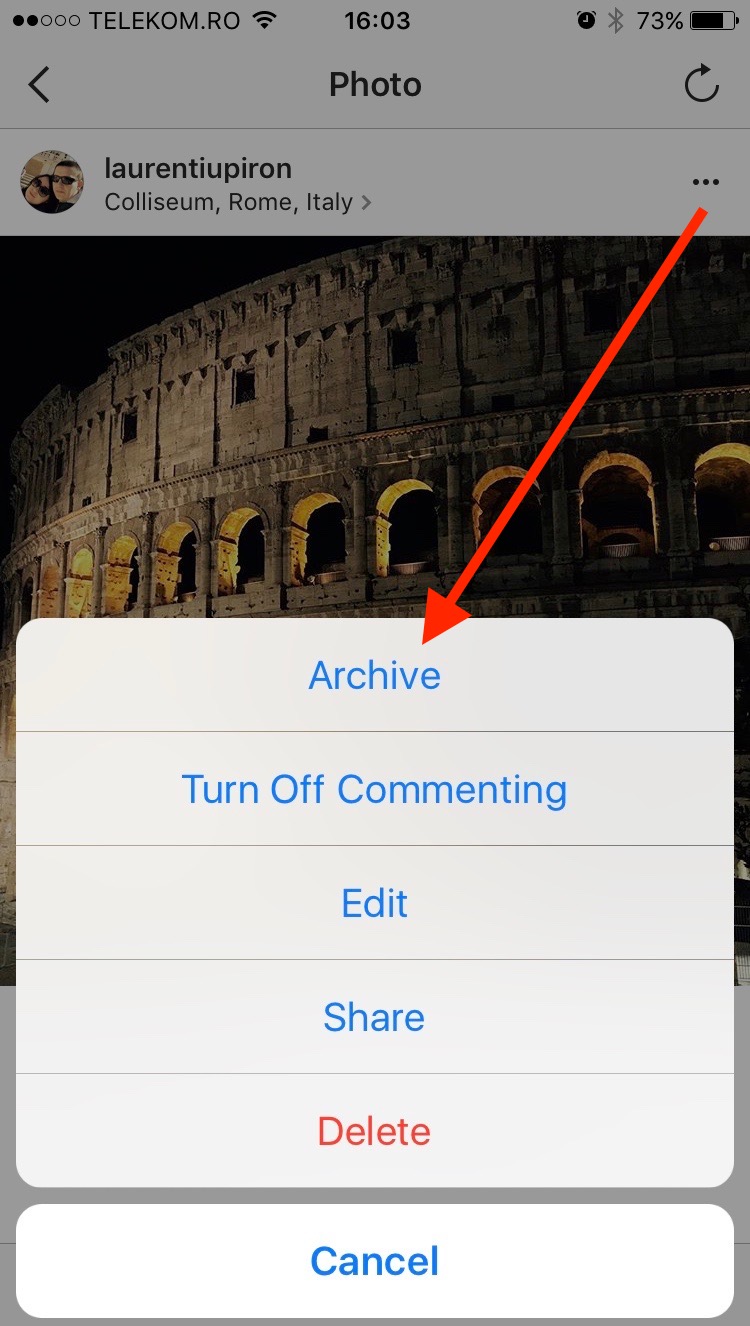
In the menu that opens, choose the "Archive" option, and from that moment on the picture can only be seen by you. It will be hidden for your friends on Instagram. You can find it in the "Archive" section that I talked about at the beginning of the article.
How to save a picture of a friend on Instagram, in a personal photo gallery.
Doing this is even simpler than archiving a personal photo.
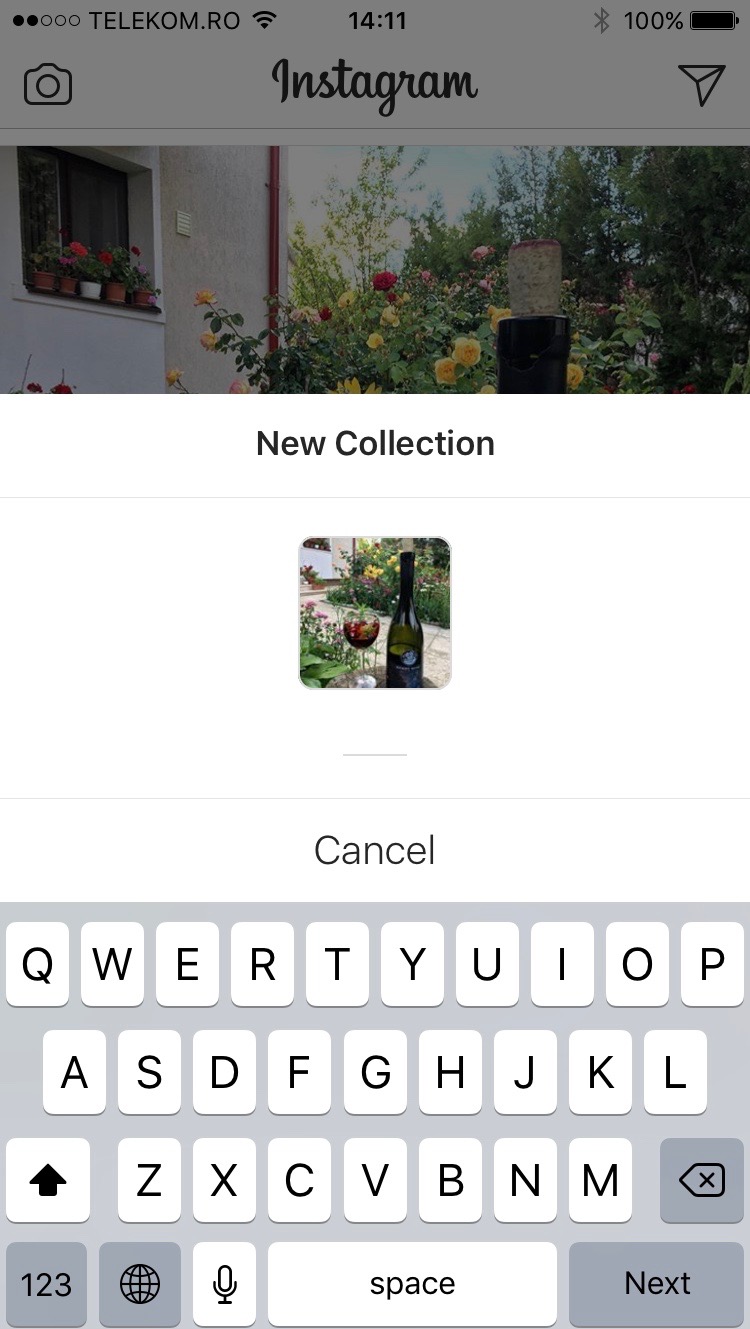
In any picture present on Instagram, in the lower-right corner we will find a sign of "Bookmark" which if we press briefly, the picture will be saved in a personal collection. This collection is private.

The most interesting part is that if we press and hold the bookmark sign for 2 seconds, we have the possibility to create private collections. For example, if we want to save pictures of flowers from Instagram, we can create a private gallery called "Flowers" in which we can put all the pictures we like and that fall into this category.
Recognized as a network dedicated to landscape photos, selfies and artistic images, we expect new Instagram functions and options in the near future, which will allow users to better manipulate media content.




































