

iOS 17.5 brought many important changes to iPhone devices, especially for users in Europe who can also download apps to iPhone from third-party sources, not only from the App Store. However, the new iOS version came with a bug in the Photos app. Many users have noticed that deleted photos reappear in the photo gallery on iPhone.
When a user deletes pictures from the Photos gallery, they are automatically moved to the "Recently Deleted" album, where they are deleted after 30 days. The bug present on iOS 17.5 causes some of the pictures deleted and moved to "Recently Deleted" to return to the photo gallery, which can cause problems for many users.
Table of Contents
What can you do if deleted photos reappear in the Photos gallery?
As we always recommend, it's a good idea for all owners of iPhone, Mac, iPad, Apple Watch or any other devices to keep their operating systems up to date. Both Apple and other operating system providers periodically release updates to fix bugs, errors or security vulnerabilities present in previous versions.
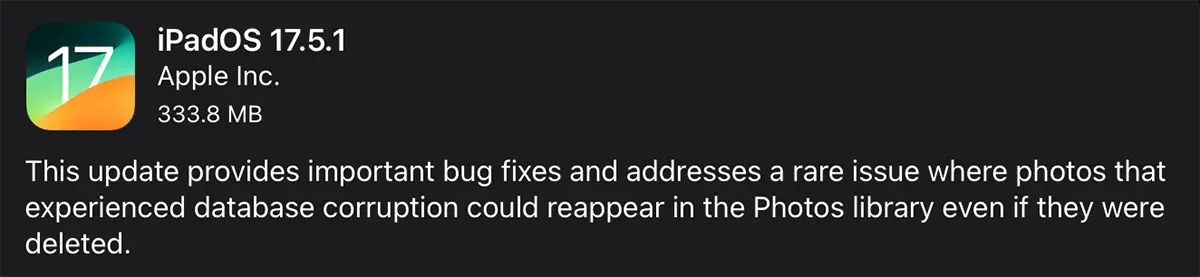
Regarding the bug that causes deleted photos to reappear in the photo gallery on iPhone, all you need to do is update your iPhone and/or iPad to iOS 17.5.1.
Related: Error exporting pictures from Photos app to Mac
How do you update the operating system on your iPad or iPhone?
1. Open the "Settings" application on the device, then go to "General".
2. Press "Software Update", then the "Update Now" button. This only appears if there is a new version of iOS or iPadOS for your device.
3. Enter the device unlock password to start the OS update process.
For iPhone devices, the iOS update can only be done if the battery charge level is at least 50%.




































