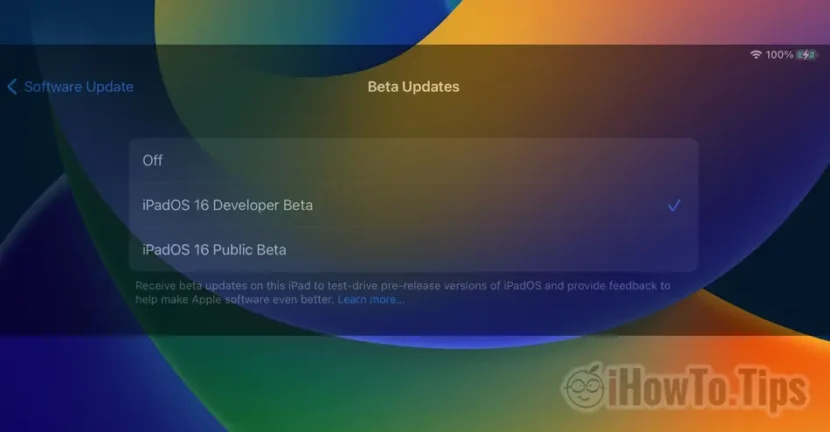

Until iOS 16.4, to enroll the iPhone in the Beta Software Program, a profile had to be installed on the device first, then follow a few steps. After installing the Beta profile, test versions of the future final versions of iOS could be installed on the iPhone. I wrote here a tutorial about how you can enroll an iPad (or an iPhone. It's the same process) in Apple Beta Software Program.
Starting with iOS 16.4, Apple greatly simplifies the method by which an iPhone or iPad can be enrolled to receive Beta updates. Everything is made from Software Update, without the need to install the Apple Beta Software Program profile.
How to enroll iPhone in Beta Software Program on iOS 16.4
There are two programs that Apple makes available for installing iOS or iPadOS in the beta development stage. Public Beta Software Program, dedicated to the curious who want to test the future features until the release of the final version. Apple Developer Program, dedicated to developers of applications and games, who must be up to date with changes to the operating system, so that at the time of launch, their applications are optimized for it.
As I said, for iOS 16.4 / iPadOS 16.4, users can decide at any time if they want to or not. receive Public Beta or Developer Beta updates, without the need to install the version-specific profile.
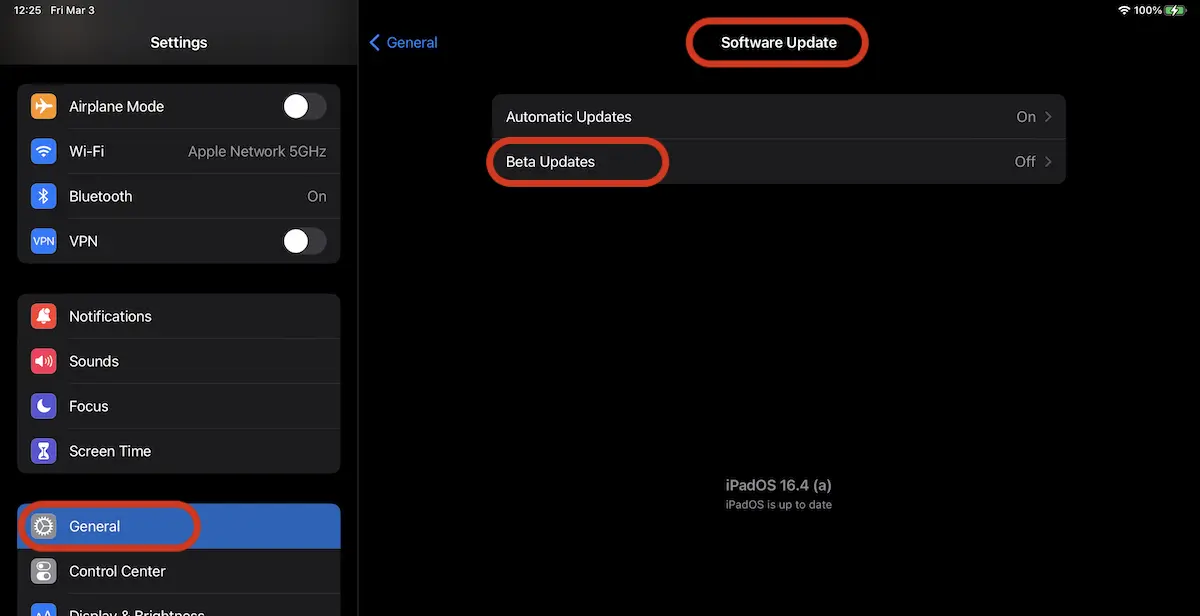
1. Mergi in Settings → Software Update → Beta Updates.
2. In Beta Updates, you can select iPadOS 16 Developer Beta or IPADOS 16 PUBLIC BETA and you will receive test version updates.
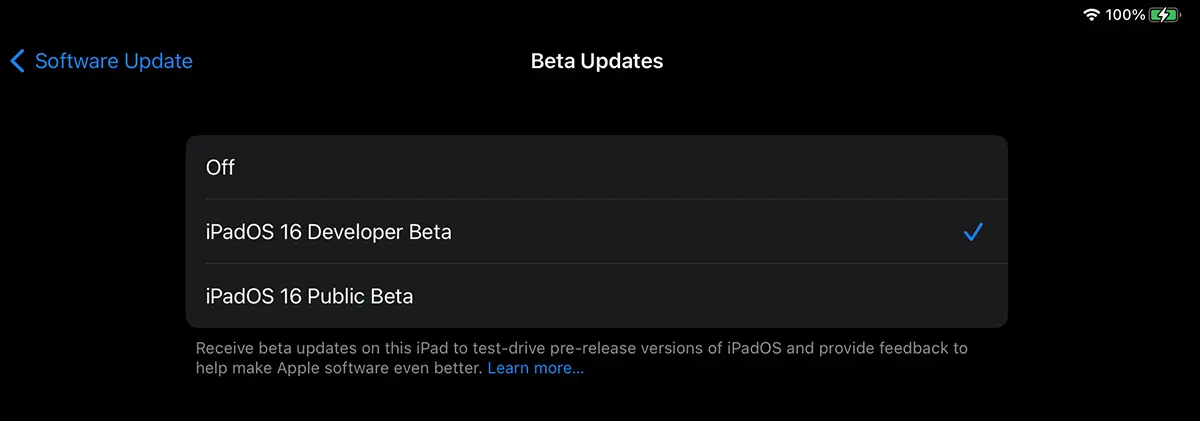
That's all. After you have activated one of these options, the iPad or iPhone is enrolled in the selected Beta program.
If at some point you decide not to receive new Beta versions, set "Off". The device will remain with the latest Beta version installed until the final version of iOS / iPadOS is released for the general public.
With this change, Apple links the Beta profile to the users' Apple ID account. Thus, if you have an Apple Developer Program subscription, the option to enroll will appear automatically on all devices on which you have connected the same Apple ID.




































