
The newest one was recently launched iOS 14 Public Beta 3 and iPadOS Beta 3, available to all users who have compatible iPhone / iPad devices and are enrolled in the Apple Beta Software Program.
The new version of iOS 14 Beta 3 / iPadOS 14 brings some important news in terms of organization Home Screen and application Music. Some design and functionality elements from the previous version are also finished.
What's new in iOS 14 Public Beta 3 and iPadOS 14 Public Beta 3?
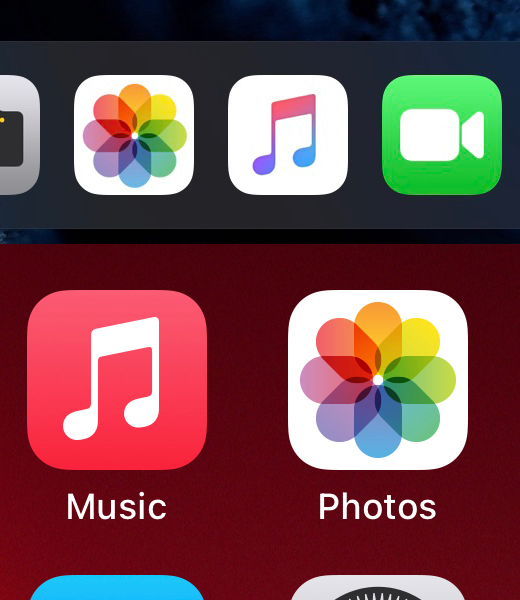
We start with Music application, when we first notice that the white background of the musical note in the icon (application icon) it turned red.
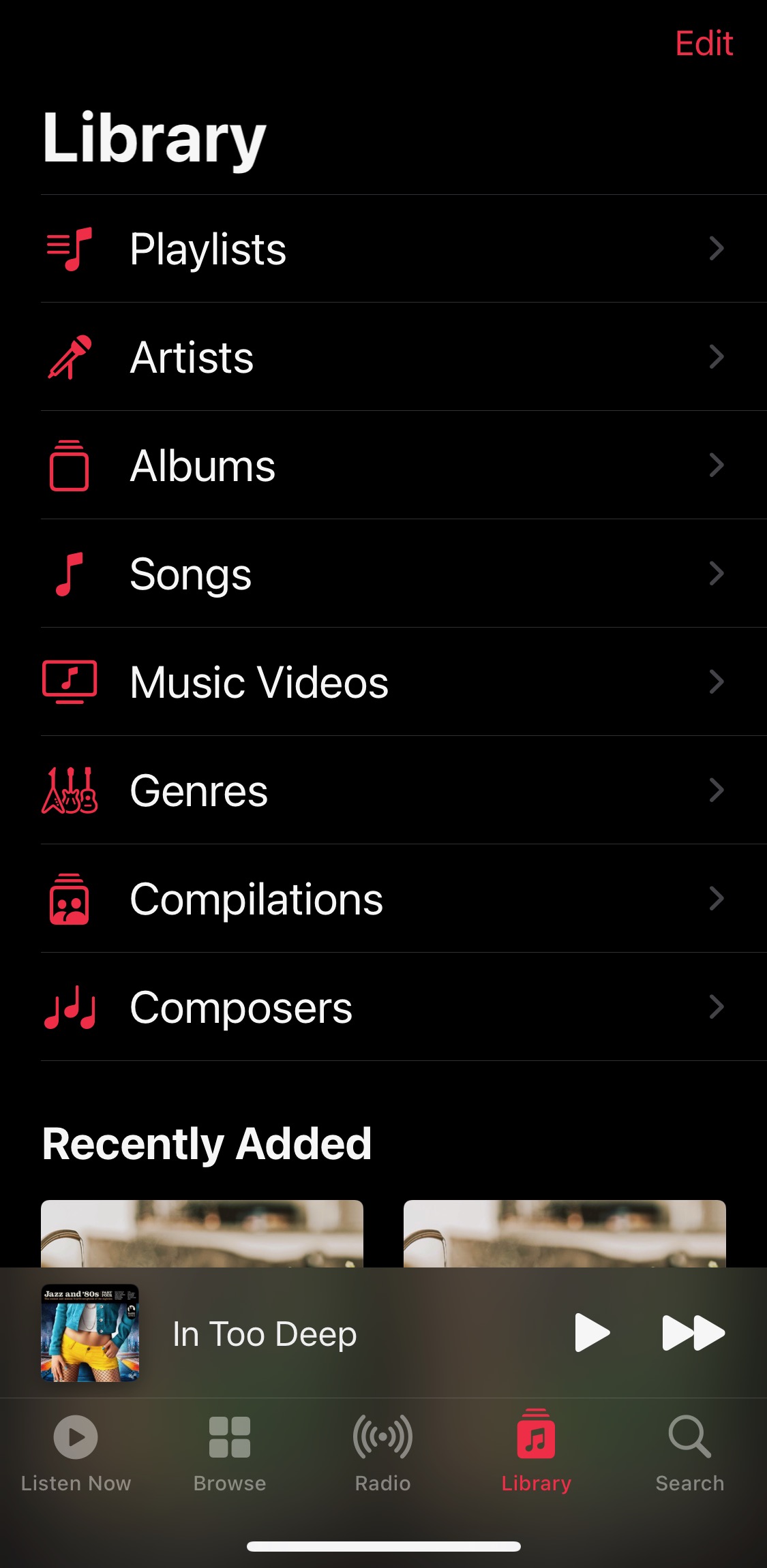
The organization of the new buttons at the bottom of the application is maintained: "Listen Now” instead of “For You”, “Browse“, “Radio"si"Library". In the last category we find a series of completely redescent icons, for "Playlists“, “Artists“, “Albums“, “Songs“, “Music Videos“, “Generating“, “Compilations"si"Composers“.
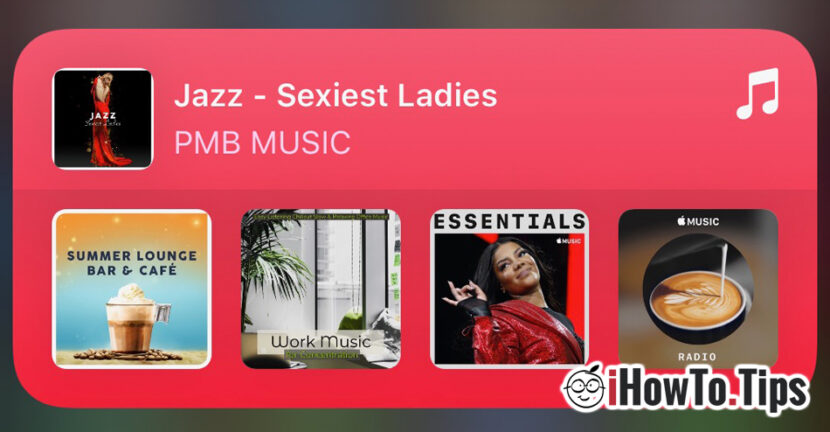
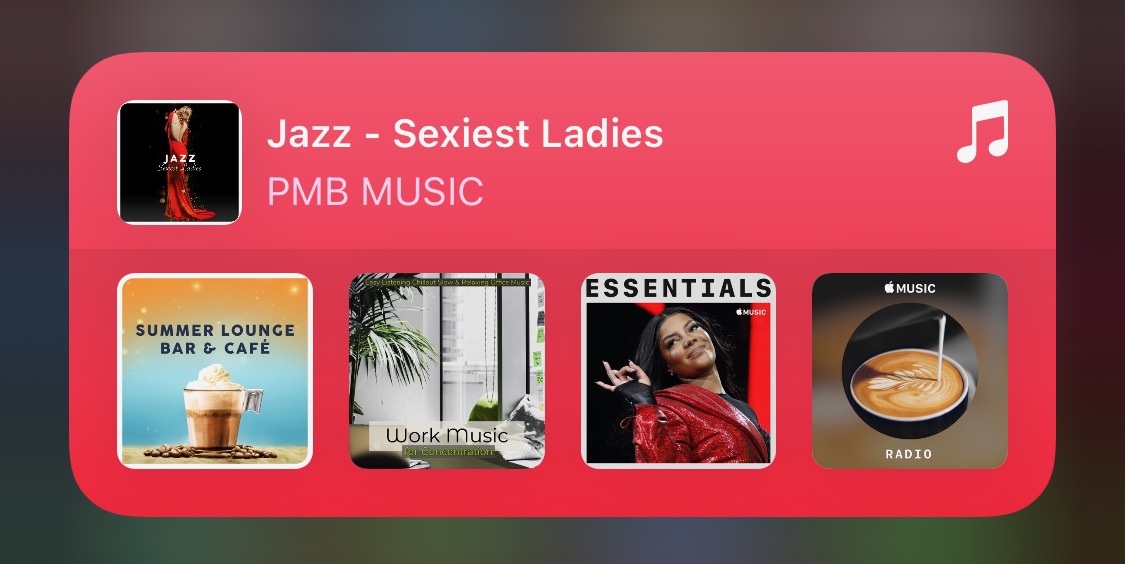
It is also changed home screen widgetfor Apple Music. He receives background rosu same as the application icon.
Support for playlist, song and album sharing has been added Snapchat Stories.
The new version of iOS 14 also brings some informative organization notifications for Home Screen which appear only once. It is about the notification for App Library, through which users are informed about the new automatic organization of applications according to the characteristics of each one. "Welcome to App Library – A new home for all your apps, organized in smart categories“.
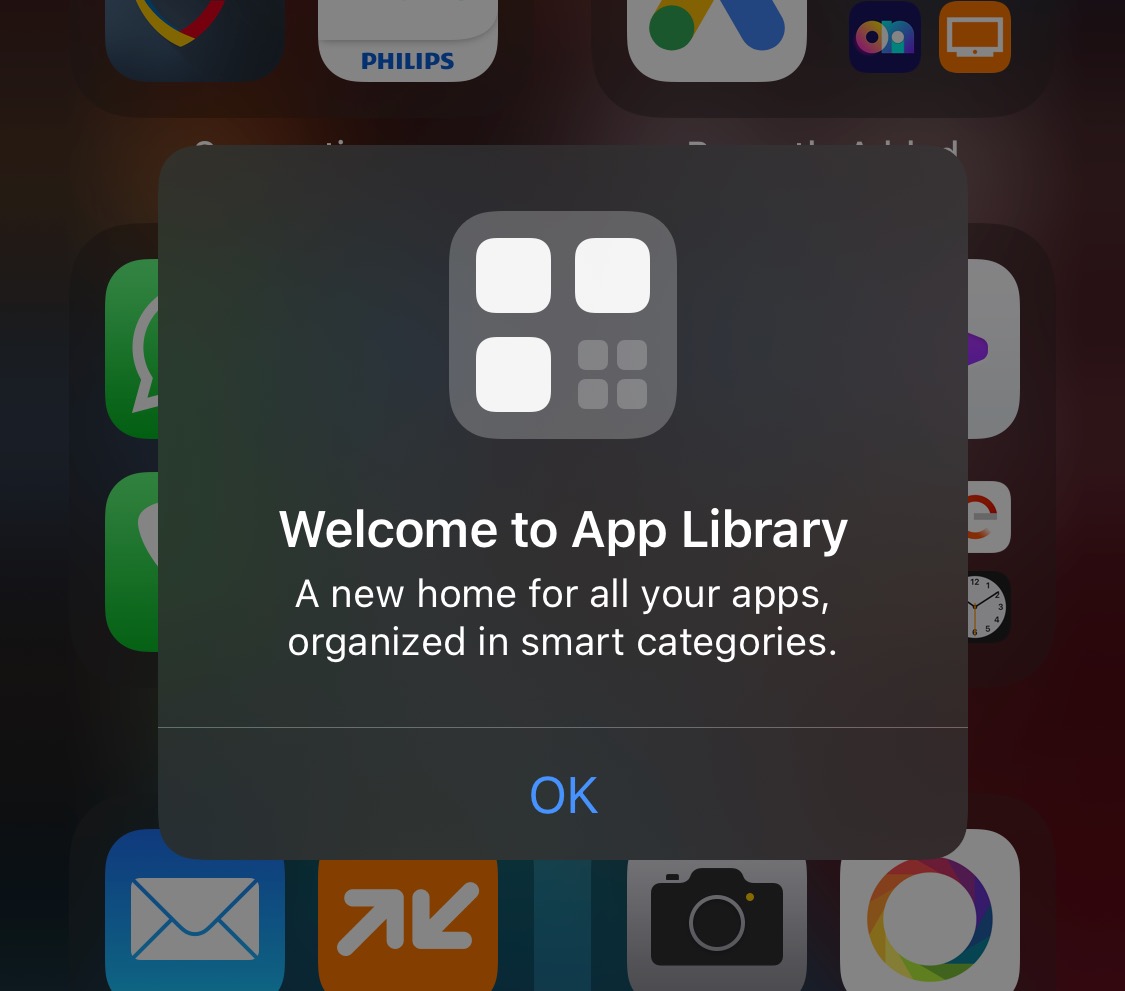
We talked about the new page on the "App Library" screen and we will talk more. It's an intelligent organization, but I think that in the future Apple should also allow the freedom of the user to change the category of an application. I identified some applications that were not moved to the right folders.
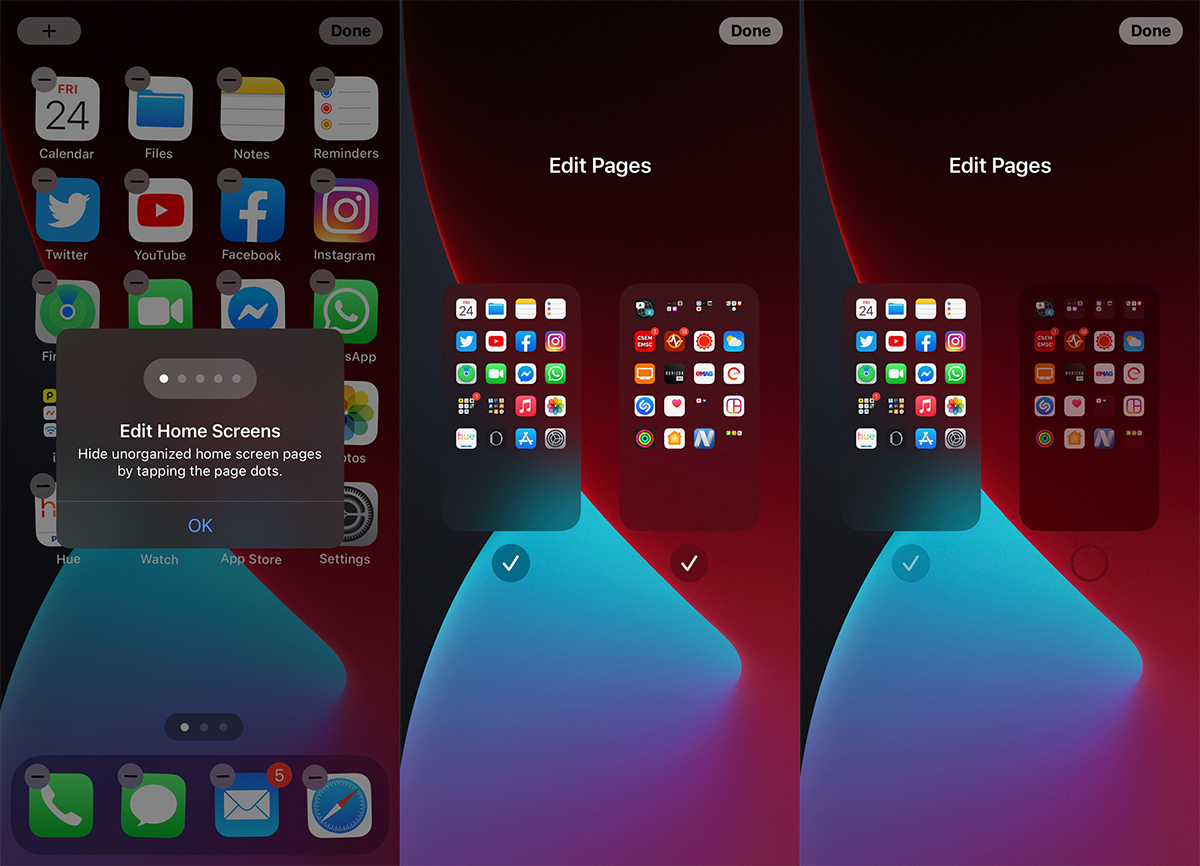
However, App Library will remove some secondary pages from the Home Screen, where users usually keep applications that are not used frequently.
In this sense, the new iOS 14 / iPadOS14 also offers the possibility of removing (hiding) secondary pages from the Home Screen, thus encouraging users to use the smart page "App Library“.
Other news brings the resolution of some bugs from the previous versions Beta 1 and Beta 2, especially the one that causes problems with storage space (storage) for the owners of iPhone. The problem present in previous beta versions.
In combination with watchOS 7, the new iOS 14 can send push notifications if you haven't washed your hands a few minutes after arriving home. This feature is of watchOS 7, appeared in the context of the COVID-19 pandemic. Unfortunately, watchOS 7 is not available in Public Beta at the moment. A developer subscription is required to install future Apple Watch software.
How to download and install iOS 14 Public Beta 3 and iPadOS 14 Public Beta 3 on iPhone / iPad?
First of all, you must have the device enrolled in the Apple Beta Software Program and before installation it is highly recommended to make a full backup of the device. It is very possible that some applications will not work on the new OS at the moment.
follow This tutorial for iOS download and installation / Ipados.
Returning to the previous version of iOS involves deleting all data from the device, if there is no backup.




































