

macOS is a very robust operating system, and compared to other operating systems, updates are made with a fairly low frequency. It will not receive daily or weekly macOS updates, as happens on Windows.
Some users, after the macOS Update, receive a notification informing them that the Mac is being optimized, and this operation can affect performance. "Optimising Your Mac – Performance may be affected until completed“.
Why is the notification "Optimising Your Mac” after macOS Update?
The optimization process of the Mac after an update starts very rarely. Maybe in a few years, some Mac users have never encountered this message.
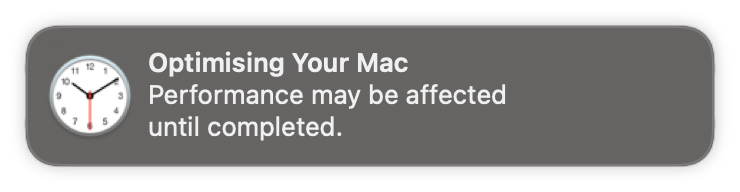
The notice "Optimising Your Mac – Performance may be affected until completed” appears most of the time after major operating system updates, when important system files and libraries have undergone changes, require checks or re-indexing.
An example is the cache system for Spotlight Search. In order for the searched files to be listed quickly, they are indexed on the hard drive. Following a major update, it is possible that these indexes will be deleted, relocated or require a total rebuild. This optimization process could take several minutes (depending on the volume of stored files), during which performance will be reduced, and if you are on a MacBook not connected to a power source, you may notice that the battery is consumed much faster than usual.
During the optimization process, they can be checked, corrected and changed system file permissions, I can migrate to other locations on the drive the cache libraries, of the Photos application (Photos Library) or other files related to kernel_task.
So, when we receive the message "Optimising Your Mac” it is good for a while not to start applications or operations that we know require the hard drive (read / write), the processor (CPU) or the memory (RAM).
Bonus: Maybe some of you will be a little confused by a difference. "Optimising"Or"Optimizing". That's it"Optimizing Your Mac" as well as "Optimising Your Mac” are correct, except that the last one is in British, the other American English.




































