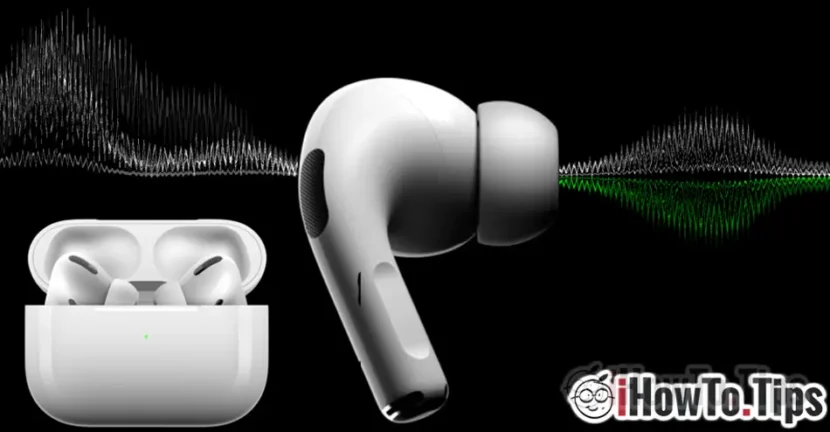

Castile AirPods Pro have enough intelligent sensors to detest if the heads of the castles They are suitable for the user's ear, if they require cleaning or if they have not been fixed well in the ear. In this tutorial you will see how you can set AirPods Pro headphones. Adjust or try a different type.
If I did not reach by mistake at “Ear Tip Fit Test“ I didn't even realize that one of the AirPods Pro casts has a problem that needs attention.
Before we show how to solve the AirPods Pro error: “Adjust or Try a Different Ear Tip“, let's see how we can reach the sound quality test and Noise Cancellation.
Table of Contents
Cum testam castile AirPods Pro / Ear Tip Fit Test
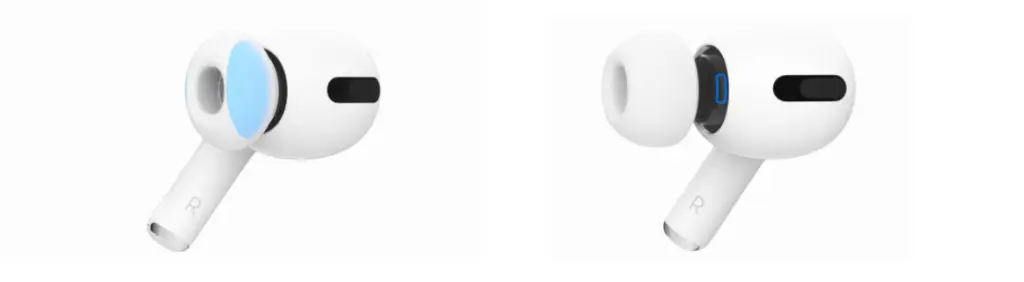
Having a very effective sound fading system from the outside (noise cancellation) It is very important to choose the plugs suitable for your ears Airpods Pro come in the package with three sets of silicone plugs of different sizes. Large, medium (those existing on headphones) and small.
How we change the AirPods Pro (EAR Tips) plugs
Before you do the sound quality test Airpods Pro, choose the most suitable plugs, then put the headphones in the ears, connected to the iPhone.
If you ask How to change the AirPods PRO plugs, the answer is very simple. Grab the silicone plug at the base (stronger area) with your fingers, then pull. The new stopper (EAR type) is fixed by pressing, following the guide slot. A click is heard when the silicone plug is fixed on the helmet.
Ear Tip Fit Test
The test identifies if I chose the most suitable stopper and if each helmet is well fixed in the ear.
- Listen the text messages received and how you can send text messages with AirPods
- How do you activate Transparency adaptive on AirPods Pro 1
- How did we remove the Airpods from Apple ID? Mandatory if we sell them or give them to someone else
With headphones connected to iPhone, we go to: “Settings” → “Bluetooth“ → we press on the sign “i“ blue AirPods → “Ear Tip Fit Test“.
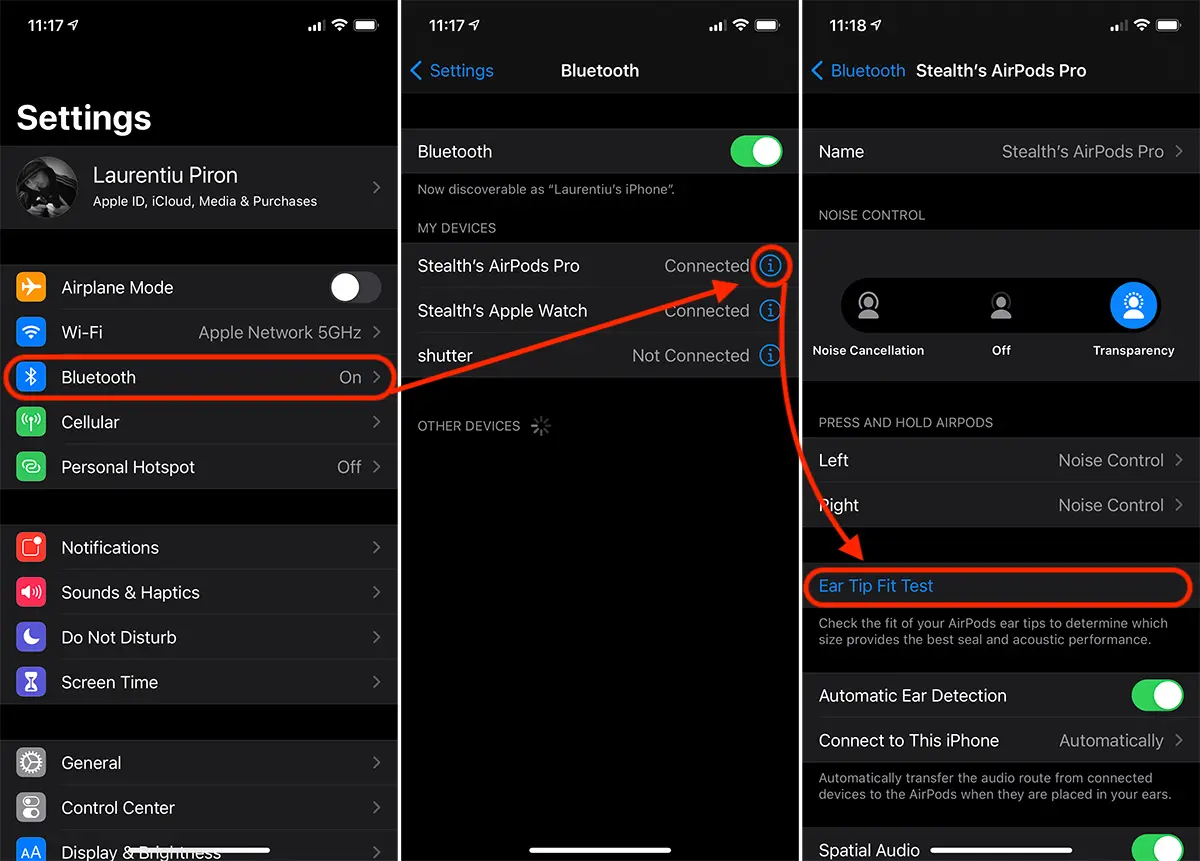
The AirPods Pro test will be done with low frequency sounds and loud bass, and the fading of the outer sounds will automatically activate, to remove any other sound outside the one played during the test.
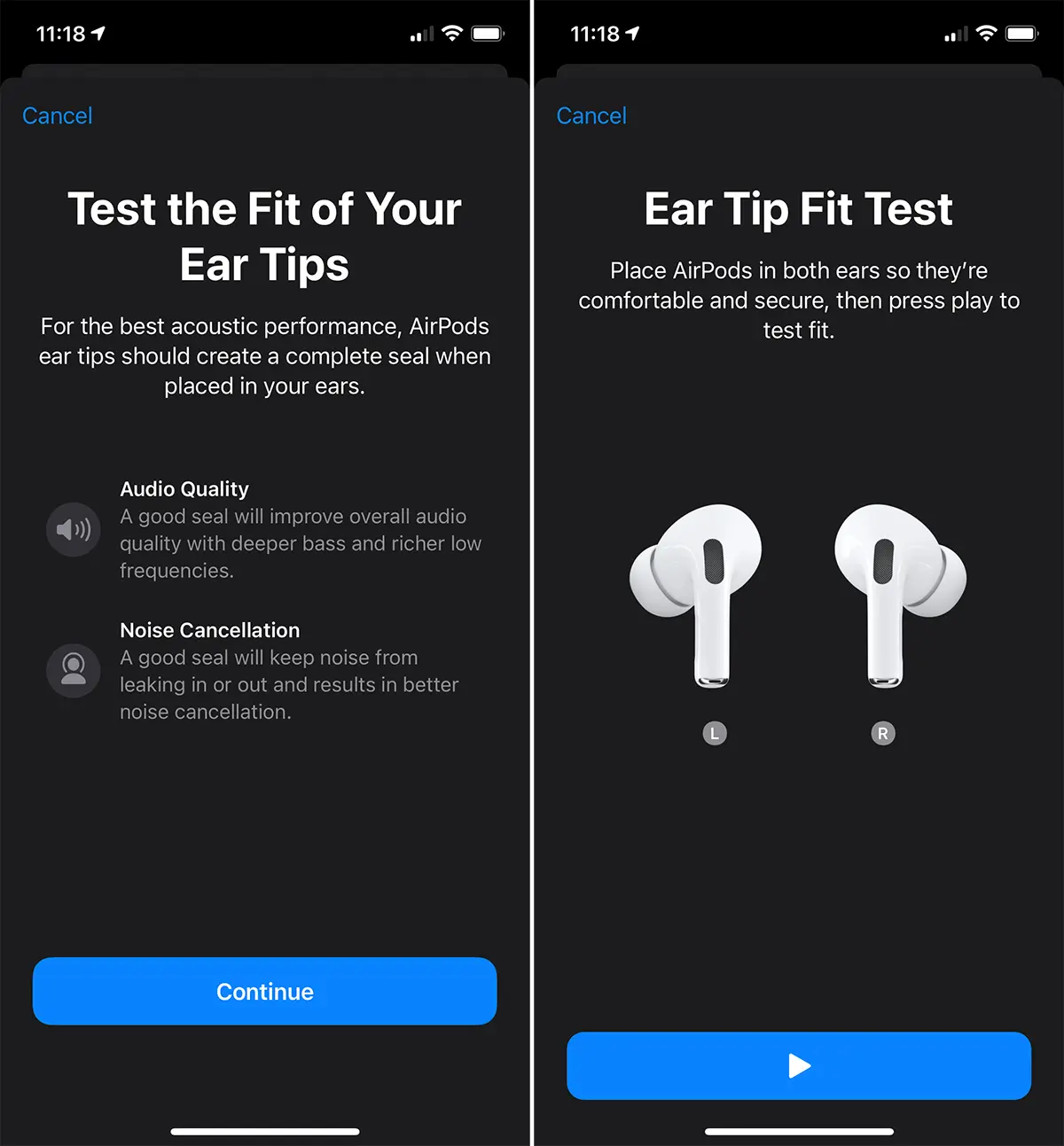
Make sure that both headphones are fixed in the ears, then press the Play button for the test.
After completing the test sound, at the end you will receive a result that will indicate if you have the best plugs installed on headphones or if they need to be changed with other plugs of other dimensions.
Both for the left helmet and the right helmet, the result must be "Good Seal" / Green.
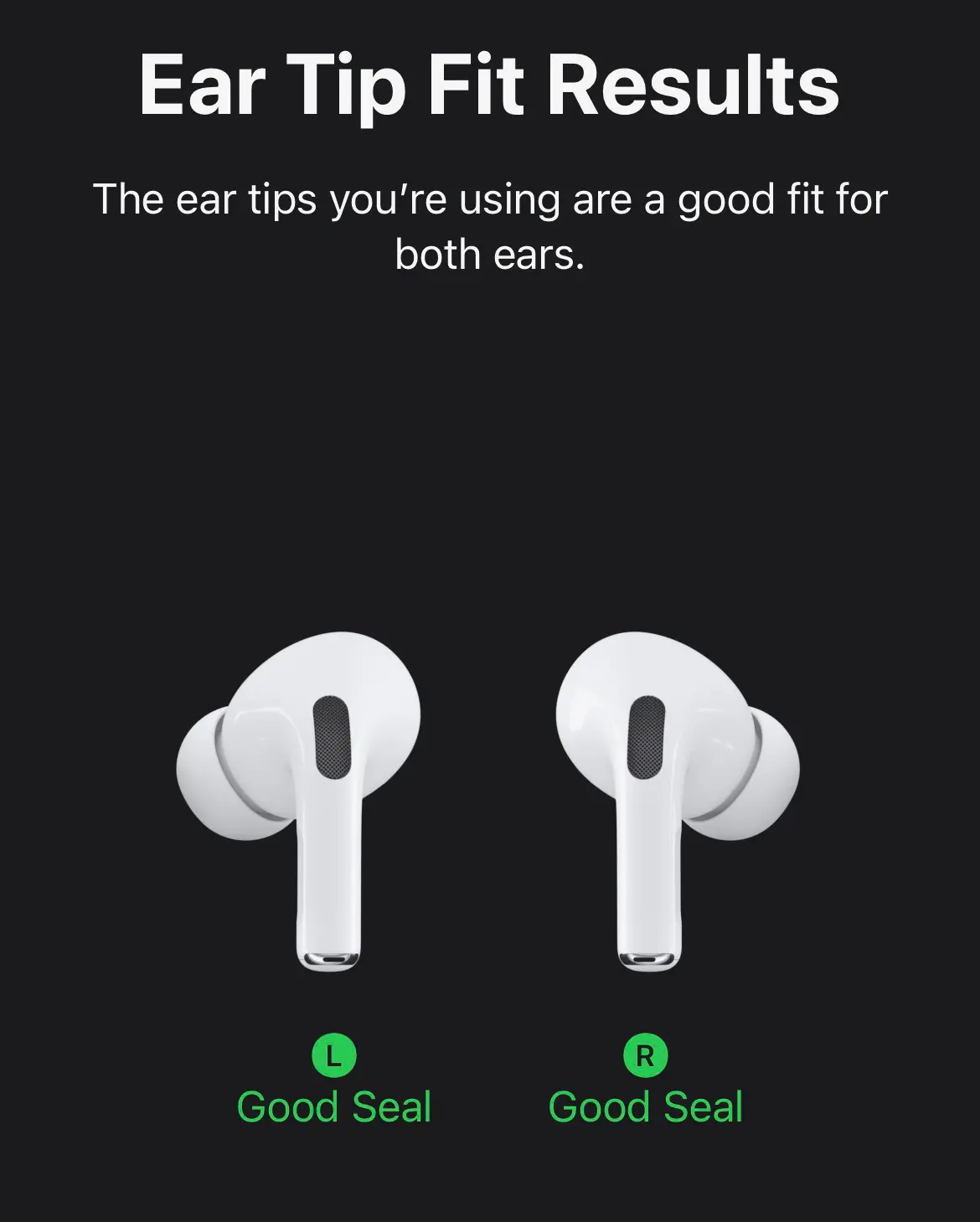
But it often happens that the result of this test indicates the problem for one of the AirPods Pro headphones or both at the same time.
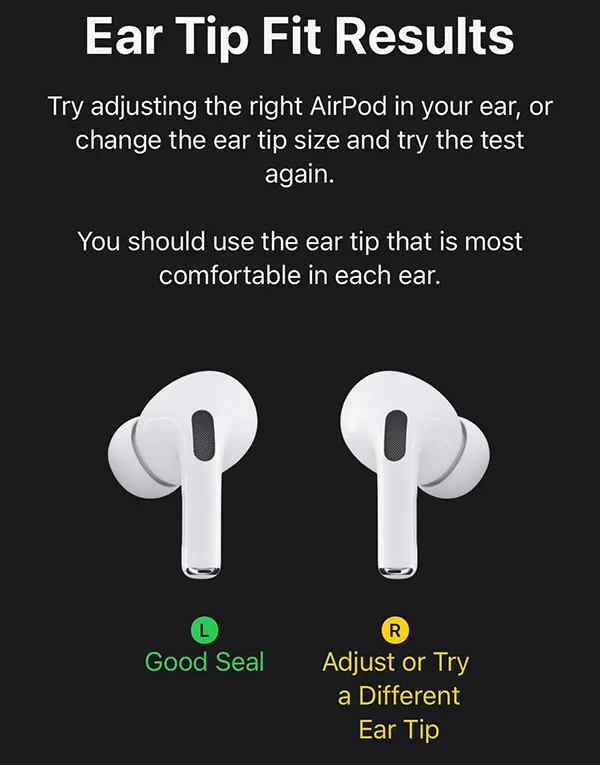
Cum rezolvam eroarea AirPods Pro Ear Tip Fit Results: Adjust or Try a Different Ear Tip
Causes for "Adjust or Try a Different Ear Tip"They can be multiple. As well as the resolutions.
1. Remove both headphones from the ears, put them in the loading housing, then remove them and put them again. Repeat the test.
2. If the result is the same, Make a cleaning of both headphones, using a slightly humid cloth, made of soft material. Clean very carefully both the plug and the surface of the headphone under the stopper and the outer microphone. Repeat the test.
3. Change the head of the headphone to which error appears ”Adjust or Try a Different Ear Tip". Try with one of the other dimension.
4. Make sure you did not get underwater with AirPods Pro headphones or you didn't go through the rain. This error can also occur due to the presence of water inside the header.
If no above method has given results, you most likely have to do Total AirPods Pro reset.