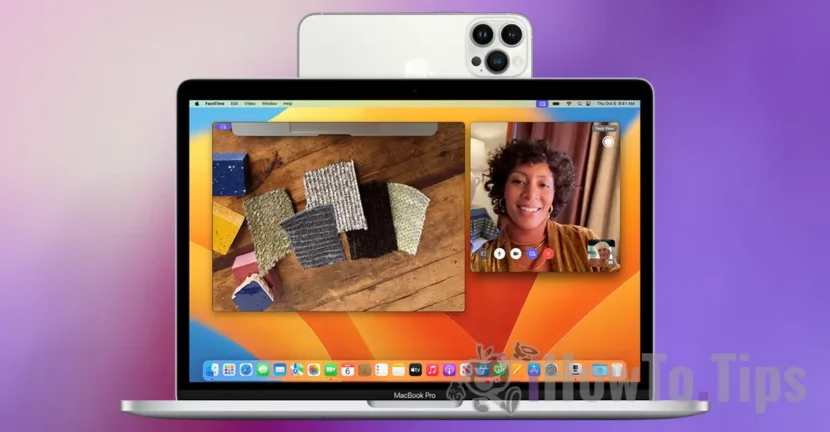

Starting with Macos Ventura and iOS 16, Apple has introduced a feature where users can use iPhone as a Mac webcam. Specifically, during the facetime calls, the camera / video camera will be used for video capture, offering more reliability and superior video quality. In addition, users can use Portrait, Studio Light or Reactions Video modes when the Mac's facets are used.
This function is called continuity camera, and activation is done automatically if you open the FaceTime app on Mac or MacBook and the devices meet the minimum use requirements. iPhone XR or newer model, with the latest available iOS version, MAC or MacBook compatible with Macos Ventura or newer operating system.
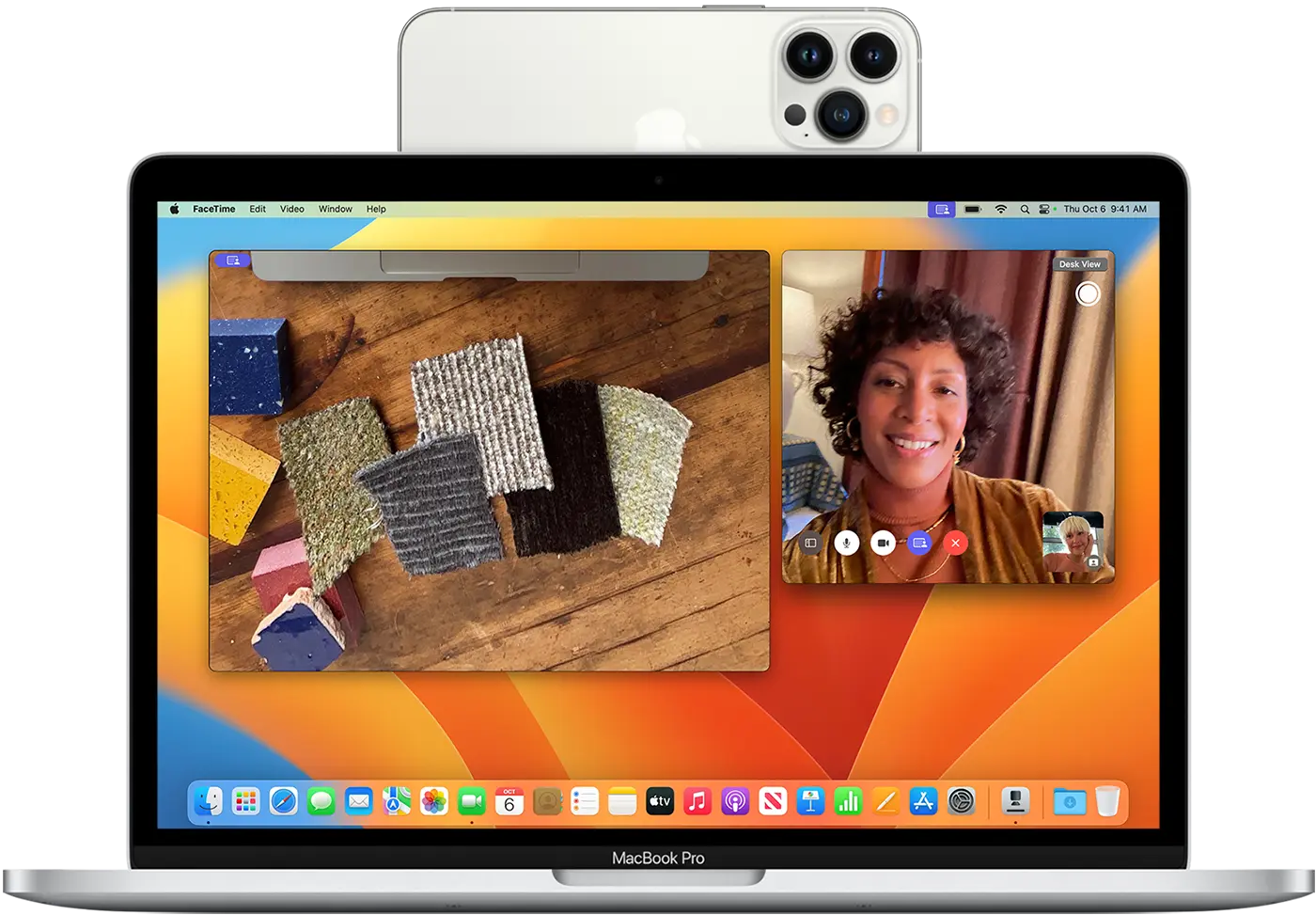
How do you use iPhone as webcam for Mac in facetime calls
Normally, the continuity feature camera you can use iPhone as a MAC webcam is automatically activated when the devices are nearby and open the FaceTime app on Mac or MacBook.
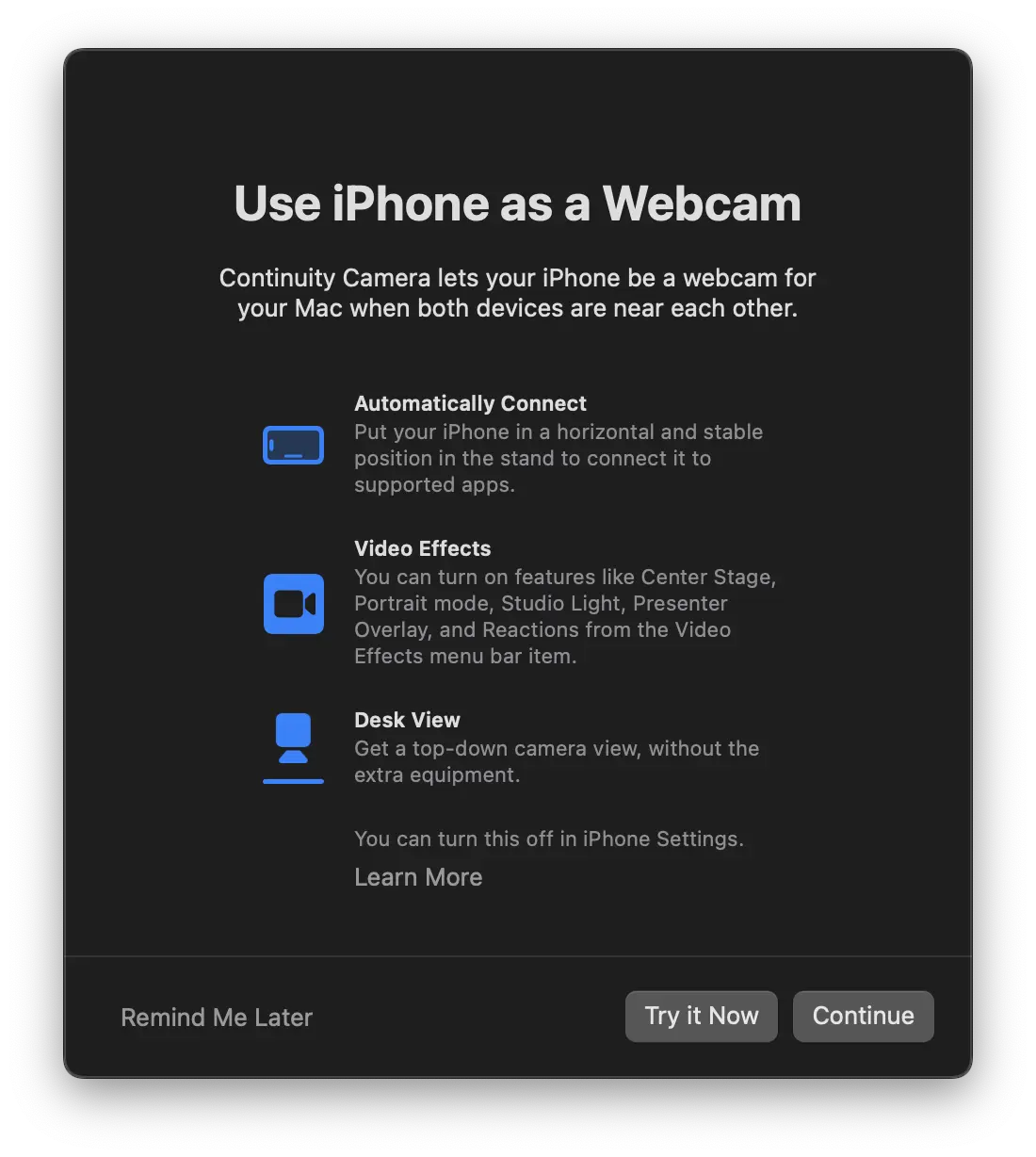
În cazul întâmpinați probleme în utilizarea iPhone drept webcam pentru Mac, asigurați-vă că dispozitivul iPhone și computerul Mac sunt conectate la același Apple ID (cont iCloud) și că opțiunea Continuity Camera este activată în setările AirPlay & Handoff.
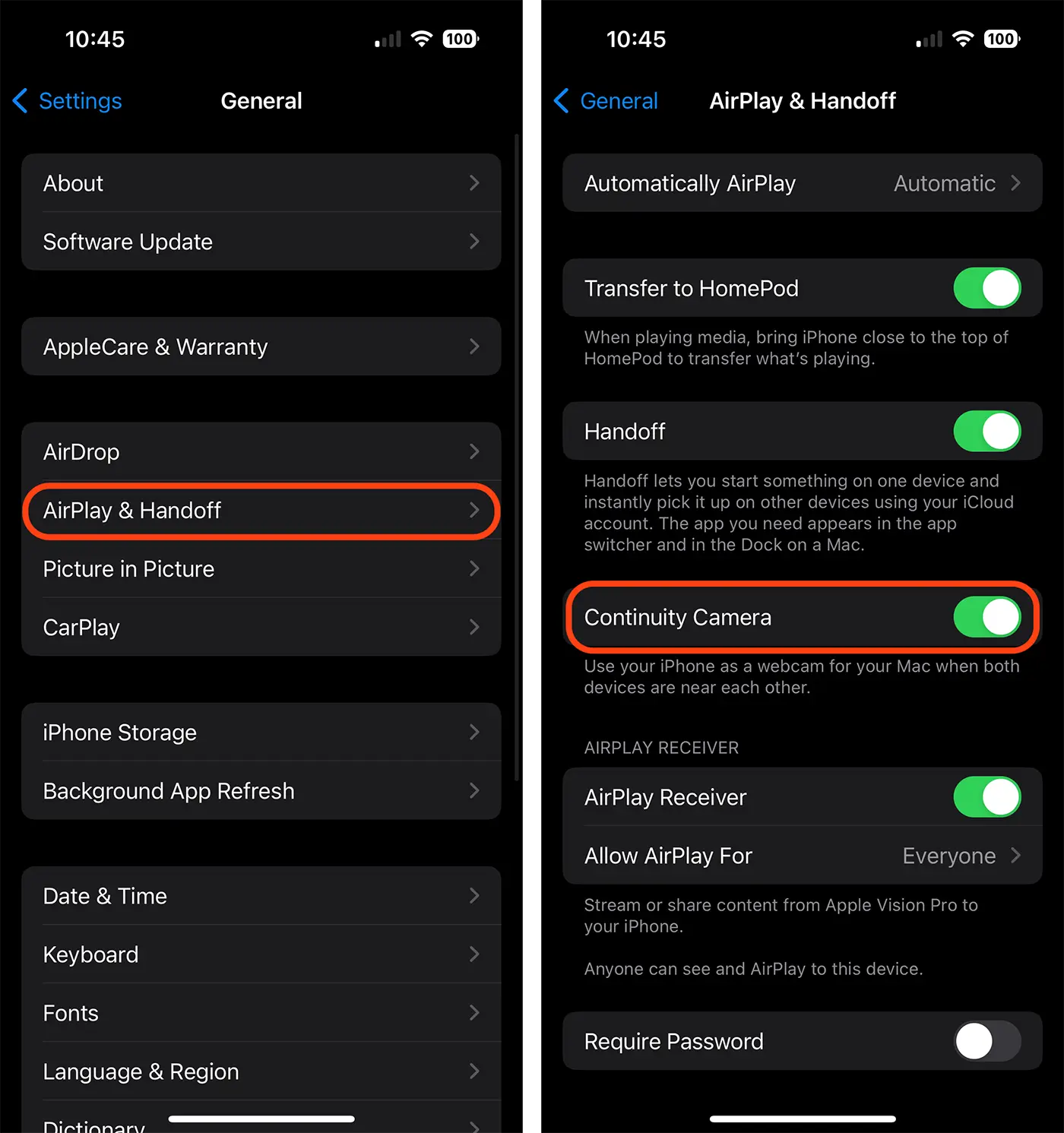
Also, in order for everything to work, the iPhone and MAC computer must be next to each other and have the Bluetooth and Wi-Fi connections. During the use of continuity camera, the devices do not have to share the cell connection (iPhone) or the Internet.
From the video menu of the FaceTime app or other video call app for which this feature is used, the user can choose if he uses the iPhone right webcam for Mac or microphone.
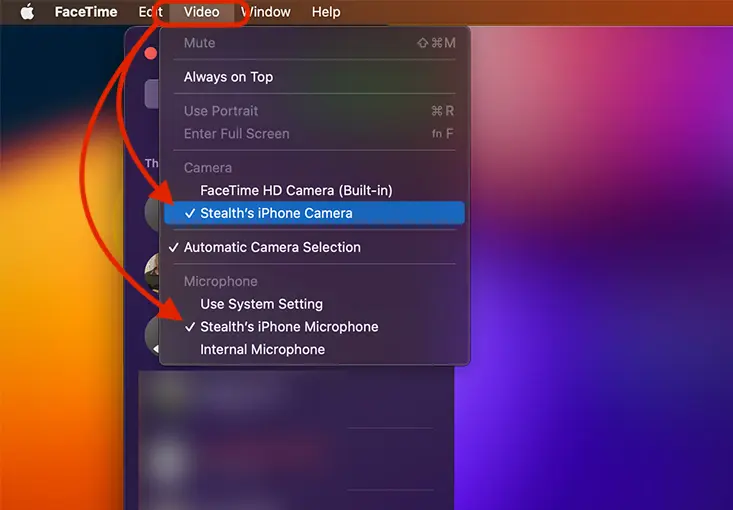
Therefore, you can use both the iPhone cameras / video cameras and its microphone for the facets made from MAC devices.
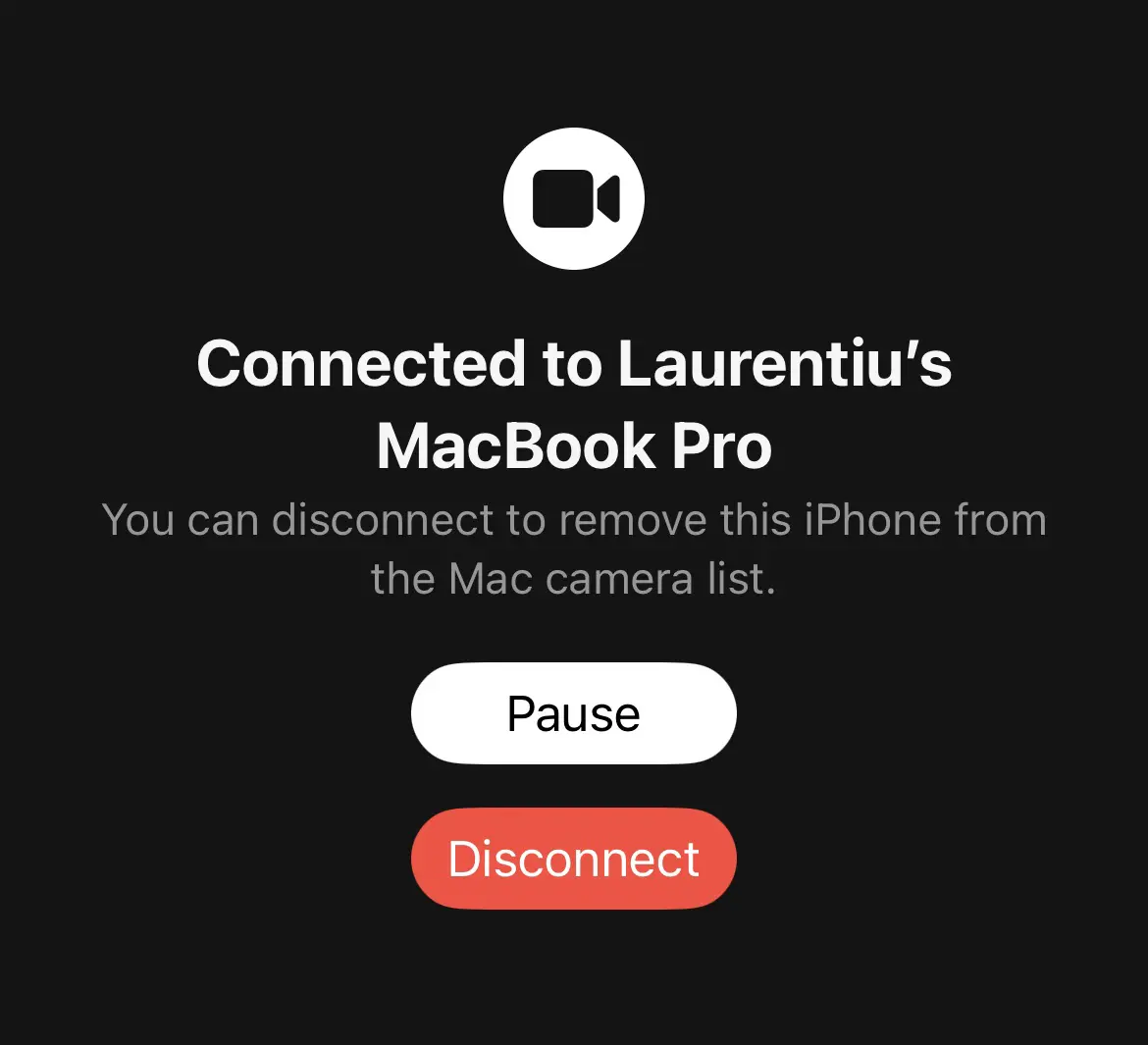
Once the connection is made, an alert sound will be heard on the iPhone device, and camera or disconnecting options will appear on the screen.
Related: How do you activate your voice isolation on the iPhone for phone calls and facetime
It is good to know that the option by which you can use iPhone as a MAC webcam is available for all video and voice call applications, not just for FaceTime.




































