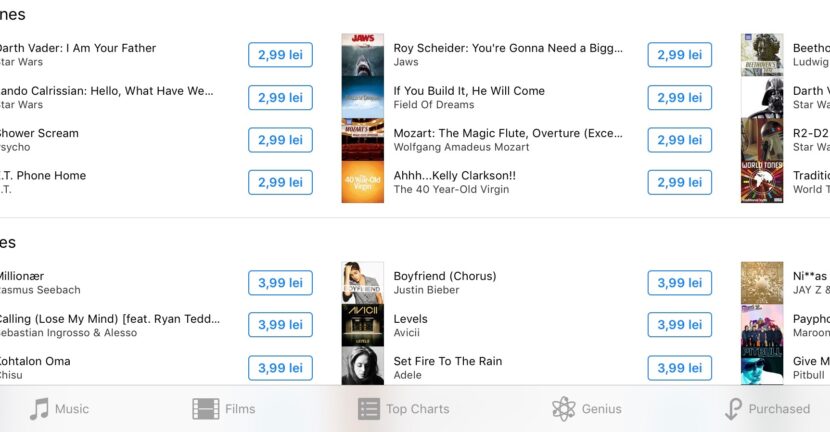

Compared to Android, the copy operation and set a ringtone / song as ringtone or ringtone sms, alarm, email, etc., is a little different on the iPhone, iPad or iPod touch.
For Apple's Mobile, iPad, iPod or iPhone devices, we have two options where we can set a personalized ringtone.
The first version is his buy a ringtone FROM iTunes Store. In iTunes Store We find a wide range of ringtones to set as ringtones. Especially songs, well-known hits. This is also the simplest method and does not involve we have a handy Windows PC or a Mac. But it involves using a credit card and spending money. Prices for a ringtone in iTunes Store varies between 0.65 EUR and 1.99 EUR.
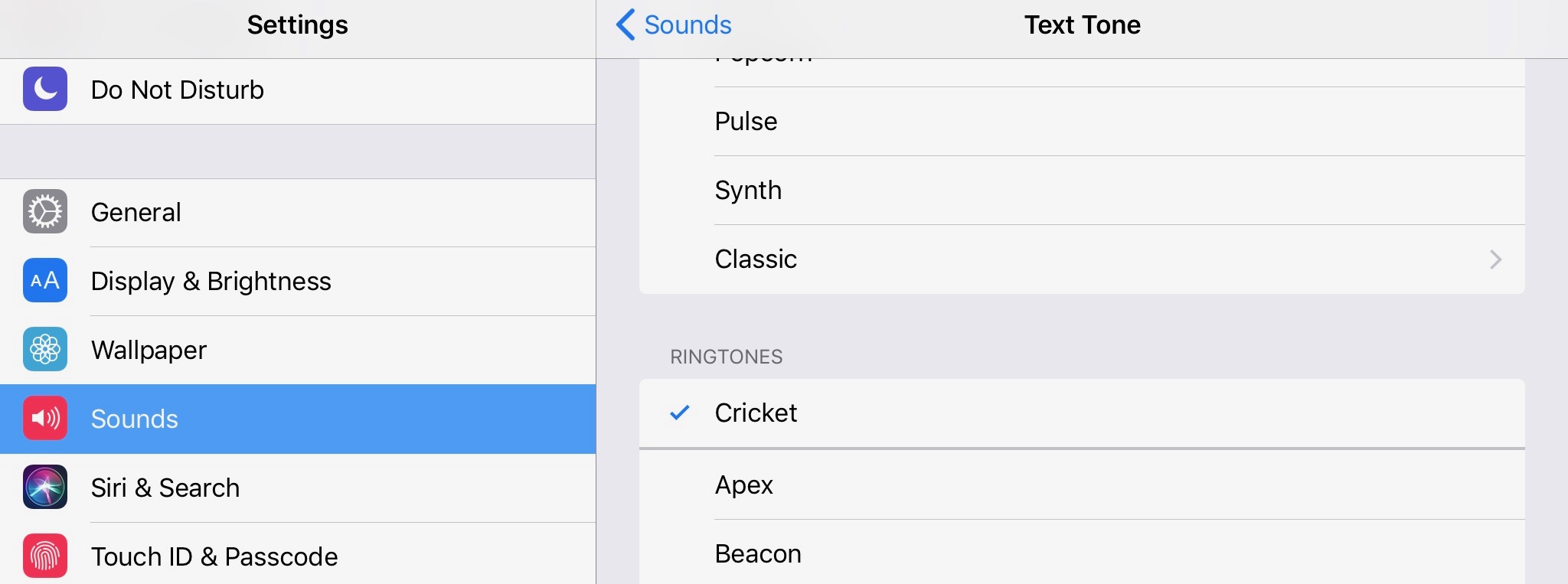
The simplest option by which you can buy and download ringtones for iPhone or iPad from iTunes Store, is: Settings → Sounds → Select: “Ringtone“, “Text Tons”Or another application for which you want to change the alert sound, then press on "Tons Store“.
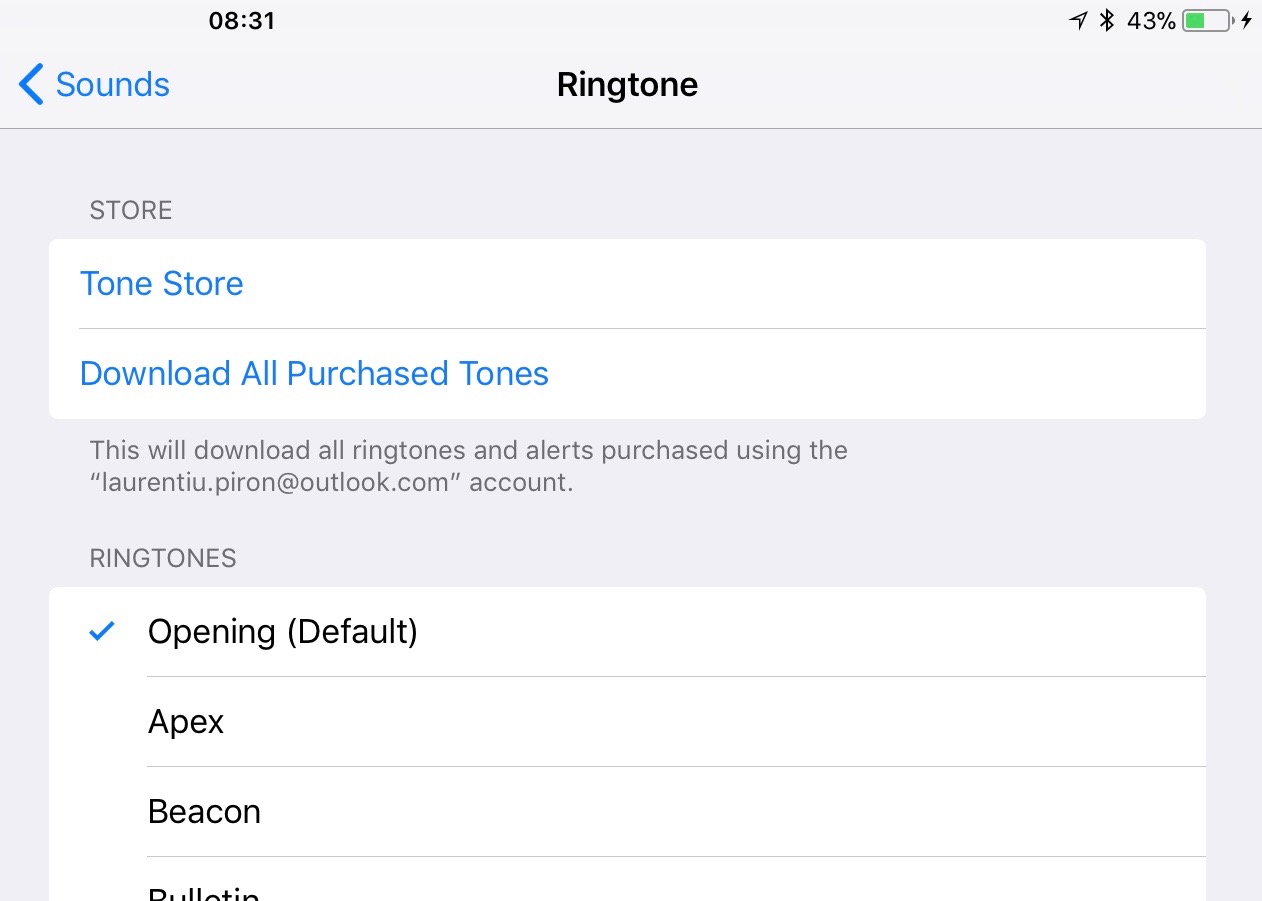
Choose from thousands of ringtones in iTunes Store → Ringtones

After bought and downloaded on the iPhone, the ringtone can be set from Settings → Sounds.
The second method does not mean spending money, but you have to have a handy Mac or Windows PC with the newest version of iTunes installed.
How to copy on the iPhone a ringtone from Mac or Windows PC, with the help of iTunes
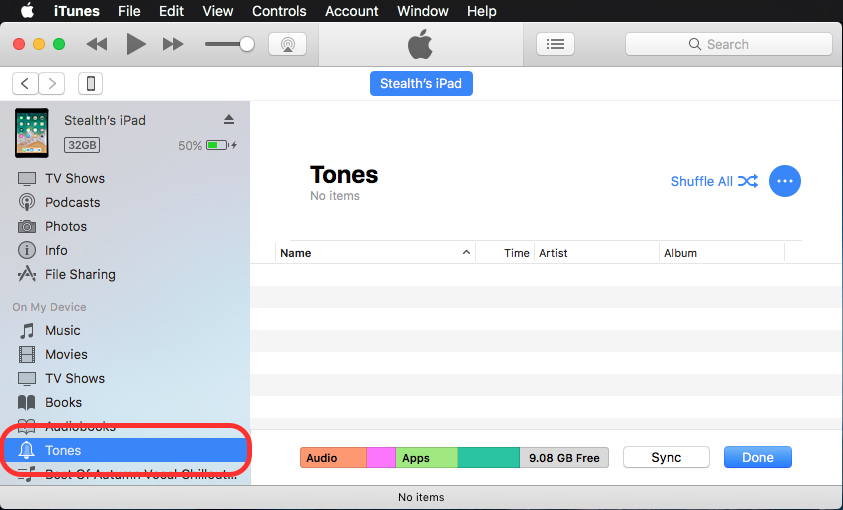
Connect and allow iPhone access to iTunes. Then we select the connected device, and from the bar from the list of places on the left we go to "Tones“.
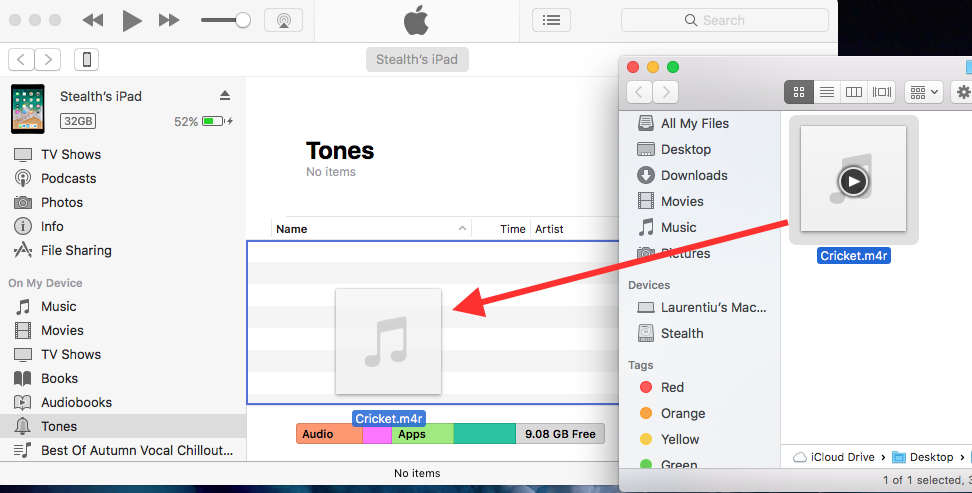
Selectam ringtone-ul din calculator (Mac sau Windows) si il tragem (drag & drop) in spatiul “Tones” din iTunes.
Click on the button ”Sync"From iTunes for files to be used on iPhone or iPad.
Once the synchronization process is completed, the ringtone will be present on the mobile device and can be set as an alarm, call sound, SMS, Mail alert. And so on
Before you are preparing for copying a ringtone from your PC or Mac on the iPhone, this file must be in ".m4r" format. The only extension currently supported by iOS for Ringtones.





































The simplest method! Thank you for sharing your science and others!