
Fortunately, photoanalysisd It is not a process of a virus on macos. However, it is good to know what Photoanalysisd is and why it uses many CPU resources on Mac. Sometimes close to 90% of CPU resources are used by this process that can run background.
In general, Apple develops very stable and well optimized applications for their own operating systems. Whether it is iOS, iPados, Watchos, TVos or Macos, the applications are built not to consume many CPU or RAM resources and run without interruptions.
But there are scenarios when due to a large volume of data, certain Apple applications can bring to the maximum the resources of a Mac or MacBook. This is sometimes the case in the case of photoanalysisd.
What is Photoanalysisd and why it uses many CPU resources
Photoanalysisd is a process of the Photos application, used for multiple features, such as: Recognition of people in the pictures that appear in the photo gallery, a pets, recognition of some places and objects, historical monuments And other elements that the application automatically sorts in the photo galleries.
The process is present in Activity Monitor and belongs to the system user.
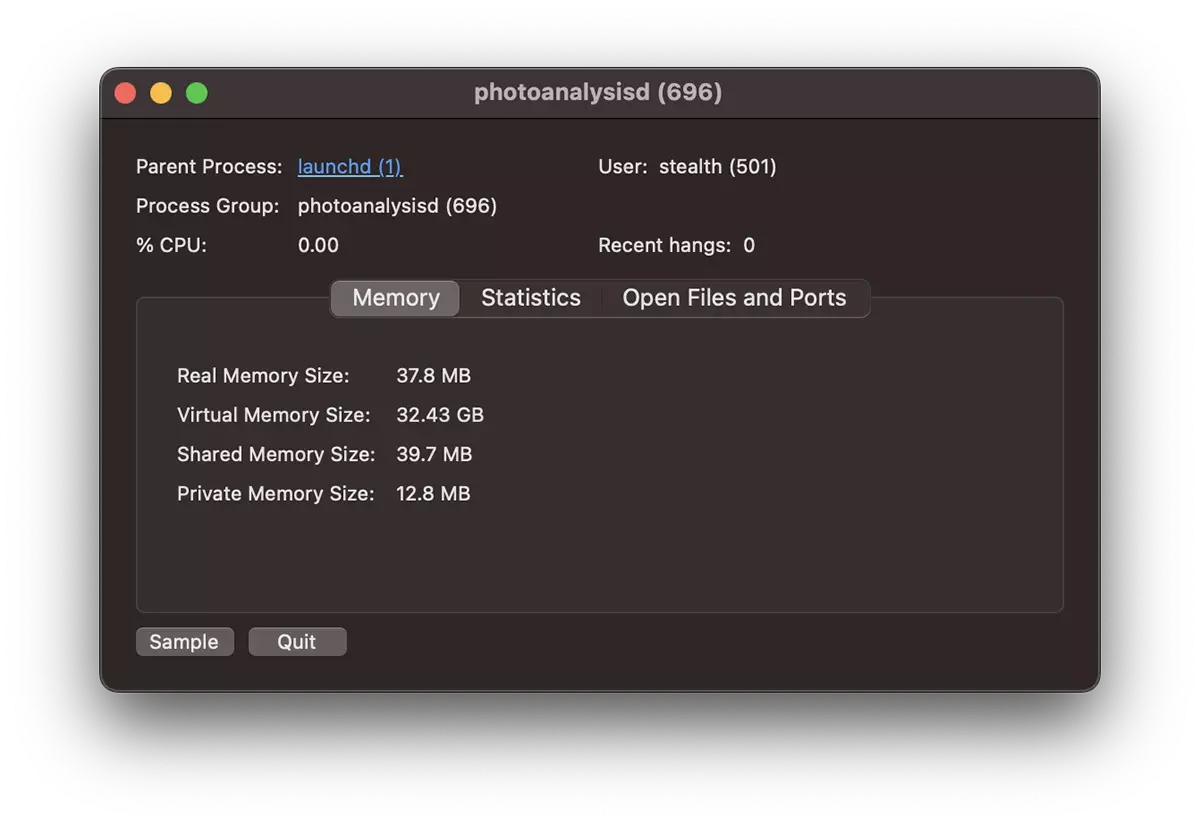
The process will use the resources significant by the CPU when in the Photos application a large number of photos and video content, to be analyzed, is imported. Also, this as requests CPU and RAM for detecting Duplicate pictures in the Photos application.
- The Bird process uses high CPU resources on Mac - How to Fix
- What is uvfsservice and why uses large CPU resources
- “kernel_task” High CPU Usage / How To Fix
- Ce este procesul “trustd” si de ce are uneori consum mare de resurse pe macOS? (High CPU & RAM)
- VTDecoderXPCService % High CPU Usage on Mac / MacBook
Therefore, there is no concern. You found out what Photoanalysisd is and why it uses many CPU resources on Mac or MacBook.
The activity of the process will decrease long after it will finish analyzing the entire content of the Photos application. It is good to leave the Photos application open when you do not use Mac, so that the analysis process is completed without affecting your productivity.
If you have not made an import of photos and video, but this process uses a lot from the CPU, it is positive that Apple has made an update of the algorithms of analysis of the media content from Photos.




































