

Very useful tutorial through which you can save a lot from the storage space of Mac, iPhone or iPad, by eliminating the pictures. You will see how you delete all the photos (delete all) doubles in just a few seconds.
For any smpatphone, the biggest problem is often insufficient storage space that over time is largely busy with pictures and videos. We surprise pictures from trips, holidays, pets or events. The increased the performance of the camera, the increased the need for storage volume. Quality and video photos at a resolution of up to 4K require a huge storage space. That is why it is good to keep on the iPhone only those pictures that matter and especially not duplicates.
One of the very useful features brought by Apple on the latest versions of IOS, Ipados and MacOS, is the ability to automatically detect duplicated pictures from the Photos application and the possibility that users can easily delete them, in a short time.
How do you delete all double photos pictures on Mac - Delete All Duplicates
They are considered duplicates, the pictures that are accurate but different children, which are made from the same angles, which are very similar, even if they have unique resolutions. So, if you take more pictures of an object from the same angle, the pictures will be considered duplicated, and the application will choose to remain saved with only the better and greater resolution.
1. Open the application Photos on Mac, then in the left side of the left side click on “Duplicates“.
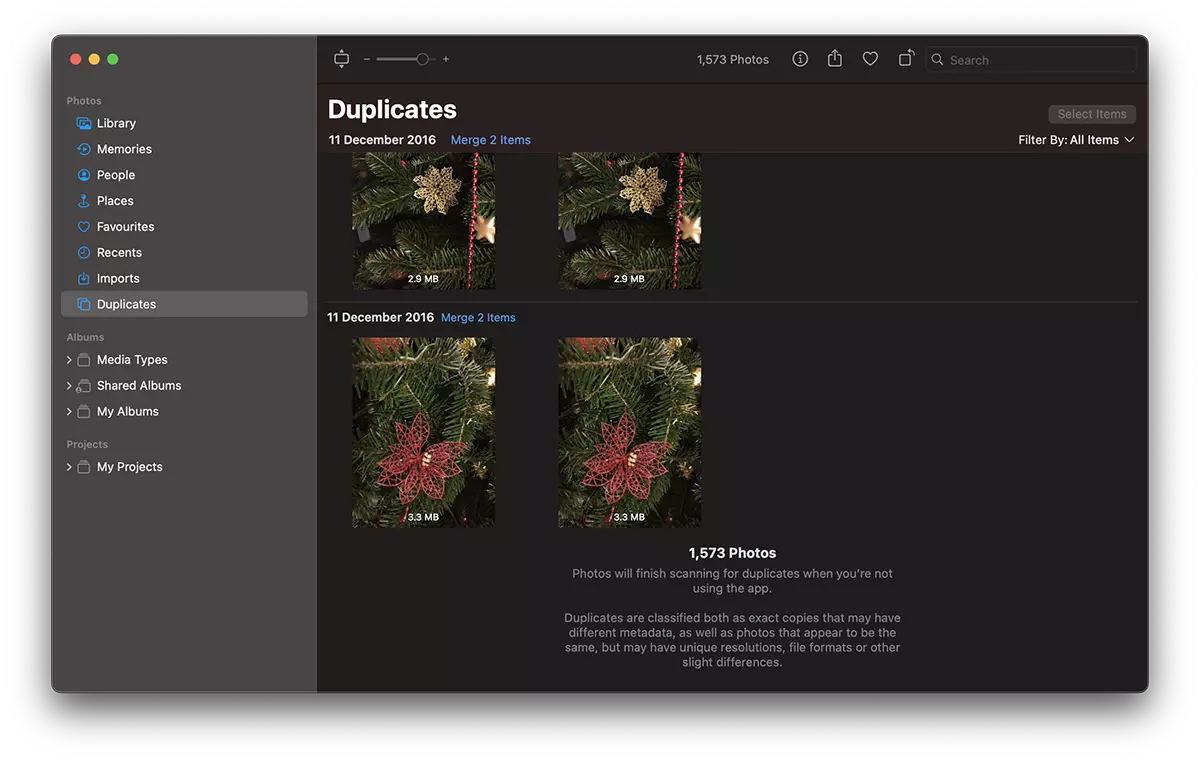
2. You have the opportunity to delete duplicate pictures in turn (Merge items), but at a large volume it would take a long time to do this. The easiest is to press Cmd + A To select them all, then click the button ”Merge items"From the right side.
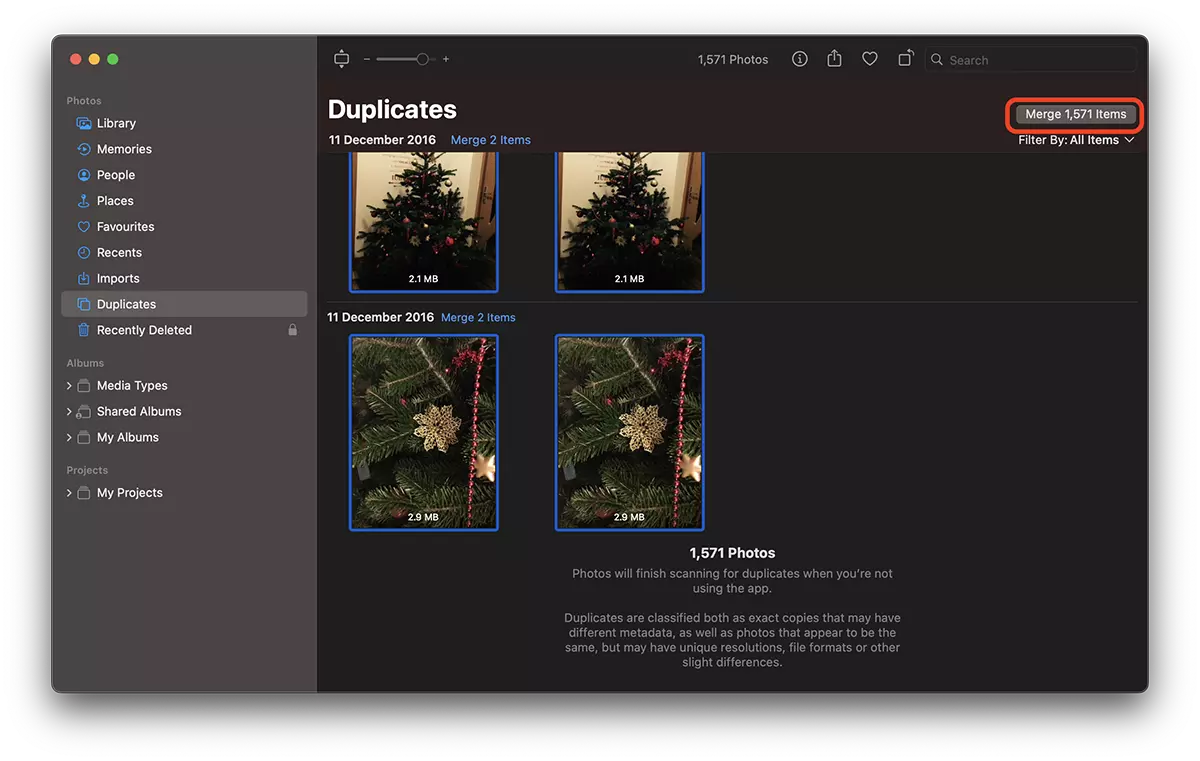
3. Click pe “Merge exact all copies“.
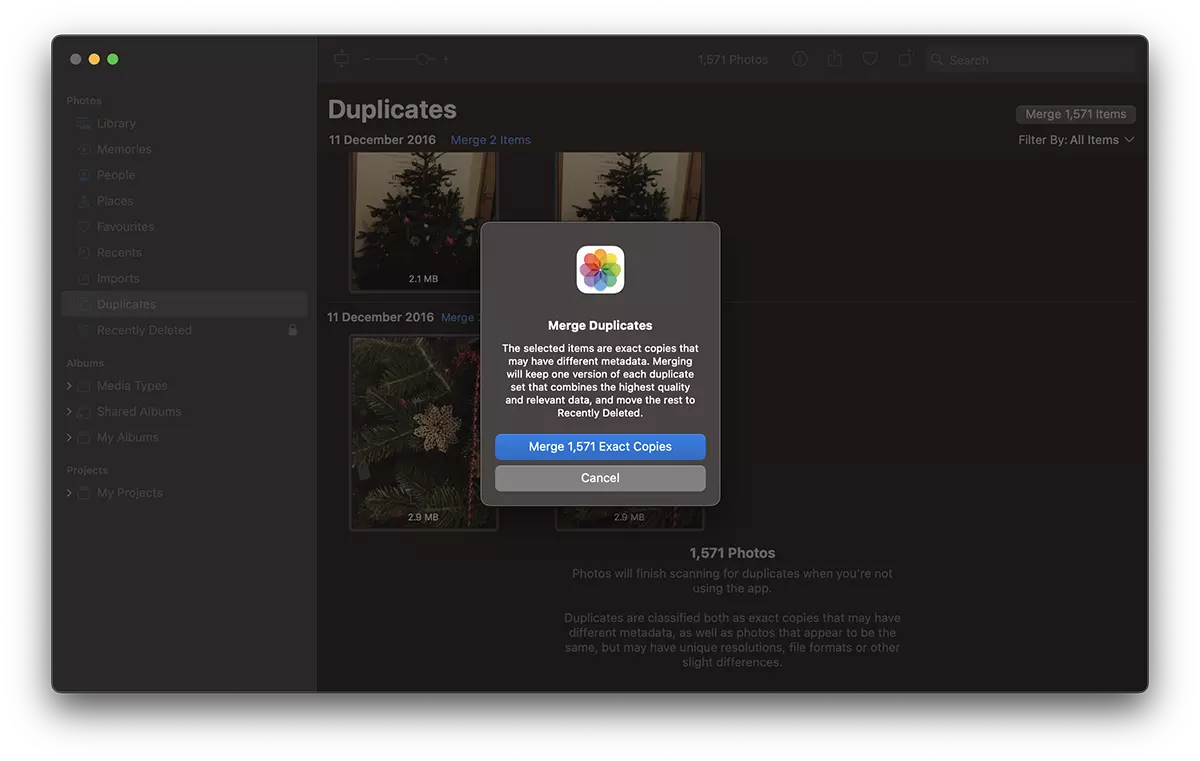
If some pictures should not be erased, they can be recovered from Recently Deleted, within 30 days.
As I said at the beginning of the tutorial, duplicate pictures are considered both faithful and different children who have different metadata but are very similar. In the scenario in which in the Photos application, both faithful and similar children are detected, you can choose what pictures you want to delete. Identical copies or duplicates.
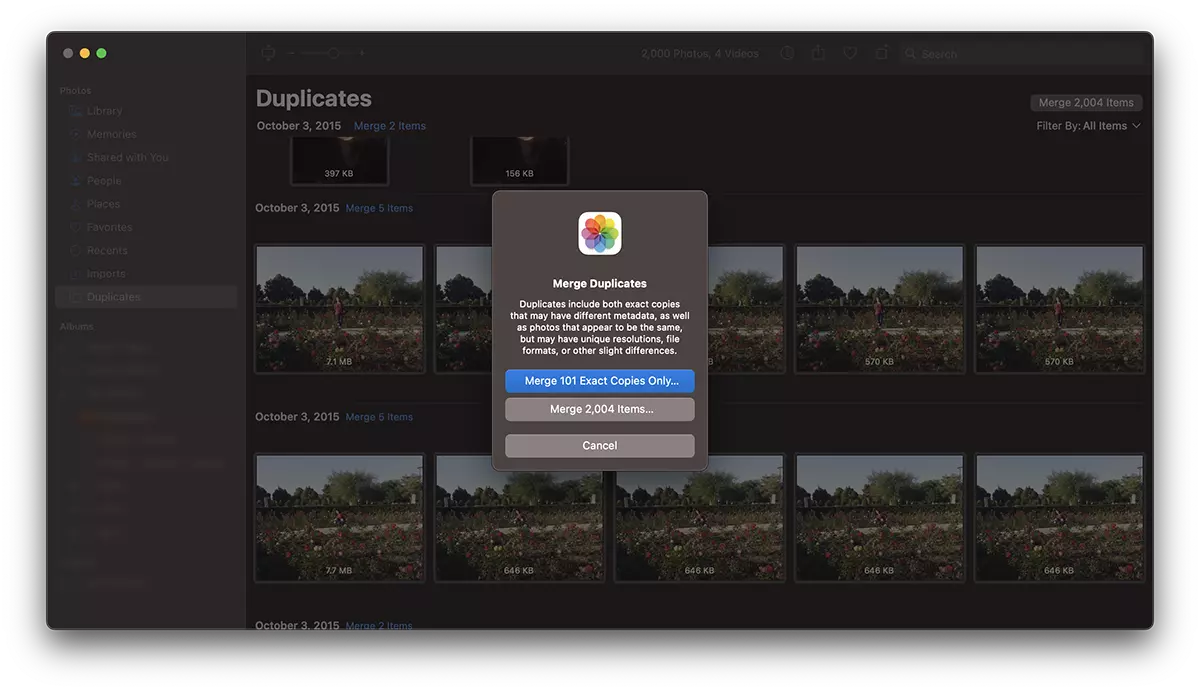
In this way you saw how you delete all the photos photos on the poppy and reduced the space occupied by them in iCloud or the hard.
If it is a large volume of duplicate photos, the process could take a few seconds.




































